

Introduction
As fitness trackers and watches continue to get smarter than a laboratory’s worth of sports scientists, they’re increasingly bombarding us with data. Ditching the screen entirely is one way to avoid that. Whoop is the current standard-bearer, but its subscription model isn’t for everyone – and leaves the door open for rival brands happy to charge a one-off fee.
The Polar Loop is the latest, its $200/£150 cost of entry undercutting the most basic Whoop band – and not bothering your bank account every month afterwards. The Finnish brand has plenty of sporting pedigree, which bodes well for delivering the sort of in-depth data serious exercise addicts expect, but it also has more casual fitness fans in mind.
Still, labelling it a “Whoop rival” is one thing; calling it a “Whoop replacement” is something else entirely. So, which is it?
Design & build: strap on
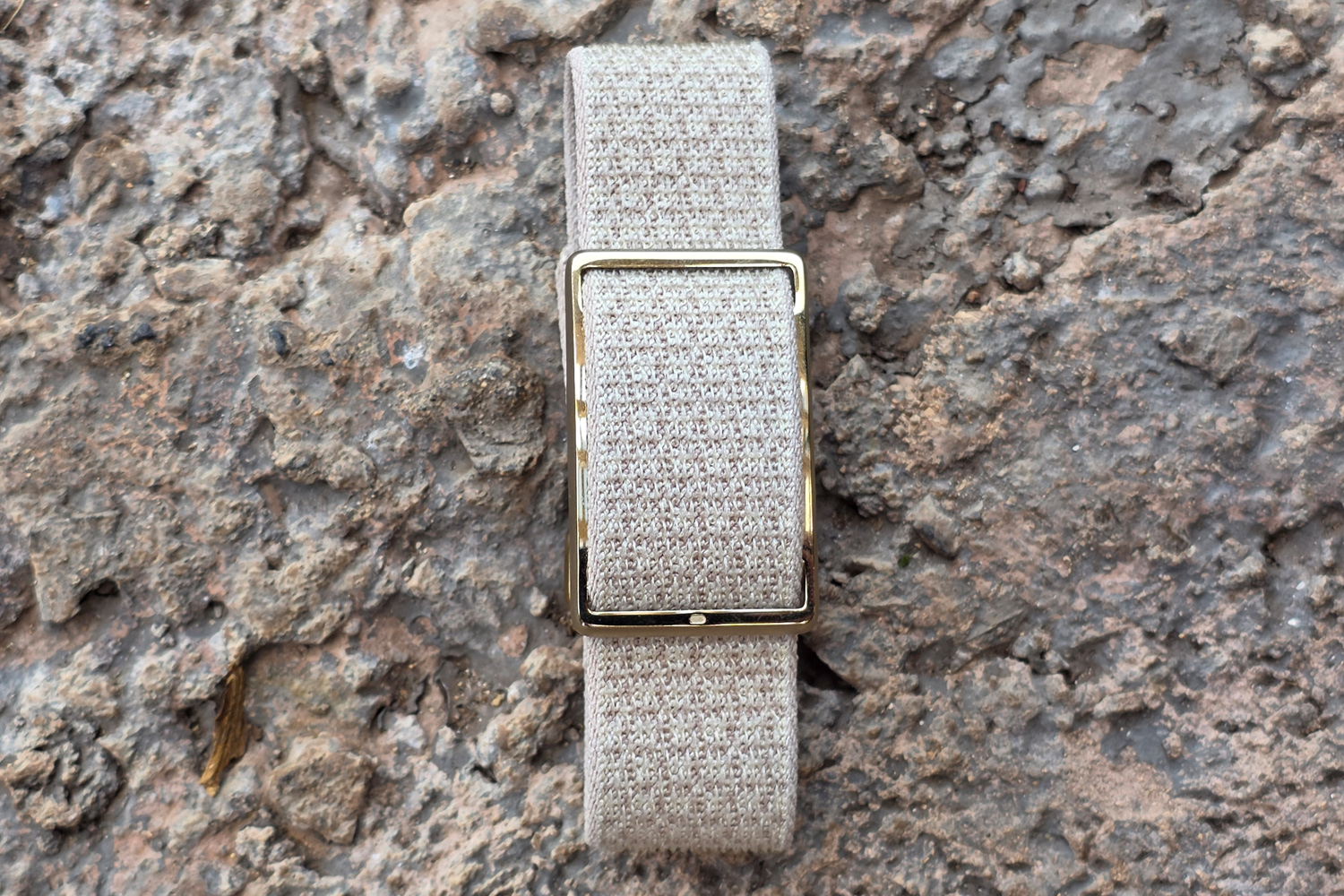
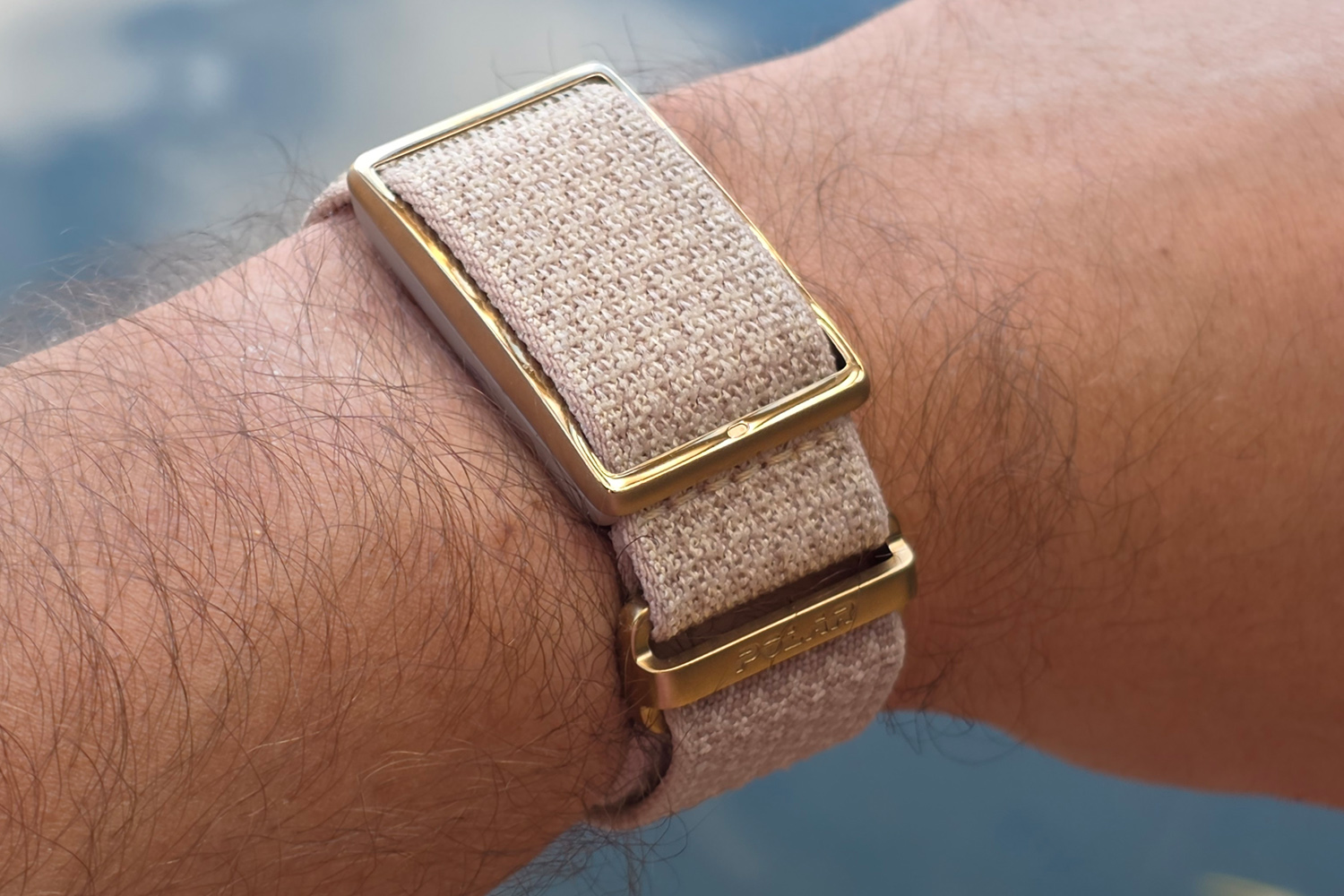
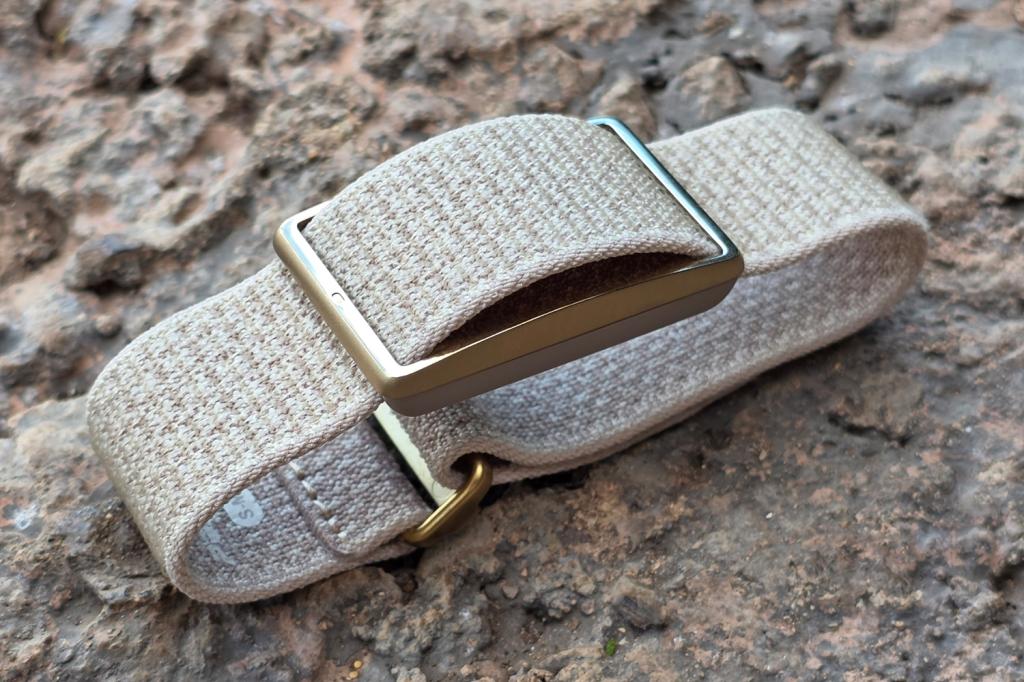
One look at the Polar Loop and the comparisons with a Whoop band make a lot of sense. The sensor itself is beyond minimal, with a metal clasp and plastic underside; it’s barely wider than the included strap, and weighs a barely-there 29g all-in. Once you slide on the strap, which is made of elasticated fabric and held in place with velcro, the top metal section is the only bit on show.
The gold finish on my Greige Sand review unit treads the line between blingy and sophisticated. There are also Night Black and Brown Copper versions, though I’ve not seen them in person.
If you like to mix and match, Polar will sell you the straps separately – it currently has six colours total, at $30/£16/€20 each – but that’s it as far as accessorising goes. There’s no bicep band or apparel as yet, meaning Whoop still has the edge on ways to wear one without going down the third-party route.
Actually swapping the band out is the work of a few seconds. I’d definitely recommend having a spare if you plan on taking the Loop swimming, or have incredibly sweaty wrists after workouts.
I can’t fault it for comfort, being so featherweight and barely protruding upwards from my wrist that I had no problem wearing it to sleep.
Interface: work in progress
Polar’s smartphone companion app wasn’t exactly a breeze to navigate before, and that hasn’t changed for the Loop. Polar Flow dumps you into a diary view that doesn’t always surface the most relevant fitness data, making you change tabs or dig down to the individual entries.
The Activity screen is more useful, giving a donut graph breakdown of your day, with heart rate highs and lows, training records and sleep sessions you can tap to see more detail – though it can get a bit messy if you bounce between different activity levels a lot. The more basic info – like step count, distance walked and calories burned – is a scroll further down.
Training summaries post-workout are clear enough, with duration, average heart rate and calories burned at the top of the page. Graphs mapping training zones and Polar’s cardio load metric are below, letting you get properly granular if you want.
I’d argue Polar’s decision to skip a subscription means it’s targeting a mix of fitness levels with the Loop, so it could really use a way of stripping back the app if you just need the basics, or prioritise the hardcore measurements if you’re a pro. Apparently some major UX improvements are due in 2026, but that feels a long way away right now.
The app doesn’t let you do much with the Loop itself; there’s no vibration motor, so no wake up alarm function, and inactivity alerts are just sent to your phone.
Health & fitness: right when it works
The Loop uses Polar’s Precision Prime sensor suite to record your heart rate, step count, training activity and sleep. There’s no on-board GPS, so you can’t add route tracking to your workouts, but it nails everything else for accuracy – when it works as advertised.
Heart rate tracking was consistently on par with a far more expensive sports watch, and also the HRM chest strap I wear when cycling. Step counts were mostly in line with those measured by my Samsung Galaxy Watch 8 Classic, and Polar’s sleep record more accurately judged the times I awoke during the night – though as above, the way it’s presented in the app can be a little overwhelming.
This wearable isn’t as suited to weight-based exercise tracking as a Whoop, as it can’t determine muscular strain, but the cardio load metric was largely in line with how much effort I’d been putting in that week, and a good indicator of when to step up my efforts. Except training load is only calculated when the tracker detects a workout – and the Loop wasn’t always great at doing that.
This would be manageable if you could go into the app post-exercise and extend or trim the time measured, or retroactively tag a period of activity as a workout, but you can’t. It missed several indoor cycling sessions and an outdoor run during my testing, while my usual smartwatch’s automatic exercise detection worked flawlessly. It’ll never record walks at the default intensity setting, in my experience, as your METs level just doesn’t get high enough to trigger it.
You can manually start tracking, but that means reaching for your phone – which I would say defeats the object of buying a wearable without a screen. A succession of firmware updates have seemingly improved things in the last week, but I’m still not confident enough to leave the Loop to its own devices.
Battery life: week-long warrior

It doesn’t have an especially chunky battery at just 170mAh, but the Polar Loop still delivers impressive endurance. Officially it’ll go eight days before you’ll need to plug it in, and I routinely went an entire week – so much so I felt confident to leave the proprietary charging cable at home when going on a five day work trip.
That’s the main benefit of picking a wearable with no screen over a smartwatch or traditional fitness tracker; my Galaxy Watch can barely go two days before it needs topping up.
The USB-C cable clings on to the bottom of the Loop with fairly strong magnets, and the heart rate sensor LEDs light up to let you know it’s charging. They’ll go solid when full, and the companion app will ping your phone with a notification.
Polar Loop verdict
It’s comfortable to wear, delivers great battery life, and gets both sleep and basic health tracking right – but the Polar Loop is currently nowhere near on Whoop’s level for exercise detection, and the companion app’s promised 2026 updates can’t come soon enough.
That said, if you can look past the cluttered UI (as it stands at the time of writing) and focus on the training data that matters most, the Loop still has merit as a distraction-free wearable with a one-off purchase price.
Polar Loop technical specifications
| Screen | None |
| Sensors | Heart rate, accelerometer |
| CPU | 64MHz |
| Memory | 1MB |
| Storage | 16MB |
| Battery | 170mAh |
| Connectivity | Bluetooth, USB-C (charging only) |
| Dimensions | 42x27x9mm, 29g (including strap) |
Read the full article here
