

The best tablets might let you tote around a collection of tomes, but backlit pixels aren’t the best for bookworms. If you want a portable library without any eye strain, then the best e-readers go easy on your eyes by impersonating paper.
With E Ink displays that imitate printed words, e-readers offer a more natural reading experience and many are lighter than a paperback, too. Some e-readers are even waterproof for summer beach reads, and some even feature built-in backlights for gentle illumination – so you won’t need a torch if book club runs past bedtime.
Tempted to digitise your reading list? We’ve rounded up the best e-readers you can buy (plot twist: they’re not all Kindles, but if you are interested in a more comprehensive guide to the best Kindles, you can check out our guide to the best Kindles).
What’s the best e-reader?
We think the Kindle Paperwhite (buy now) is the best e-reader you can buy. It has a larger display than previous editions, IPX8 waterproofing, and an excellent 300ppi display with a gentle backlight. Battery life depends on your daily story time, but Amazon reckons you’ll get up to 10 weeks per charge.
Other e-reader recommendations
The Remarkable 2 (buy now) has a premium design and a pared-back, polished interface for digital note-taking. This is the best E Ink notepad you can buy right now
The Amazon Kindle (buy now) is an affordable e-reader with a useful front light, this is the best option for bookworms on a budget.
The Kobo Libra 2 (buy now) has an ergonomic design, an improved E Ink display and stacks of storage space, the Libra 2 offers a whole lot of book for your buck.
The best e-readers you can buy today:
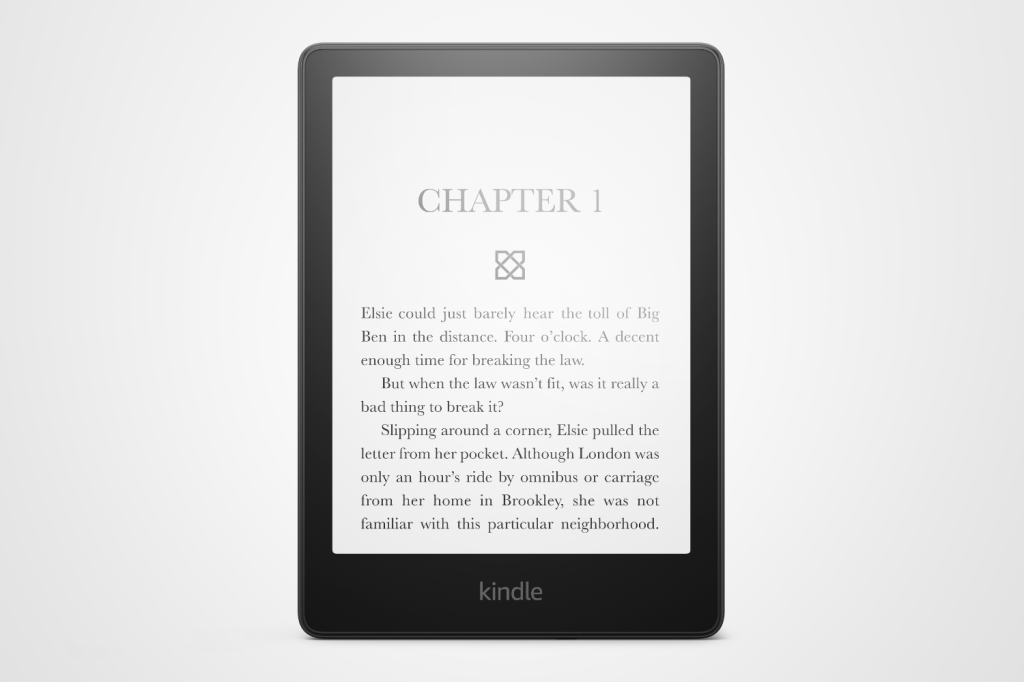
1. Amazon Kindle Paperwhite
Stuff Verdict
The Kindle almost everyone should buy remains the Kindle almost everyone should buy
Pros
- Slim, light and easy to hold
- Higher contrast screen and faster page turns great for reading
- Battery champion
Cons
- You’ll notice the extra weight over previous versions
- Don’t want ads? You’ll have to pay more
| Amazon Kindle Paperwhite specs | |
|---|---|
| Screen | 7in E Ink Carta 1300, 300ppi (B&W) |
| Battery | 12 weeks, wireless charging |
| Storage | 16GB/32GB |
| Light | Yes |
| Waterproof | IPX8 |
| Connectivity | Wi-Fi, USB-C |
| Dimensions | 128x177x7.8mm, 211g |
The Kindle Paperwhite (2024) is a refined e-reader with subtle but meaningful upgrades, earning a stellar 5-star rating from us. Retaining its signature slim, lightweight design, it now features a slightly larger 7-inch E Ink Carta 1300 display with higher contrast and faster page turns, making reading smoother and more enjoyable.
The device boasts a sharper, more even front light with adjustable warmth, which we found perfect for reducing eye strain during bedtime reading. Despite being slightly heavier, we found it remains comfortable to hold, although a grippier design would be welcome.
Storage has doubled to 16GB, accommodating thousands of books, while a long-lasting battery offers up to 12 weeks on a single charge. Charging is faster, and wireless charging is supported. Its waterproof IPX8 rating ensures durability near water. The software remains intuitive, though ads on the home screen and limited file-transfer options may irk some users.
Priced at $160/£160, the Paperwhite is ideal for new e-reader users or those upgrading from older models. However, 2021 Paperwhite owners may find the changes too minor to justify an upgrade.
- Read more: Kindle Paperwhite review
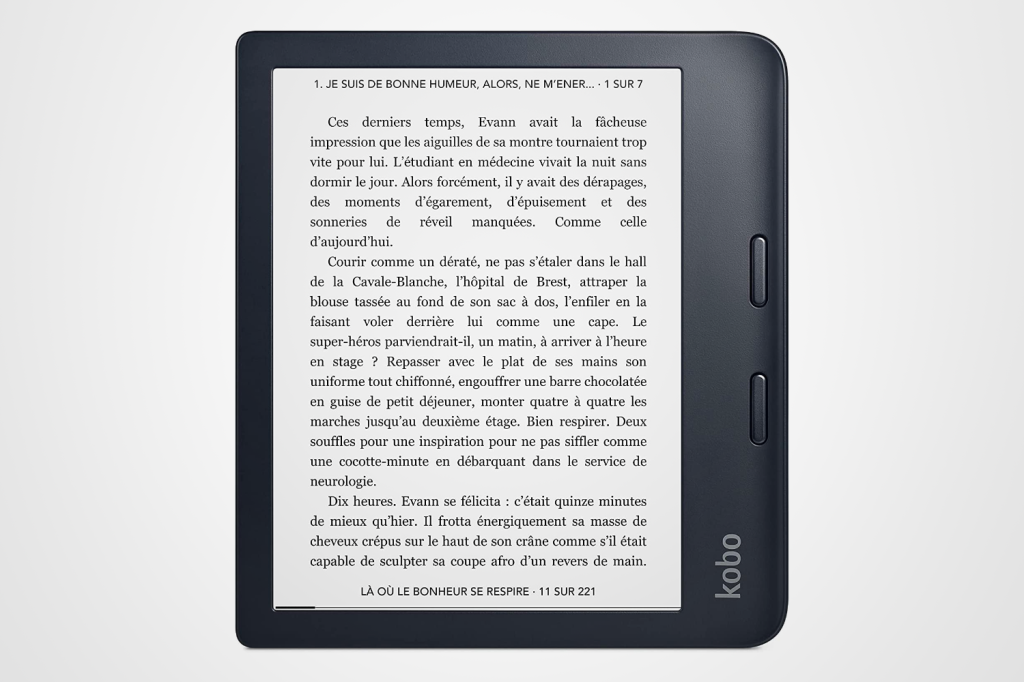
2. Kobo Libra 2
Stuff Verdict
With an ergonomic design, improved E Ink display and stacks of storage space, the Libra 2 offers a whole lot of book for your buck
Pros
- Ergonomic design
- Audiobook support
Cons
- Battery can’t match Kindle
- No Audible support
| Kobo Libra 2 specs | |
|---|---|
| Screen | 7in, 300ppi |
| Battery | 2 weeks |
| Storage | 32GB |
| Light | Yes |
| Waterproof | IPX8 |
| Connectivity | Wi-Fi, Bluetooth, USB-C |
| Dimensions | 144.6×161.6x9mm, 215g |
Adopting a lopsided approach like the Kindle Oasis, Kobo’s second-gen Libra is priced to compete with the Paperwhite above. And it’s a tempting proposition: home to a duo of page-turning buttons, the wider side bezel is shaped for comfortable one-handed holding.
Generous at seven inches, the updated E Ink Carta display is more responsive than the original Libra’s screen. It’s sharp at 300ppi, with improved contrast. A new dark mode can render text white on a black background, while the ComfortLight Pro reduces eyestrain with even, adjustable illumination. The Libra 2 doesn’t have ambient light sensors, but you can set the LEDs to match their temperature to the time of day.
32GB of storage means you can store a library of approximately 24,000 books on-board. Comprehensive file and font support offer welcome flexibility, while the option to listen to Kobo Audiobooks via Bluetooth is a bonus. A USB-C port means speedier recharging, even if the refuelling rate can be erratic. And the whole package is fully waterproof, which you can’t say of an airport paperback.
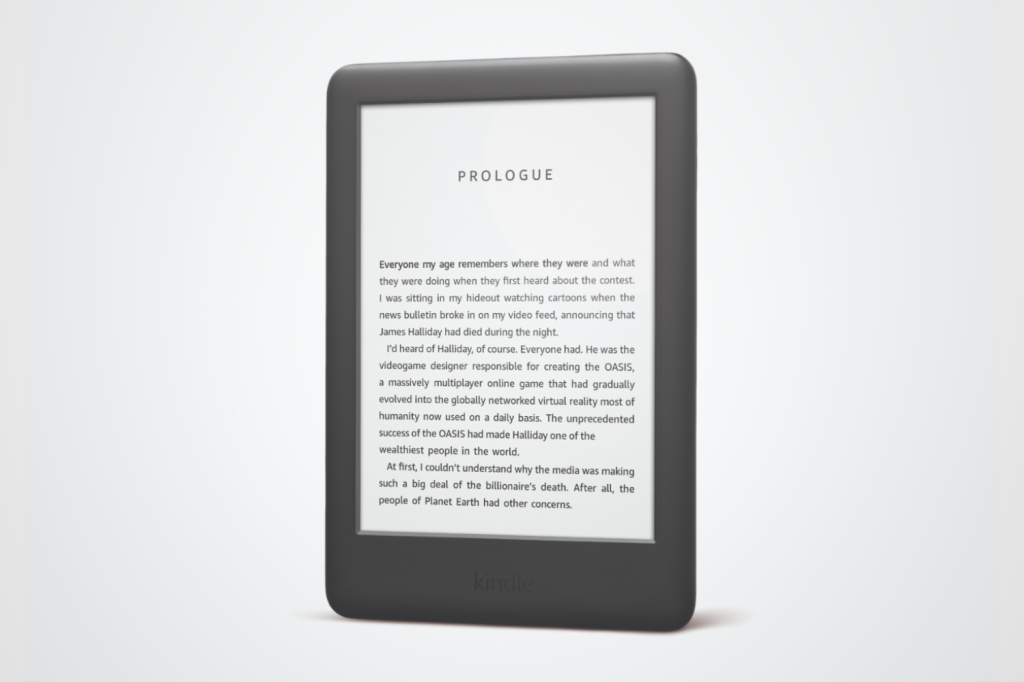
3. Amazon Kindle
Stuff Verdict
An affordable e-reader with a useful front light, this is the best option for bookworms on a budget
Pros
- Great display and battery life
- Affordable price
Cons
- Could be more ergonomic
- Forced to use Amazon services
| Amazon Kindle specs | |
|---|---|
| Screen | 6in, 167ppi |
| Battery | 4 weeks |
| Storage | 8GB |
| Light | Yes |
| Waterproof | No |
| Connectivity | Wi-Fi, Bluetooth, Micro USB |
| Dimensions | 160x113x8.7mm, 174g |
Want a simple e-reader which doesn’t annihilate your annual paperback spending allowance? Amazon’s entry-level Kindle is an affordable option which nails the essentials and benefits from a few useful extras, too.
Sticking with the established Kindle screen size, its 6in display strikes a balance between portability and readability. Its 167ppi resolution is significantly lower than the other e-readers in this list, but it remains clear enough for books.
The biggest boon versus previous editions is the adjustable front light. You don’t get the warm white tones or automatic brightness of costlier Kindle models, but the quartet of integrated LEDs at least means you can read the glare-free screen under the covers.
Budget restrictions also mean the cheapest Kindle ships with a Micro USB port and no waterproofing. But you do get Bluetooth connectivity for audiobooks from Audible, plus a battery rated for up to four weeks on a single charge.
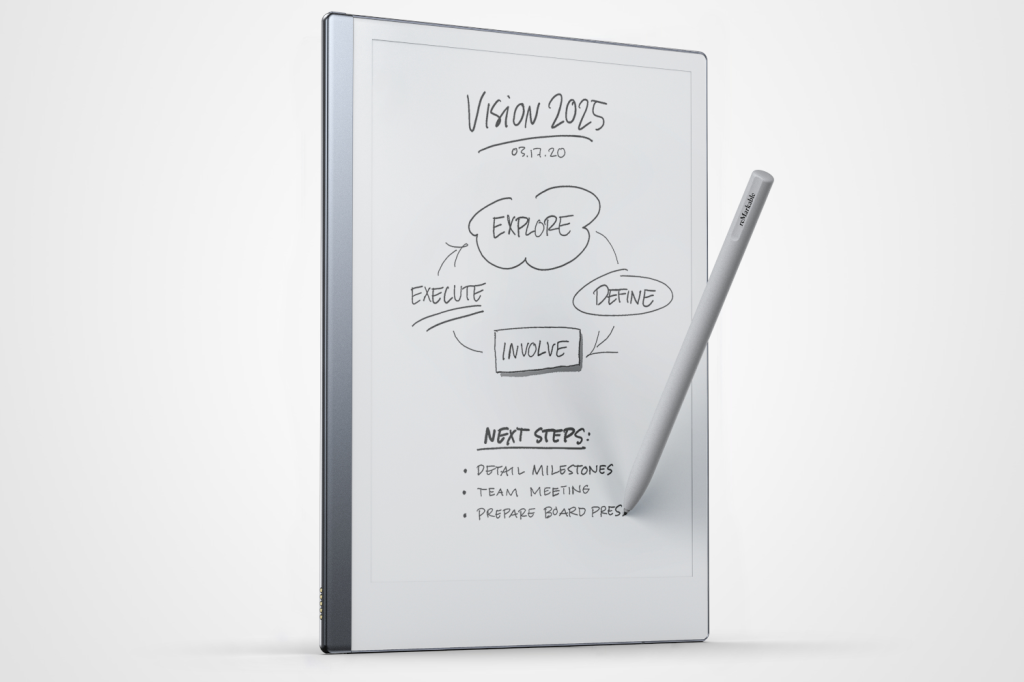
4. Remarkable 2
Stuff Verdict
Premium design meets a pared-back, polished interface for digital note-taking – this is the best E Ink notepad you can buy right now
Pros
- Best-in-class, paper-like experience
- Beautiful, impossibly thin design
Cons
- Marker stylus not included
- No backlight
| Remarkable 2 specs | |
|---|---|
| Screen | 10.3in, 226ppi |
| Battery | 2 Weeks |
| Storage | 8GB |
| Light | No |
| Waterproof | No |
| Connectivity | Wi-Fi, USB-C |
| Dimensions | 187x246x4.7mm, 404g |
Occupying a distinct niche among E Ink devices, the Remarkable 2 is more tablet alternative than paperback rival. Sure, it can still display downloaded tomes on its 10.3in screen. But the digital notebook is also a winner in the workplace: textured to replicate paper, its 226ppi panel is perfect for scribbling, signing and storyboarding ideas.
Marketed as the world’s thinnest tablet, the slate is seriously slender. At 4.7mm, the canvas is barely thicker than its USB-C port. Yet a metal chassis means it also feels robust. Intended to streamline your productivity by dialling back distractions, the slim build helps the Remarkable 2 to feel as natural as gripping a clipboard, aided by colour-matched bezels.
Shell out for the sold-separately Marker and you’ll get a pressure-sensitive stylus that attaches magnetically to the side. Excellent in the hand, the pen feels intuitive to use and responsive to write with. Bar a couple of cloud integration niggles, the updated software interface is similarly polished, delivering a stripped-back experience that’s broadly stumble-free. All that’s missing is a lighting system.
- Read more: Remarkable 2 review
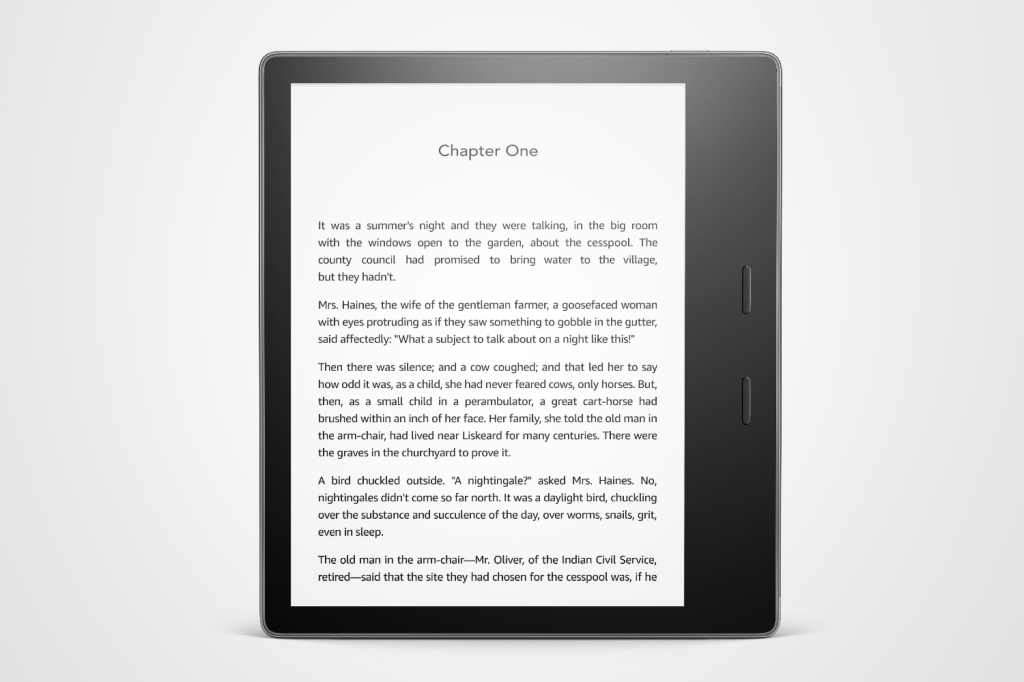
5. Amazon Kindle Oasis
Stuff Verdict
A premium Kindle for hardback buyers, this metal e-reader won’t revolutionise your reading experience, but it will make you feel fancy
Pros
- Waterproof
- Excellent battery life
- Bluetooth great for audiobooks
Cons
- Locked to Amazon’s marketplace
| Amazon Kindle Oasis specs | |
|---|---|
| Screen | 7in, 300ppi |
| Battery | 6 weeks |
| Storage | 8/32GB |
| Lights | Yes |
| Waterproof | IPX8 |
| Connectivity | Wi-Fi, Bluetooth, Micro USB |
| Dimensions | 159x141x8.4mm, 188g |
Hardbacks might cost more for sturdier packaging, but the words inside are still the same. It’s a similar story with the Kindle Oasis from 2019. Amazon’s premium e-reader carries a price tag higher than most, in exchange for a few luxury touches – including a full-metal jacket. But the core concept remains the same, as does the Micro USB port from its predecessor.
Unlike most e-readers, the Kindle Oasis isn’t uniformly slim. A third of the slate is notably thicker, rewarding your fingers with a grippable ridge on the rear. Whether this is actually useful depends on the size of your digits. Still, the Oasis is lightweight at 188g, while its aluminium shell is slicker than most. It’s all fully waterproof, too.
Like the Kobo Libra 2, the asymmetrical design is used to accommodate to handy page-turning buttons. And like the Libra 2, the Kindle Oasis features a 7in E Ink display that’s clear at 300ppi. An adjustable warm light is on-board as well, while brightness adapts automatically to ambient conditions.
- Read more: Kindle Oasis review
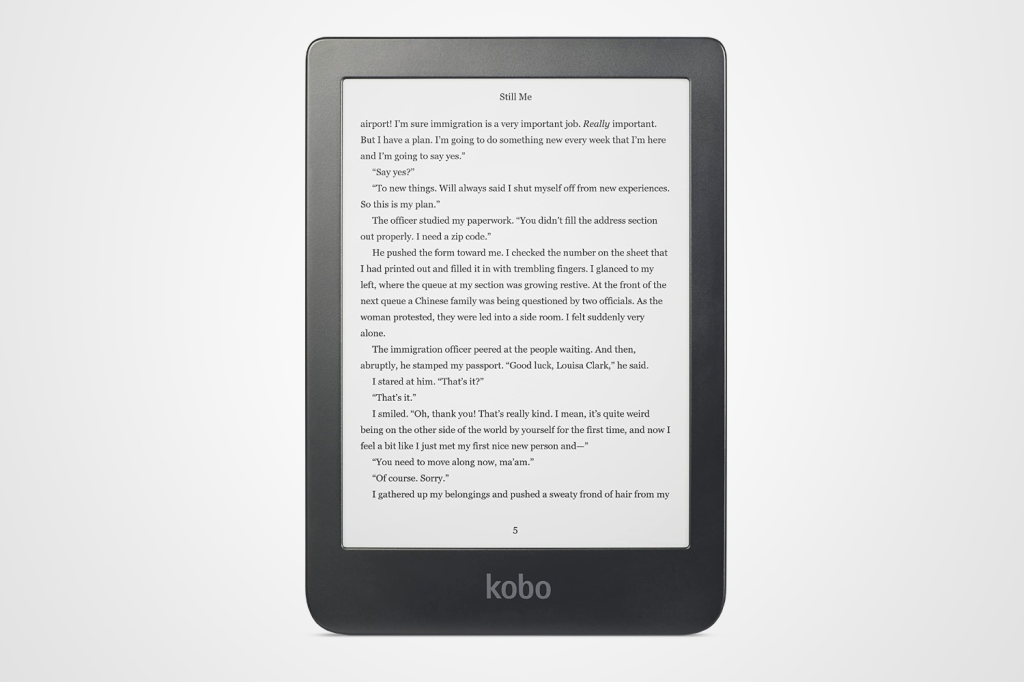
6. Kobo Clara HD
Stuff Verdict
An affordable Paperwhite alternative that’s ad-free and accessible – just don’t take it swimming
Pros
- Small and light
- Ad-free
Cons
- Not waterproof
- More limited store than Kindle
| Kobo Clara HD specs | |
|---|---|
| Screen | 6in, 300ppi |
| Battery | Weeks |
| Storage | 8GB |
| Light | Yes |
| Waterproof | No |
| Connectivity | Wi-Fi, Micro USB |
| Dimensions | 110×159.6×8.35mm, 166g |
A direct rival to Amazon’s Kindle Paperwhite, the spec sheet for Kobo’s Clara HD reads like a carbon copy. It’s fronted by a 6in E Ink display with 300ppi. It benefits from 8GB of storage. And it features integrated lighting with adjustable brightness and colour temperature.
So far, so similar. But a second read reveals that the two e-readers aren’t identical. While both devices are wrapped in matte black plastic, the Clara HD’s display doesn’t sit flush with the bezels, unlike the tidier Kindle. More significantly, Kobo’s slate isn’t waterproof, making the Paperwhite a safer choice for poolside perusal.
In smaller ways, it also seems like a slightly dated device. There’s no Bluetooth connectivity for listening to audiobooks, while the charging port is a Micro USB number. That said, the Kobo Clara HD still delivers a comfortable, convenient reading experience at a fair price. It’s lightweight at 166g and offers the fantastic file format support for which Kobo is known.
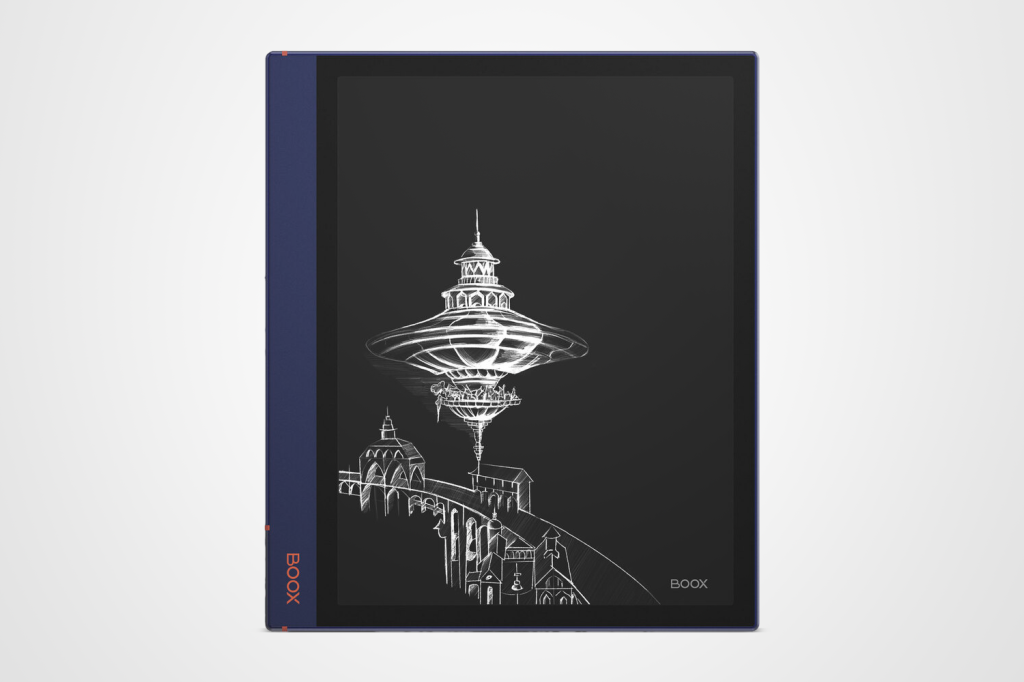
7. Onyx Boox Note Air2
Stuff Verdict
It’s not cheap, but this premium E Ink notepad offers useful Android flexibility in a classy alloy chassis – with a front light for good measure
Pros
- Google Play apps support
- Speedy processor
Cons
- Expensive compaired to Kindle
- Some ghosting
| Onyx Boox Note Air2 specs | |
|---|---|
| Screen | 10.3in, 227ppi |
| Battery | 4 weeks |
| Storage | 64GB |
| Light | Yes |
| Waterproof | No |
| Connectivity | Wi-Fi, Bluetooth, USB-C |
| Dimensions | 229.4×195.4×5.8mm, 420g |
Like the Remarkable 2, the Onyx Boox Note Air2 seeks to bridge the gap between e-reader and tablet. And like the Remarkable 2, it features a 10.3in paper-effect panel which allows you to take notes naturally with a stylus. But besides a clunkier name, the Onyx Boox Note Air2 also differs from the Remarkable 2 in several ways.
For starters, it’s more expensive: at its standard price of $500, the Air2 costs $100 more than the Remarkable 2. The extra outlay does net you a pressure-sensitive Wacom pen, Bluetooth keyboard support and an integrated front light with colour temperature adjustment. But it also puts the Air2 close to iPad Air territory.
Slim at 5.8mm, light at 420g and wider on one side, the Air2’s alloy frame is well-built for one-handed use. In contrast to the clutter-free Remarkable 2 interface, the Onyx slate runs Android 11. While that means you can download a wide range of apps from the Google Play store, many won’t actually work on the E Ink screen. Even so, the platform is flexible when it comes to tweaks and file formats. And thanks to an 8-core chip and 4GB of RAM inside, it’s also a nippy one.
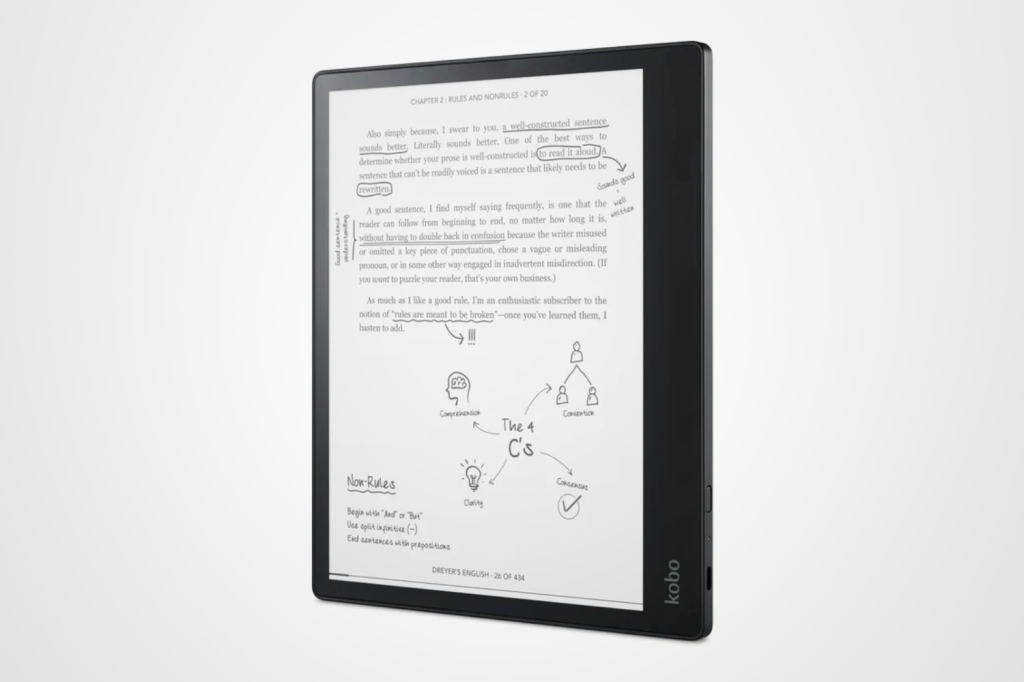
8. Kobo Elipsa
Stuff Verdict
Not a true tablet alternative, the Elipsa is worth considering if you want a sizeable e-reader with added stylus smarts
Pros
- Sharp and responsive screen
- Stylus support
Cons
- On the heavy side
- Note taking could be more comprehensive
| Kobo Elipsa specs | |
|---|---|
| Screen | 10.3in, 227ppi |
| Battery | Weeks |
| Storage | 32GB |
| Light | Yes |
| Waterproof | No |
| Connectivity | Wi-Fi, Bluetooth, USB-C |
| Dimensions | 193×227.5×7.6mm, 383g |
Keen to ride the tide of tablet alternatives, Kobo’s sized-up from its standard e-readers to produce the 10.3in Elipsa. Equipped with a Carta 1200 touchscreen, it offers a glare-free reading experience on a grander scale. Paired with the pressure-sensitive Kobo Stylus, it also lets you note as you go. And while it doesn’t offer the paper feel of other E Ink tablets, it’s cheaper and lighter.
An e-reader first and foremost, the Elipsa benefits from a straightforward interface and limited app catalogue. Far from a drawback, this bloat-free approach limits distractions, extends battery life and generally results in a seamless user experience. Format support is as broad as you’d expect from Kobo, although you can’t use the stylus to annotate every type of file. Still, documents are rendered clearly on the 227ppi display, while handwriting recognition is reliable, if not rapid.
Integrated ComfortLight LEDs keep things going with a glow, although there’s no warm option to reduce eye strain. For that, you’re better off trying the dark mode, which swaps text to white on black.
If you’re looking for tech that does a little more, then check out our guide to the best tablets and the best iPads. They may not be as good for your eyes, but they can be used to browse the internet, stream movies and TV, and play games.
Read the full article here
