

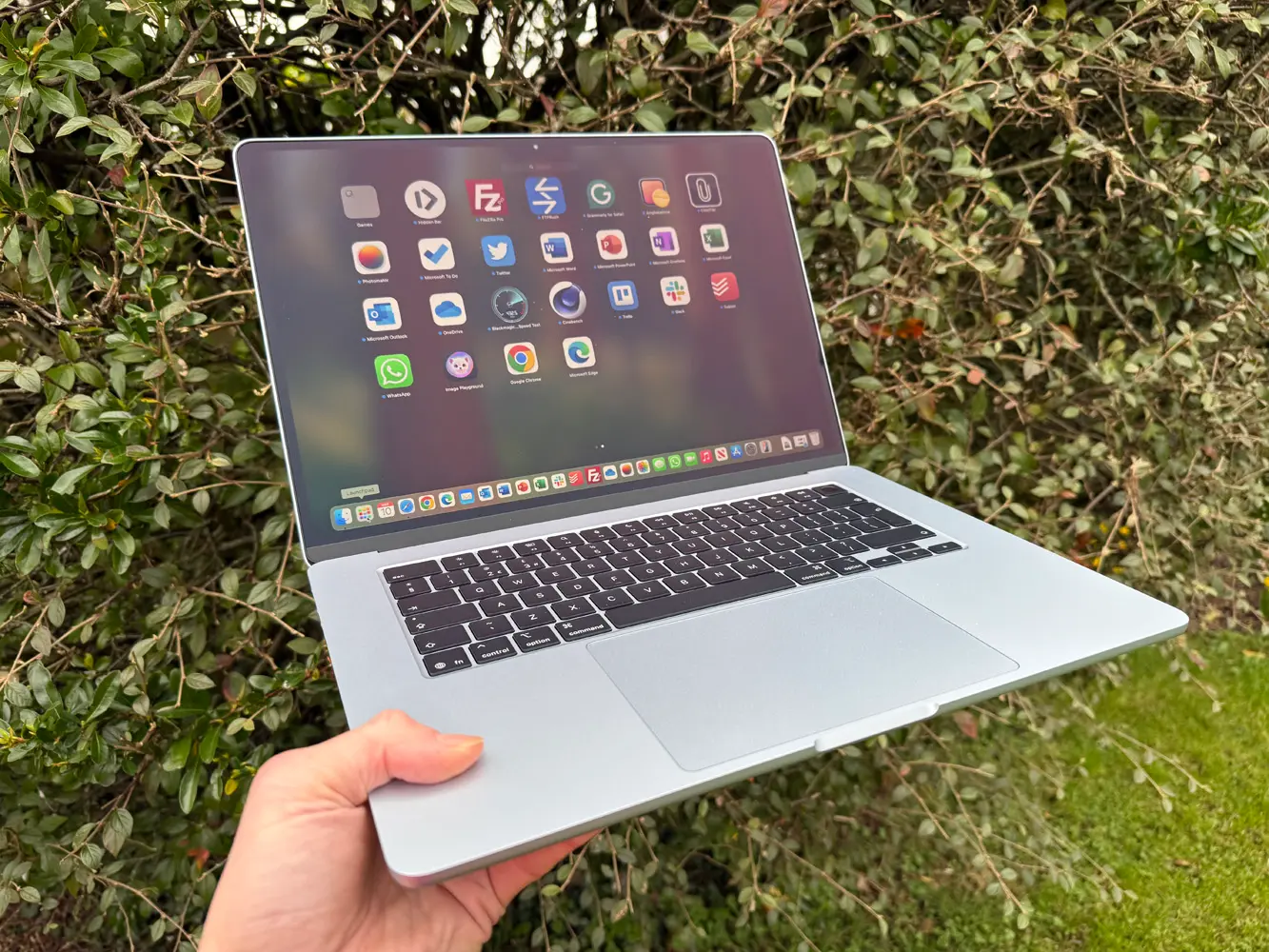
If you own a MacBook and plan to keep it for the long haul, Apple is about to give you a new way to look after its battery.
Reported by MacRumors, the macOS Tahoe 26.4 beta introduces a new Charge Limit slider in the battery settings that lets you cap your Mac’s maximum charge anywhere between 80-100 per cent. In other words, you’ll be able to stop your laptop from ever fully charging if you don’t want it to.
Why would you want to limit your MacBook battery’s charging?
A valid question you might have, is why? Well, as with practically all modern tech like smartphones and tablets, MacBooks use lithium-ion batteries, and the lifespan of these batteries is affected by things like temperature and charging patterns.
Lithium-ion batteries naturally degrade over time, and batteries at very high states of charge for extended periods undergo more stress compared with those kept in a mid-range state.
In practical terms, this means a battery that regularly sits at 100 per cent for long stretches can lose capacity slightly faster than one that spends more time between roughly 20 and 80 per cent. And that’s the theory behind charge limits – by preventing the battery from constantly topping out at full voltage, you may reduce long-term wear.
Will this dramatically extend your MacBook’s battery life?
The theory is sound, but how much of a difference it will make remains to be seen. Modern MacBooks are already designed with battery management systems that monitor health and adjust charging behaviour automatically, and optimised Battery Charging already aims to reduce unnecessary time at full charge. This new charging limit simply gives us more direct control that we can customise.
We can’t categorically state that using this feature will net you, say, three more years of use, but the benefit is more about slow, gradual ageing over the years, as opposed to short-term gains. If you keep your MacBook plugged in at a desk most of the time, setting an 80 or 90 per cent cap seems like a no-brainer if you want to squeeze the maximum, most efficient juice out of your battery.
Obviously, if you’re constantly on the go and flitting between coffee shops, airport lounges, and other places where plug sockets aren’t always available, you’ll want a fully charged battery to eke out as much battery life as you can. Thankfully, it looks like the new Charge Limit slider is simple and quick to tweak, letting you mix things up depending on your needs.
When can you use the new Charge Limit battery settings?
Apple’s macOS Tahoe 26.4 is currently in beta for developers to tinker with, so the Charge Limit option isn’t widely available just yet. But once it rolls out more broadly, MacBook owners will have more control than ever over how their battery ages.
For now, MacBooks still have Optimised Battery Charging, which learns your routine and delays charging past 80 per cent until it thinks you’ll need a full battery. That system is designed to reduce the amount of time the battery spends sitting at 100 per cent, though doesn’t offer the manual flexibility that the new Charge Limit feature offers.
Ultimately, if you’re the sort of person who checks battery cycle counts or plans to keep your MacBook for half a decade, this is the kind of small setting that could quietly pay off, which is a win in our eyes.
Read the full article here
