

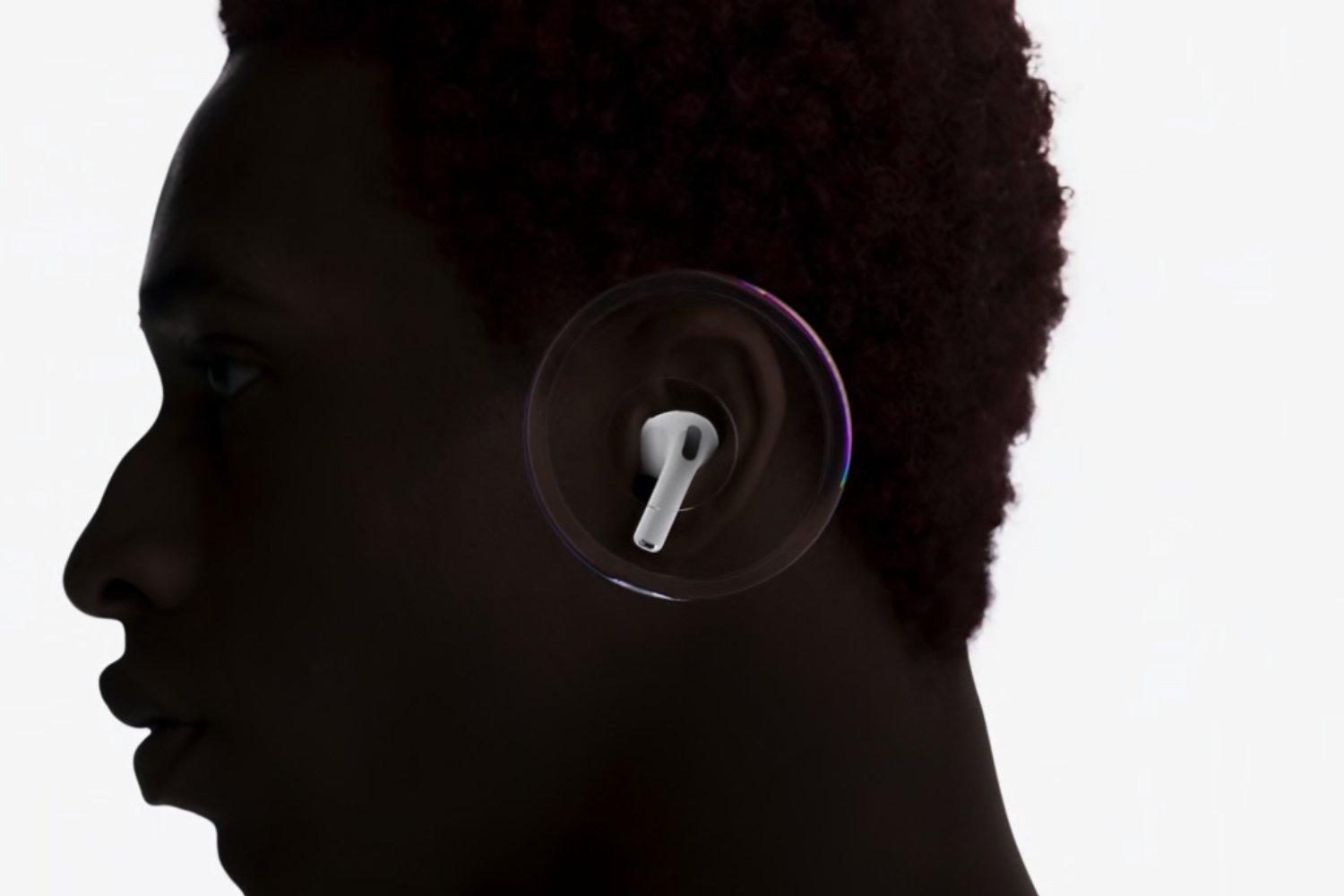
The AirPods Pro 3 are some of the best wireless earbuds you can buy right now, and a free Apple update with fresh firmware has now been released for them.
Apple is being rather tight-lipped with what the update brings to the table, with the official 8B40 firmware update notes simply stating that it brings “bug fixes and other improvements” to the table.
Past firmware updates have been far meatier, bringing major features like heart rate sensing and hearing health tools. Still, we’re all for bug fixes and general improvements, so it will be interesting to see what differences AirPods Pro 3 users notice after updating.
On that note, if you do want to update, the first step is to make sure your iPhone, iPad, or Mac is connected to your earbuds via Bluetooth. Your device of choice also needs to be connected to Wi-Fi.
From there, connect your AirPods Pro 3 charging case to a power cable so that it’s charging, pop in the earbuds, and close the lid. Keep the lid closed, and the case in range of your iPhone, iPad, or Mac.
Wait at least 30 minutes for the firmware to update, then open the case lid, and check the firmware version on your device to check that it’s been updated. If not, try resetting your AirPods and trying the process again.
Naturally, it would be nice to manually tap an update button like most other headphones and earbud apps, but at least this free Apple update is likely to happen in the background without you even realising. Either way, enjoy your new and improved AirPods Pro 3.

Read the full article here
