

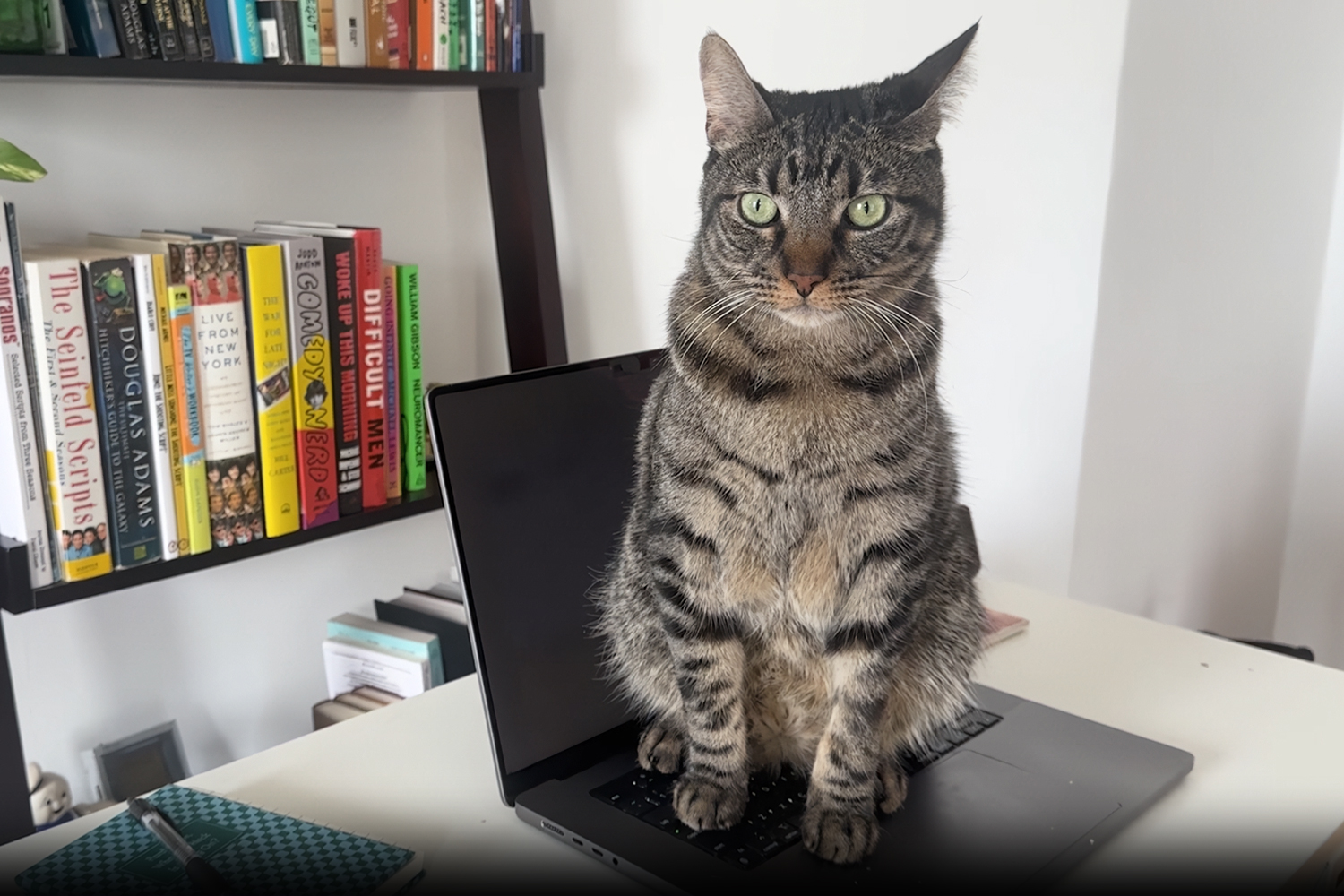
Cats and laptop keyboards, depending on your tolerance level, make for either a cute, fun pairing, or an incredibly frustrating experience.
If you’ve ever accidentally sent your boss a Teams or Slack message that resembles something like “iqwerbfghou400ghb78iq902w34ru,” then you’re likely in the latter camp. But now, there’s hope.
A new macOS app called Cats Lock aims to cat-proof your Mac by temporarily disabling keyboard input whenever your furry coworker decides your laptop looks like the perfect place for a nap.
The app lives in the menu bar and can be activated with a click or keyboard shortcut, effectively preventing cats from triggering shortcuts, random key presses, or dreaded endless system beeps that come from sitting on a key too long.
It’s an extremely sensible idea. Cats have an uncanny ability to activate the exact keyboard shortcut you didn’t even know existed, usually at the worst possible moment. Cats Lock simply blocks all that nonsense before it happens.
There’s also a slightly more chaotic side to the app. Along with silencing keyboard sounds, Cats Lock can play deterrent noises whenever your cat jumps onto the keyboard. Built-in options include barking dogs, hissing cats, and vacuum cleaner sounds, though you can also upload your own custom audio if you’d prefer a more personalised approach.
The app also automatically disables itself once your Mac goes to sleep, so you won’t accidentally lock yourself out later on.
If that sounds good to you, Cats Lock is available now on the Mac App Store for $2.99. If you’re a PC user like me, however, it looks like we’re stuck putting up with the whimsical fancies of our whisker-toting companions for a little while longer.

Read the full article here
