

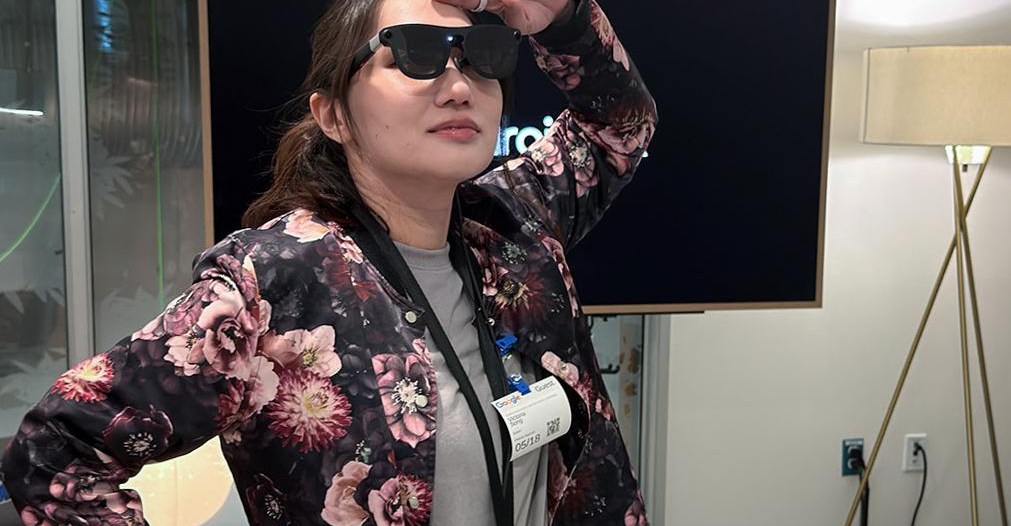
I first put on a pair of prototype Android XR glasses nearly a year and a half ago. We still have months to go before any Android-powered smart glasses are available, but Google is finally ready to show off the progress it’s made. That starts with Project Aura, a dark pair of sunglasses that sits somewhere between a full headset and a lighter pair of mixed-reality glasses.
There have been a handful of hardware updates since I last tried out Project Aura in October. The glasses, made in collaboration with Xreal, now feature a carrying case and a new design for their compute puck. Google was mum on the chip inside, aside from the fact that it’s more powerful than the previous puck. The puck also has a fingerprint scanner, so you can unlock the device more easily. And in addition to a waist clip, there’s now a lanyard so you can wear the puck around your neck, in case you’d like to channel peak Gadget Dad vibes.
You won’t look cool in these glasses, but the target audience for Project Aura isn’t the average Joe in the same way that Meta’s Ray-Ban glasses are. They’re a starting point for XR diehards who want a more portable and discreet version of a headset. Case in point: navigating Aura’s interface is nearly identical to the Galaxy XR’s.
Last time I took Project Aura for a whirl, I mostly tried playing a tabletop game in a mixed-reality space, viewing multiple app windows in your space, and wirelessly mirroring a laptop display a la the Samsung Galaxy XR and Apple Vision Pro. This time around, I got to see a few vibecoded, spatial computing experiences. One let me make 3D AR doodles. Another would bring up the molecular structure of any real-world object I “pinched.” Neither was particularly unique, but the point is that you no longer need a full-on headset to experience or test vibecoded spatial apps. Mirroring a display was as easy as plugging the glasses into the laptop with a USB-C cable. At this, my eyes widened. Instead of needing to buy a second monitor, you can carry one around in your pocket. You don’t have to rely on spotty Wi-Fi either. I’m never going to be one of those people who schlepps a headset onto a plane or to the office, but this? This I would do.
A slightly more gimmicky — but still cool — feature is the adaptive transparency mode. The opacity of Project Aura’s lenses can be tweaked lighter or darker with a press of a button. The neat thing is the glasses can tell if you’re looking at content versus trying to interact with people. So say you crank up the opacity for a more immersive working environment, but then your spouse asks you a question. When you look at said spouse, the glasses will automatically revert so you can see them clearly. When you look back at your second digital screen, you’re back to full opacity.
Aura is an intriguing project, but it isn’t what I expected to be demoing this week. Last year, Google made a big splash by announcing that it had partnered with Gentle Monster and Warby Parker to design some stylish pairs of smart glasses that would presumably take on the Ray-Ban Meta. Today, Google (along with Samsung) unveiled the designs of the first pairs, which are coming this fall. There’s a very Y2K-y ovular pair from Gentle Monster and a “not legally Ray-Ban” style pair from Warby Parker.
Neither pair was available for me to see or try in person, though. Instead, Google had me demo many of the features that will be coming to these audio glasses using some generic prototypes. Asked for price or specs, I likewise got almost nothing. The only tidbit I got for you is that they’ll be lighter than the roughly 49 gram prototypes I tested updated Android XR features on. Samsung’s close involvement as a partner is also being more heavily emphasized this year. These aren’t “Google smart glasses” or “Warby Parker smart glasses,” these are “Google/Samsung/Warby Parker-or-Gentle Monster smart glasses.” Good luck keeping it straight.
1/4Image: Google, Samsung
Instead of calling these AI glasses, Google and Samsung seem to have landed on “intelligent eyewear” as its moniker. My demos, which included audio-only and display capabilities for future glasses, were expanded versions of what Google’s shown in the past. Noticeably, Gemini is much faster at responding and can handle more complex queries than in my previous demos. Instead of asking Nano Banana Pro to add a K-pop Demon Hunters vibe to a photo, I can now ask it to mix Stranger Things AND K-pop Demon Hunters.
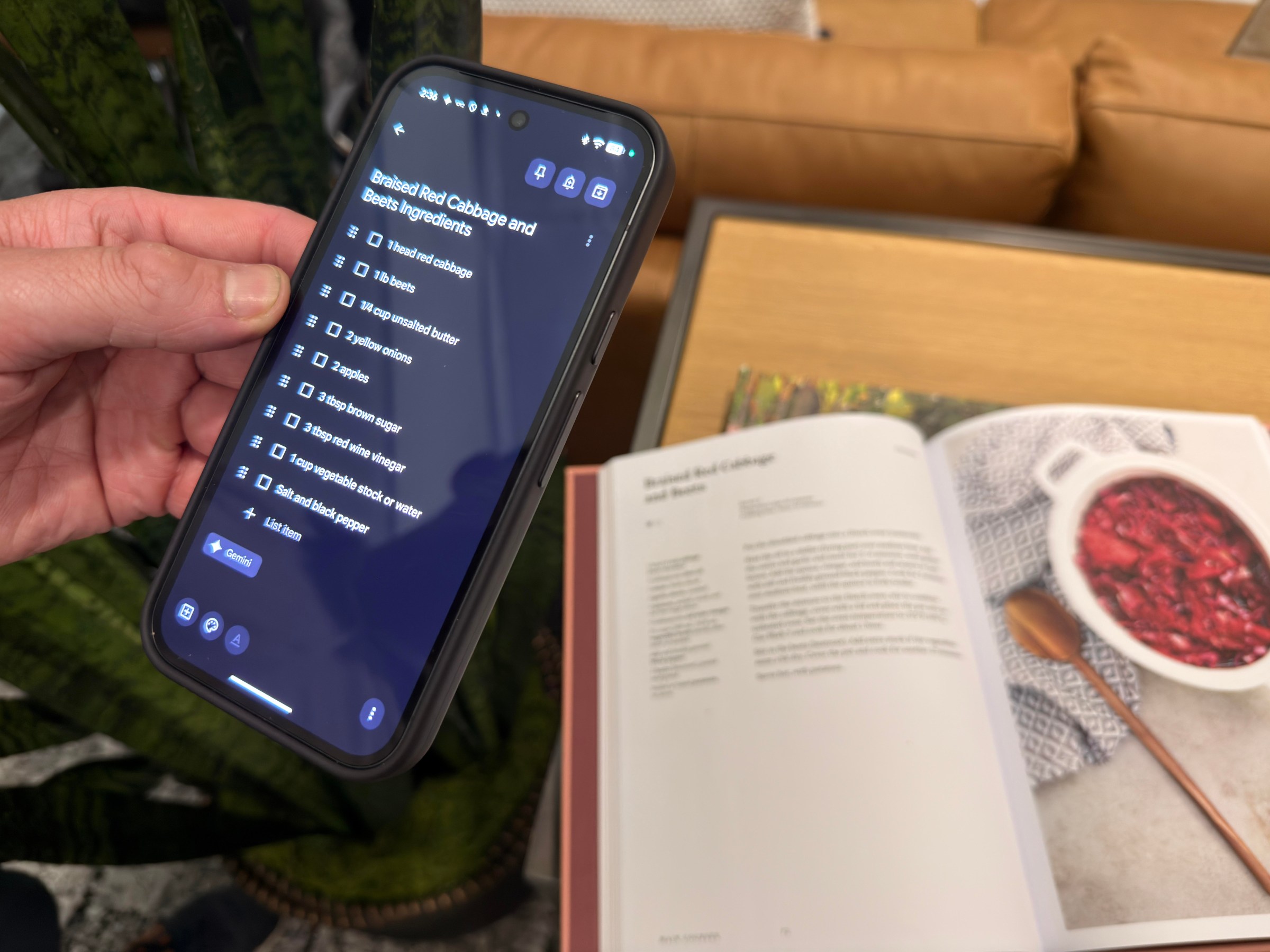
Perhaps more usefully, I can ask Gemini to snap a photo and then remove unwanted people or background elements. For example, I ask it to remove every instance of a green plant in a room filled to the brim with them. (I’m pleasantly surprised by the results, but then plagued by the classic question: What is a photo?) Gemini’s smart glasses features have also been expanded to other Google apps like Calendar and Keep. If I take a picture of a recipe, I can ask for the ingredients to be sent to a Google Keep list. If I want to see a Mitski concert, I can ask Gemini to add it directly to my Google Calendar as an event.
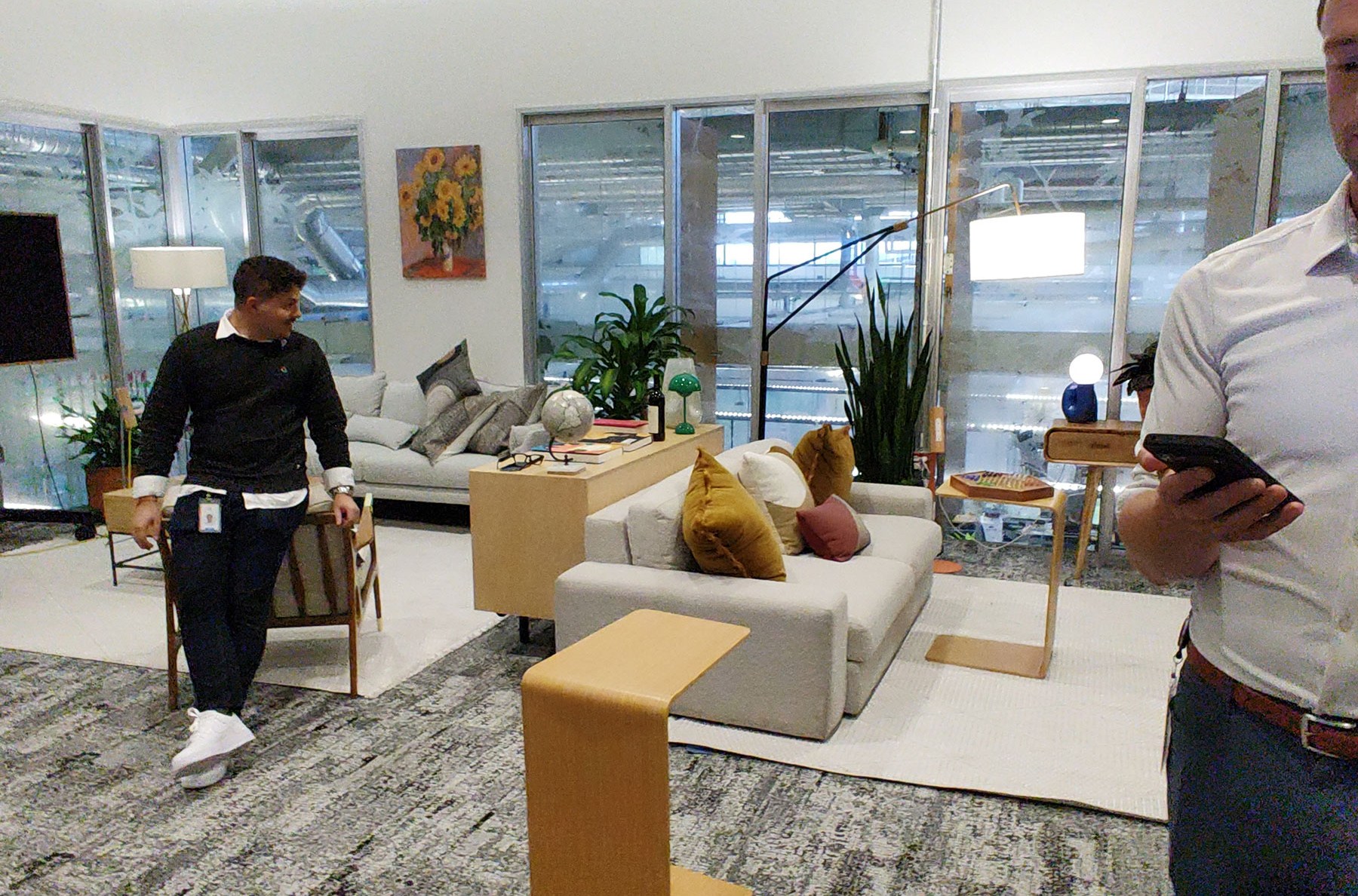
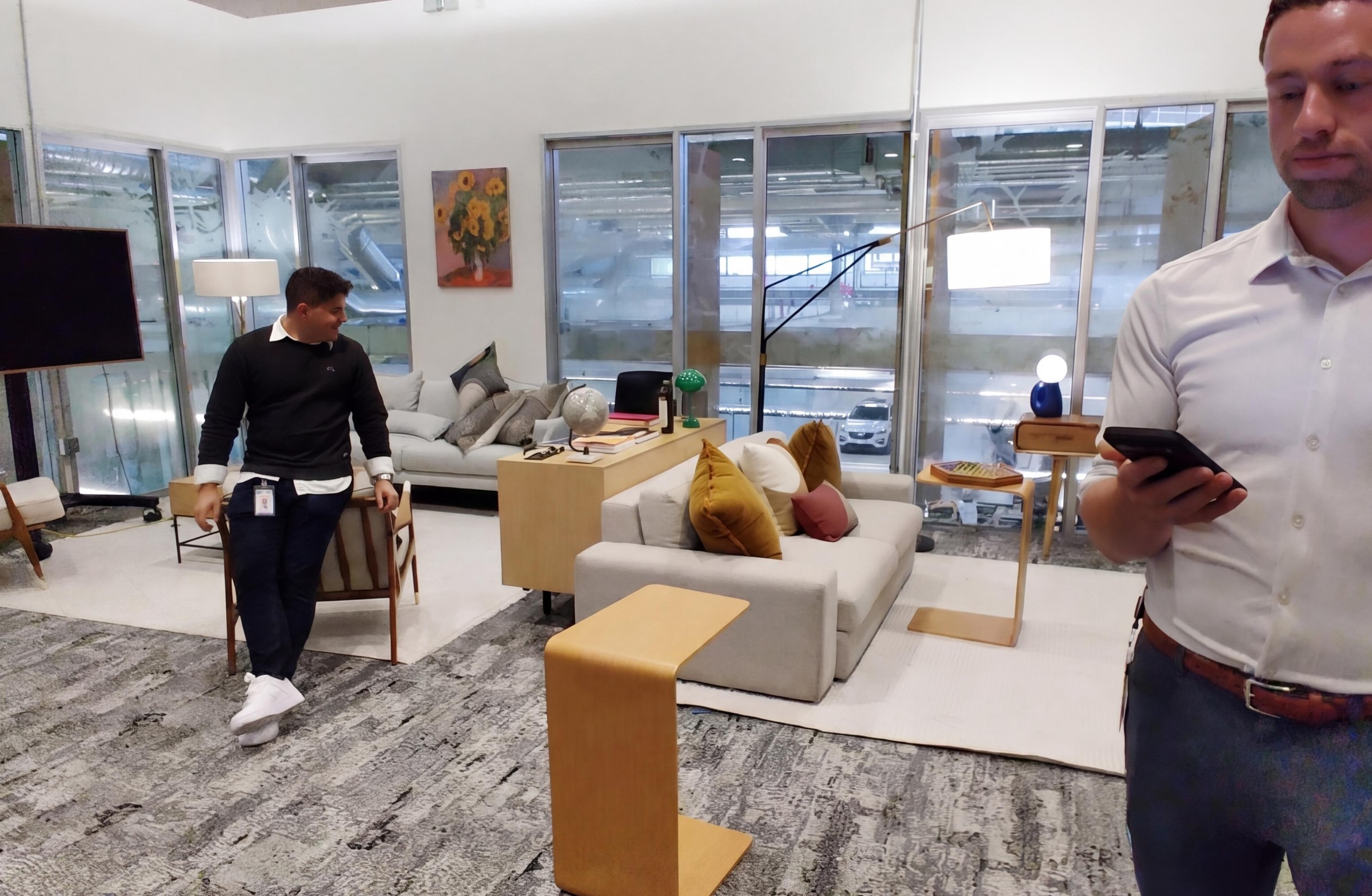
Most of these Gemini features can work with or without a display, which means they’ll be available on the audio-only Warby Parker and Gentle Monster glasses. But I also got to see a display-only feature for future Android XR glasses: they now have widgets!
In single-lens displays, the widgets are fairly simple. But in binocular smart glasses — which have a display in both lenses — the widgets are multi-color and fully 3D. Swiping on the arm of a prototype pair let me scroll through small bits of information like stocks, sports scores, Fitbit step count, the weather, and even a translation app shortcut. The binocular displays also allowed me to view a 3D model of a cell that rotates when I moved my head. Google tells me that this is a feature they envision for educational or enterprise use cases.
Everything I saw was pretty impressive. But as I’ve noted in my real-life smart glasses testing, demos are not real life. In a quiet room, a translation demo from Spanish and French into English works pretty well. Gemini, I’m told, is able to filter out English-language cross talk.
When I ask about real-life scenarios — say a trip to Italy where a lot of people might be yelling at a train station — I’m told that the glasses can struggle. (Right now, the mics mostly pick up sound from a 30-degree angle right in front of you.) Likewise, Gemini doesn’t discern that the Mitski concert it added to my demo Google Calendar is in London and I live in New Jersey. In a demo, there’s also no need to worry about privacy LED lights and being a glasshole. At Google’s headquarters, it makes sense that Gemini would send lists to Google Keep. In the real world, I’d probably prefer the ability to send it to the app of my choosing.
At this I/O, I’m glad to see more practical use cases for smart glasses in daily life. I’m still not fully sold on AI as the killer use case for wearable tech. But it also doesn’t fully matter what I personally think because, walking away from Google’s Mountain View campus, it’s never been clearer that Big Tech is determined to make smart glasses happen. Heading back to my hotel, I’m struck by the fact that there are three separate pairs of Android XR glasses slated for this fall. Not only that, based on everything I’ve seen, Google — with its inglorious history in this space — is shaping up to be the most formidable opponent that Meta and EssilorLuxxotica has.
Read the full article here
