

Have lightweight laptop shoppers ever had it so good? Even in the shadow of AI-inflated memory and SSD prices there’s a bounty of powerful and long-lasting models to pick from right now, courtesy of new hardware from all four major chipmakers. If Snapdragon X2 Elite Extreme, AMD Ryzen AI 400 or Apple’s M5 silicon don’t take your fancy there’s Core Ultra Series 3 – AKA ‘Panther Lake’ – in the Intel corner.
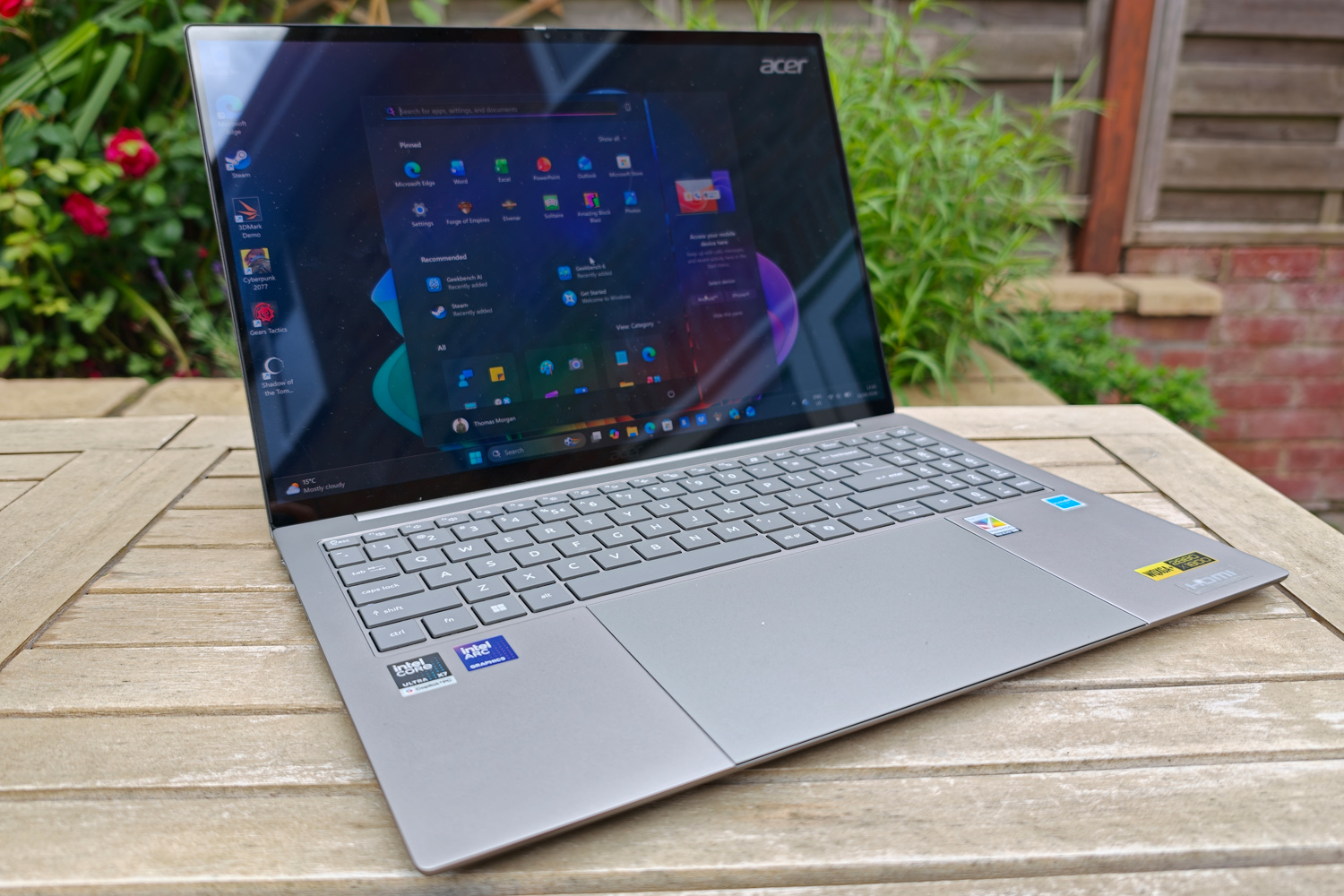
It’s what Acer has gone with for the 2026 Swift 16 AI, an updated version of its top-tier ultraportable. The slender 16in machine goes all out with an OLED display, aluminium chassis and enough connectivity to turn the heads of office workers and frequent flyers, but the next-gen internals also make it surprisingly good for gamers. It’s also rocking the world’s largest haptic touchpad, with clever stylus support to please creative types.
At £1599 as tested here (the closest US equivalent has 16GB of RAM for $1549) Acer hasn’t forgotten about value either. The Swift 16 AI undercuts the Dell XPS 16 and Asus ExpertBook Ultra (two of the highest profile Core Ultra Series 3 laptops doing the rounds right now) and is more affordable than Apple’s 15in MacBook Air. Does that make it the best of the current Panther Lake breed?
Acer Swift 16 AI design & build
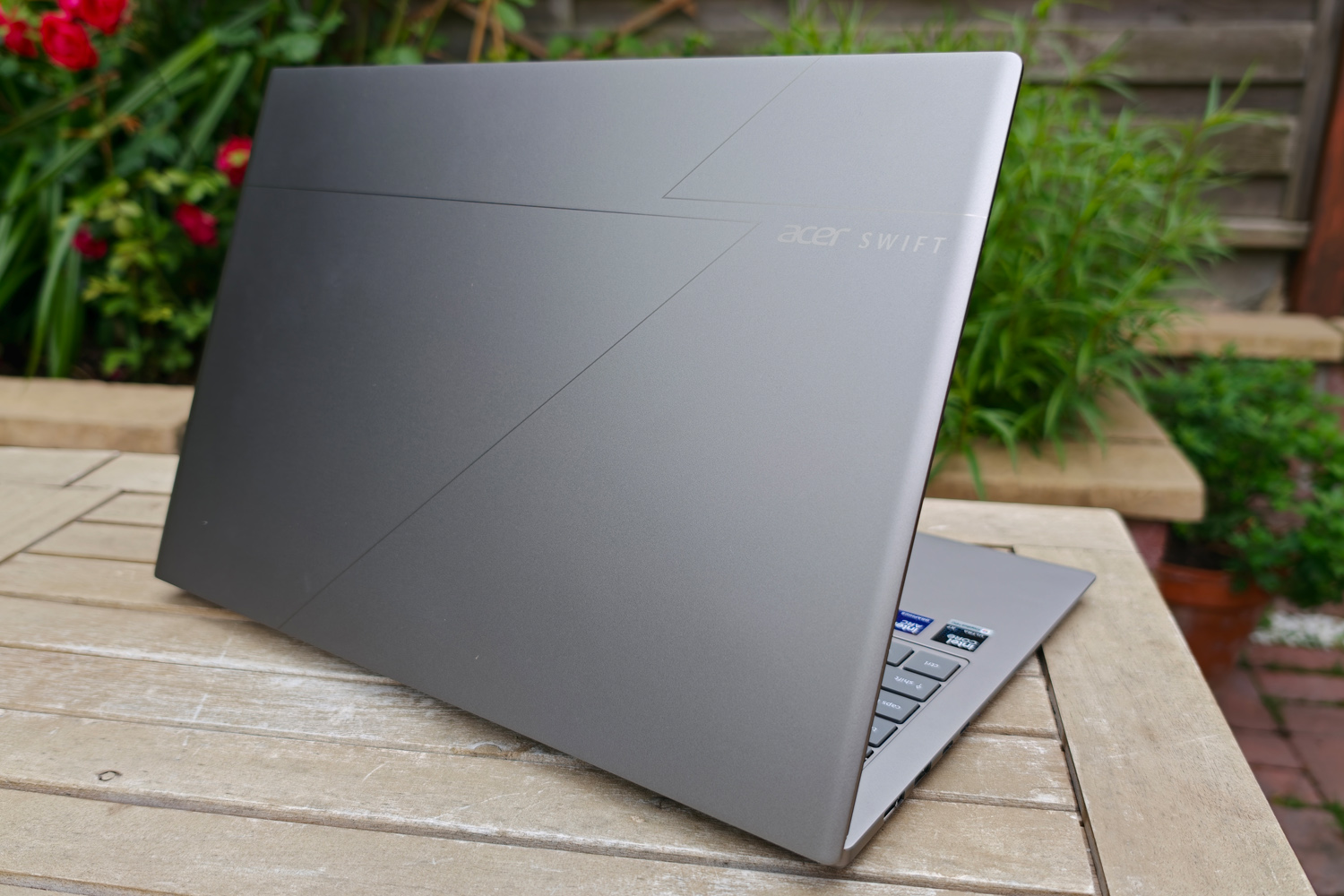
The Swift cuts a fine figure, with Acer branding on the lid subtly squeezed around a minimal geometric pattern. It’s impressively slim when closed at just 14.9mm thick, and it weighs less than 1.5kg. I had no trouble slinging it in a backpack when working on the move.
While the silver aluminium chassis isn’t a full unibody like some rivals, it absolutely looks the part; you’ve got to look carefully on the underside to spot the seams. The screen bezels are also satisfyingly slim, and the lid can be easily opened with one hand. All the touchpoints feel suitably premium.
It shows just a bit of flex if you pick it up right at the corners, and there are few more angles and edges than you’ll see from the likes of Apple or Dell. The brace of stickers across the wrist rest look a bit messy too; if I’d bought one peeling them off – carefully – would be first on my list.
Connectivity is very generous in 2026, where a scattering of USB-C ports is all you’ll find on many high-end lightweight laptops. Here you get two Thunderbolt 4 Type-C ports, two USB Type-As (one 3.2 Gen 1, one 3.2 Gen 2), an HDMI 2.1 video out, 3.5mm headphone port and a microSD card reader. Most people shouldn’t need to keep any dongles or adapters handy with one of these in their laptop bag.
A privacy shutter for the 1080p webcam is another nice touch. It has a decent enough picture and supports Windows Hello biometrics.
What’s it like to work on the Acer Swift 16 AI?
Open the Swift 16 AI up and it’s impossible to miss that giant touchpad. At 170x110mm there’s more of it beneath the keyboard than there is space to rest your wrists either side of it. The sheer size makes you want to pull off multi-touch gestures at every opportunity. I’m also glad Acer ditched the gimmicky AI logo seen on the previous generation model; it only highlighted how little use most of us get from the NPUs chipmakers insist are crucial for artificial intelligence.
Palm rejection was more hit than miss, so typing wouldn’t send the cursor flying across the screen unintentionally. The haptic feedback was convincing and the glass finish was friction-free for fast desktop navigation. However, I noticed that even after a few days I was really only using the central portion of the pad, meaning its scale was a little lost on me.
You’ll really only get the most out of it if you combine it with Acer’s stylus. The same size as a regular pen and powered by a replaceable battery, it has two buttons and recognises tilt. In some territories it comes bundled in the box, but there wasn’t one included with my review unit so I wasn’t able to test if it could compete with the accuracy of a dedicated graphics tablet.
The full-size, island-style keyboard was arguably more satisfying to use, with larger keys than the previous generation and a great amount of key travel. Each one had a bouncy action that responded well to both a soft and a heavy touch. The white LED backlight evenly illuminates each key too. The numerical keypad does feel a bit crammed in, with shrunken keys compared to the rest of the board, but number crunchers will be glad of its inclusion all the same.
Is the Acer Swift 16 AI’s OLED screen class-leading?
OLEDs are now the norm for top-spec Windows ultraportables, but Acer has still made sure to pick a good one. The Swift’s 16in panel has a wonderfully crisp 2880×1800 resolution and smooth 120Hz adaptive refresh rate, which can dip as low as 48% to minimise power drain. The OLED tech also brings inherently speedy response times, so occasional gamers will be very happy here.
The glossy finish gives colours plenty of pop, though it can make light reflections a little distracting. Having 180 degrees of screen tilt and fantastic viewing angles helps to counter this, though. Colour accuracy is top notch right out of the box, so creative types can crack on with work right away.
One thing to keep in mind that the touchscreen layer only recognises your fingers; the stylus will only play nicely with the touchpad.
Brightness is decent rather than outstanding, even when playing HDR content, but I didn’t struggle to see the screen clearly unless I was sat outdoors in very bright direct sunlight. For indoor working I really had nothing to grumble about.
The down-firing stereo speakers put in a respectable showing for the ultraportable class, getting rather loud and with convincing mid-range clarity. There’s not very much depth at the stock EQ and the DTS: X Ultra mode only goes so far. You’ll want headphones for movie nights but it’ll do just fine for background music.
Can you play modern games on the Acer Swift 16 AI?
The amount of desktop grunt Intel has managed to unlock with its Series 3 Core laptop chips is well documented by this point. The Swift 16 AI’s Core Ultra X7 358H is a 16-core, 16-thread powerhouse with an integrated NPU good for 50 TOPS of AI processing power. Here it’s paired with 32GB RAM and 1TB of storage.
A peak boost speed of 4.8GHz is enough to help the Swift 16 AI churn through multi-core workloads at an impressive lick, although benchmark scores fall short of the outright fastest Panther Lake laptops I’ve tried. Single-core performance is more mainstream, with the Dell XPS 14 being a tad faster.
There’s still more than enough oomph here for the sorts of tasks an ultrabook will need to tackle on the regular, with a small yet meaningful improvement over laptops using previous-gen Intel processors. Image and video editing was hardly a struggle, while general responsiveness was helped by a fast SSD.
| Acer Swift 16 AI productivity benchmarks | |
| Geekbench 6 single-core | 2636 |
| Geekbench 6 multi-core | 14349 |
| Geekbench AI | 4126 |
| Speedometer 3.1 | 28.1 |
Acer is in no way pitching the Swift 16 AI as a gaming laptop, but Intel’s new Arc B390 integrated GPU is so much more capable than the firm’s outgoing chips that it can comfortably handle modern titles at high detail settings as long as you stick to a Full HD resolution.
Older releases like Shadow of the Tomb Raider are no sweat, managing 67fps with everything cranked up to full apart from ray traced lighting. Cyberpunk 2077 is much more demanding, so 45.9fps is very impressive. These scores are before Intel’s XeSS upscaling gets brought into the mix, too. In its Balanced mode, Shadow of the Tomb Raider climbed to 85fps, while with the addition of frame generation Cyberpunk soared north of 112fps. For a lot of gamers, that’ll be enough muscle to be able to ignore a dedicated gaming rig altogether.
Playing at the Swift’s native resolution is still asking a lot, though. Older titles hovered around the 30fps mark and Cyberpunk dipped to 15.8fps. While XeSS and frame generation did bring the overall frame rate to a much more palatable 59fps, I did spot more dips and stutters. If high resolution gaming is a must, you’ll still have to step up to a machine with a dedicated GPU.
| Acer Swift 16 AI gaming benchmarks | Native resolution (2880×1800) | Full HD (1920×1080) |
| 3DMark Steel Nomad | 5342 | N/A |
| Gears Tactics | 33.2fps | 58.2fps |
| Shadow of the Tomb Raider (RT off) | 32fps (49fps XeSS) | 67fps (85fps XeSS) |
| Cyberpunk 2077 (Ultra, RT off) | 15.8fps (59.5fps XeSS w/ frame gen) | 45.9fps (112.2fps XeSS w/ frame gen) |
I was also impressed that gaming – or heavy workloads of any kind – didn’t send the Swift 16 AI’s dual fans into a cacophony. They definitely spin up to a noticeable volume, but at a pitch that doesn’t instantly grate, and they’re undeniably effective. The chassis never got overly hot in any one area. During regular working they are wonderfully quiet, sometimes seemingly turning off altogether when temperatures allow.
How good is the Acer Swift 16 AI’s battery life?
It has the same 70Whr cell as the smaller Dell XPS 14 but a larger screen – and one that lacks the more efficient tandem OLED tech at that – so it’s not a huge shock to see the Swift 16 AI struggle to last quite as long away from the mains.
In my testing I was seeing between 11 and 12 hours across a mix of web browsing and video playback, with the screen brightness set at 50%. That’s a few hours less than the Dell, and below the impressively efficient alternatives powered by Apple and Qualcomm.
Most people will still find it enough for all-day use without having to keep the (admittedly quite compact) power brick nearby.
Is the Acer Swift 16 AI worth buying in 2026?
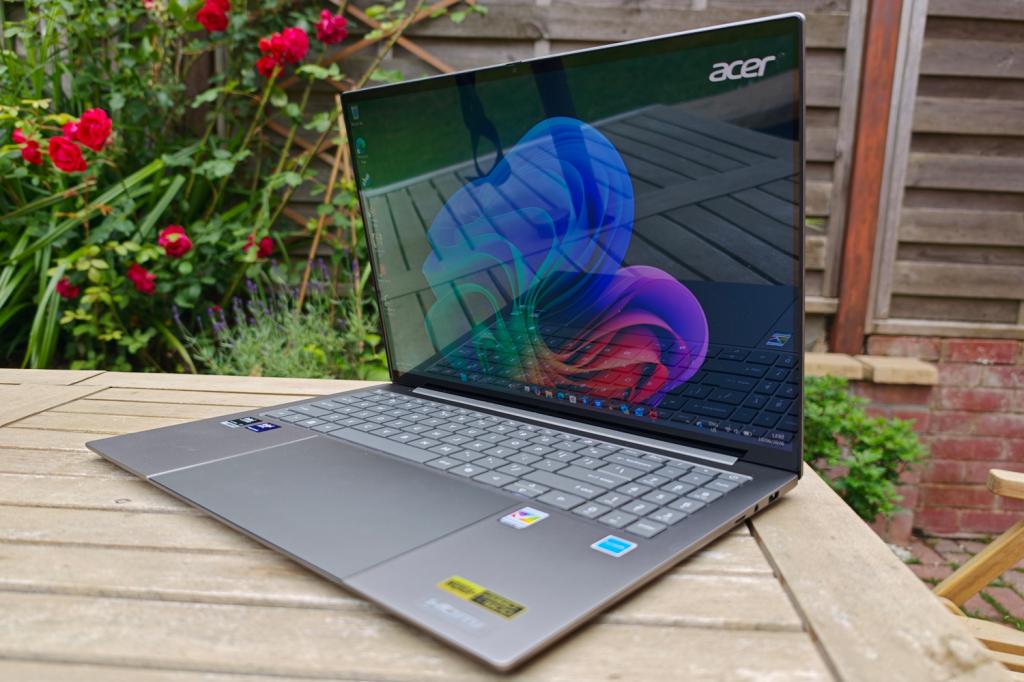
It’s by no means a bargain, but with ultraportable rivals from all sides costing upwards of $2000/£2000, the Swift 16 AI is offering a lot for your cash. This lightweight laptop has an excellent display, plenty of performance courtesy of Intel’s latest processor generation and more connectivity than you’ll find from the competition. Build quality is also very high, if not quite up to the unibody standard of Apple and Dell.
There are longer lasting alternatives, though, and the large touchpad/stylus combo is just a bit gimmicky. If you’re not wedded to Windows a MacBook Air 15in remains the high bar, but for everyone else wanting as much power as possible from a thin and light laptop, the Acer is a compelling choice.
What are the Acer Swift 16 AI’s technical specifications?
Scroll to see more →
| Specifications | Acer Swift 16 AI (SF16-71T) |
|---|---|
| Screen | 16in, 2880×1800, 120Hz OLED |
| Processor | Intel Core Ultra X7 358H |
| Memory | 32GB RAM |
| Graphics | Intel Arc B390 (integrated) |
| Storage | 1TB |
| Operating system | Windows 11 |
| Connectivity | 2x Thunderbolt Type-C, 2x USB 3 Type-A, HDMI, 3.5mm, microSD |
| Battery | 70Whr |
| Dimensions | 355x245x14.8mm, 1.4kg |


Read the full article here
