

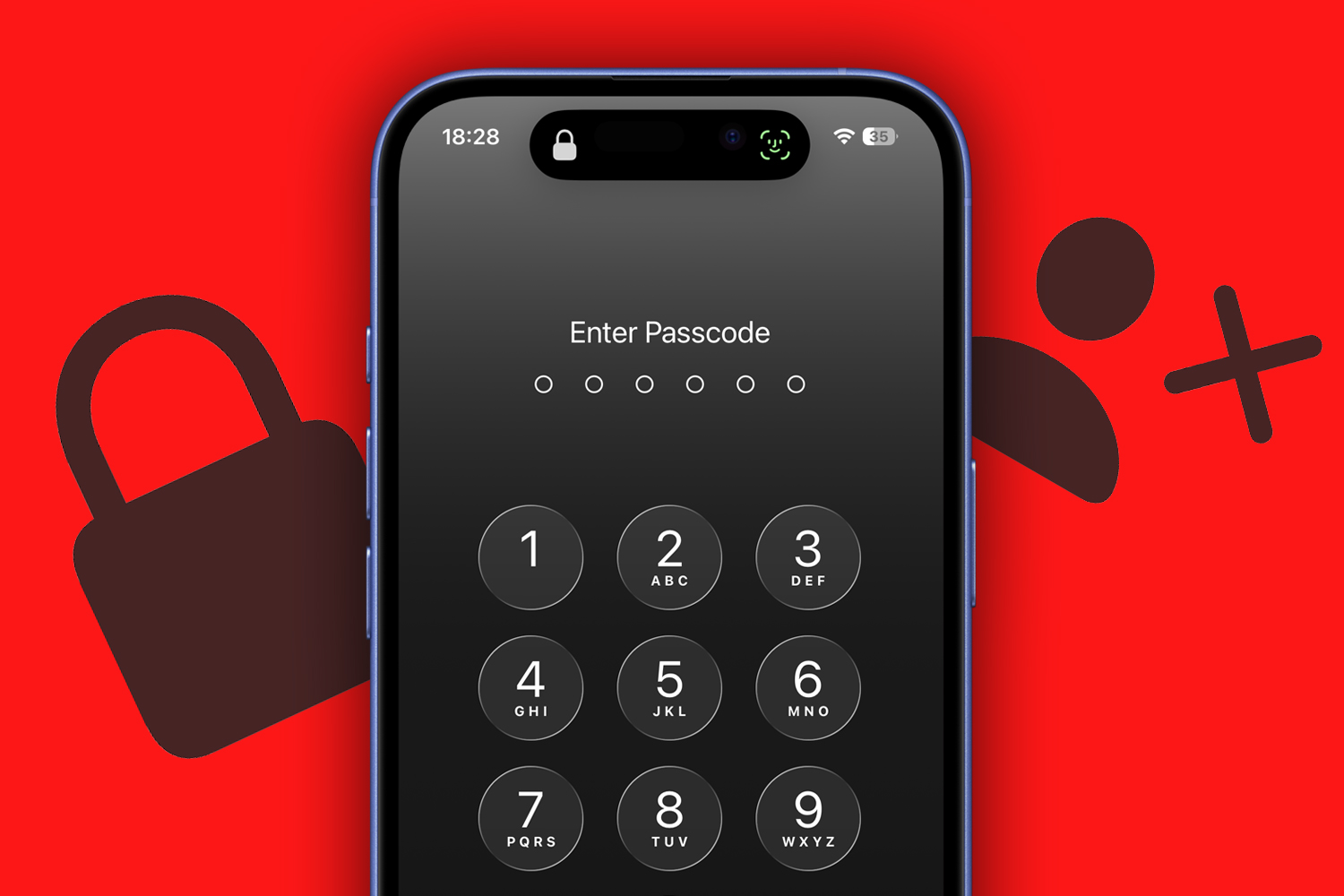
You’re going to die! Hopefully not soon, but you do need to figure out what to do with all your things – and that includes digital information and possessions on your phone, laptop and other devices. This guide explains how to create a digital legacy and ensure your loved ones have access to your data after you die. (But only the data you want them to have!)
The basics
Know what matters
Not everything needs to live on after you’re gone. Decide what’s most important to you – and to those you’ll be leaving behind. Some things will be sentimental, like photos, whereas others will be financial, such as bank details. Understand what someone needs for access, whether that’s for your phone, bank accounts, or even crypto.
Be aware of limits
Even if you and your loved ones adore the same things – not guaranteed as we accumulate collections that baffle others – most digital content (such as Steam games) will be tied to your account and can’t be legally passed on. Even Apple’s digital legacy system only provides access to specific data, not passwords or paid media.
Tell the right people
Be clear about who gets access and where their instructions live. Talk your wishes through so nothing comes as a shock. It might feel morbid to talk with your kids about your digital legacy, but it’s better than the responsibility landing on them without guidance.
Set social boundaries
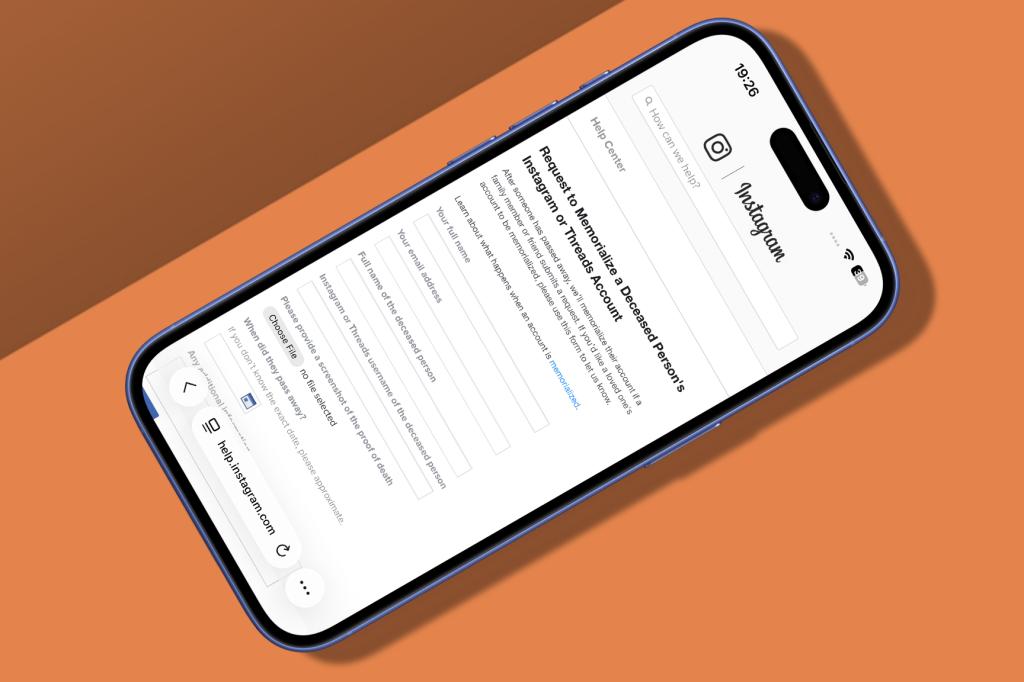
Be clear about your online footprint. If you want social media accounts deleted (or preserved, like oddball obituaries), be explicit about which ones. Few platforms provide memorialisation. In most cases, an account will need to be flagged and proof of death provided. (Or you can share login details, but that person will then have access to everything, including private messages.)
Centralise information
Keep key details together without compromising security. Use a password manager and store its access details in a safe or with a solicitor, separate from your will but referenced in it.
Keep up to date
Personal circumstances change – as do online services and the devices you use. Set an annual reminder to revisit your legacy details and wishes.
Provide access
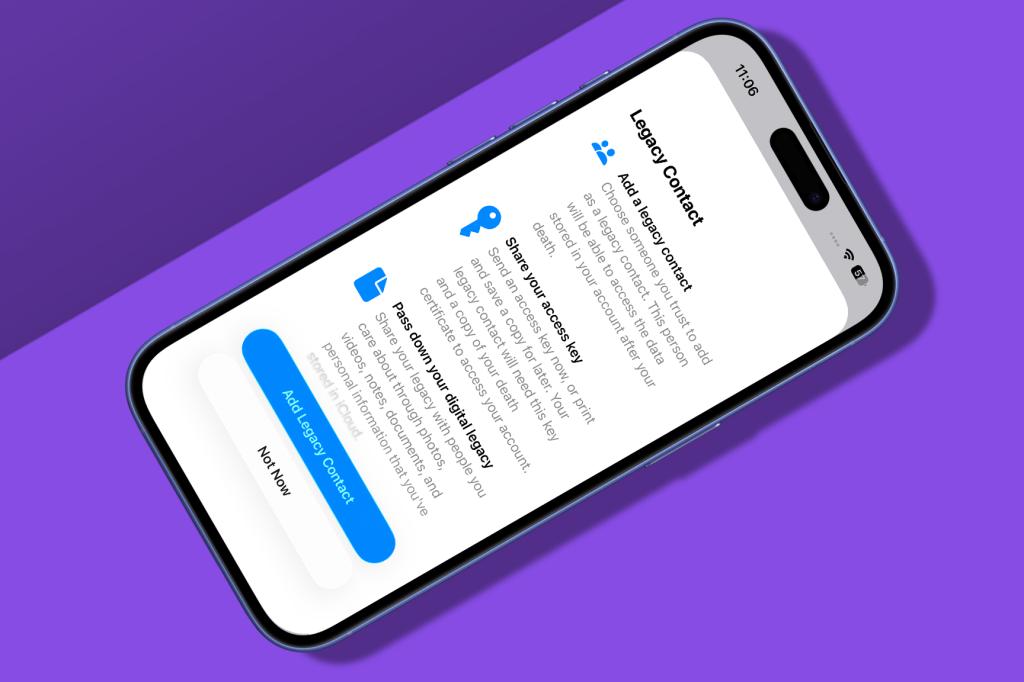
In Settings, tap your Apple Account and go to ‘Sign-In & Security’ > ‘Legacy Contact’. Tap ‘Add Legacy Contact’ and select from the list or your contacts. You can send an access key or print one to share later.
Manage settings
Apple decides what data Apple Legacy Contacts get. Keychain data and licensed media aren’t included. You can remove someone from your list, and the same screen also shows who you’re a legacy contact for.
Turn on Google Inactive Account Manager
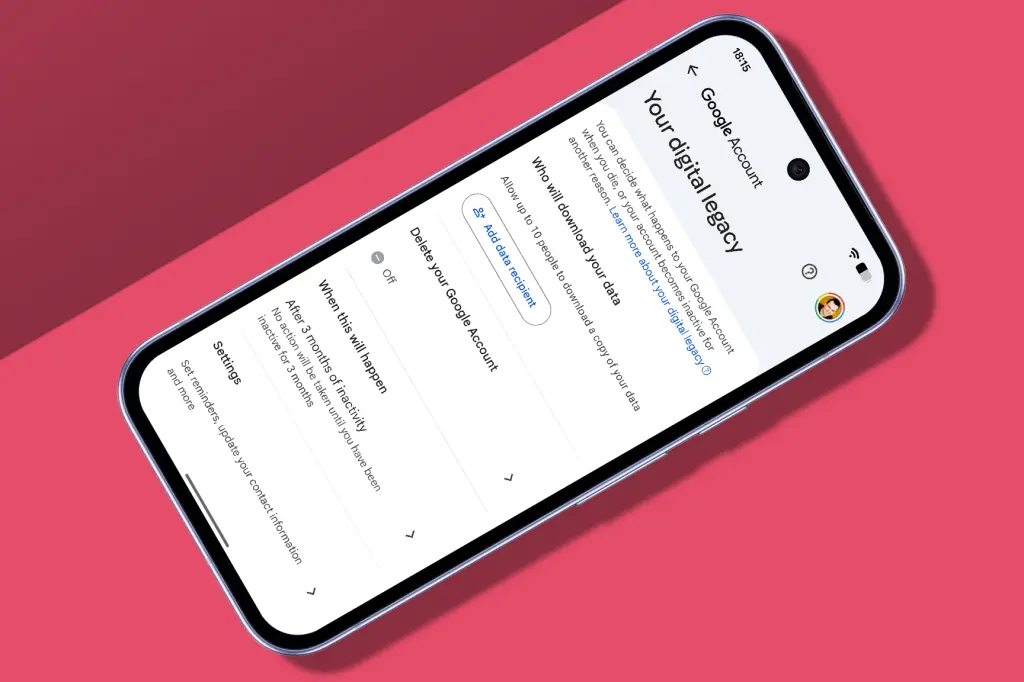
Add recipients
Open a Google app, tap on your profile pic and choose ‘Manage your Google Account’. Under ‘Data and privacy’, select ‘Make a plan for your digital legacy’. Add recipients and pick what data each will receive.
Define timings
Google’s system is based on inactivity; the default is three months but it can be extended up to 18. You can choose to delete your account at that point, and there are options for sending you email reminders. Don’t ignore them, unless you want to give your recipients a scare.
Create a passwords archive
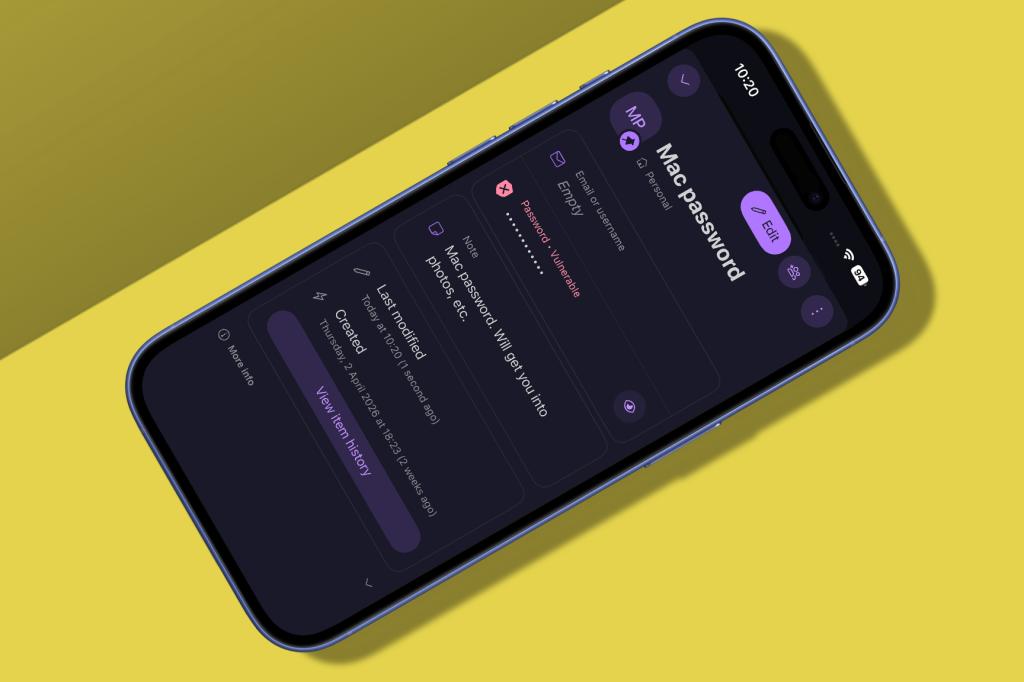
Be a Proton pro
Install Proton Pass (£free). You don’t need the paid tier. Create a new vault (but the default Personal one is fine). Start by adding a new login entry with details of your phone’s passcode.
Add more
Make further entries for other vital logins and use custom items for bank accounts and government ID numbers. For security, consider splitting key information with a printed document, so neither part makes full sense on its own.
Check it works
Open a private browsing session, go to pass.proton.me and sign in. If it all looks right, reference the vault in your will. Just remember to keep everything up to date.
Think of others
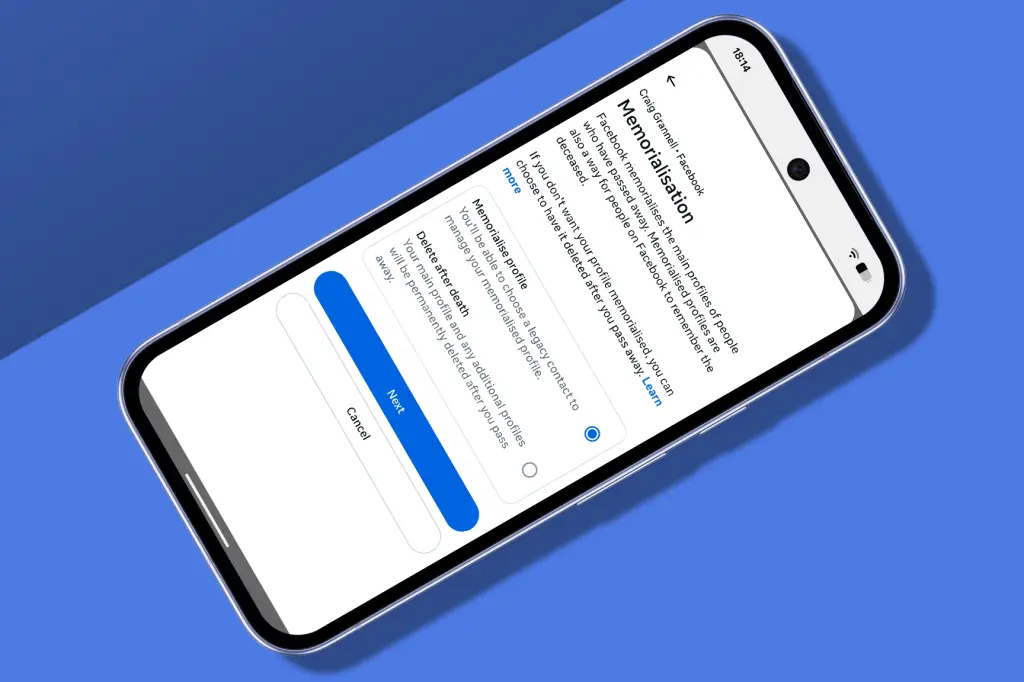
Save your Face
In Facebook, go to ‘Settings and privacy’ > Settings > ‘Accounts Centre’. Go to ‘Manage accounts’ > Manage > Memorialisation. Choose ‘Delete after death’ or assign a trusted contact to manage tribute posts.
Go for a long Drive
Microsoft doesn’t have its own cross-service digital legacy system, but you can safeguard OneDrive. In a browser, sign in, open the settings, and choose ‘Digital legacy’. Assign a trusted contact to have access.
Now read Runna’s new Adapt for Heat feature helps you beat the summer heatwave and still train hard


Read the full article here
