

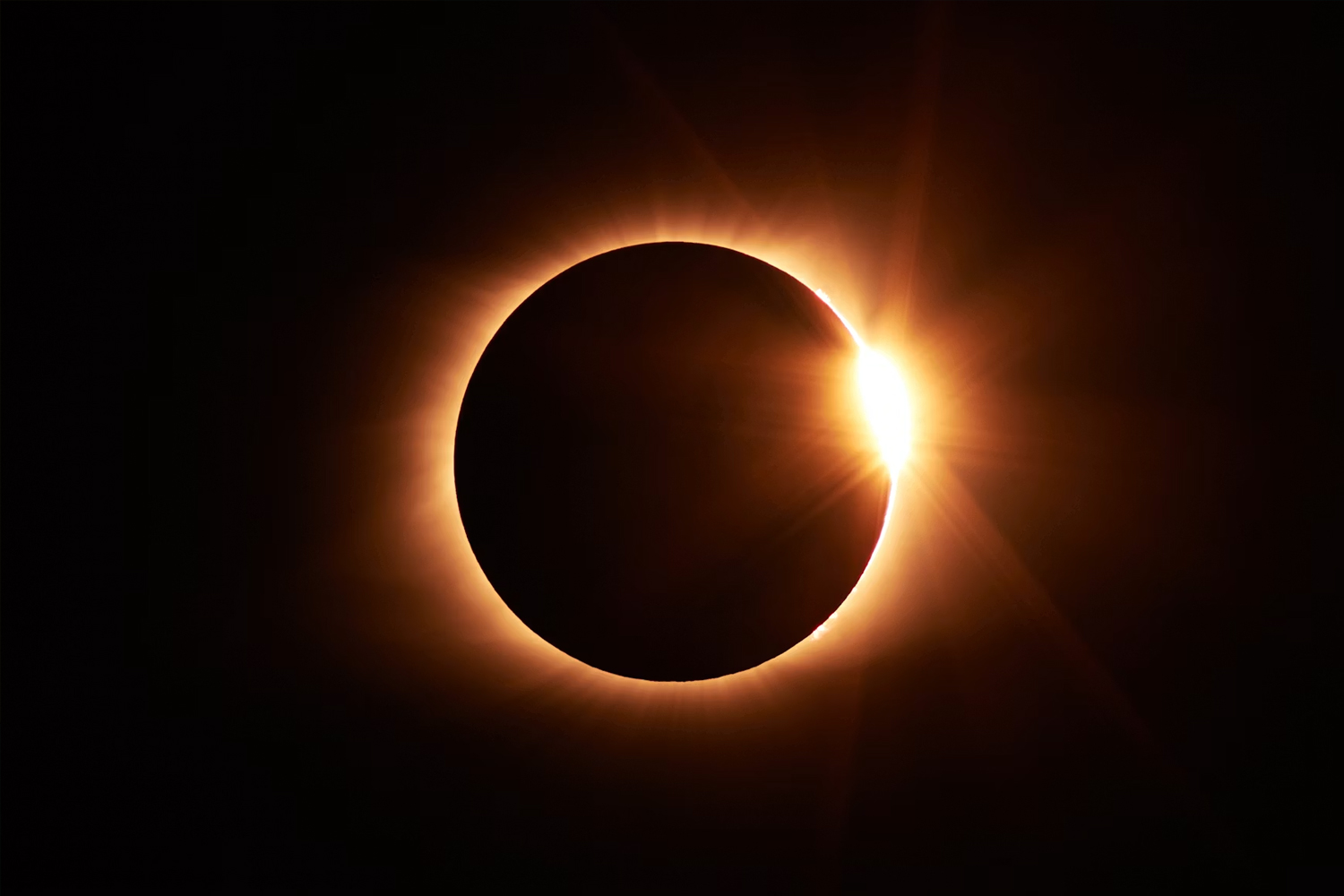
Hyped for the solar eclipse on 12 August? I know I am – especially as I don’t need eye-wateringly expensive camera equipment to photograph it. In fact, with a little prep, you should be able to capture something memorable using the phone already in your pocket.
Before we dive into how, there’s one rule you absolutely shouldn’t ignore – during every partial phase of the eclipse, a suitable solar filter must be securely attached over the front of your phone or camera lens before it’s pointed directly at the sun. The intense light and heat can damage your equipment and, much more importantly, looking at the sun through unfiltered optics can cause serious and permanent damage to your eyesight. #SafetyFirst
So with that said, here’s how to give yourself the best chance of getting the perfect solar eclipse photo with your phone or camera.
Protect your eyes first
Before worrying about photographs, you’ll need proper eclipse glasses or another approved solar viewer whenever you look directly at the partially eclipsed sun. Your phone screen lets you compose a photograph safely, but it doesn’t protect your eyes when you look up at the sun itself.
Eclipse glasses are made for direct viewing, however, and shouldn’t automatically be treated as camera filters. Cameras and phones need a suitable filter designed for solar photography, fitted according to its manufacturer’s instructions.
Regular sunglasses, everyday photographic neutral-density filters, exposed film, smoked glass and other improvised materials aren’t suitable substitutes. If you’re uncertain about a product or how it should be fitted, speak to a reputable astronomy or photography specialist rather than taking a chance.
NASA recommends seeking expert advice before using a solar filter with a camera or other optical device, so buy one from a reputable astronomical or photographic supplier and follow its instructions carefully. The American Astronomical Society maintains a very handy list of trusted solar-filter suppliers.
How to photograph the solar eclipse with a smartphone
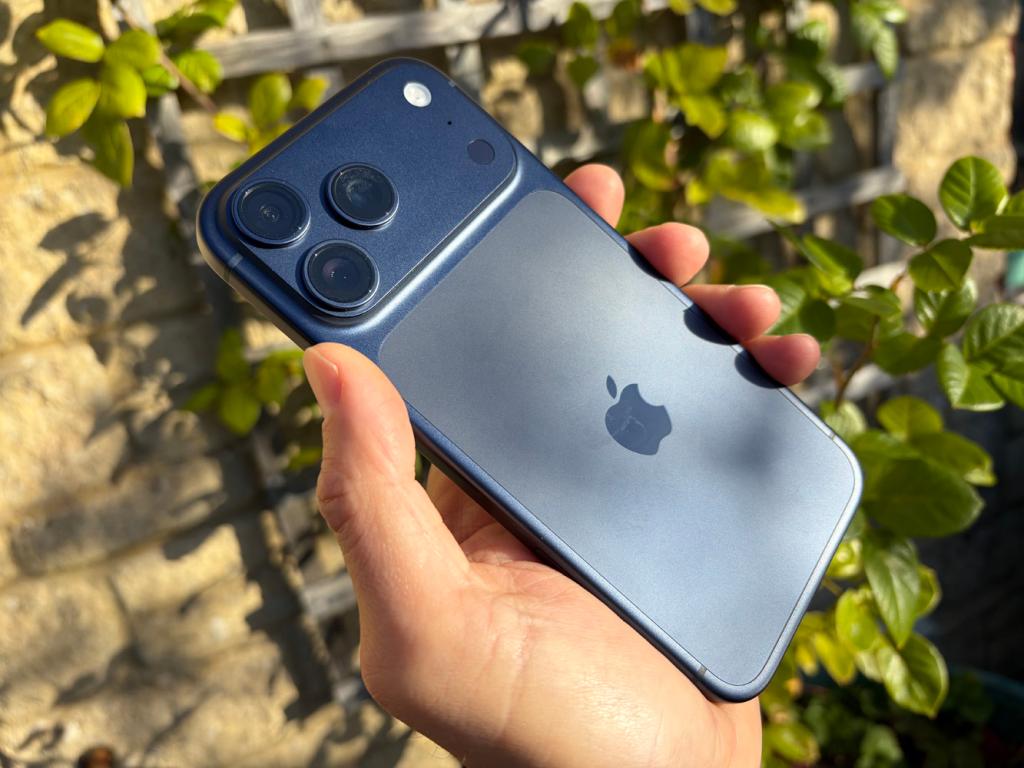
First, you’ll need a suitable solar filter covering your phone’s cameras. One versatile option is the solar-filter sheet above. At 210 × 210mm, it’s larger than a typical smartphone, so you can hold it/tape it flat over the entire rear camera area, ensuring every lens remains covered even if your phone switches cameras.
Position the film correctly before aiming the phone towards the sun, follow the manufacturer’s instructions and don’t let it slip, crease or become damaged. Keep it in place whenever any part of the sun’s bright surface remains visible.
A small tripod will also help keep your phone steady, and you can use the timer or a compatible remote control so pressing the on-screen button doesn’t shake it. You should also tap the filtered sun on the screen and reduce the exposure until you see a defined edge rather than a bright white blob. If your camera app offers focus and exposure lock, use them to stop the settings from changing whenever you reframe.
Use your phone’s longest optical telephoto option if it has one, but don’t expect heavy digital zoom to reveal detail that wasn’t captured in the first place. Shooting in RAW gives you more freedom to adjust highlights, shadows and colour afterwards, although it can’t compensate for limited optical reach.
Ultimately, you should be able to get some great shots of the solar eclipse with your smartphone and a similarly safe setup. But if you want to take things to another level:
How to photograph the solar eclipse with a camera
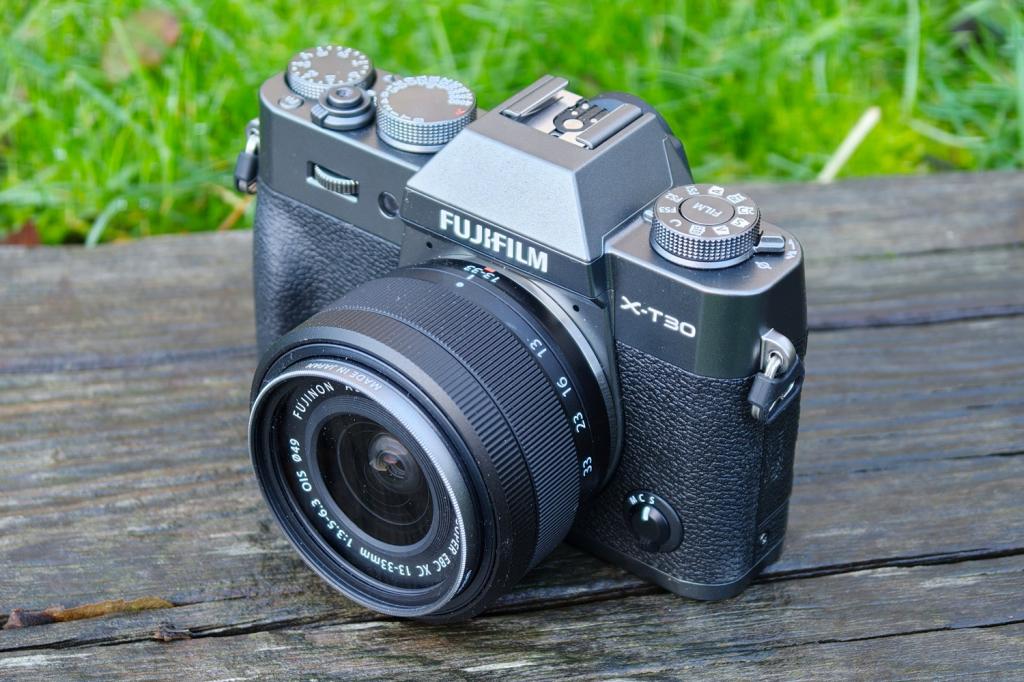
If you’ve got a camera knocking around that you’d like to try, then you’re likely going to get far better shots than your smartphone alone. A sturdy tripod will be useful, as will a decently long lens.
The Absolute Eclipse sheet mentioned above can also be cut to size and used to make an inexpensive cardboard mount for your lens if you want to keep costs down. Follow the supplied instructions and ensure the finished filter fits securely over the front of the lens, with enough overlap to prevent it slipping or blowing off. The filter must be the first thing sunlight reaches, before it enters the lens. Don’t place one in a rear filter slot or at the viewfinder end of the optical system, where the sun’s light and heat will already have passed through the lens and become concentrated.
Fit the filter before aiming the camera towards the sun. Switch off the flash, select RAW capture if available, and use manual focus. Infinity is a reasonable starting point, but magnifying the filtered sun on the rear display and carefully focusing on its edge should give you a sharper result. If you’re using a DSLR with an optical viewfinder, don’t look through it unless the correct filter is securely fitted over the front of the lens.
There isn’t one perfect combination of aperture, shutter speed and ISO. Different filters transmit different amounts of light, while your lens, camera and the weather will all affect the exposure. Nikon’s eclipse-photography guidance, for what it’s worth (read: probably a lot), suggests testing a range of shutter speeds. Its starting range for the partial phases runs from 1/4000sec to 1/30sec at apertures between f/8 and f/16, but treat those figures as a guide, rather than universal settings.
Check your photographs and histogram as you go, looking for a crisp solar disc without badly clipped highlights. Keep the ISO low if there’s enough light, and take several shots at slightly different shutter speeds. The sun will also travel across the frame surprisingly quickly through a long lens, so check your composition regularly, and use a remote shutter release or two-second timer to reduce camera shake.
Totality changes the rules – but only briefly
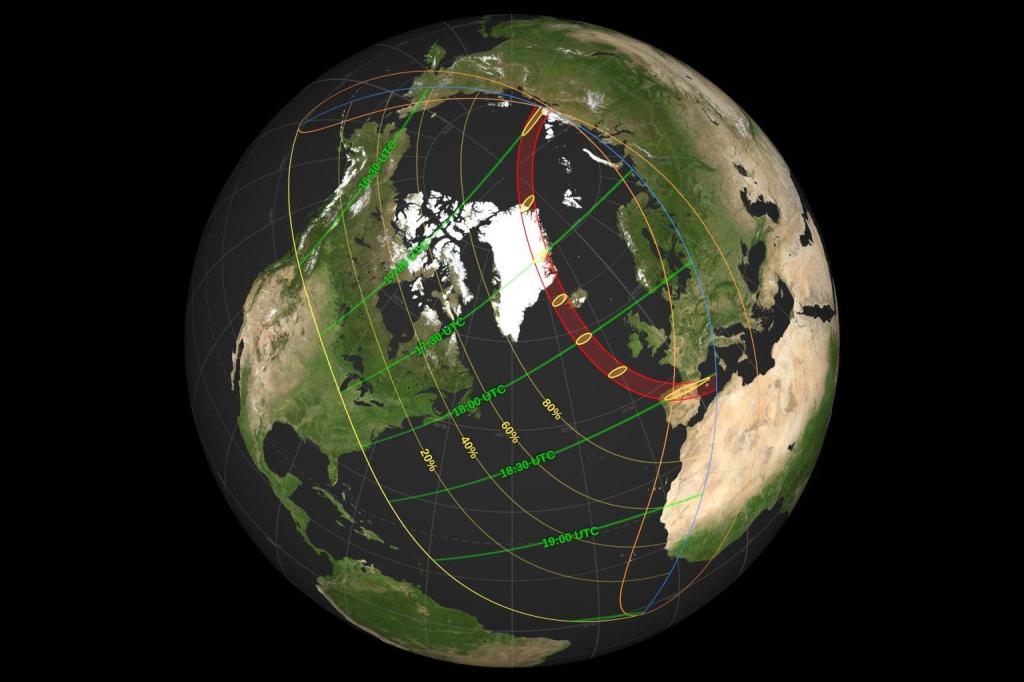
Totality is the brief period during a total solar eclipse when the moon completely covers the sun’s bright surface for viewers inside the path of totality. The sky darkens, and the sun’s faint outer atmosphere, called the corona, becomes visible.
If you’re inside this path of totality (whether you’re using a phone or a dedicated camera), the filter can come off only after the moon has completely covered the sun’s bright surface. This lets you photograph the much fainter corona, which won’t be visible through a standard solar filter.
You won’t have long, mind. Totality during this 12 August 2026 eclipse will last less than two minutes in most locations, with an absolute maximum of around two minutes and 18 seconds. Near the edge of the path, it may last only seconds, so check the precise timings for your location beforehand. If you aren’t completely confident, leave the filter fitted throughout – you
Whatever you’re using, replace the filter securely before totality ends. Don’t try to squeeze out one final photograph – as soon as any bright part of the sun begins to reappear, the filter-free period is over. It’s definitely better to play it safe than risk damaguing your equipment.
And there you have it. Get your equipment and local timings sorted as early as you can so you’re not stuck in the settings menu during the big moment. Remembner to look up, and most of all, enjoy!


Read the full article here
