

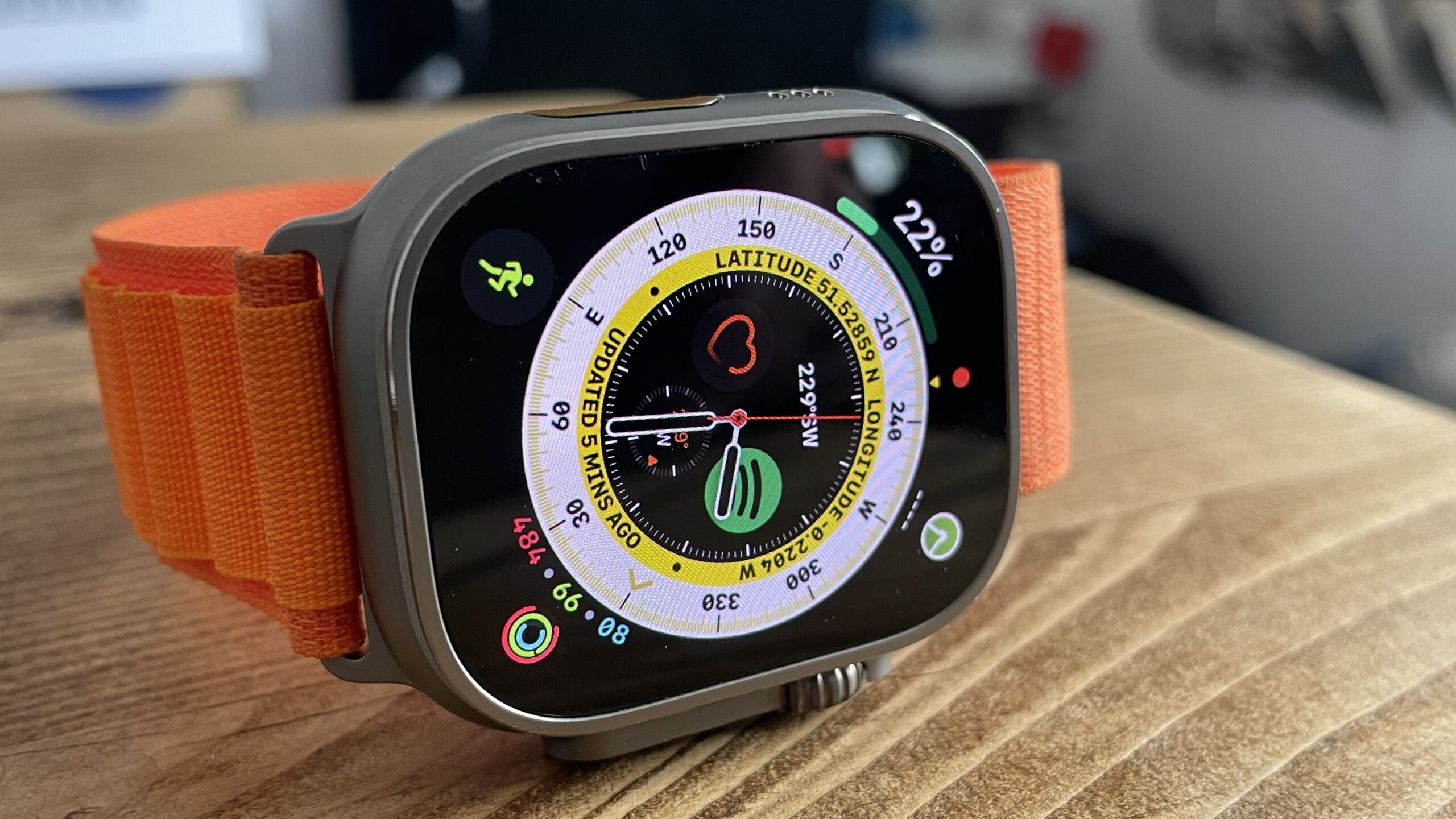
For anyone strolling around with an iPhone, the Apple Watch Ultra 3 is a great rugged smartwatch. It offers a solid design and a fantastic user experience. Its battery life won’t challenge most Garmin watches to a duel, but it’s the best you’ll get in an Apple Watch.
Compared with the Apple Watch Series 11, the Watch Ultra 3 has an Action Button for quick access to a feature of your choice (within reason), a brighter, flatter display, and a larger case size, resulting in a larger screen. It also offers Emergency SOS via Satellite. It is not perfect, though.
With Apple’s September event expected to be just weeks away and the Apple Watch Ultra 4 rumoured to be on the cards for a refresh alongside the Apple Watch Series 12, here’s what I’d love to see from the next Apple Watch Ultra, despite me having absolutely no say in the matter.
More than one size
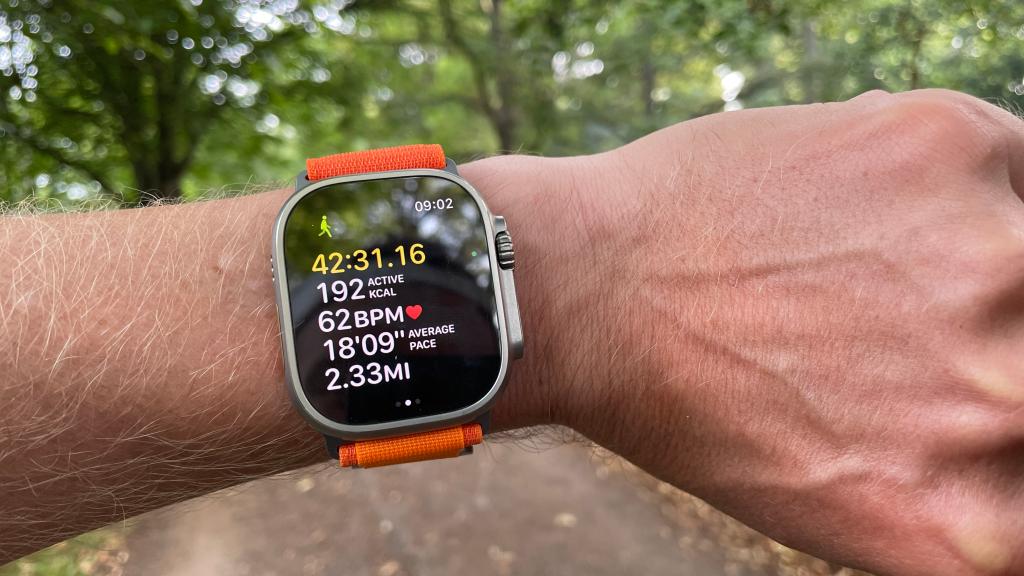
I get it, the Apple Watch Ultra is supposed to be big, but it really is massive. For some people, that’s exactly the point, and I respect that. But for those of us with slightly smaller wrists who still want a rugged smartwatch without it taking up half an arm, a casing slightly smaller than 49mm would be welcome.
Even my husband finds the Watch Ultra 3 a little big, so while I’m not asking for a dainty 40mm model, a 45mm option would mean I stop looking like I’m checking the time on a drain cover, and it would make the Watch Ultra an option for those who find the 49mm size a little too much.
Slimmer case
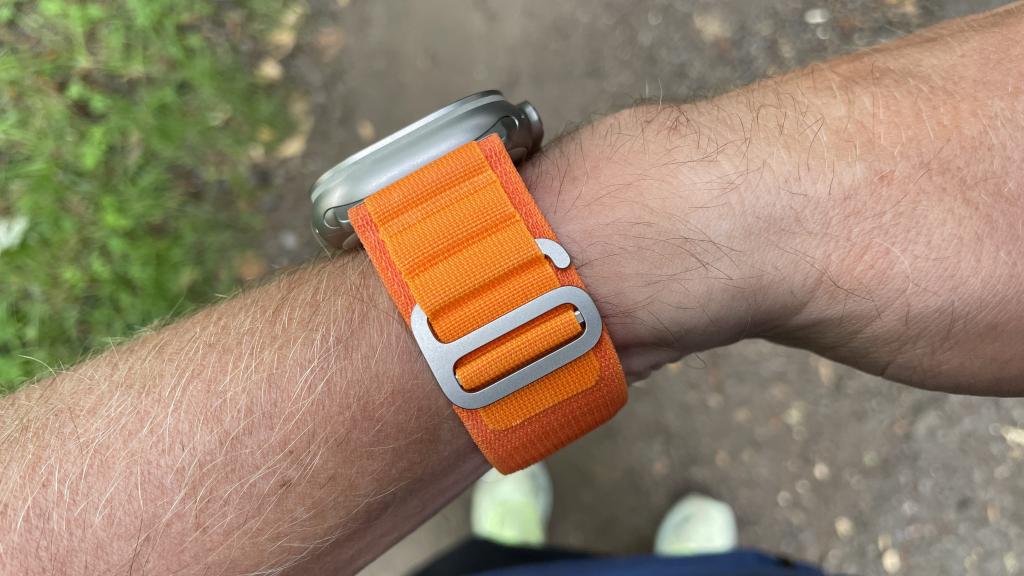
While we are downsizing, I’d take a thinner one too. The Apple Watch Series was redesigned in 2024 with the Apple Watch Series 10, slimming down by 1mm to 9.7mm thick. The Watch Ultra 3, meanwhile, remains stubbornly chunky at 12mm. The thickness is part of the rugged charm, but I think shaving off a few millimetres, even 1-2mm, wouldn’t ruin that look, and it might even mean fewer knocks.
I am not a product designer, but if Apple managed to slim down the Apple Watch Series 10 and the latest Watch Series 11, I have to assume it could do the same for the Ultra to some extent. Plus, it’s been the same for three years, so it’s time for a little change somewhere.
A recovery score
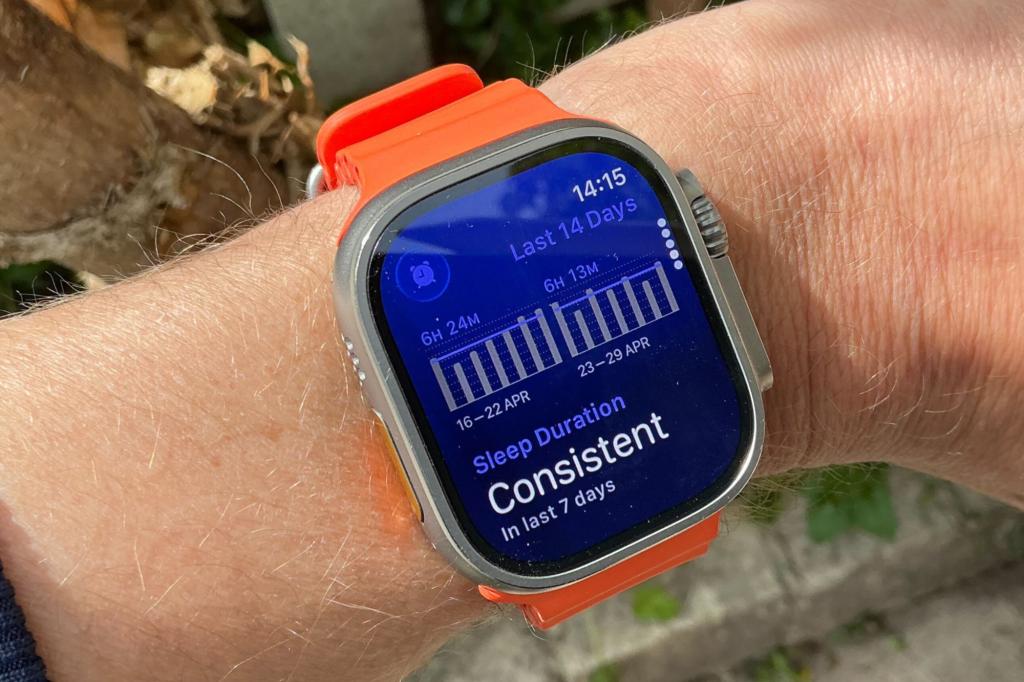
I’ve lost count of how many times I’ve wished for this feature on an Apple Watch. Pretty much every other fitness device, from smart rings like Oura to Garmin and Fitbit, offers some form of recovery score alongside a sleep score. The Apple Watch just gives you a sleep score and a shrug. The sleep score was introduced in 2025 and is on the generous side compared with others, but it filled a gap in Apple’s smartwatch.
I’m not asking for something as elaborate as Garmin’s Body Battery, with its little battery icon judging your life choices daily. But a basic recovery, energy, or readiness score based on your sleep and activity data would be great. I wouldn’t say no to stress tracking either, but let’s not get ahead of ourselves. Baby steps.
Longer battery
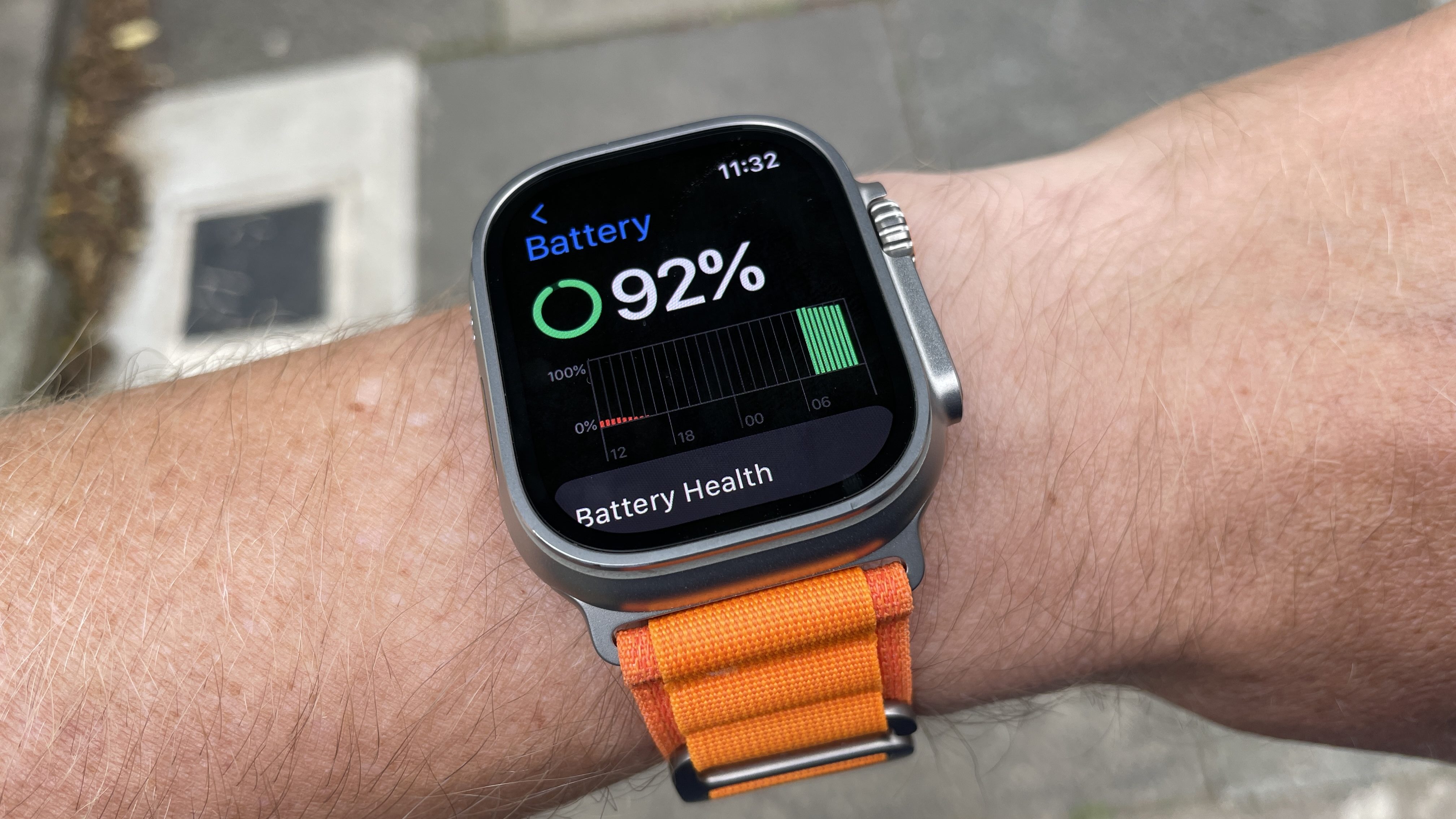
The Apple Watch Ultra 3 will give you around two days of battery life, occasionally stretching a bit further if you’re not doing much more than checking the time or judging your friends’ workouts. That’s about a day better than the Apple Watch Series 11, but it’s nowhere near Garmin territory, where some watches seem to run on pure vibes rather than Lithium-Ion.
I know that the ‘please make the battery last longer’ wish is pretty unoriginal for a tech product, sitting somewhere between a thinner phone and no notch, but I’d love to see the Ultra 4 aim for three days in normal mode. Yes, Low Power Mode gets you to 72 hours, but only by switching off half the features you bought the watch for in the first place, at which point you might as well get yourself a Casio.
More options for the action button
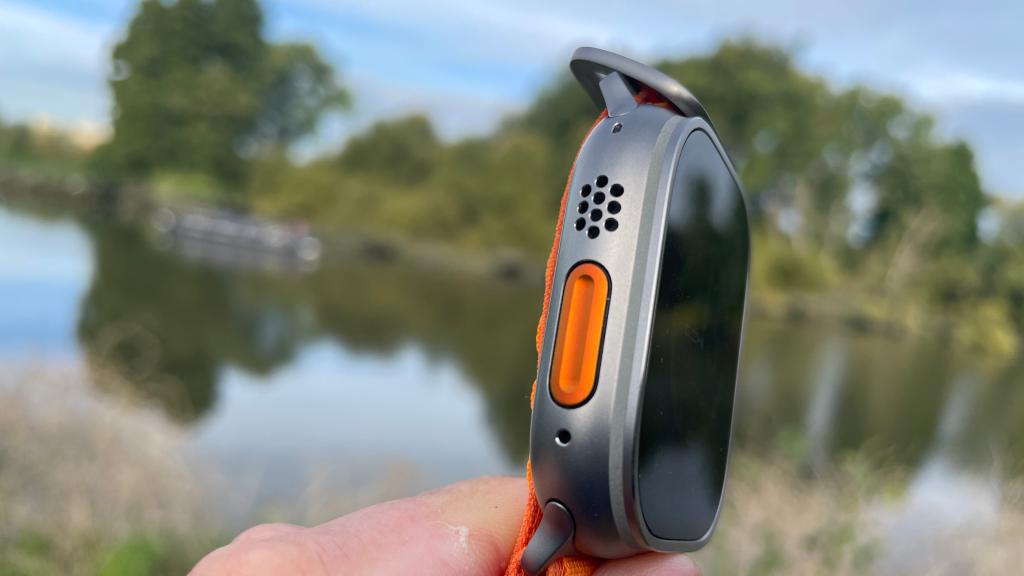
The Action Button on the Watch Ultra is one of my favourite features, not least because it is orange and I have a well-documented weakness for orange tech. One press takes you to the option you selected during setup, while a long press activates the built-in siren. A press with the side button does something else depending on what the initial press has been mapped to, like pausing a workout.
But where is my double press? Or triple press? I’ve asked the same question about the Action Button on iPhone. The button is right there! I’m sure there is a sensible engineering reason why a double or triple press can’t be mapped to an action. Apple trusts it with Back Tap on iPhone, though, and hitting the back of your iPhone and hoping for the best feels like it would be easier to misinterpret than multiple presses of a physical button.
Better way to unlock
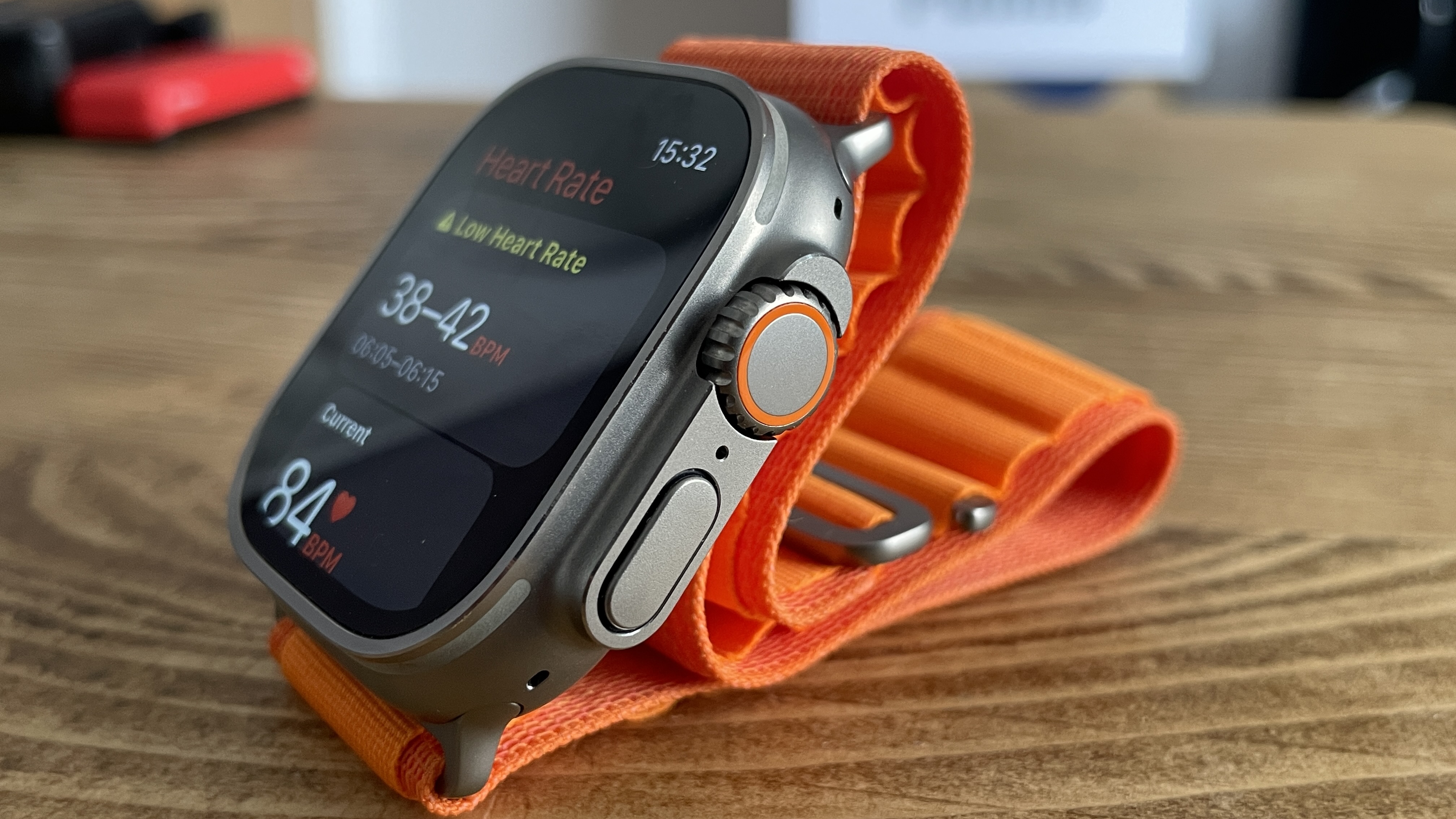
Every time you put on the Apple Watch – any Apple Watch, not just the Watch Ultra – you have to enter your passcode. Four or six digits, whichever you have chosen, but my goodness, it’s irritating. I understand the need for some security, especially with Apple Pay sitting there, ready to buy things with a double press of the side button, but surely there’s a better way than a faffy passcode.
There have been rumours of an under-display camera for Face ID, which would be superb to see. If it arrives anywhere first, my money is on the Watch Ultra. But I’d happily take a Touch ID fingerprint sensor in the side button too. At this point, anything that doesn’t involve my chubby fingers fumbling to enter a passcode on the tiny screen would be a win.
Read more: What to expect from Apple’s September event: iPhone Fold, iPhone 18 Pro, Apple Watch Ultra 4 and more


Read the full article here
