

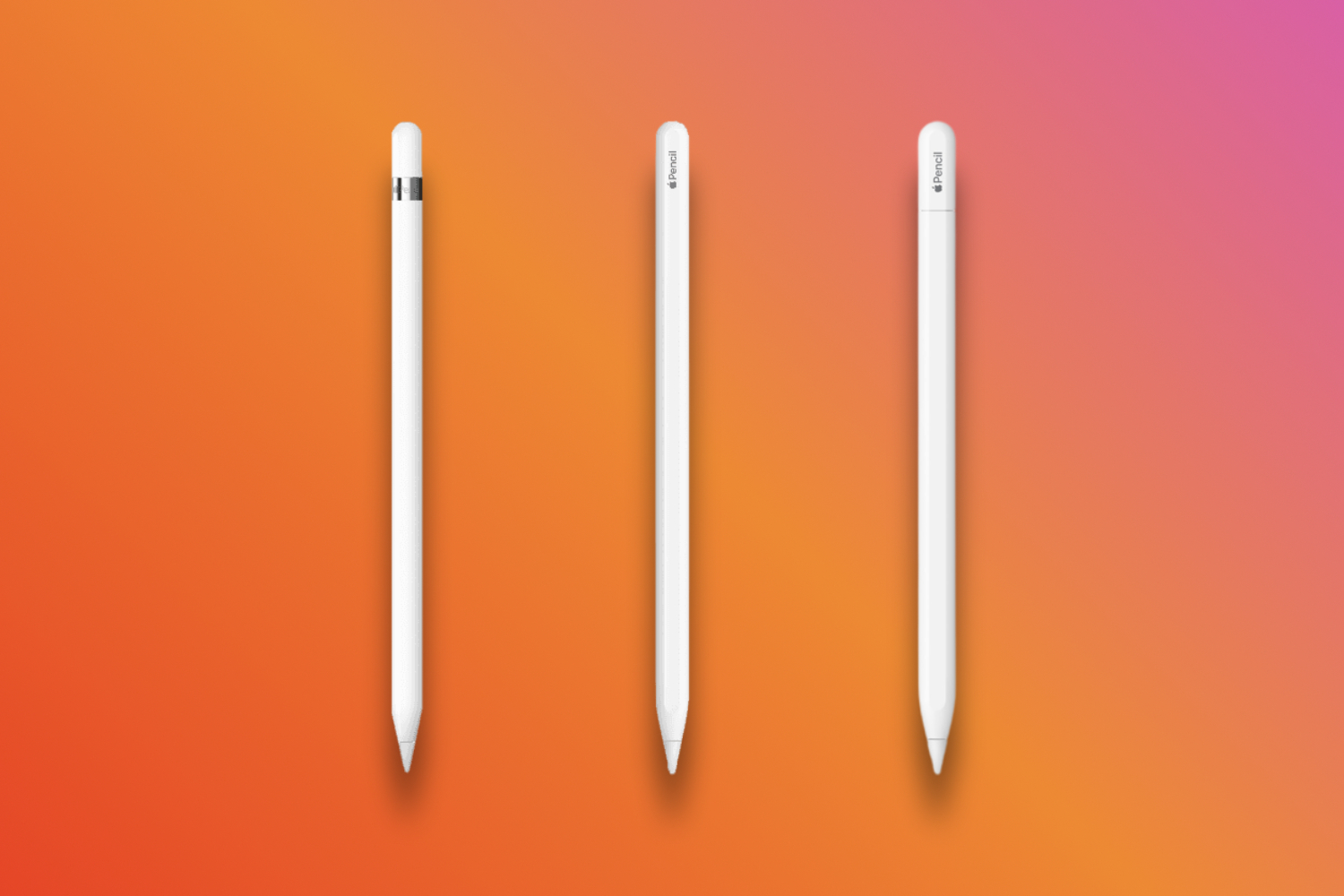
Looking for a stylus for your iPad or – in a recent development – iPhone Duo? Well, good news. Apple makes the perfect accessory to go with it. Less good news. There are now four different models, each with different features, different compatibility, and a different price.
But lots of things crossover. Oh, and one needs a dongle. Confusing, right? Don’t worry – we’re here to compare the Apple Pencil models.
What are the Apple Pencil models?
There are now four different Apple Pencil models: Apple Pencil (1st generation), Apple Pencil (2nd generation), Apple Pencil (USB-C) and Apple Pencil Pro. While you can still buy the 1st and 2nd generation models for older iPads, Apple is really now concentrating on Apple Pencil Pro and Apple Pencil (USB-C) and only these models are now recommended by Apple – though you can still buy the older models if you need a replacement.
While the 1st gen pencil charged via an adapter for Apple’s old Lightning charging standard. the 2nd gen was compatible with iPads that it could magnetically attach to to charge.
The Pro is Apple’s latest, having been launched in May 2024. Currently, it will work on the iPad Pro M5, iPad Pro M4, the already-discontinued iPad Air M2 and the newer iPad Air M3 and iPad Air M4. It’s the best choice if you’re a graphic designer, video editor or you do any kind of detailed work with your iPad. As with the 2nd gen, the Pencil Pro magnetically attaches to the side of these iPads to charge and pair.
It’s worth flagging that the USB-C Pencil has less pressure sensitivity than the Pro even though the older and cheaper 1st gen model still has it – this is something you need to watch for if you’re a creator, for example.
So which Pencils work with which iPad?
The USB-C model works with iPad 10th gen, iPad 11th gen (referred to by Apple as iPad A16), iPad mini 6th and 7th gen (referred to by Apple as iPad mini A17 Pro), iPad Air 4th gen and up, iPad Pro 12.9-inch 3rd-gen and later and all iPad Pro 11-inch models. This is now the default ‘everyday’ Pencil. The Apple Pencil with USB-C is also now compatible with iPhone Duo. You can pair it with a cable and charge it, too – and it works with both displays.
You can use iPad mini 6th gen, iPad Air 4th and 5th gen, iPad Pro 12.9-inch 3rd-gen and later, and all iPad Pro models up to the 6th gen with the 2nd-gen stylus. Here’s the pricing:
If you need to opt for the 1st gen Pencil instead with an older iPad, here’s the latest pricing:
Here’s a full compatibility table depending on which iPad you have:
| iPad model | Compatible Apple Pencil |
|---|---|
| iPad Pro 13-inch (M4/M5) | Apple Pencil Pro, Apple Pencil (USB-C) |
| iPad Pro 11-inch (M4/M5) | Apple Pencil Pro, Apple Pencil (USB-C) |
| iPad Pro 11-inch (1st–4th generation) | Apple Pencil (USB-C), Apple Pencil (2nd generation) |
| iPad Pro 12.9-inch (3rd–6th generation) | Apple Pencil (USB-C), Apple Pencil (2nd generation) |
| iPad Pro 12.9-inch (1st–2nd generation) | Apple Pencil (1st generation) |
| iPad Pro 10.5-inch / 9.7-inch | Apple Pencil (1st generation) |
| iPad Air 13-inch (M2/M3/M4) | Apple Pencil Pro, Apple Pencil (USB-C) |
| iPad Air 11-inch (M2/M3/M4) | Apple Pencil Pro, Apple Pencil (USB-C) |
| iPad Air (4th–5th generation) | Apple Pencil (USB-C), Apple Pencil (2nd generation) |
| iPad Air (3rd generation) | Apple Pencil (1st generation) |
| iPad (A16) | Apple Pencil (USB-C), Apple Pencil (1st generation)* |
| iPad (10th generation) | Apple Pencil (USB-C), Apple Pencil (1st generation)* |
| iPad (6th–9th generation) | Apple Pencil (1st generation) |
| iPad mini (A17 Pro) | Apple Pencil Pro, Apple Pencil (USB-C) |
| iPad mini (6th generation) | Apple Pencil (USB-C), Apple Pencil (2nd generation) |
| iPad mini (5th generation) | Apple Pencil (1st generation) |
* This requires a USB-C to Apple Pencil Adapter for pairing and charging.
What’s similar between the Apple Pencils?
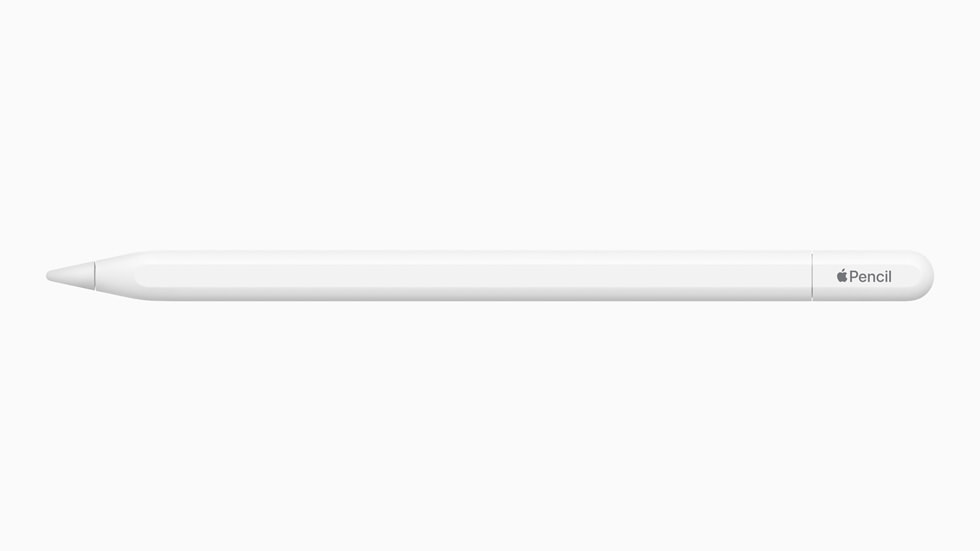
Arguably the biggest similarity between the Apple Pencil models is design. Each stylus is a white stick – you’d be surprised by how similar in proportions it is to a real pencil. The 1st-gen opts for a glossy white finish, with a shiny metal finish around the magnetic cap. Gen 2 ditched the cap, went matte, and flattened one side for magnetic attachment and charging on your iPad. The Apple Pencil Pro looks all but identical. The USB-C model grew a slidable USB-C port, for easier charging.
Each of the four models offers pixel-perfect precision when you write, sketch, or draw. They all offer low latency while you use the Apple Pencil, and tilt sensitivity for shading and other effects.
The styluses work perfectly in Notes, Freeform, and other apps on your iPad or iPhone Duo. Of course, there are plenty of third-party notes and drawing apps designed to support the smart stylus, too.
| Pencil Pro | Pencil (USB-C) | Pencil (2nd Gen) | Pencil (1st Gen) | |
|---|---|---|---|---|
| Price | $129 | $79 | $129 | $99 |
| Charging | Magnetic wireless | USB-C (wired) | Magnetic wireless | Lightning (wired) |
| Pressure sensitivity | Yes | No | Yes | Yes |
| Tilt sensitivity | Yes | Yes | Yes | Yes |
| Double-tap | Yes | No | Yes | No |
| Squeeze gesture | Yes | No | No | No |
| Barrel roll (gyroscope) | Yes | No | No | No |
| Haptic feedback | Yes | No | No | No |
| Find My support | Yes | No | No | No |
| Best for | Drawing/artwork on the latest iPads | General note-taking | Older Pro, Air or mini models | Older iPads |
And what’s different between Apple Pencils?
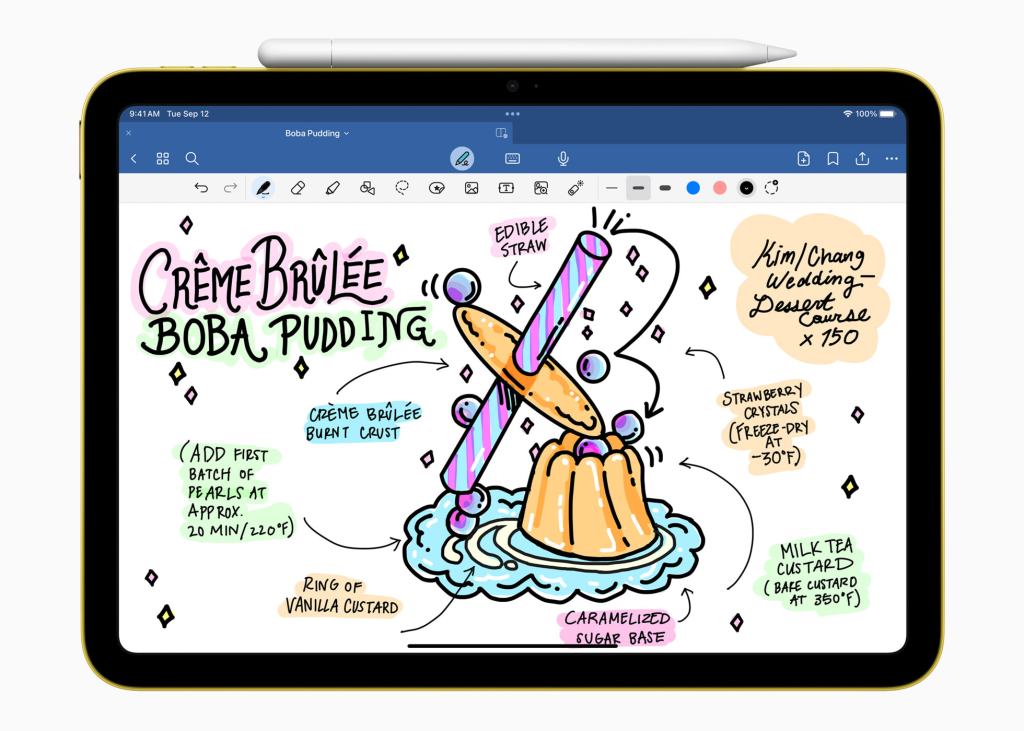
When it comes to the differences between the Apple Pencil models, things get a little more confusing. Gen 1 and Gen 2 both support pressure sensitivity that adjusts thickness based on how hard you push down with the stylus. The USB-C model ditched the feature, rendering itself more or less useless for drawing. The Apple Pencil Pro then brought it back, along with a gyroscope to recognise when you roll the Pencil for different ink effects.
The 2nd-gen, USB-C and Apple Pencil Pro magnetically attach to the iPad, but only the Gen 2 Pencil and Pencil Pro charge and pair wirelessly. The 1st gen option is left out of the magnet game entirely. To pair and charge the 1st-gen Pencil, you use the Lightning port to plug it into your device. Of course, if you’re using a newer iPad with USB-C, this isn’t an option. And the USB-C Pencil slides up to reveal a USB-C port you must plug a cable into. Not as simple as you’d expect, eh?
There are a few other smaller differences as well. The 2nd-gen, USB-C and Pencil Pro models support the Hover mode on iPad Pro, which lets you preview your ink before placing it. Only the Gen 2 Pencil and Pencil Pro let you double-tap on the side to change tools, with the latter getting a haptic engine for tactile feedback when you do. It also has a new squeeze gesture, for triggering certain actions within drawing apps.


Read the full article here
