

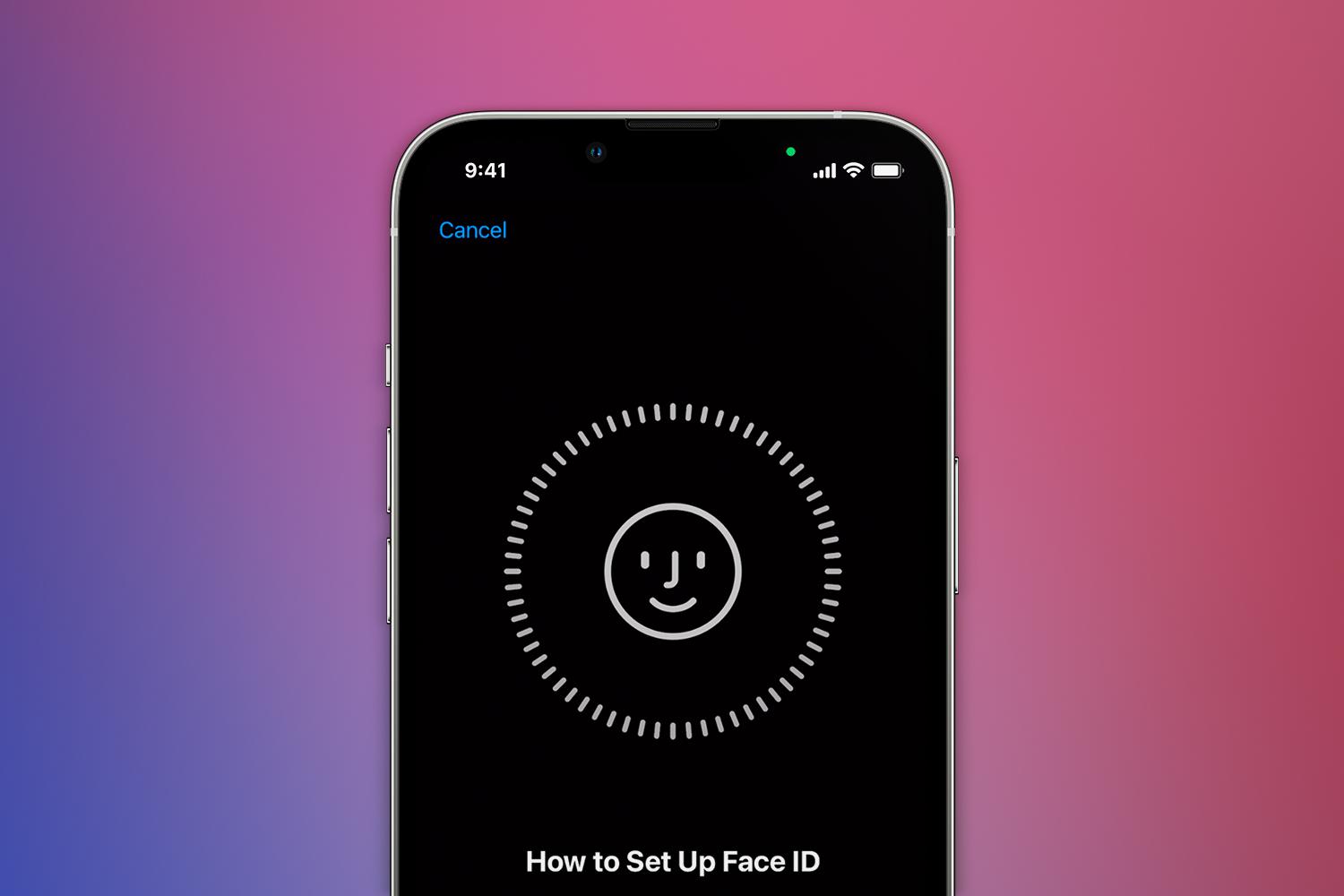
Gone are the days of tapping in passcodes or resting your finger for print recognition. With just a quick look at your mug, the latest Apple devices phones can tell if they’re being held by their rightful owner. But just what is Face ID – and how does it work?
More than just a fancy way to unlock your mobile, Face ID is also used to verify account credentials, authenticate payments and generally secure your daily digital activities. But this raises a key question: just how secure is the tech – and can it be fooled by someone holding up a photo of your face?
We’ve faced up, faced facts and faced the music to find the answers to your questions. And messed about with Animojis, too.
Which Apple devices have Face ID?
Face ID arrived with the iPhone X in 2017, signalling the end of the home button on Apple’s top-flight smartphones. Every flagship iPhone since has shipped with the face-scanning tech built in, including the Mini, Pro and Pro Max variants of each generation.
Doodling on a recent iPad Pro? Face ID made its way over to Apple’s tablet family starting with the iPad Pro 11in and iPad Pro 12.9in in 2018. You won’t find it on the standard iPad, Air or Mini, though. Only the Pro tablets include the TrueDepth front camera system, which means you get a regular selfie camera as well as the additional sensors that can 3D-map your face.
If you want a more comprehensive rundown, here’s every Apple Device with Face ID to date:
- iPhone Air
- iPhone 17 Series (Pro Max, Pro, Standard)
- iPhone 16 Series (Pro Max, Pro, Plus, Standard, 16e)
- iPhone 15 Series (Pro Max, Pro, Plus, Standard)
- iPhone 14 Series (Pro Max, Pro, Plus, Standard)
- iPhone 13 Series (Pro Max, Pro, mini, Standard)
- iPhone 12 Series (Pro Max, Pro, mini, Standard)
- iPhone 11 Series (Pro Max, Pro, Standard)
- iPad Pro 13-inch (M4, M5)
- iPad Pro 12.9-inch (3rd to 6th generations)
- iPad Pro 11-inch (M4, M5)
- iPad Pro 11-inch (1st to 4th generations)
How does Face ID work?
Face ID works by scanning the contours of your face. When you want to unlock your iPhone or iPad Pro, it rapidly maps your mug with thousands of infrared dots, then looks for a match against the reference data it has for your face. How? The secret lies in Apple’s TrueDepth camera.
This clever array sits beside the front-facing lens on your iPhone or iPad Pro. Equipped with a proximity sensor and flood illuminator, it can detect your face, even after dark. A dot projector then peppers your profile with more than 30,000 infrared points, while an infrared camera captures a polka dot selfie. It’s a bit like the ping pong balls used to capture motion for animated movies, only smarter.
Things get really sci-fi when the resulting infrared image and depth map are fired through the neural engine in Apple’s Bionic chips. The two data sources are combined to create a mathematical model of your mug. This is compared to the facial data that your iPhone has on file. If your face fits, you’re in. And thanks to advanced machine learning hardware, this invisible wizardry all happens in an instant.
How do you set up Face ID?
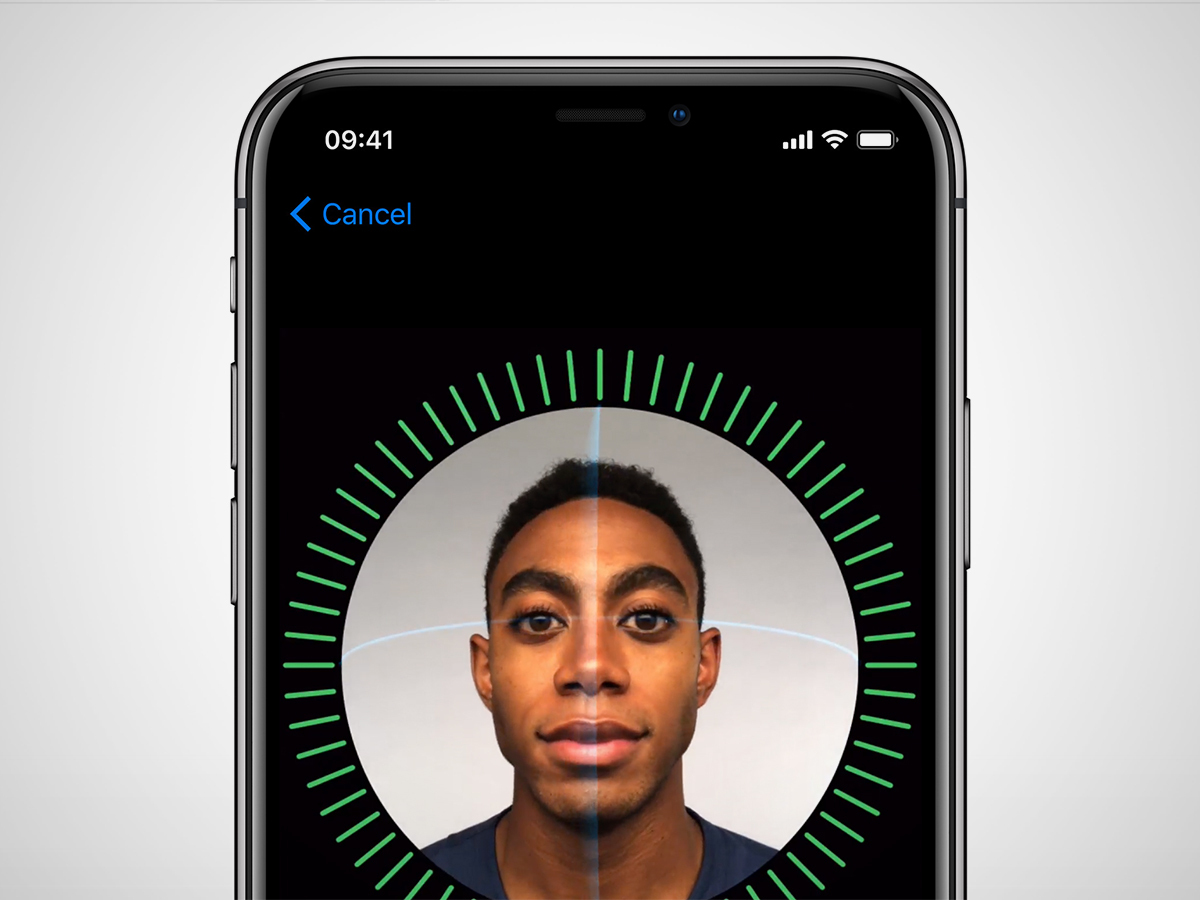
Before you can use Face ID, your Apple device needs to scan your face for future reference. You can go through this setup when you unbox your new iPhone or iPad Pro. Or if you want to do it later, head to the Settings menu and tap “Face ID & Passcode”. You’ll be asked to enter your old-school passcode – Face ID can’t be used without one. Then tap “Enroll Face”, followed by “Get Started”, and follow the instructions.
The process itself is simple enough: position your face within the frame shown on screen, then rotate your head slowly in a circular arc – like those neck rolls you used to do before Phys. Ed. class back in shool. You’ll need to do this twice, so that the system has an accurate map of your entire face shape.
A green ring around the frame illustrates your progress and highlights if you’ve missed a bit. Once it all turns green, you’re good to go.
Will Face ID work with a new look?
Because it maps the underlying structure of your face, Face ID won’t be fooled by hats, glasses or facial hair. It’s also designed to adapt to changing looks by regularly updating its mapping data. So you can switch up your style without getting locked out. That said, if you choose to lop off a full beard, it might ask you to validate your identity with your passcode. Confirm with your digits and it will make note of your new appearance.
That said, not every accessory plays nice with the tech. Certain polarising sunglasses cause problems with the system. And while scarves shouldn’t stump it, face masks require some additional input. Introduced in iOS 15.4, the Face ID with a Mask option scans the features around your eyes to confirm your identity when you’re masked up. Open the Settings menu, then head to “Face ID & Passcode”. Tap to turn on “Face ID with a Mask”, then follow the prompts to re-scan your face. When setting up a new iPhone, you’re asked if you want to use this.
And if you regularly adopt a radically different look that your phone doesn’t recognise, you can also log an “Alternate Appearance”. Head to Settings, tap “Face ID & Passcode”, then tap “Set Up an Alternate Appearance”.
How secure is Face ID?
Apple trained its neural network by trying to fool it with photos and masks. It also fed more than a billion images through its deep learning algorithm. The result is a system which, according to Apple, has a one in a million probability of being fooled. Which compares pretty well to Touch ID, which had a one in 50,000 chance of accepting the wrong fingerprint.
Because it relies on depth data, printed photos simply won’t dupe it. But Apple does acknowledge that identical twins stand a higher chance of confusing the system than a random person who picks up your iPhone.
As with Touch ID, all of your identifying data is kept encrypted deep within your own device. All of the Face ID processing is done offline, meaning those maps of your mug are never sent to a server or shared with Apple. So if hackers ever break into the systems at Apple’s Cupertino HQ, they won’t get access to your face.
For an extra level of security, you can also set Face ID to require your attention. Head to Settings, tap “Face ID & Passcode”, then turn on “Require Attention for Face ID”. With this enabled, your iPhone will only unlock when your eyes are open and looking at the screen. So ne’er-do-wells won’t be able to gain access by showing your sleepy head.
Is Face ID just for unlocking your iPhone?
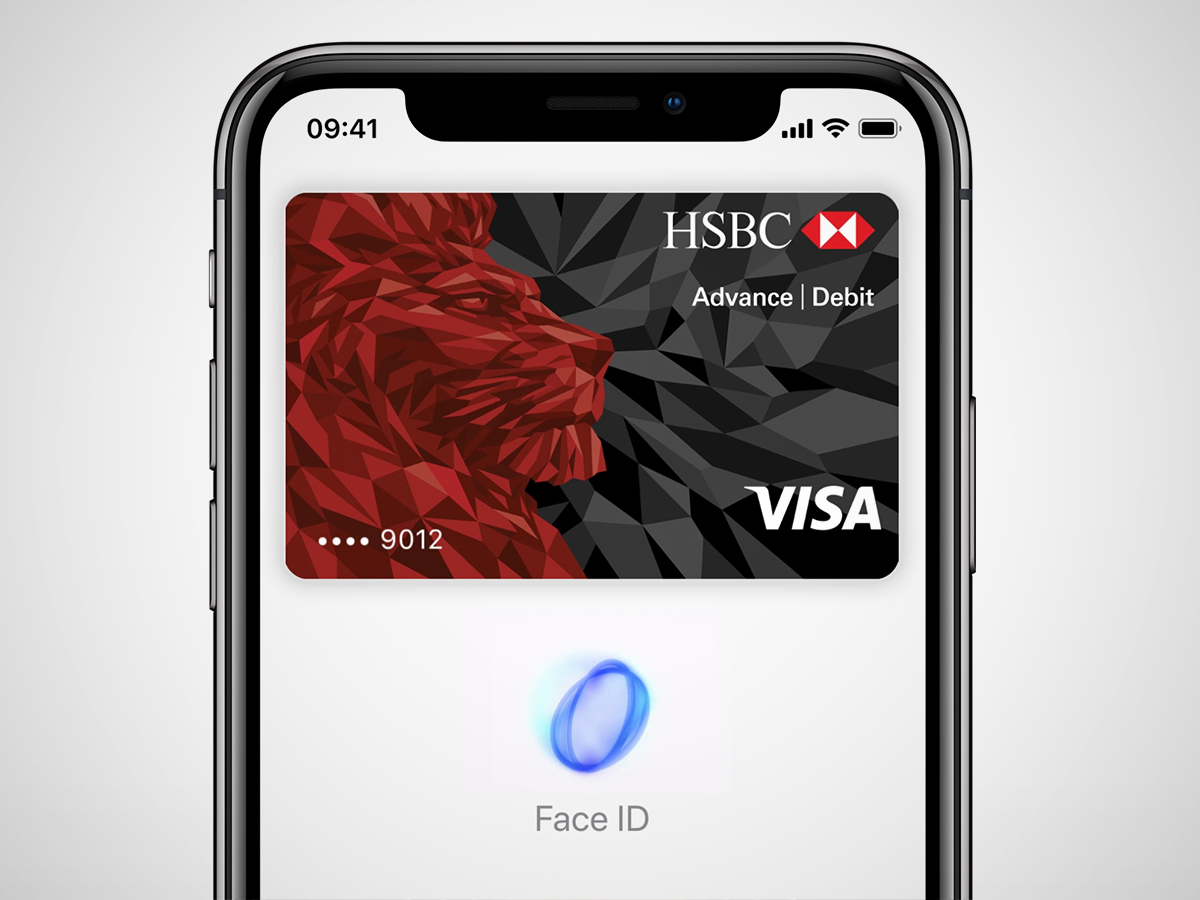
While Face ID is handy for getting into your iPhone or iPad Pro, the TrueDepth tech can also be used to authorise Apple Pay transactions, validate App Store downloads and generally secure your Apple device.
It works with a whole host of third-party apps as well: once you’ve approved its use, you can use Face ID to sign in with saved credentials – no passcode necessary. That includes most banking apps. And if the people who keep money locked away in massive vaults are convinced by Face ID, you can probably bank on its security.
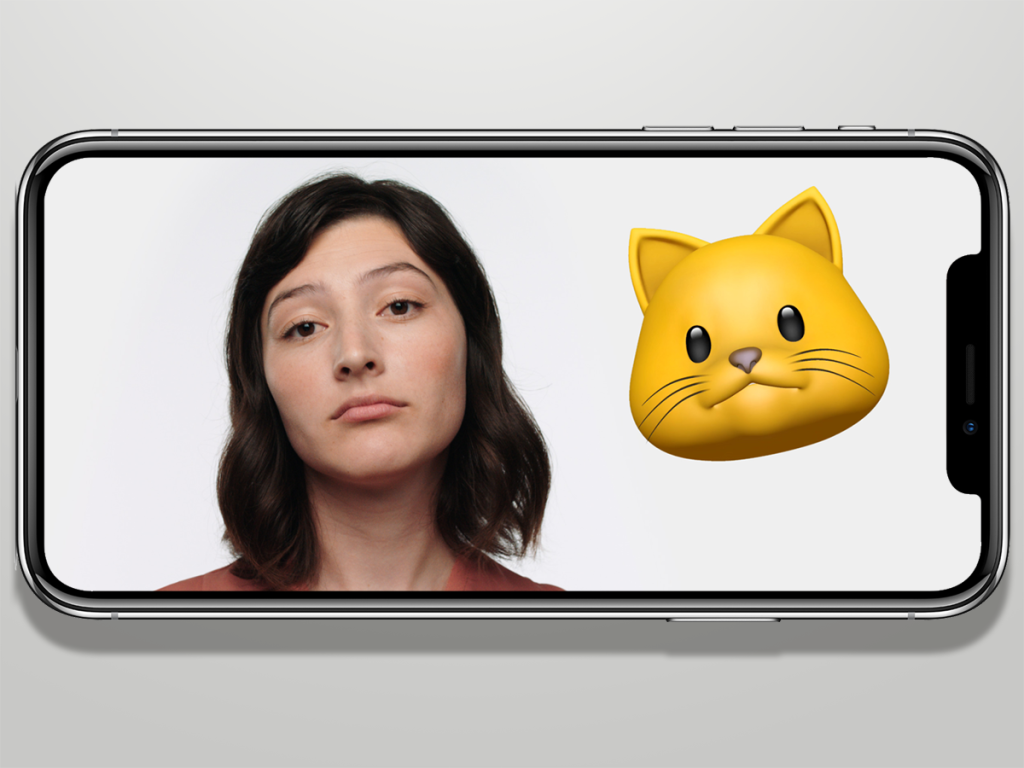
But it’s not all logins and transaction approvals. The TrueDepth camera can also be used to scan your facial expressions and map them onto Apple’s moving Animojis in real time. So if you’re really impressed by Face ID, you can create your own personal happy panda face, then send it to fellow iOS users via iMessage.
Read the full article here
