

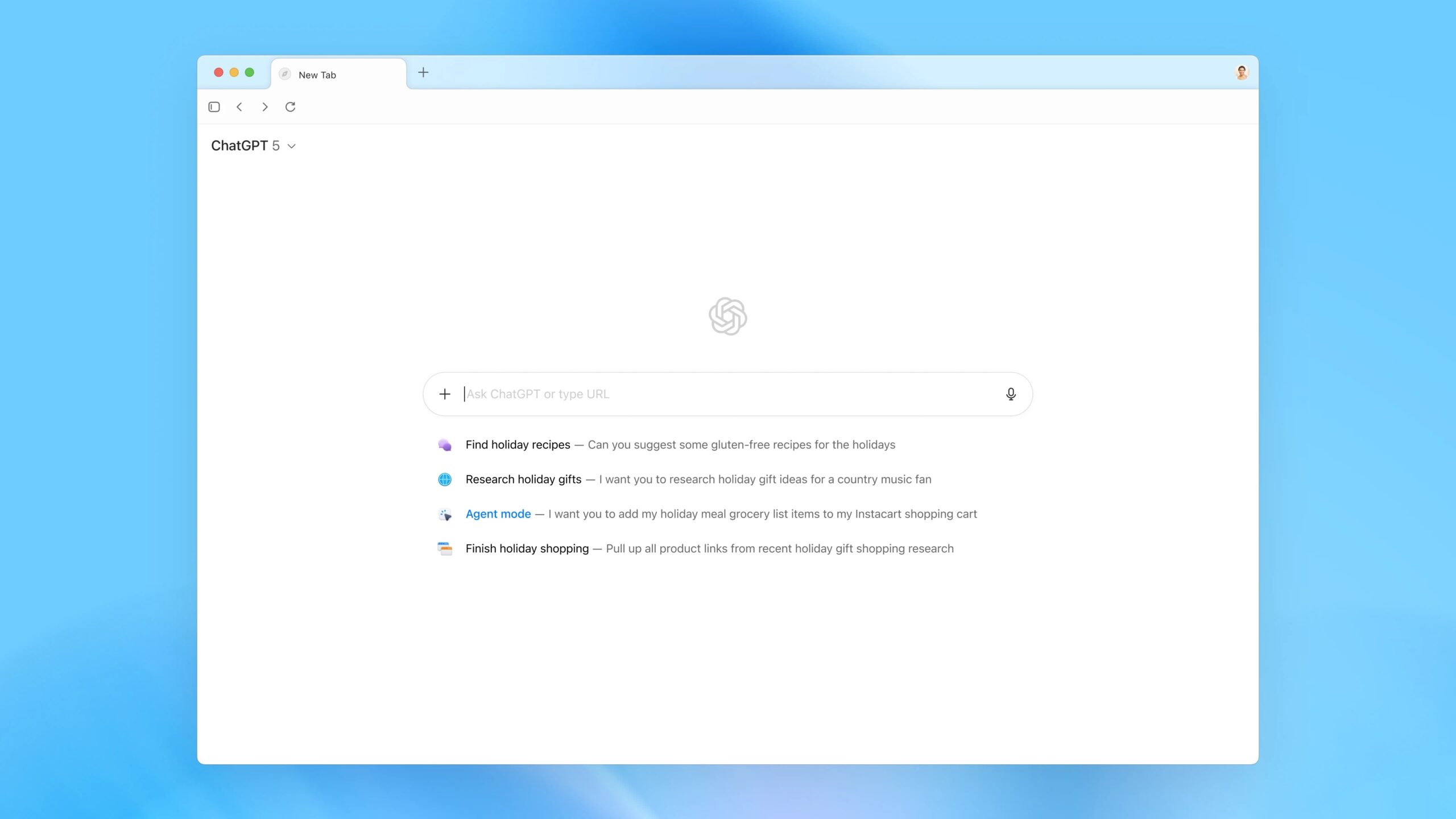
OpenAI is the tech giant behind ChatGPT, and the brand’s latest product is a new macOS web browser. Not just a browser, but one that comes with the AI assistant baked into every tab, corner, and conversation. Atlas officially launched on 21 October and is available worldwide for everyone. It’s not the first AI browser, with The Browser Company’s Dia and Perplexity’s Comet already available. But the ChatGPT name gives Atlas the best chance of going mainstream.
Atlas isn’t just “a browser with ChatGPT” – it’s a browser based on Chrome and built around ChatGPT. You don’t have to copy-paste links into the chatbot anymore. Now, the chatbot lives in your tabs, understands the page you’re on, and can do everything from summarising articles to planning your holiday. OpenAI describes it as your “everyday browsing flow,” but it’s more like having a really eager intern following you around the internet, offering to organise your tabs and clean up your messes.
I’ve been using it since launch, I can safely say: I’m impressed, slightly horrified, and constantly clicking for features that aren’t there.
What do you mean ChatGPT is a browser now?
Atlas does work just like a regular browser, but it’s built around ChatGPT rather than a traditional search engine. Open a new tab and instead of a search bar, you’re greeted by ChatGPT itself, offering to help you research, write, shop, or just figure out what that tab you opened three days ago was for. It does give you different tabs, so you can view regular search engine (of your choosing) results, images, videos, and news stories. I appreciate this, as I don’t always want an answer from ChatGPT. There’s also a sidebar chat that follows you page to page. Atlas can handle natural language commands like “clean up my tabs” or “reopen shoes I looked at yesterday.” And it actually works – when it’s not being blocked by content paywalls or confused by your ad blockers.
Then there’s agent mode, a new preview feature available to Plus, Pro, and Business users. This gives ChatGPT the ability to take action in the browser. It’s faster and feels more native than previous tools. You can ask it to comment on documents, plan a trip, or carry out a multi-step workflow – though it still stumbles on complex tasks or when you background the tab. You can choose whether you give it Keychain access or access to your already logged-in accounts, which I appreciate as someone that likes to keep my passwords locked away.
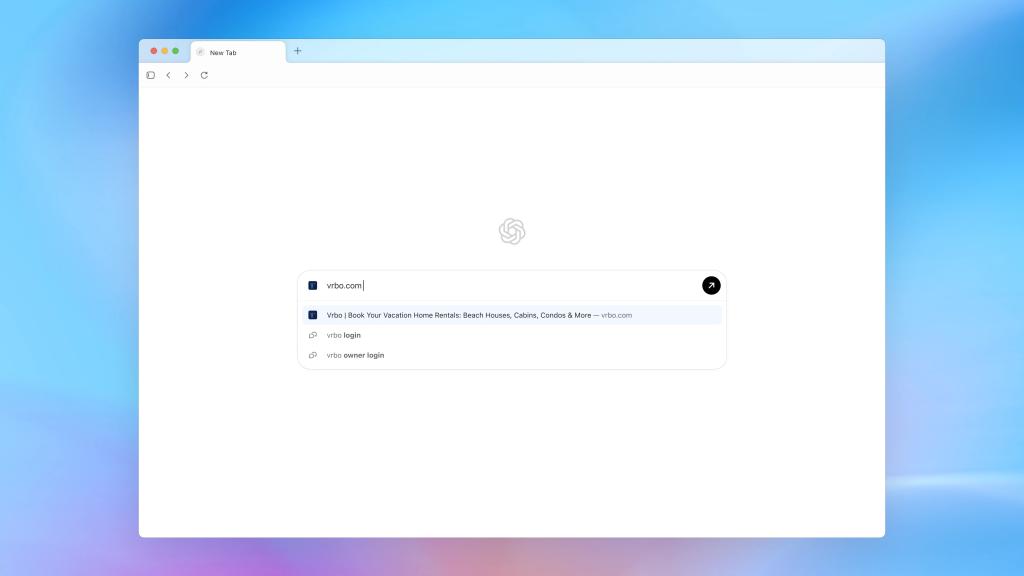
What makes Atlas slightly different from the AI-powered search tools like Perplexity or Dia is just how deeply it’s tied into your personal data – which I equally love and hate. ChatGPT is the AI tool that knows the most about me, and I’ve missed its memory feature when playing with other AI browsers. But, you have to reconcile the fact it can access your web history, open tabs, logged-in sessions, and even your keychain if you let it.
The idea is to provide more relevant answers and automate tasks based on what you’ve done before. Sounds great, until you imagine your ChatGPT account getting breached and suddenly, someone has access to your browsing history and your saved passwords. It’s the oldest tech debate: giving up privacy for convenience, but I’m not sure it’s been done at such a scale before.

Atlas also introduces “browser memories,” which remember what you’ve explored and can resurface helpful pages, complete past tasks, or suggest follow-ups. These are optional and can be viewed, edited, or deleted – and they’re supposedly disabled in incognito mode – but the concept is still a bit unsettling. As someone who values a bit of separation between what I’m browsing and what I’m chatting about, the merging of the two feels a little too convenient.
On the plus side, it’s all very Mac-native. Autofilling iMessage 2FA codes? Beautiful. Performance? Mostly smooth. But the UI still needs work. Tabs are awkwardly docked to in a top bar, there’s no split screen options, and the main ChatGPT view wastes a ton of space. Also, don’t expect Chrome-level polish. Atlas is missing basics like page translation, support for iCloud Keychain, customising your default model, and right-clicking to search with Google. And don’t get me started on the multiple failed attempts it took just to open a Gmail message. That said, it is built on Chromium, so these fixes should (in theory) be fairly easily to implement.
Then there’s the looming spectre of security. AI browsers, including Atlas, have been flagged by companies like Brave for being at a great risk of prompt injection attacks. These attacks involve sneaky website code that can hijack your session, read local files, or even access sensitive accounts. OpenAI has safeguards in place, but when you give a chatbot deep hooks into your system, you’re also opening new doors for things to go wrong. Plus, OpenAI will have a constant stream of all your browsing data, which may or may not be used to train future models. It’s not necessarily a flaw for all, just something to keep in mind when you have the “privacy vs convenience debate” in your mind.

That said, I can’t deny the appeal. Atlas changes how you think about browsing. It’s not just another Chrome clone, it’s an experiment in what happens when your assistant stops being an app and becomes the browser itself. Even if it’s not ready to replace Safari or Chrome just yet (or Arc for me), it’s definitely more than a gimmick. ChatGPT Atlas is now available to download now for macOS. It’s expected to launch on Windows, iOS, and Android in the near future, though no exact date has been confirmed.
Read the full article here
