

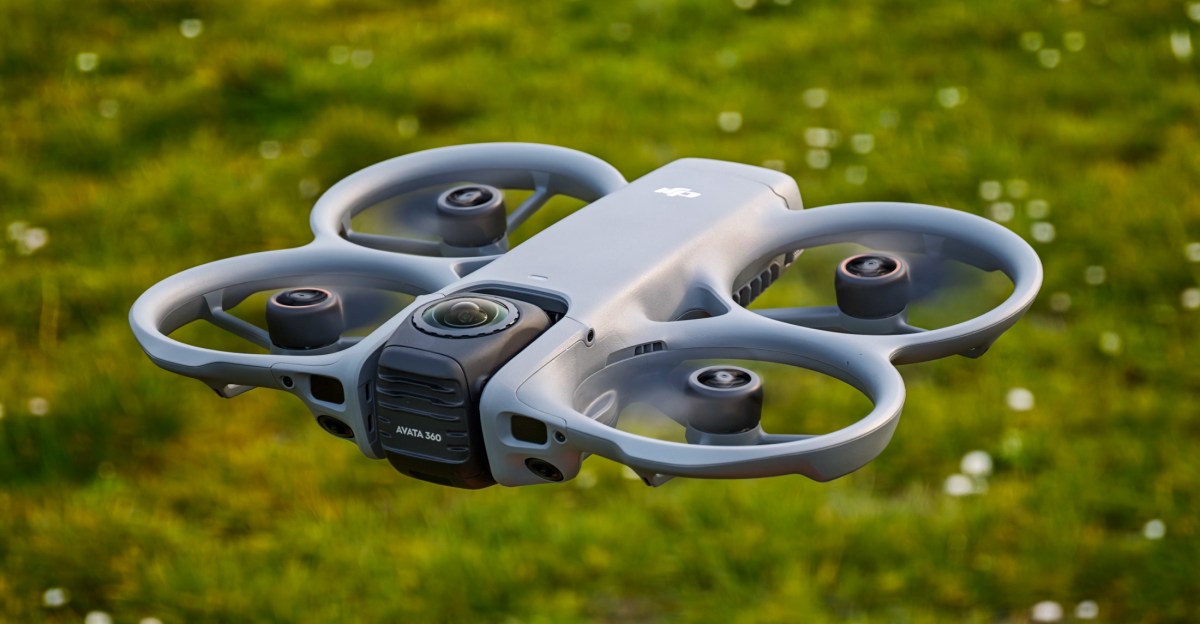
DJI’s Avata 360 finds the company at an odd time. For one, it’s been beaten to the punch — upstart Antigravity’s A1 became the first 360-degree drone when it launched last December, and DJI is playing catchup (and filing lawsuits). But this is also the last DJI drone you may ever be able to legally buy in the US, in the wake of the FCC’s de facto ban, and even then it won’t actually see an official release in the country.
It means that if you’re in the US, the Antigravity A1 remains the best (and only) option for a flying 360-degree camera. But in the rest of the world, the Avata 360 makes a good case for itself: it’s faster than the A1, doubles as both a 360 drone and a traditional FPV model, and offers the option of goggle and motion controller controls, a classic twin-stick setup, or a smartphone screen. Throw in the fact that both of the two main lenses are (easily) user-replaceable, and I suspect that most flyers will find they prefer DJI’s take on the format to Antigravity’s attempt.
The Avata 360 is available now in China, but is estimated to start shipping elsewhere some time in April. It starts from just £409 / €459 (about $540) to get the drone alone, well short of the $1,599 asking price of the cheapest Antigravity bundle, though that includes goggles and a motion controller. DJI’s Motion Fly More Combo is the closest equivalent to that, with the Goggles N3, an RC Motion 3 controller, and extra batteries, but at £829 / €939 (about $1,100) it’s still far cheaper than the Antigravity. The quality of the headsets plays a part here though: there’s no official bundle including DJI’s Goggles 3, which are a closer analogue to the Antigravity headset, and adding that into your setup would bring the price more in line.
This may all be a moot point if you live in the US, where DJI has no plans for an official launch through its own website. That’s despite the fact that the Avata 360 received FCC clearance in December — and was the final DJI drone to do so. This means it will be legal, and likely possible, to buy the Avata 360 from importers and fly it in the US, which likely won’t be the case for any of DJI’s future drone releases. But like the recent Neo 2 and other recent drones, DJI itself won’t be selling it.
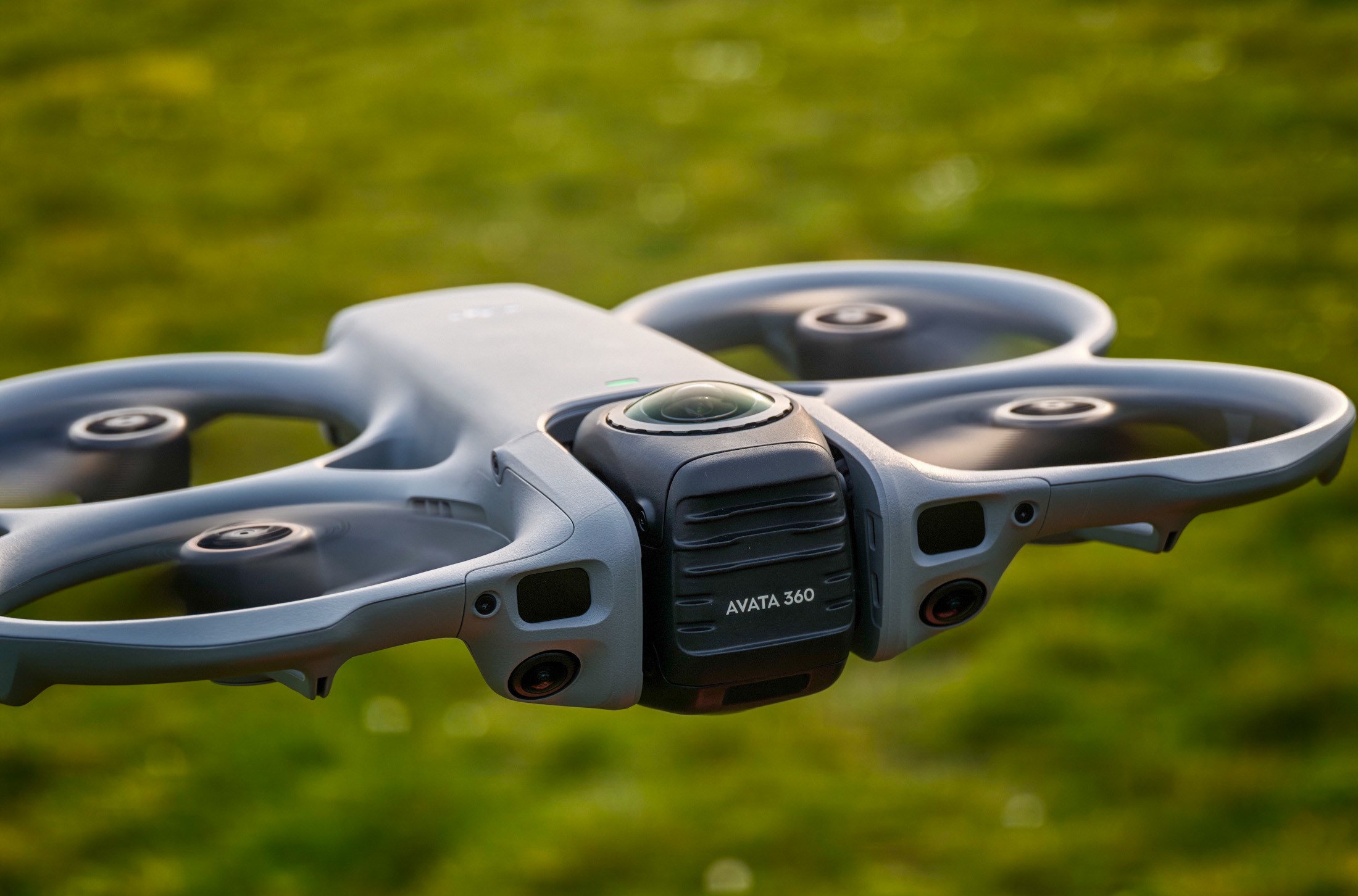
In the simplest terms, the Avata 360 is pretty similar to the A1, the debut drone from Insta360 sub-brand Antigravity. It’s a fairly compact, lightweight drone equipped with two lenses that combine to produce 8K, 360-degree photos and videos. These can be viewed as-is, or you can use the app to edit footage into traditional formats, letting you pick which part of the frame to use at any given moment. It’s essentially the drone version of fixing it in post, letting you fly without too much thought, and think about footage after the fact.
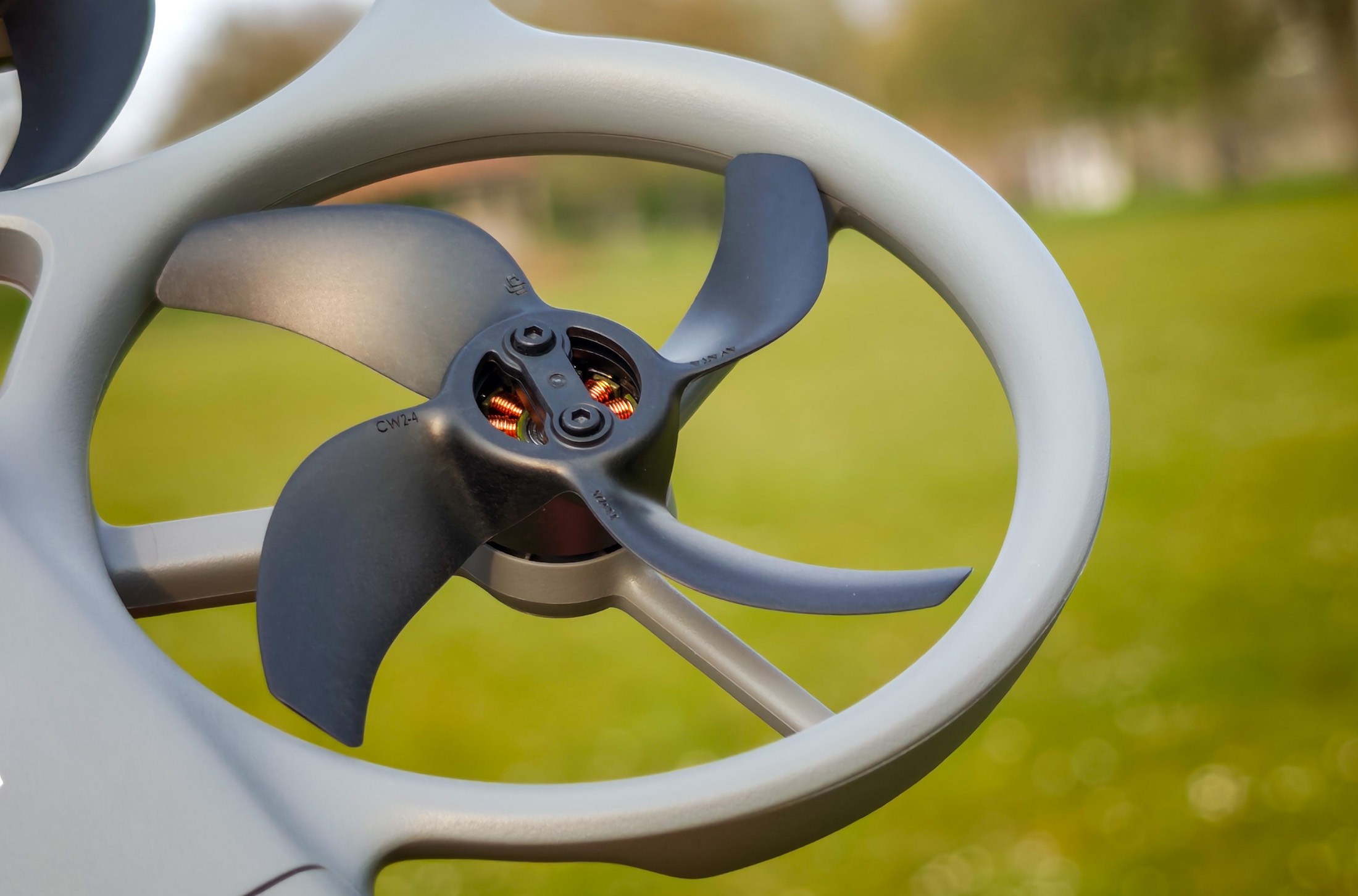
Beyond that, the two drones actually differ a fair amount, so I took the two out to fly together for a direct comparison. The Avata 360 is heavier, at 455g, crucially taking it well above the 250g line that affects flight regulations in many countries. It’s bigger, too, with a fixed body, compared to the foldable A1. That has its advantages though: built-in propeller guards for one, making this a tougher drone if it all goes wrong. It’s also able to fly further (up to 20km / 12 miles in ideal conditions, double the A1’s max range) and faster (with a top speed in sports mode of 18m/s or 40mph, an extra 2m/s or 5mph, which helps it avoid some of the A1’s slightly floaty, unresponsive feel in flight). Battery life is pretty much equivalent, with 23 minutes of quoted flight time on the 360, and 24 for the A1.
1/4
DJI’s drone has a slight edge when it comes to video quality, with larger camera sensors, wider aperture lenses, and the ability to use its full 8K resolution at 60fps, while the Antigravity’s 8K recording caps out at 30fps, dropping to 5.2K if you want 60fps. But the Avata 360’s bigger advantage is its flexibility. While the A1 can only be used for 360-degree filming because its two cameras are fixed, the Avata 360’s sit on a swivelling gimbal, allowing the drone to face a single lens forward for a more traditional FPV experience. In single-lens mode, the A1 records in up to 4K and 60fps, cropping in to deliver footage in standard 4:3 or 16:9 aspect ratios and avoid any distortion effects at the frame’s edge from the extremely wide lens. I haven’t tried enough of DJI’s more capable single-lens drones to know how directly footage quality compares, though I suspect they’ll still be superior, but at first blush the Avata 360’s single-lens option doesn’t feel like a compromised experience.
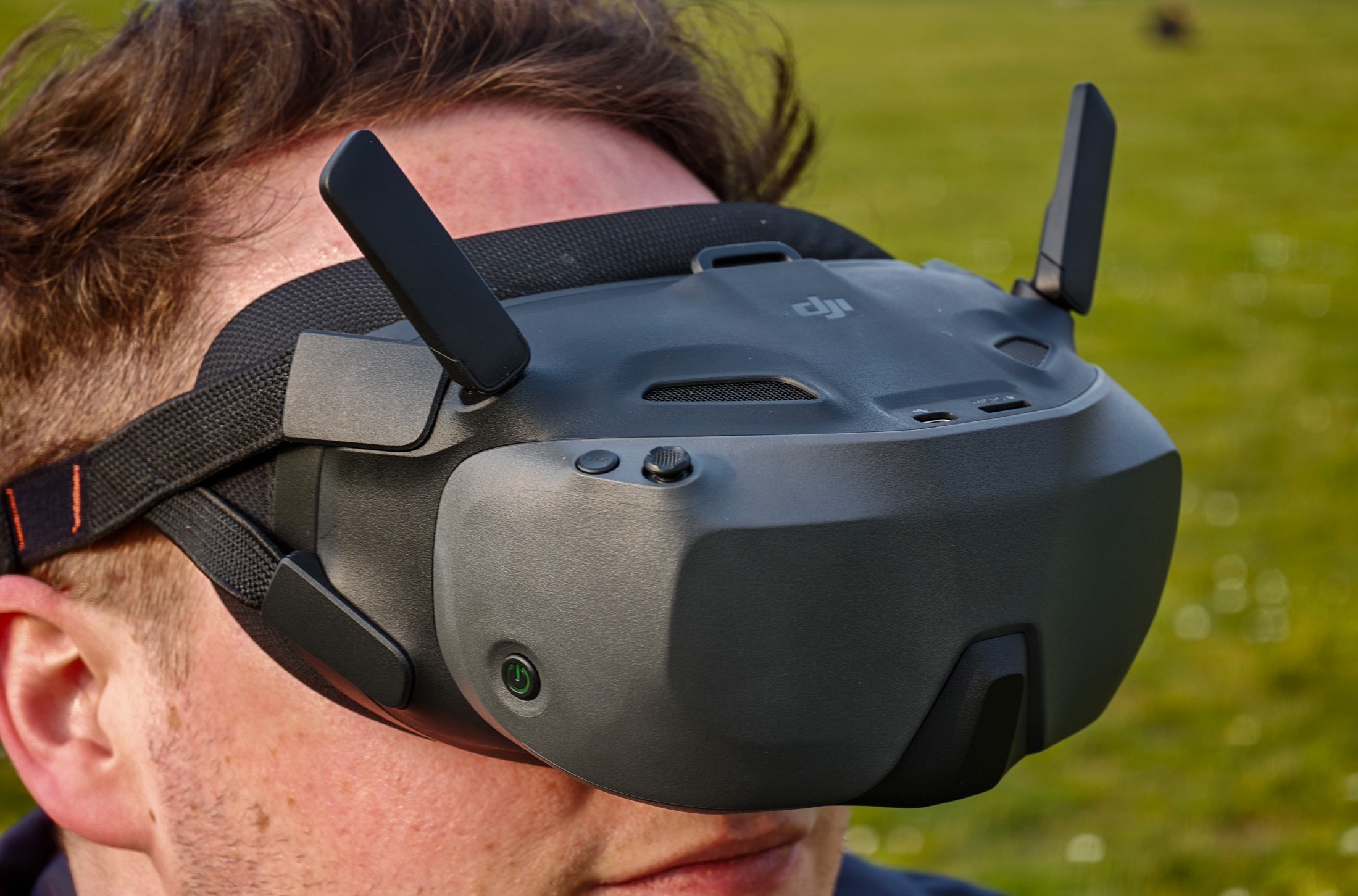
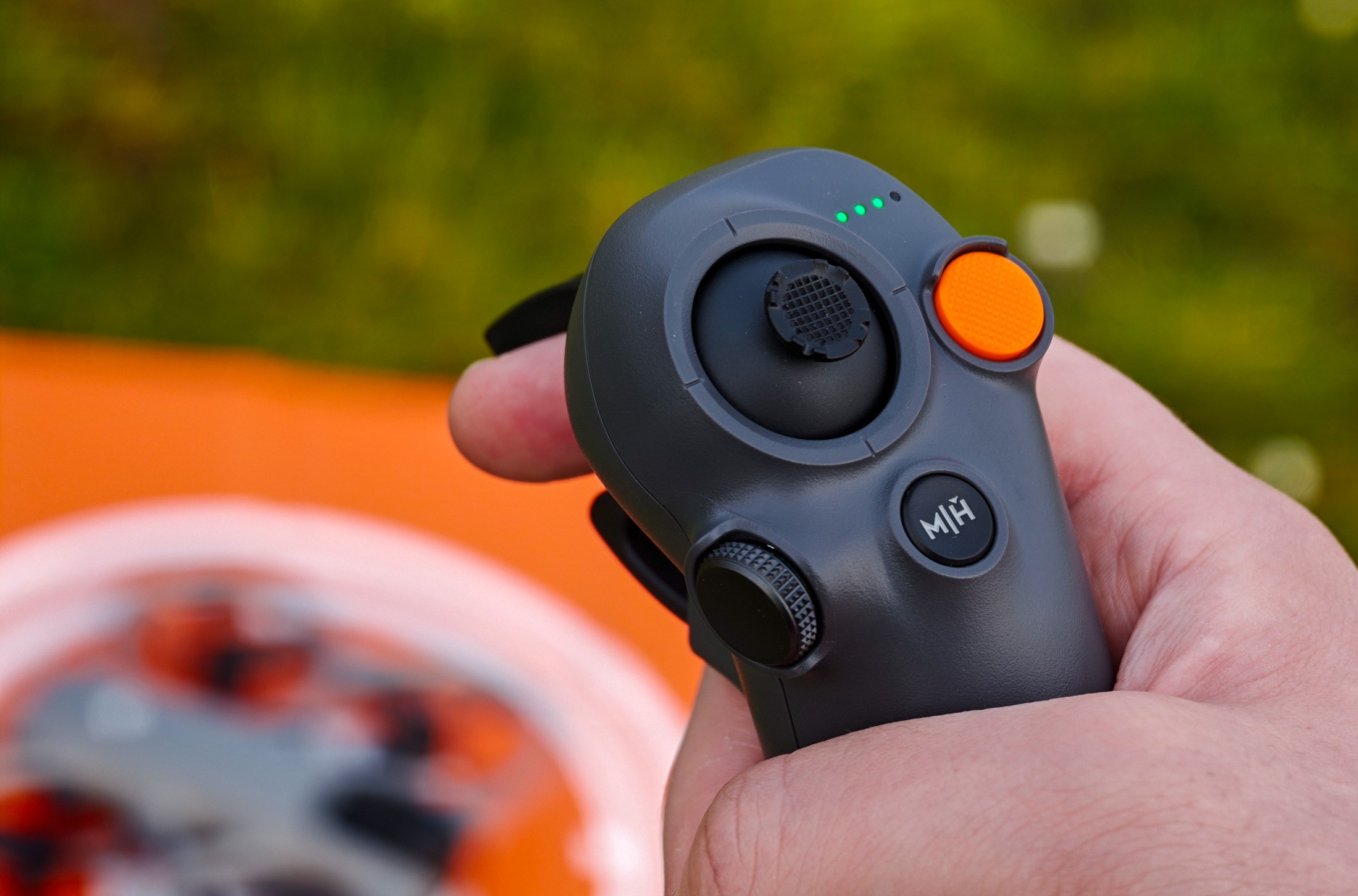
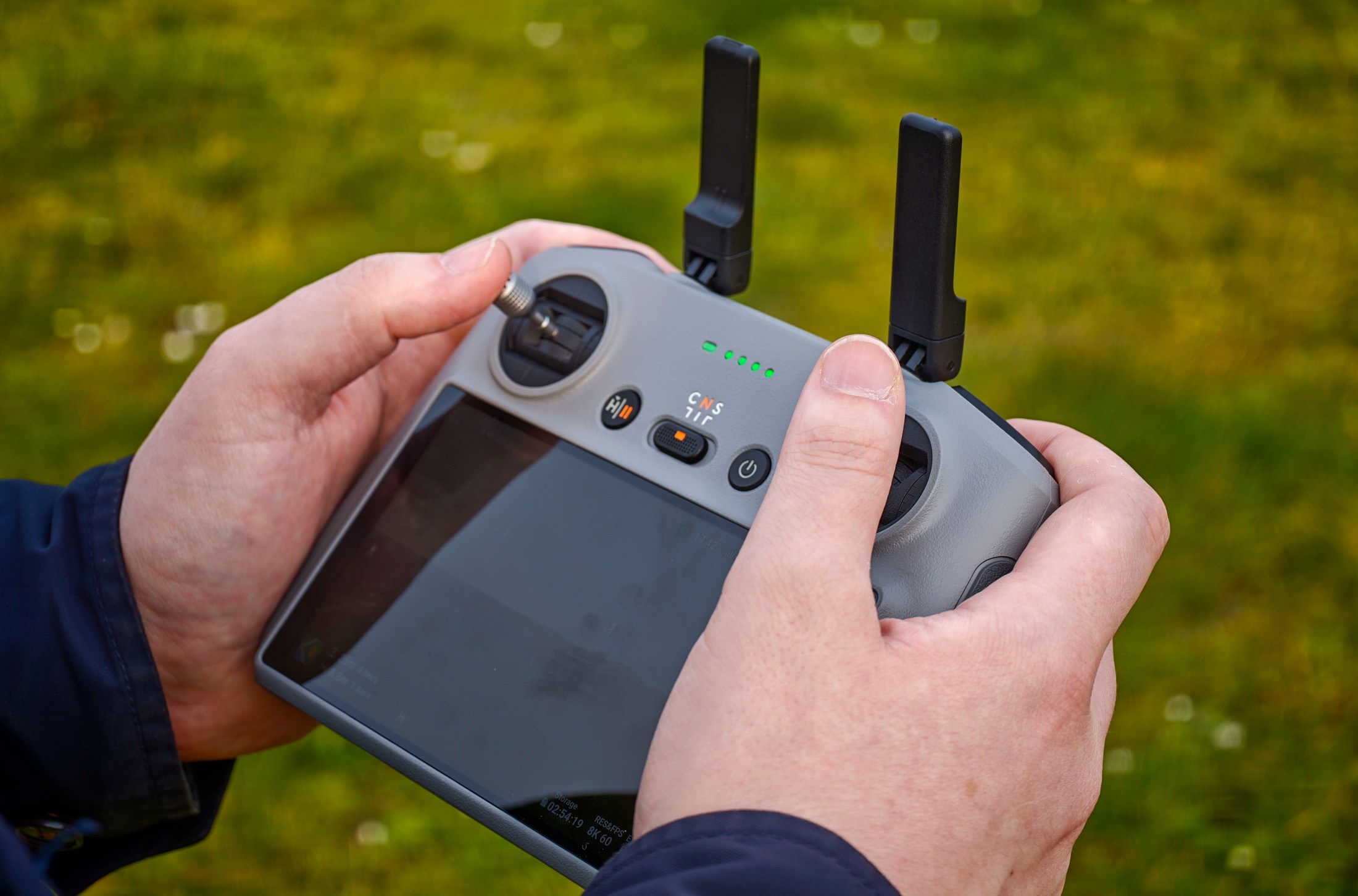
To make the most of the FPV mode, the 360 is also compatible with all sorts of control methods: you can use the DJI app on your phone, an official controller (the RC 2 is included in some bundles), or a goggle and motion controller setup. Beginners might most enjoy the Antigravity-esque 360-degree, immersive experience with motion controls, where you can mostly just tool around in the sky, looking one way while the drone flies in another, enabled by simple point-and-click controls, safe in the knowledge that you’ll have filmed it all and can pick and choose later. Flying either drone like this feels incredibly easy and intuitive, with no need to learn complex controls — you can pretty much just get in the air and go (well, after fumbling round a little with booting up and connecting each bit of the setup separately, which remains a headache). But DJI’s drone also lets you grab a twin-stick controller and switch to single-lens mode for more advanced flying and full control of the camera — Antigravity’s drone has long been promised support from a twin-stick pad, but it’s still yet to materialize.
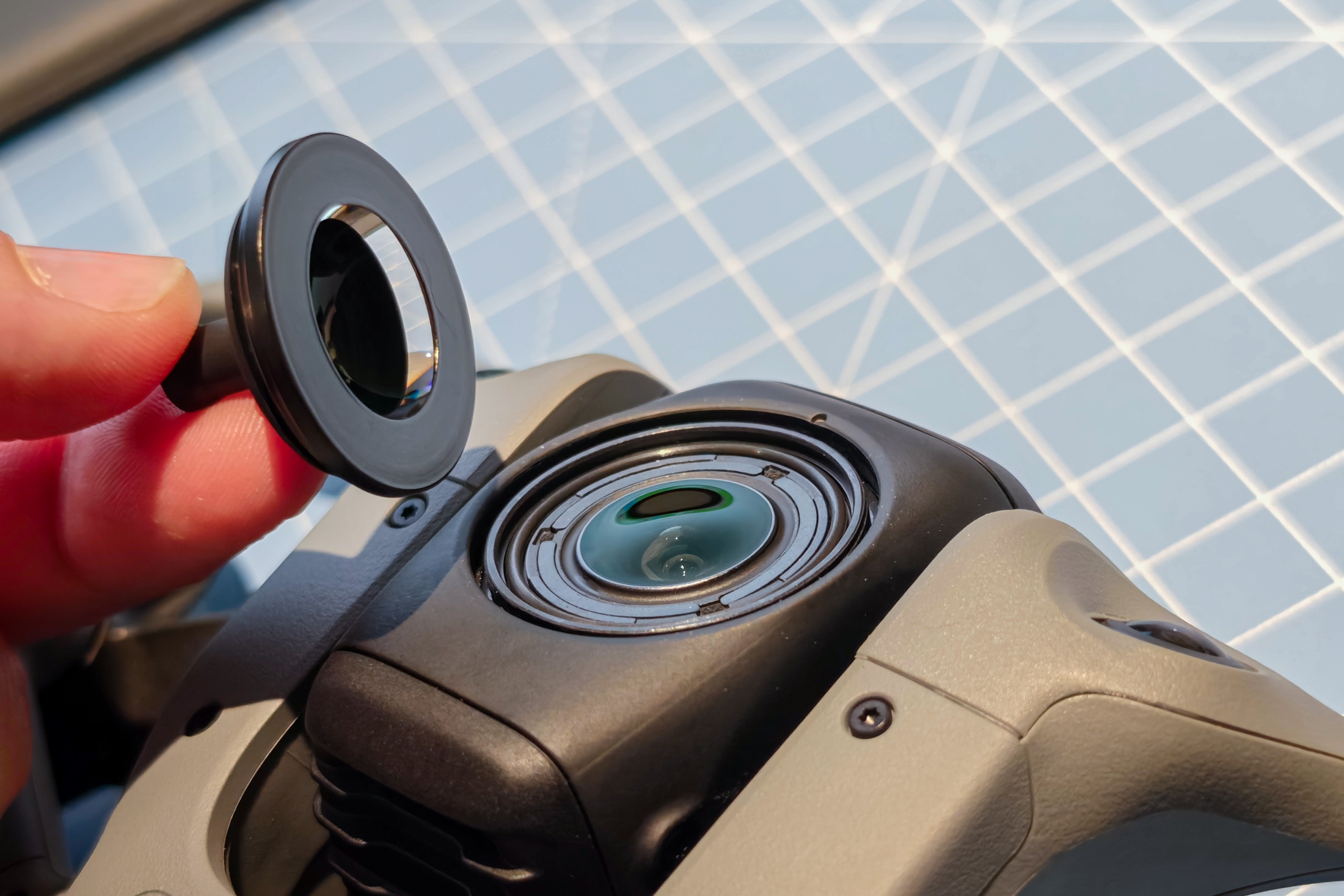
The Avata 360 also offers one other significant upgrade: user-replaceable lenses. The outer element of each of the drone’s two main lenses can be popped out and replaced in case of damage, a process I was able to complete in less than five minutes. It needs nothing more than the basic tools included in DJI’s £25 / €25 (about $30) kit, and while it can be just a little fiddly, isn’t technical at all. It’s a pretty significant boost for the drone’s repairability, and one we’ll hopefully see repeated in more DJI drones down the line.
360-degree footage can be edited after the fact in DJI’s app, which offers a fairly intuitive, beginner-friendly way to dart through and create quick clips and highlights, though it’ll clearly take some practice to produce anything more polished. Years in, DJI’s app as a whole remains a pain point, at least on Android: it’s not available in the Play Store, seems to switch at will between portrait and landscape modes, and has frozen every time I’ve opened the display on the Oppo foldable phone I’m testing right now. Considering Antigravity is only one drone in, it’s a little embarrassing that its app feels the more polished of the two.
Still, in most other respects DJI now has the advantage — at least outside the US. Unless you firmly need a smaller, lighter drone that sits below the 250g line, it would be hard to justify paying more for Antigravity’s offering. Its app is a little better, its headset more comfortable and fully-featured, but for most the DJI’s combination of functionality, flexibility, and repairability will probably offset those advantages. Just don’t expect to see one pop up on the shelves of your local Best Buy.
Photography by Dominic Preston / The Verge
Read the full article here
