

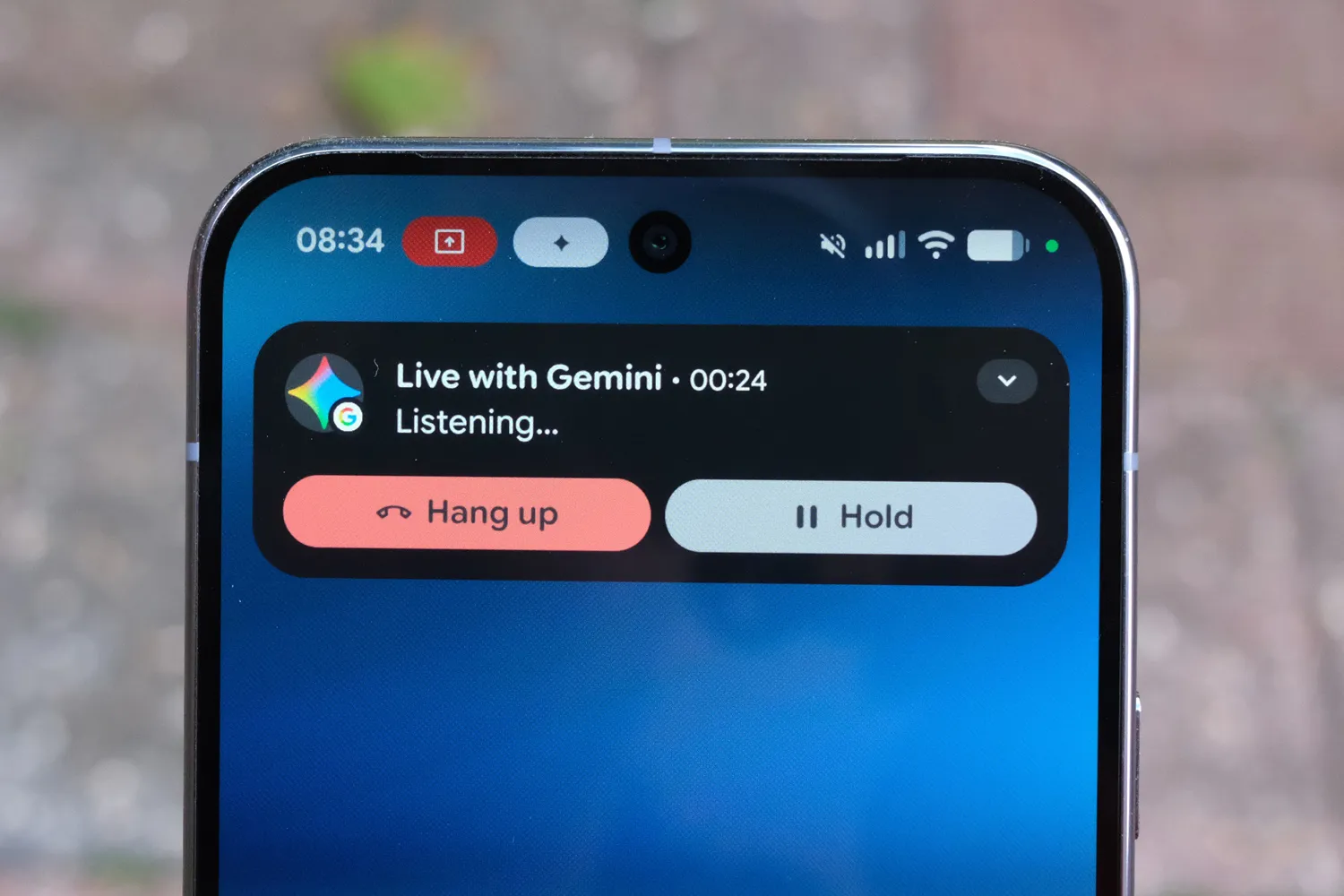
Google has announced a new Gemini-based ‘Call for Me’ feature, which can call businesses on your behalf to take care of routine matters like managing appointments and reservations.
In a new support document, Google says the Gemini mobile app can handle every day tasks – the type that can put an unnecessary time drain on your day. They include getting business hours, product availability, service quotes and other such requests that are going to make businesses annoyed to hear from AI robot calls.
Google says it can be used to book, confirm and manage appointments and reservations as well as navigating phone menus on wait on hold.
The company says it is “gradually making this feature available to eligible users”, which include those with a Pixel 11 phone with a US SIM card, a Google AI subscription, and the latest version of the Phone by Google app. Not much then?! The company advises that users be specific with the request that’s accessible using the “@Call For Me” prompt.
Here are Google’s instructions from the support page:
- On your Pixel phone, open the Gemini mobile app .
- Ask Gemini to make a call for you. You can also explicitly include @Call for me in your prompt.
- Be specific about what you want to achieve, and include any necessary info, like dates, times, preferences, and alternative options.
- Reservation example: Call [Restaurant Name] and book a table for two at 7 PM tomorrow.
- Service quote example: Ask the dry cleaner on Main Street how much they charge to hem pants.
- Review Gemini’s summary of the task, including the number it will call and details it will share, like your name and contact info.
- If needed, ask Gemini to update the calling task.
- To start the call, tap Call for me.

Read the full article here
