

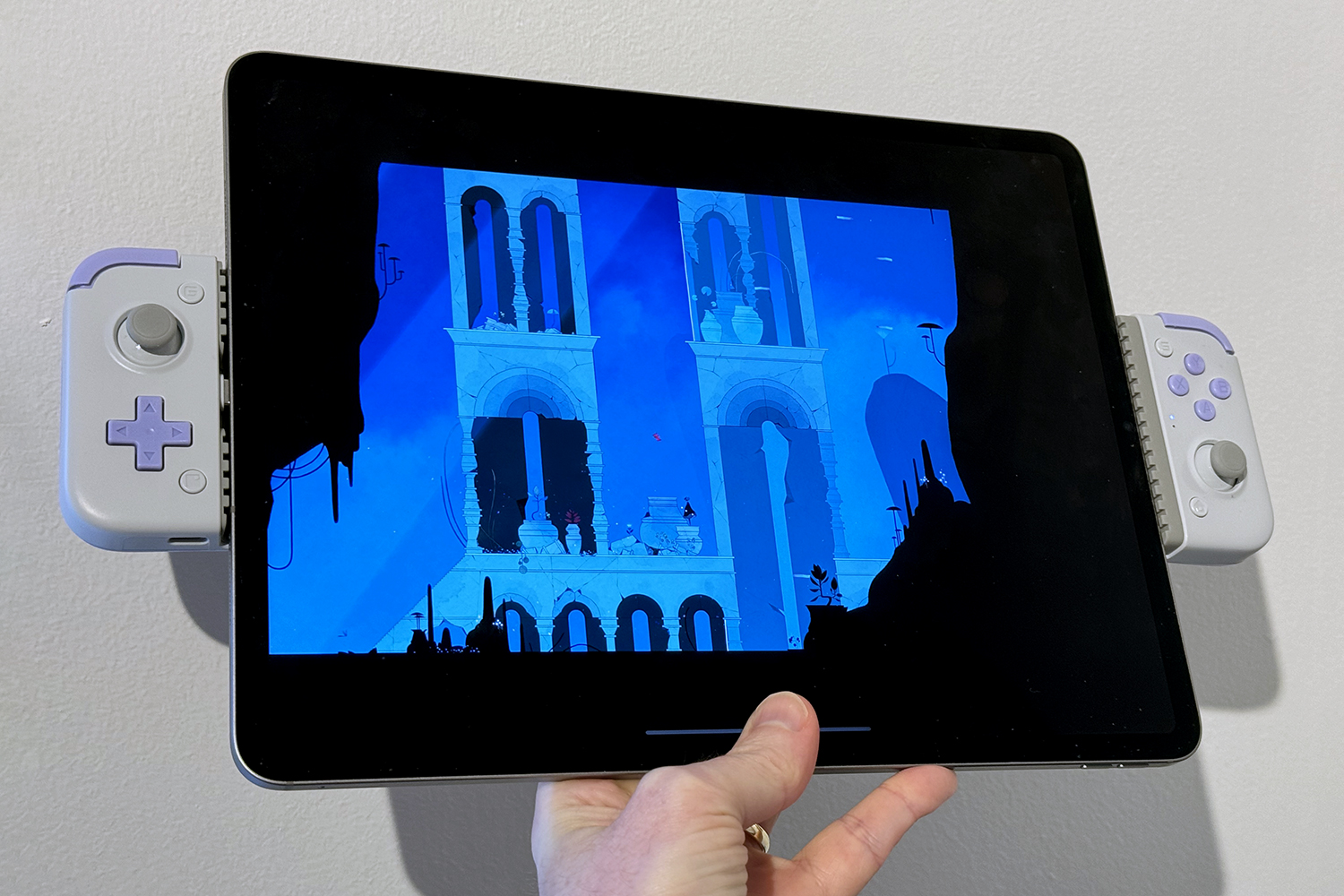
Update: When I originally wrote this piece in March 2024, I didn’t think anyone would be mad enough to have a properly official crack at turning an iPad into a handheld. I was wrong. While GameSir isn’t that mad, Razer apparently is. Witness the $200/£200 Kishi V3 Pro XL. And then run away, screaming. Anyway, my original experiment in doing something similar is below, if you want to stare aghast at the full horror…
———
Remember that Jurassic Park quote about scientists not thinking through consequences? That’s me, having just shoved an iPad Pro into a GameSir X2s controller to create a handheld games console. I was so preoccupied with whether I could, I didn’t stop to think if I should. The result is glorious, terrifying, and definitely not how Apple envisioned things. But I had to do this. For science! And also because touchscreens still don’t cut it for complex games.
In fact, they never have. At the dawn of the App Store, people reasonably believed the iPhone could be great for games. But it was always terrible for traditional game controls. So while innovative and fully optimised touchscreen titles like Eliss broke new ground in mobile gaming, anything riffing off classic arcade and console fare flailed around like a drunken ice skater, as your fingers slid across the slippy screen while trying to locate a virtual D-pad.
As hardware became more powerful, things got worse. Modern console fare arrived on Android, iPhone and iPad, kicking off ongoing battles against masses of virtual buttons and players’ digits obscuring the action. Games became the mobile equivalent of friends standing in front of the telly, dressed as giant comedy thumbs, while you were trying to play the latest hit on your PlayStation.
Life finds a way (to create weird gadgets)
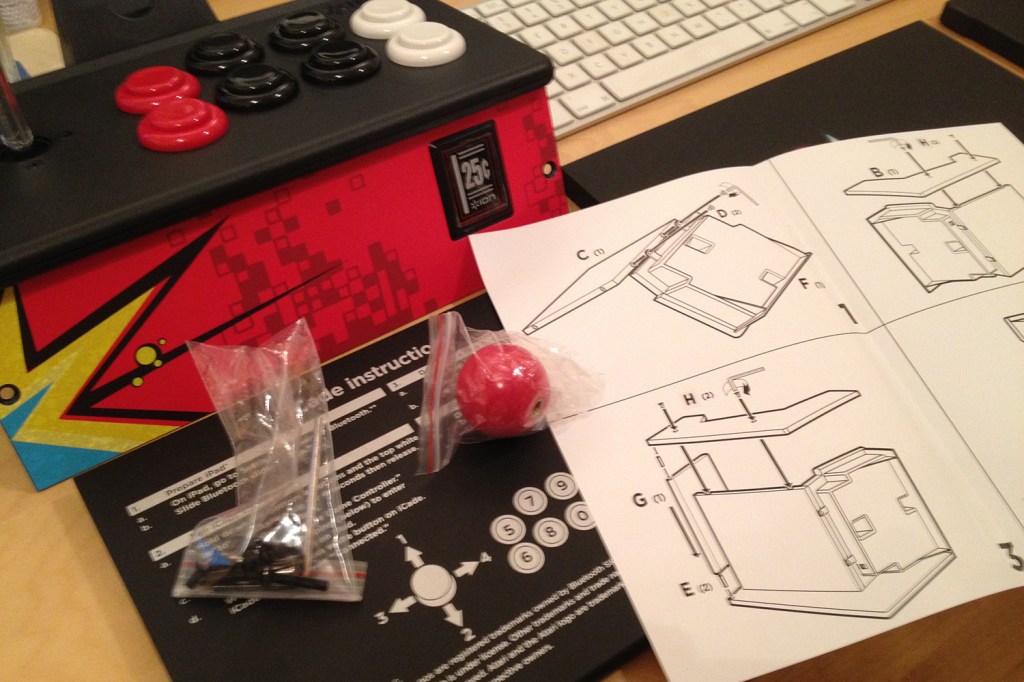
There have been attempts throughout the years to make things better. The earliest was bonkers bartop arcade cab iCade, which literally started as an April Fool’s Day prank. But saner solutions eventually appeared. Today’s mobile game controllers are sleek telescopic devices you can quickly pop your phone into for a bout of gaming, before collapsing them back down and shoving them in a bag. Notice I said phone, though, and not tablet. And that’s because these controllers did not support tablets. Until now.
Actually, that’s not quite true. Apple fans into gaming and with long memories may recall the iPad Gamevice, but that was device-specific. What I’ve long wanted, though, was a telescopic controller that worked with everything: my iPhone, Android devices, iPads. I’d always been frustrated you couldn’t stretch existing models just that little bit more, at the very least to squeeze in an iPad Mini.
I can only assume someone at GameSir has been listening. Because with the GameSir X2s, you can – at your own risk – pull it to its widest extent and kind of bend it into an upside-down V. At which point you’ll think you’ve broken the thing. But you haven’t. (Probably.) Then you can stretch it further. Much further. As long as the signal carrying springs remain intact, it’ll work just fine with even a large tablet.
iPad Pr-oh no, what have I created?
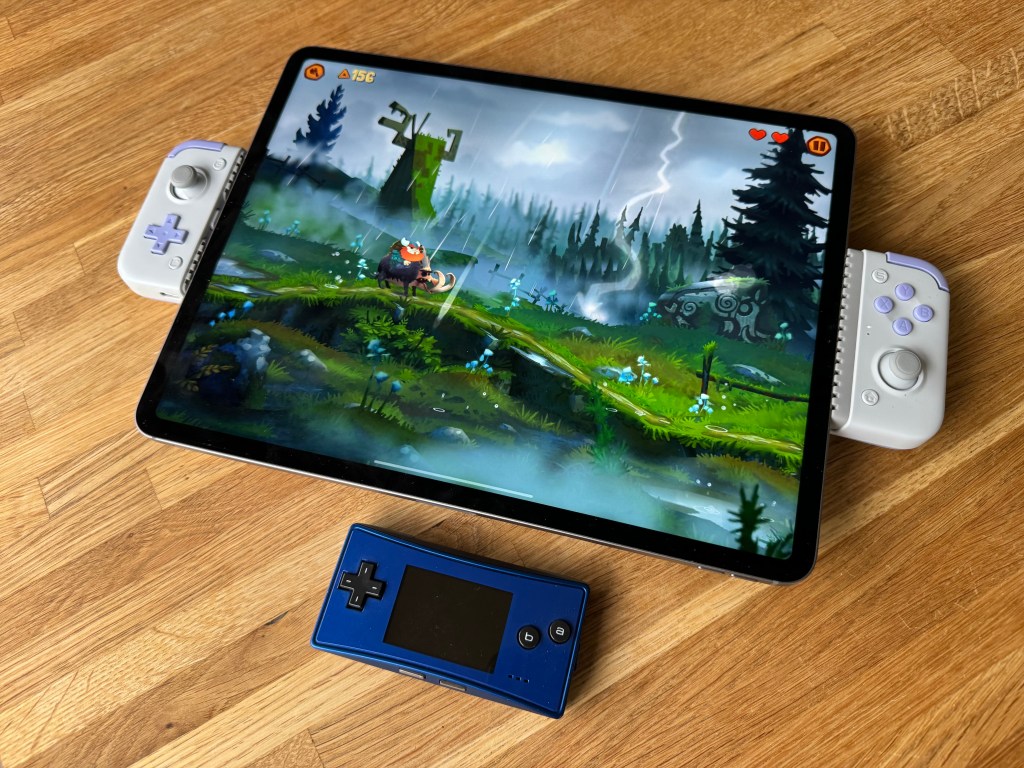
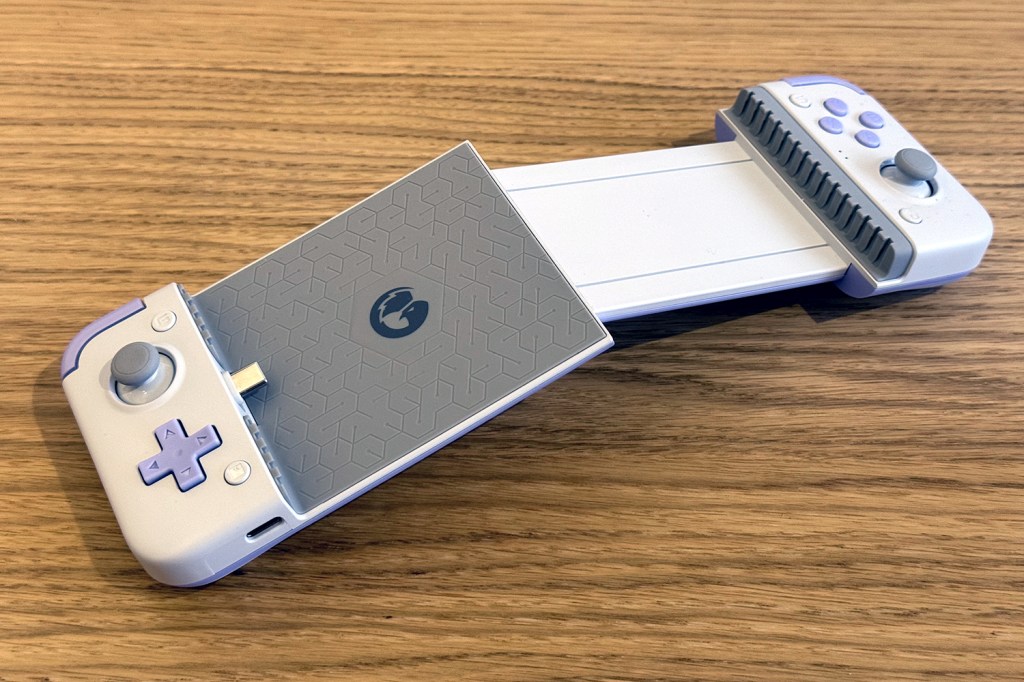
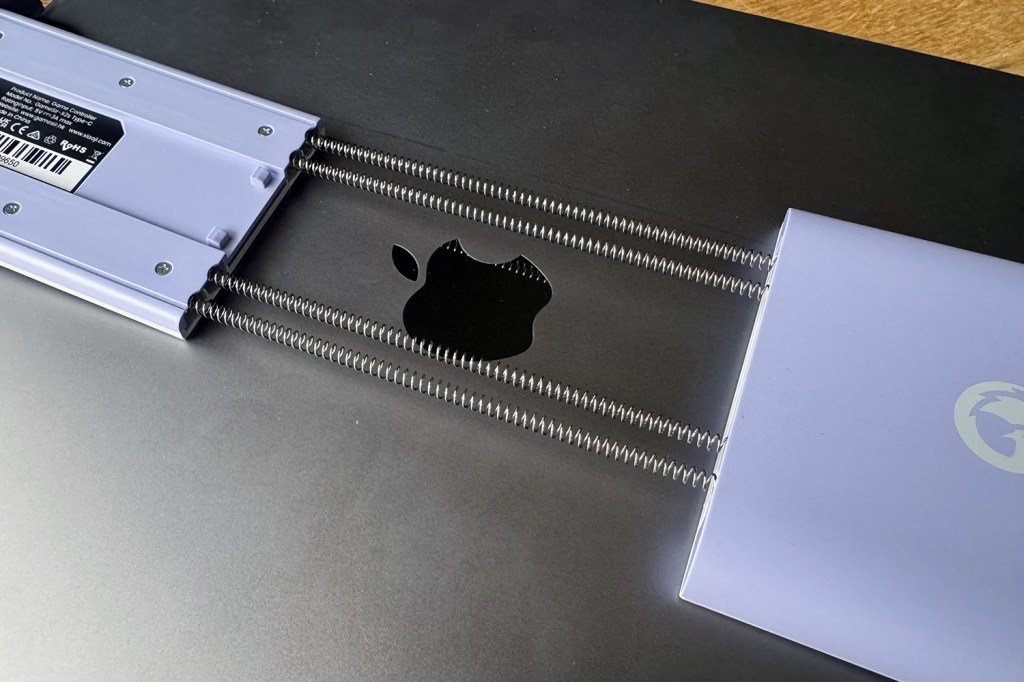
Alas, I no longer have an iPad Mini. But I do have an iPad Pro. A 12.9in iPad Pro. And so I created an unholy fusion of Apple’s biggest flagship tablet and the GameSir X2s. Again: for science! And what did I learn?
This combination provides a far better gaming experience than propping a tablet up in a stand and using a gamepad. Although a bit unwieldy and heavy, it was still usable for everything from online Pico-8 games to console-grade iPad titles. And it answered whether in a world where handheld screens are getting increasingly huge you can have one that’s too big.
Yes. Yes, you can. Using my ‘iPadSir’ was akin to playing a game with my nose pressed to the display. It felt like I’d stopped just short of clamping a flatscreen TV into a controller and yelling THIS IS THE NEW NINTENDO until someone dropped me into a nice relaxing room with walls made of rubber keys.
Still, it makes me keen to experiment more. New iPad Minis are on the way, and Android tablets are cheap. But I can’t help thinking Dr. Ian Malcom would approve most of my current monstrous creation. After all, he was into chaos.
Read the full article here
