

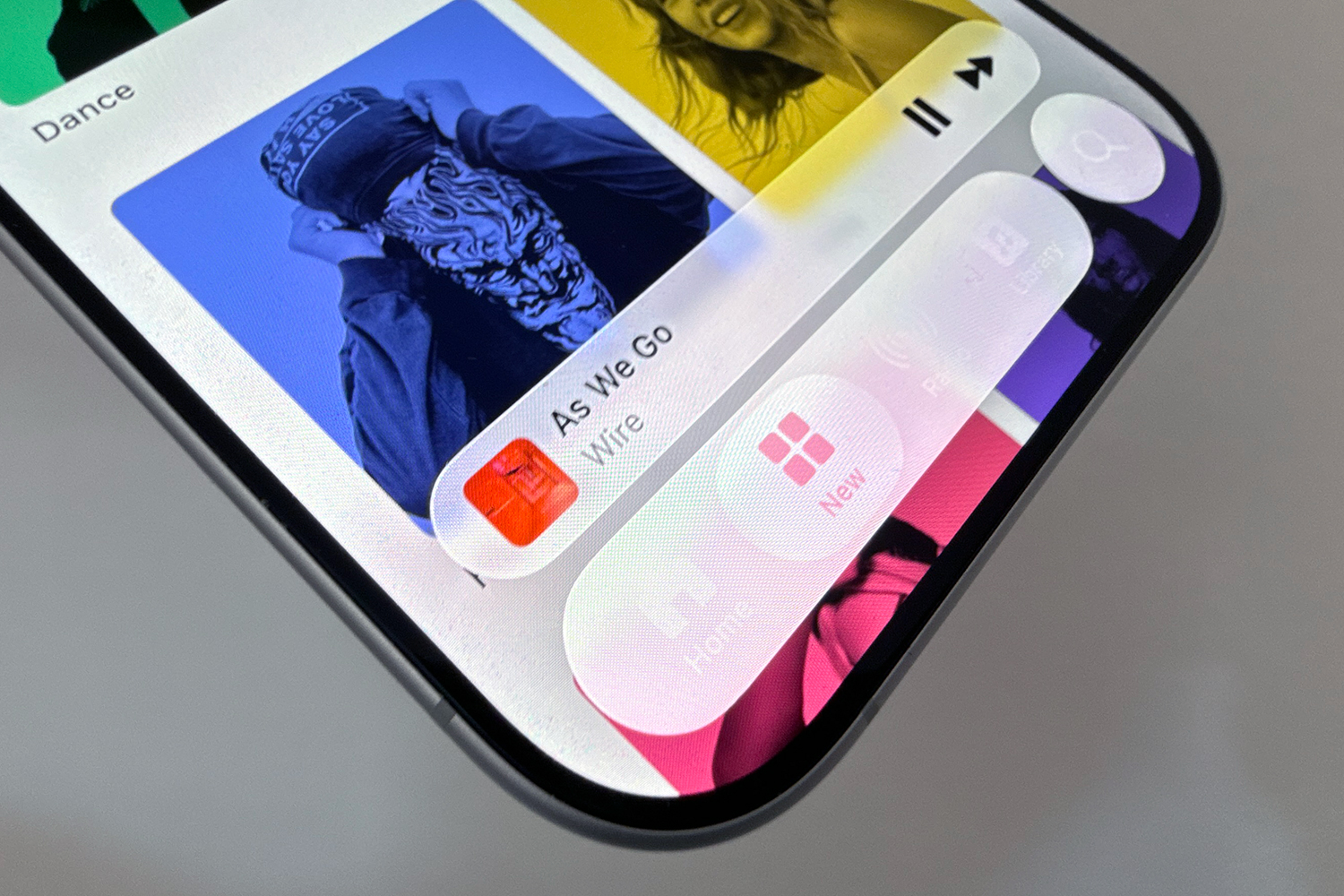
Apple has released iOS 26.1, the first major update for this year’s major operating system update for iPhone. And the key feature is to enable users to tone down the software’s key design change.
iOS 26.1 and the iPadOS 26.1 offshoot are now available to download and give users the option to toggle the new Liquid Glass effect that gives UI elements a transparent glass-like feel.
Users will now be able to reduce the transparency of the feature, going from Clear to Tinted within a new Liquid Glass settings menu. Not all users are fully on board with the new design, so the chance to backtrack a little will be most welcome.
The other changes are largely UI tweaks too with one in particular designed to undo an unpopular iOS 26 change. For Alarms, there’s a new slide to stop slider to accompany the big snooze button. That should stop those buttons being conflated and sparking all manner of early morning hijinks.
Furthermore, Apple is offering the opportunity to turn off the ability to open the camera capture screen by swiping left from the lock screen. And so we go on with the really small changes. There’s a new swipe gesture that’ll help you go back and forth between songs on the mini music player in Apple Music, and users will see a colourful new Apple TV icon to reflect the rebrand from Apple TV+ to plain ol’ Apple TV.
Apple Intelligence and the AirPods Live Translation services are launching in more languages too, while there are a number of security updates and bug fixes too.
Here are the official release notes from Apple:
- Liquid Glass setting gives you the option to choose between the default clear look or a new tinted look which increases opacity of the material in apps and notifications on the Lock Screen.
- Live Translation with AirPods support for Chinese (Simplified and Traditional), Japanese, Korean, and Italian
- Apple Music MiniPlayer swipe gesture to go to the next or previous track
- Apple Music AutoMix support over AirPlay
- Gain control is available for external USB microphones when recording with local capture
- Local capture files can be saved to a specific location
- Manual workout logging is available directly from the Fitness app
- New Camera setting to turn on or off Lock Screen swipe to open Camera
- Improved FaceTime audio quality in low-bandwidth conditions
- Communication Safety and Web content filters to limit adult websites are enabled by default for existing child accounts for ages 13-17 (Age varies by country or region)
It’s quite rare for the first major OS update not to carry any of the new features Apple promised this summer. Quite often the beta period calls for further testing with Apple leaving key updates until the point-one, point-two or later versions. Given Apple’s update this year is largely built around the visual overhaul, there aren’t that many unreleased features in the pipeline for later versions.
Earlier today we reported that long-promised Apple Intelligence features that were announced as part of iOS 18 almost eighteen months ago might land during iOS 26.4 next spring.
You can download iOS 26.1 by heading to Settings > General > Software Update. As always, Wi-Fi is advisable and make sure you’re connected to a power supply or have ample battery life.
Read the full article here
