

One reason for Apple’s meteoric success (of which there are plenty) is how tightly it controls its iPhone, iPad and Mac laptop hardware and software.
This unparalleled tight integration means products like the iPhone and MacBook Pro work especially well together, and ensures all customers get the same experience. And yet things do happen, which is why the company offers extended warranties under its AppleCare+ service.
Whether or not you should get the insurance-like extended warranty package depends on the product. For example, if you buy a new iPhone every 12 months, paying extra for AppleCare+ may not be worth it compared to adding a warranty to a MacBook Pro that you plan to keep for many years. To help you decide whether to shell out for it, we’ve gone over exactly what’s covered, and how to buy it.
An important note: Before buying any Apple product, check the AppleCare website in your location for information on unique benefits and limits of product warranties, as they may vary slightly between countries.
What is AppleCare+?
Every Apple product comes with a limited warranty called AppleCare. The warranty runs for 90 days from the purchase date, or longer if required by your country’s laws.
With AppleCare, you get complimentary technical support for both hardware and software. For hardware, telephone support is provided for basic setup, installation, assembly, and connectivity. For software, telephone support is provided for installation, launch, or reinstallation (excluding data recovery) when your hardware meets the minimum system requirements. See the support-related materials included with your Apple product for more information.
When you can purchase AppleCare+
You can purchase AppleCare+ within 60 days of your device purchase in most countries and regions, within 30 days in Japan, and within seven days on your device or 60 days in an Apple Store in mainland China. You can usually pick between a fixed-term or annual plan that renews automatically until canceled.
In some countries and regions, you can purchase an AppleCare Protection Plan within one year of buying an eligible Mac, Apple TV, or another device.
Where you can purchase AppleCare+
The simplest way to buy AppleCare+ is through the Apple Store app. To do so, open the app, go to “Support” and select “AppleCare+”. Choose your plan, and follow the instructions to ensure your device is fully protected.
Alternatively, you can purchase an AppleCare+ plan from the Apple Online Store, Apple retail store, or Apple Authorized Service Provider.
AppleCare+ coverage
Regardless of the device, AppleCare+ coverage includes hardware and software support. But here are the specifics for each major Apple product:
iPhone
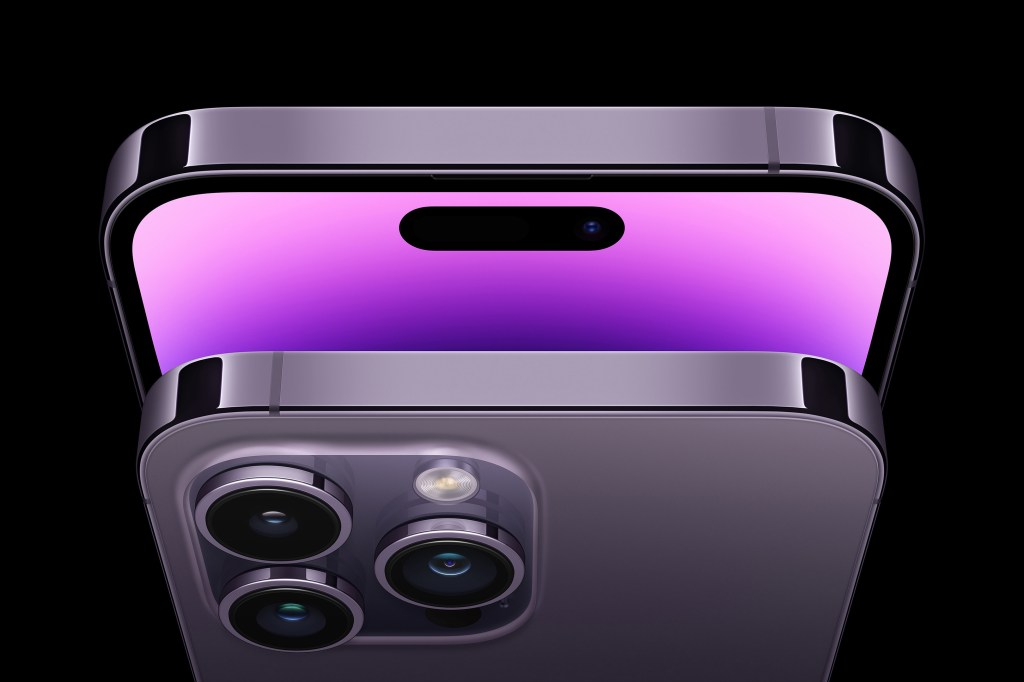
AppleCare+ for iPhone provides unlimited accidental damage protection, with each incident subject to service fees and taxes. Additionally, you’ll receive Express Replacement Service and 24/7 priority access to Apple experts via chat or phone.
With AppleCare+ Theft and Loss, you’ll receive all of the benefits of AppleCare+ and up to two incidents of theft or loss coverage every 12 months, each subject to a deductible. Theft and loss coverage requires Find My to be enabled on your device at the time it is lost or stolen and throughout the claims process.
You can purchase an AppleCare+ plan for iPhone for as little as $4/£3.50 per month, or $79/£69 for a two-year plan.
iPad
The AppleCare+ package for iPad provides accidental damage protection for the tablet and its accessories, including the Apple Pencil and keyboard, with each incident subject to a service fee.
An AppleCare+ plan for iPad starts at $4/£3.50 per month, or $69/£69 for a two-year plan.
Mac
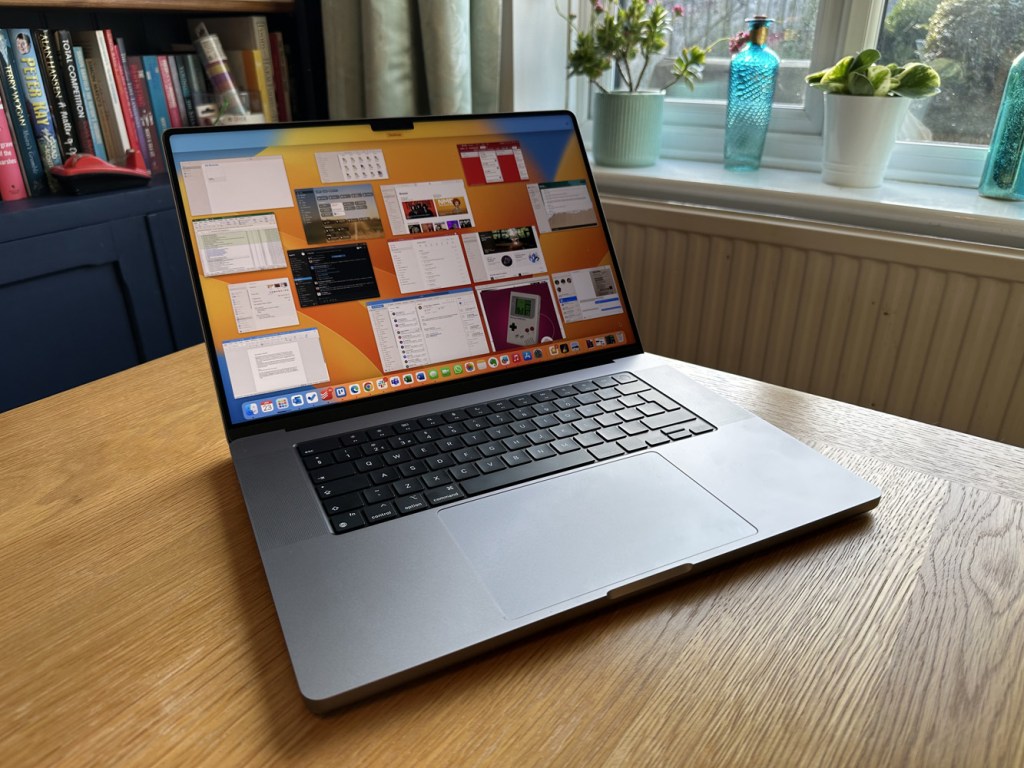
The AppleCare+ for Mac covers parts, labor, battery, accessories, Apple memory, and more, subject to a service fee. The price starts at $65/£65 per year, or $179/£179 for a three-year plan.
Apple provides extended warranties for its Apple Studio Display and Pro Display XDR, starting at $50/£45 per year or $149/£119 for three years. Each incident incurs a service fee for screen or external enclosure damage or other accidental damage.
Apple Watch

The price of AppleCare+ varies depending on the model of your Apple Watch. With this plan, you get unlimited protection against accidental damage, technical support, and service fees for each incident. Interestingly, more expensive versions like Apple Watch Edition and Apple Watch Hermès come with two years of hardware repair coverage through their limited warranty and up to two years of complimentary support. AppleCare+ coverage includes the Watch and battery.
Except for the Hermès edition, Apple Watches are eligible for monthly or two-year AppleCare+ plans. The Hermès edition can be purchased monthly or for three years, starting at $2.50/£3.50 per month or $49/£65.
Other products

AppleCare+ plans are also available for various products, including Apple TV, HomePod, and audio products from Apple or Beats. The coverage for Apple TV extends for three years and costs $29/£25, while a fixed two-year plan is available for HomePod at $39/£39 and HomePod mini at $15/£15.
For audio products, a fixed two-year plan is available at $29/£29 for AirPods, AirPods Pro, and Beats, while AirPods Max has a plan for $59/£49.
Is coverage worth it?
The No. 1 reason to purchase AppleCare+, regardless of the product, is for peace of mind. And yet, for some products, it’s probably best to save money. The reason? The plans include service fees in addition to the purchase price.
Assuming you need support at least once, buying AppleCare+ coverage and paying a service fee of $29/£25 per incident will add 34% to the price of third-generation AirPods ($169/£179). That sounds excessive, no?
On the other hand, a maxed-out 16-inch MacBook Pro can cost over $6,000/£4700. For this laptop, AppleCare+ coverage costs $150/£130 per year or $399/£349 for three years, plus a service fee per incident starting at $99/£79. Even if you paid $3,000 for the MacBook Pro, the maximum AppleCare+ price is “only” 20% of the laptop price, assuming you paid $399/£349 for three years and $299/£229 for “other accidental damage.” The percentage would decrease as the cost of the laptop increases.
Another point worth mentioning is when you can purchase AppleCare+ coverage monthly rather than yearly. This is the case for the iPhone, iPad, and Apple Watch. Depending on your situation, this might be the right way to go, especially if you buy new Apple products yearly.
What if you don’t have coverage and something happens?

If your Apple product breaks without AppleCare+, you can still have it repaired by Apple or a third party. Taking it directly to Apple or an Apple Authorized Service Provider is recommended. Depending on the age of your product, it might be better to replace it with a new one. However, that’s less feasible if the broken product is a computer or laptop. In that case, you can find repair costs through the Apple website.
With or without a warranty, the place to start is through the Apple Support website. Products repaired by Apple or an authorized provider come with a limited warranty that covers the recent work, which is a nice perk and something to keep in mind.
If there’s one point to take from this article, it’s that the higher the price of the product, the more important it is to purchase AppleCare+. The last thing you want to happen is for one of your most important devices to break, and you don’t have the resources to fix it or (gulp) replace it.
- Recommended: The 24 best Apple TV apps you’ll actually use
Read the full article here
