

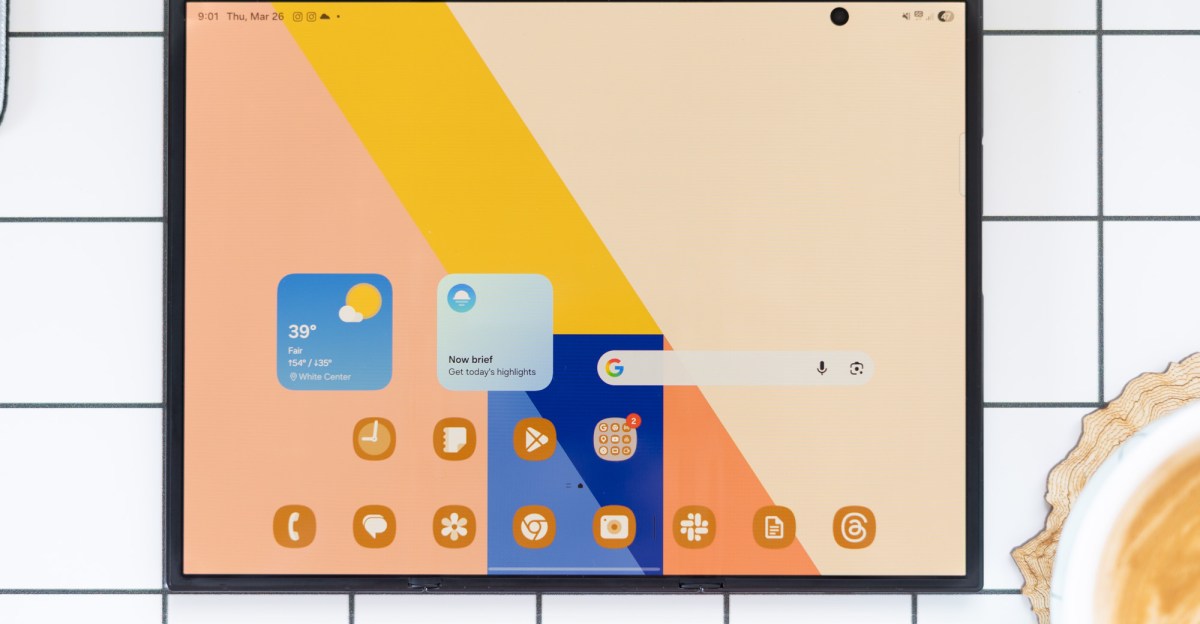
I was ready to give up on the Galaxy Z TriFold.
We had a strong case for getting a refund from the eBay seller — they’d claimed it was the version sold in Taiwan, but the phone that arrived at my door came with a Chinese serial number. That meant no Google services and lots of unfamiliar apps all requesting sensitive permissions. It was weird. Better off just sending this one back and trying again to acquire the US version, I thought. Then Samsung discontinued it.
Suddenly, the TriFold on my desk wasn’t just a funny thing that happened on the way to getting a real TriFold. It was the only TriFold I was likely to get my hands on, probably ever. It was this one or nothing.
Around the same time, a reader pointed us to a post on XDA forums with detailed instructions for flashing Singapore ROM to a Chinese TriFold. The internals are the same, the post claims, so everything should function normally once you install the new software. Downloading a new ROM to a phone isn’t terribly complicated, but there’s always the possibility of something going wrong and bricking your phone. I’d never attempted it, but it suddenly felt like my only option if I wanted the true TriFold experience. I lit a candle for good vibes and rolled up my sleeves.
Four hours later, after I’d learned how to run a Windows virtual machine on my MacBook, downloaded all the necessary drivers and software, and read upsetting phrases like “soft brick” one too many times, it worked. My concerns about security risks were alleviated; gone were the unfamiliar apps asking for permission to track my every move. It was the same phone as before, but also a totally new one. Mission accomplished! But… what exactly is it?
Most of the time, I feel like I’m using it wrong
Most of the time, I feel like I’m using it wrong. The TriFold is so heavy that when it’s folded up, doing normal phone stuff on the outer screen feels like a constant reminder that I’m not using the phone’s full potential. But the inner screen is so big and wide that if I’m just doing one thing at a time, I feel like I’m underutilizing all that real estate. I need to open windows — lots of them — pair a keyboard and a mouse, start a spreadsheet, watch a video, anything. Pretty soon I get overwhelmed and fold it back up, then the cycle starts again.
I even started an Xbox Game Pass subscription to see if gaming felt like the right fit, but there aren’t as many games with touchscreen controls as I was hoping. Bluetooth controllers do nothing for my dream of curling up on the couch with my phone-turned-tablet and playing any old game I want. And if I’m going to set up this $3,000 phone with a keyboard and mouse just to play Blue Prince, then I’ve probably gone wrong somewhere.
The cameras on the phone are fine, though it sure feels like they could be better at this price. You get a decent 200-megapixel rear main camera, middling 3x telephoto and ultrawide cameras, and a couple of 10-megapixel selfie cameras for video calls on the inner and outer screens. It would be cool to fold in the panel housing the rear cameras and use the part of the inner screen that’s next to it to frame selfies, but you can’t. You can switch the camera controls and preview to the outer screen and take rear camera selfies with the phone fully unfolded, but you’re gonna look like a doofus if you do.
That’s just the TriFold’s nature: all or nothing. Unlike Huawei’s Mate XTs, you can’t unfold the Z Trifold partway and use a portion of the inner screen. You have to choose: tablet or phone. And unlike the book-style foldables I’m used to, the Trifold doesn’t really have a way of propping itself up. The included case lacks a kickstand; Samsung makes a separate kickstand case but never sold it in the US. The inner screen’s 4:3 format is great for watching videos, but I think I’d like the experience better if I could just set the thing down easily.
On the plus side, the Trifold is not as unwieldy in the side pocket of my yoga pants as I thought it might be. I’m not gonna be like, running a 5K with it in there, but if I’m walking around the house with my hands full, it doesn’t feel unreasonable to carry it that way for a bit.
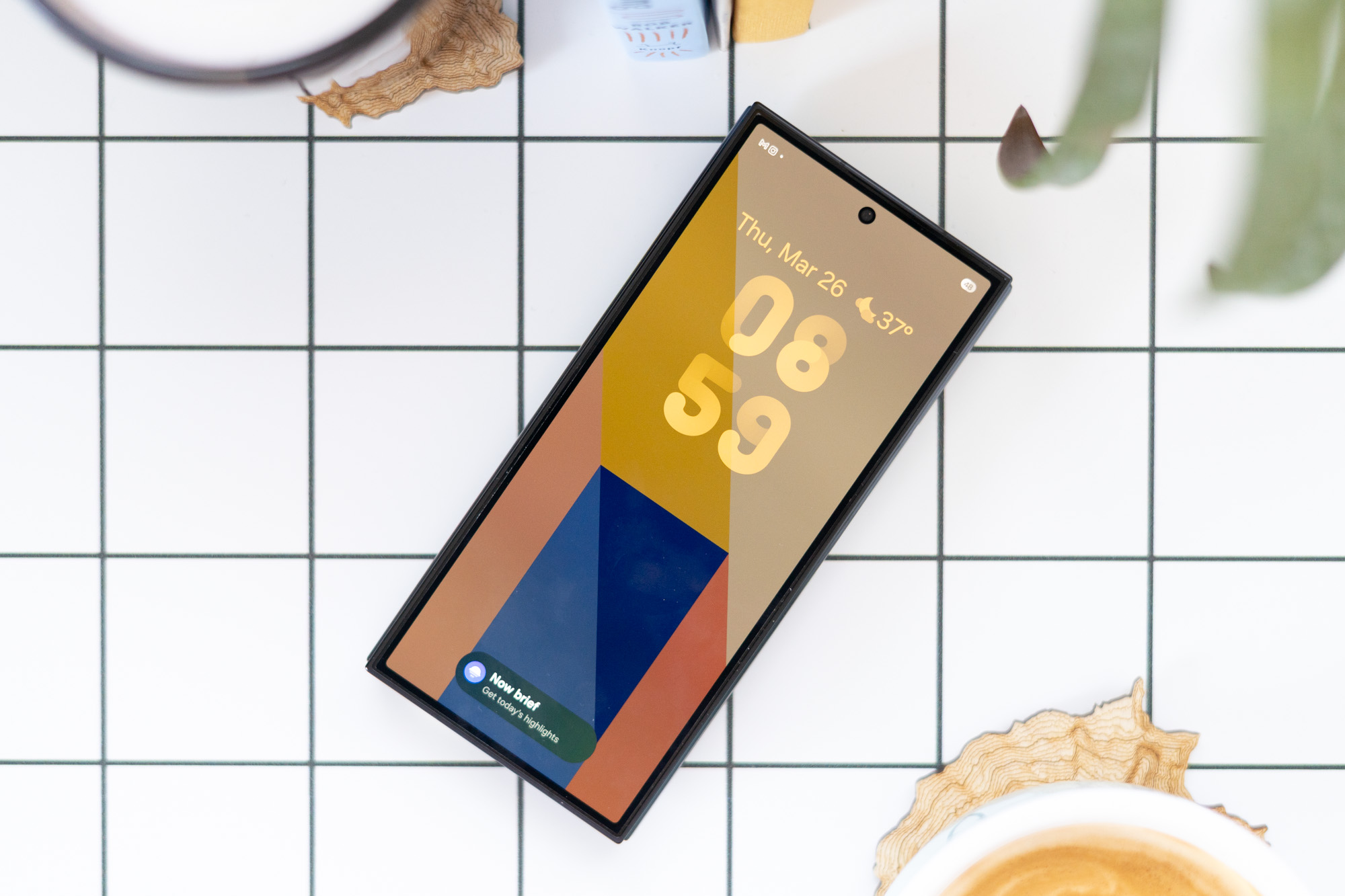
I spent this winter developing a new appreciation for book-style foldables, particularly the super slim and light Z Fold 7. It really hits its stride when you add a travel keyboard to use it as a coffee shop or airplane computer. And sure, the Trifold serves the same purpose. The bigger screen and the ability to window apps make it a pretty potent tool if you want to leave your laptop at home. I can fit more onto the screen: put the Slack app off to the side while I work in another window, or keep a Google Doc visible on screen while I make a video call. The Trifold delivers on its core promise, which is to do these things better than any single-hinge foldable can.
But none of that really makes up for the extra bulk and weight over a standard folding phone. You’re still using a computer that would rather just be a phone. It’ll still insist on opening apps when you’re trying to access an arguably better experience in a Chrome tab. Good luck peacefully existing with two Google profiles at once. The speakers are still, well, phone speakers, and they kind of suck. And if the battery dies, so does your lifeline to the rest of the digital world.
Samsung kinda gave the game away when it discontinued the TriFold
I’m not giving up on the trifold dream. The more time I spend with this version, the more convinced I am that Huawei’s accordion-style approach might be the right one. The Z TriFold’s outer panels fold inward to cover the middle of the inner screen, with a separate cover screen on the back of the device. Huawei’s folds into a Z-shape, using one of the main screen’s panels as the cover screen. It’s a little lighter and sleeker when fully folded, making it a bit more comfortable to use in phone mode.
Anyway, I don’t have to worry about whether I’d recommend anybody buy a TriFold. I wouldn’t, but even if you want to, you probably can’t. Samsung kinda gave the game away when it discontinued the TriFold — it was always more of a concept than a viable product. It was too expensive, bulky, and impractical for this world. Even now that I have it working and it no longer feels like a security risk, I’m going to stick to the Z Fold 7 for all of my purse computing needs.
Photography by Allison Johnson / The Verge
Read the full article here
