

Introduction
Even before I got it out of the box, the Galaxy Tab S11 Ultra had practically done enough to become the new king of Android tablets. No other brand makes anything as big – or expensive – as Samsung does, and this latest effort has only streamlined what was already a lustworthy bit of kit.
That huge display is even brighter now; the chipset more powerful; the battery slightly bigger. Samsung has also given its software some love, with productivity-focused upgrades to DeX. It’s not a step up from the Galaxy Tab S10 Ultra in every area, but improves in the ones that matter most.
At $1200/£1199, pricing hasn’t changed at all between generations. That puts the Tab S11 Ultra directly up against Apple’s largest iPad Pro, and means the OnePlus Pad 3 – my current favourite Android tablet – costs half as much. And isn’t significantly smaller. But is cost along enough to Samsung from taking the throne?
Design & build: marginal losses
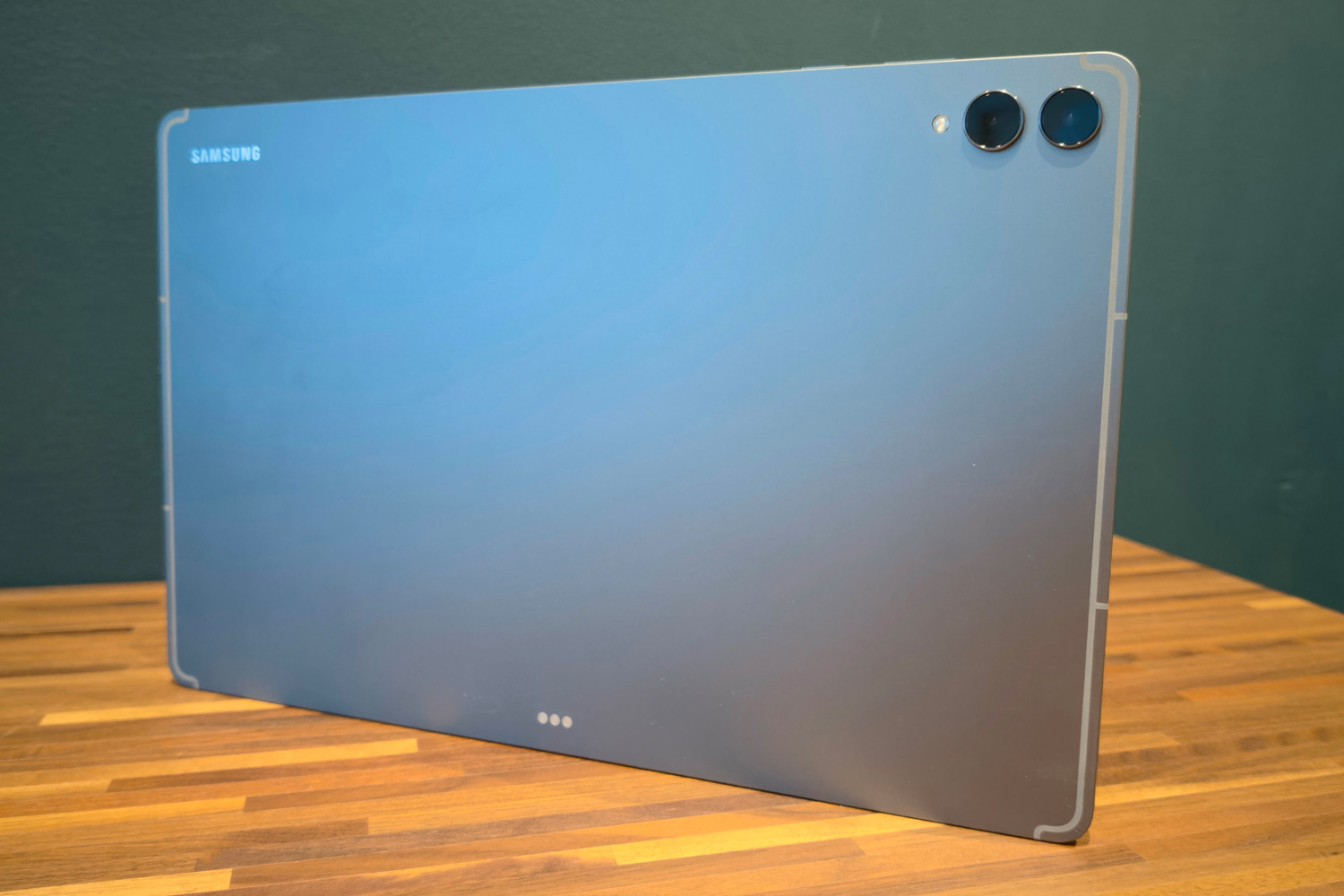
While its phone division has seemed more willing to mix things up in 2025 – see the svelte Galaxy Z Fold 7 and slender Galaxy S25 Edge – Samsung’s tablet team seems more set in its ways. The Tab S11 Ultra only deviates slightly from last year’s effort, which itself was a dead ringer for the model before it.
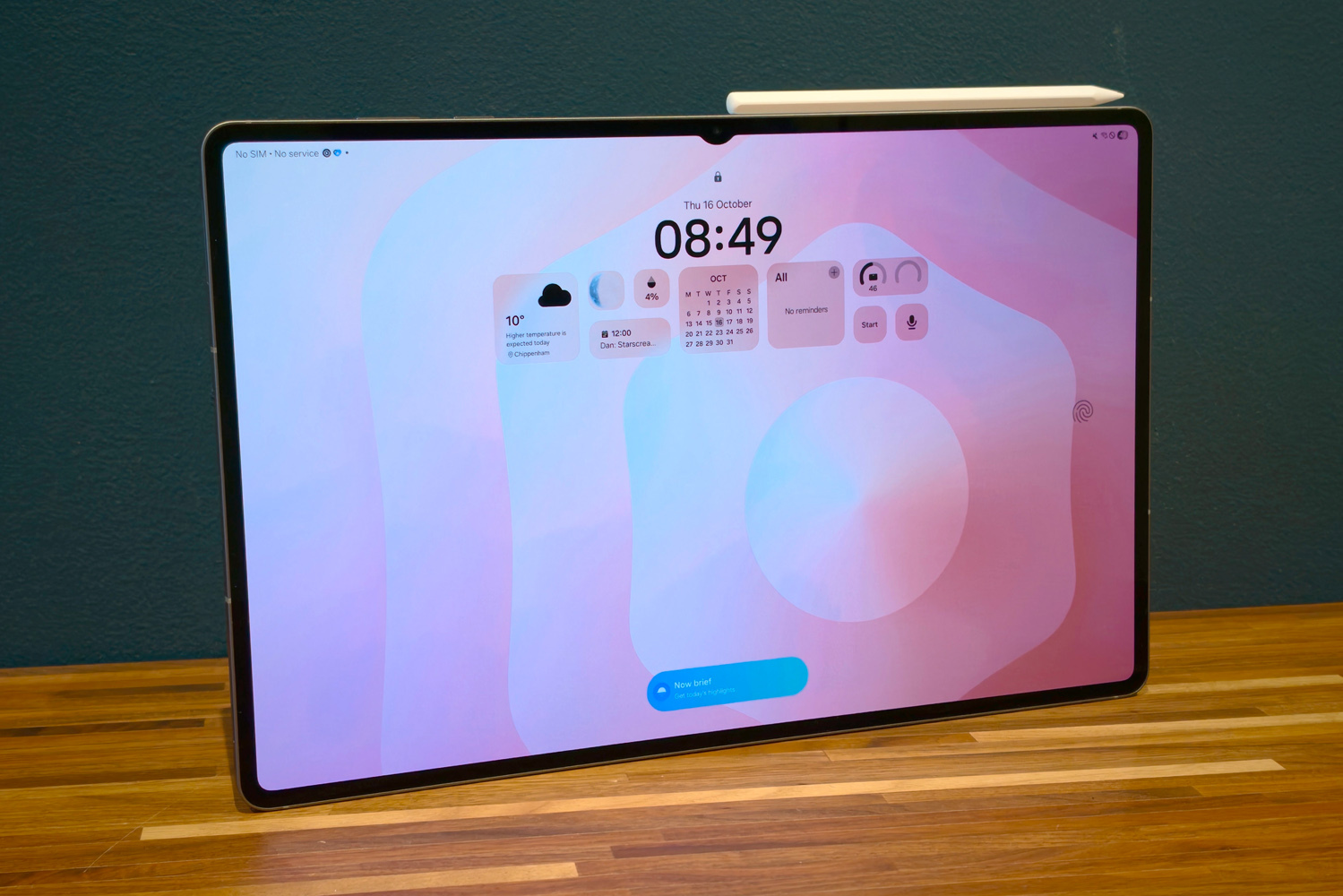
The speaker grilles at the sides are single cutouts now, rather than rows of multiple tiny holes, and the camera notch is far less prominent now – mainly because it only has to contain a single lens, rather than two. The included S Pen stylus doesn’t cling limpet-like to the rear of the tablet any more, either; it bolts onto the tablet’s top edge instead, like an iPad Pro. Pogo pins on the back side let you hook up one of Samsung’s official keyboard covers for added productivity.
Ultimately this is still a sizeable slab of glass and metal – in this case Samsung’s toughened Enhanced Armor Aluminium – and it even comes in the same grey or silver colours as before. The Tab S11 Ultra has managed to slim down to a mere 5.1mm, though, and is a fair bit lighter than its predecessor at 692g. That’s light enough to hold one-handed comfortably enough, though the sheer size meant I mostly used both hands.
IP68 resistance returns, meaning a complete dunking in water won’t spell disaster – though given its size we’re talking swimming pools rather than kitchen sinks. The under-display fingerprint sensor feels as quick as ever, too, though facial recognition is easier on a device this big. It’s only secure enough to bypass Android’s lock screen, as ever.
The S Pen has seen more of an overhaul, with a new octagonal shape and a size that reminded me of the HB pencils I used to use at school. Magnets hold it firmly enough in place I could put the tablet in my bag and the Pen still be attached at the other end of my commute.
It’s comfortable to hold and feels as accurate as ever to sketch or write with, though losing Bluetooth support means it’s a bit dumber than before. I’d argue being able to control presentations remotely is a more useful skill in a productivity-minded tablet than on a smartphone, but Samsung clearly feels otherwise, so features are now on par with the Galaxy S25 Ultra smartphone.
Screen & sound: size matters
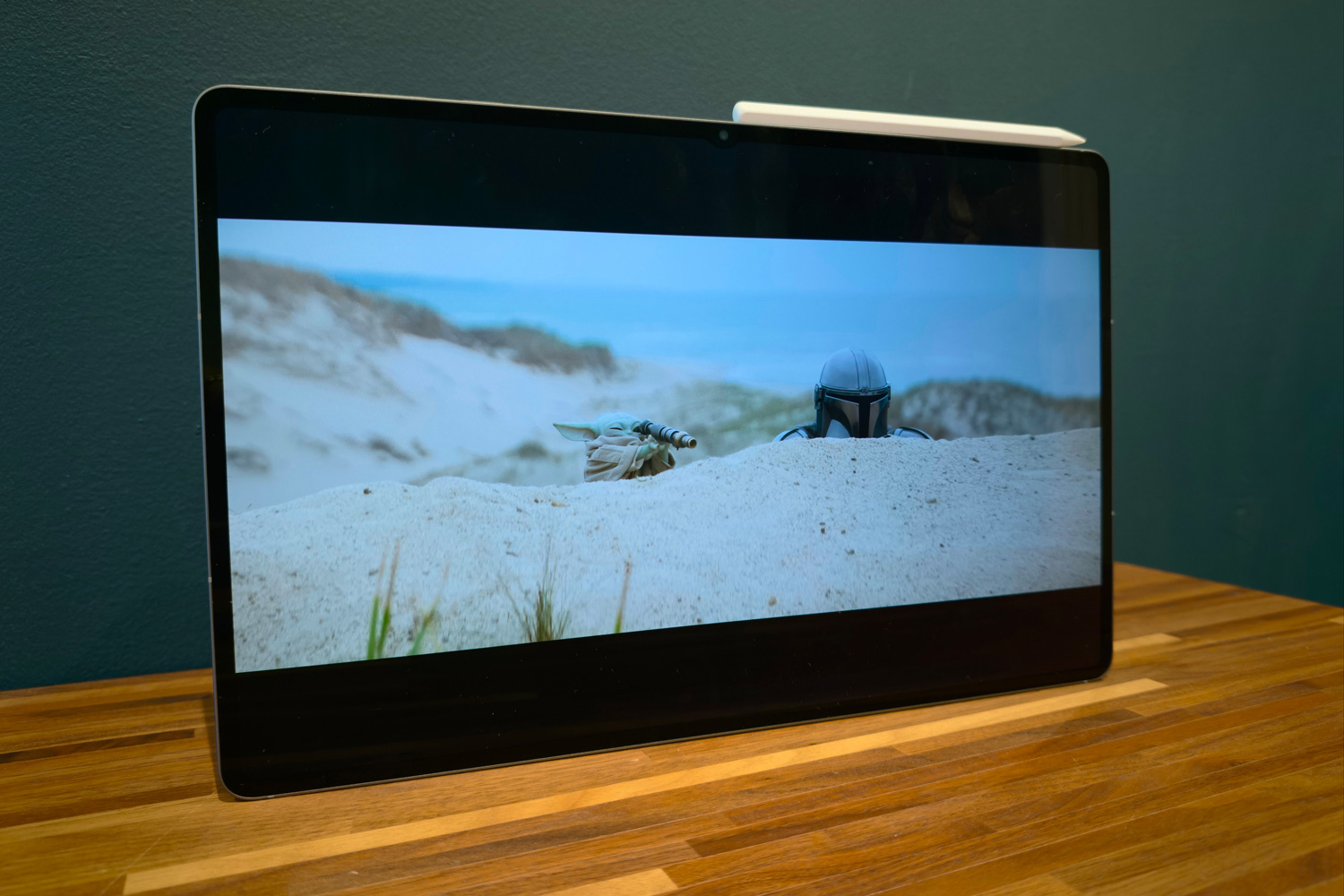
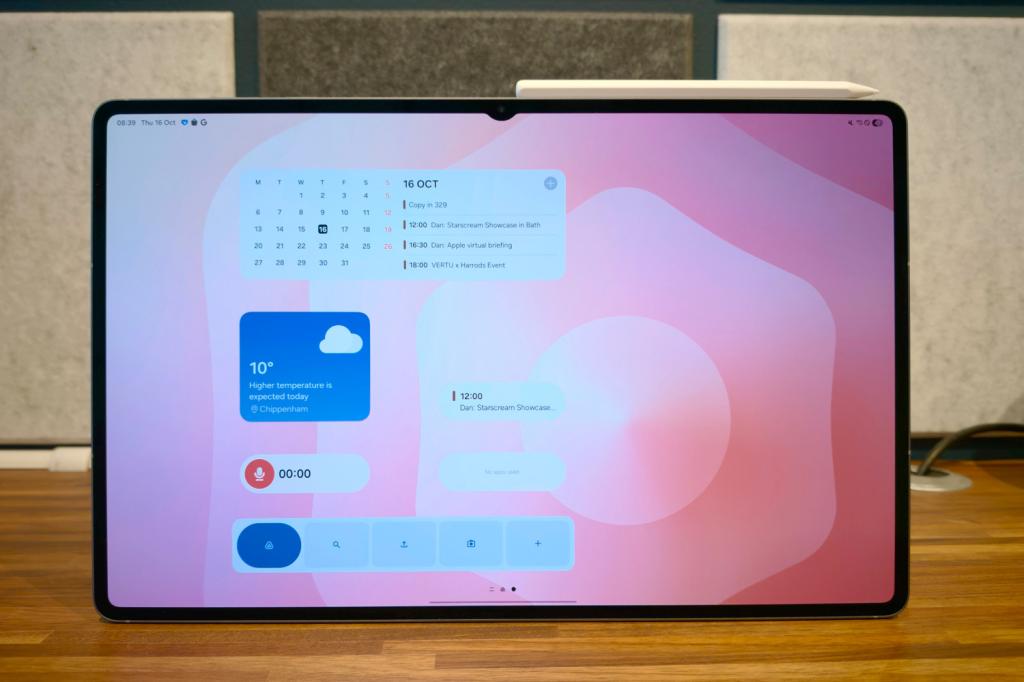
If you want to go big, this tablet is still your best bet. At 14.6in, the Galaxy Tab S11 Ultra looms over Apple’s largest iPad Pro, as well as pretty much any Android slate you’d care to name. The 16:10 aspect ratio is great for both multimedia and productivity, cutting down on letterboxing compared to an iPad Pro and having plenty of space for side-by-side multitasking. The bezel is also super-skinny, which looks lovely but doesn’t give you a whole lot of room to grip the thing without obscuring the display.
All of that was also true last year. There’s very little here I haven’t seen before, with the same 2960×1848 resolution, same 120Hz adaptive refresh rate, and same AMOLED panel tech.
Then again, the old tablet was a visual treat, and that’s still true of this new one. Images and videos look stunning, with gloriously smooth motion, wonderful clarity that really shows off fine detail, and the sort of vivid, saturated colours I’d expect from a Samsung OLED. Contrast is phenomenal, as usual, giving dark scenes huge amounts of depth. HDR10+ content goes even harder.
The anti-reflective coating does a great job at keeping light glare at bay, and while it doesn’t diffuse reflections quite like an iPad Pro’s nano-texture glass, I’m still glad to have it. Screen brightness is nothing to sniff at, either, managing 1000 nits full-screen and 1600 nits peak. That’s an improvement on last year and as good as it gets for an Android tablet, in my experience. Daytime visibility was simply superb, with equally epic viewing angles.
It’s a similar story with sound. The quad stereo speaker arrangement hasn’t been tweaked to any major degree, but given they were some of the loudest-shouting drivers on any Android tablet before, there wasn’t much to tweak. It’s absolutely not short on volume, and packs a surprising amount of punch for such a slim device, though outright sonic balance still goes to Apple.
Cameras: a simpler setup
It says something about how much brands care about tablet photography that the big news here is Samsung taking away a lens, rather than adding anything new. There’s now just a single 12MP front snapper, rather than the pair you got on previous Ultra tablets.
I don’t miss it: keeping the lens with the wider field of view meant I always fit in the frame for video calls, and could even move about a bit without disappearing offscreen. Quite why it needs to live inside a notch, rather than just stealthily stowed inside the screen bezel, is a mystery though. It’s not especially distracting, but feels unnecessary.
Around back, the 13MP lead camera and 8MP ultrawide return unmodified for the third generation in a row. The former is still able to manage 4K video recording at 30fps, while the latter tops out at 1080p/30.
Unsurprisingly image quality hasn’t really changed all that much from last year. The Tab S11 Ultra is still able to take a decent enough snap outdoors in good light, but you’ll still reach for a smartphone as soon as you step inside or the sun starts to set. Document scanning remains its forte.
Software experience: do the desktop
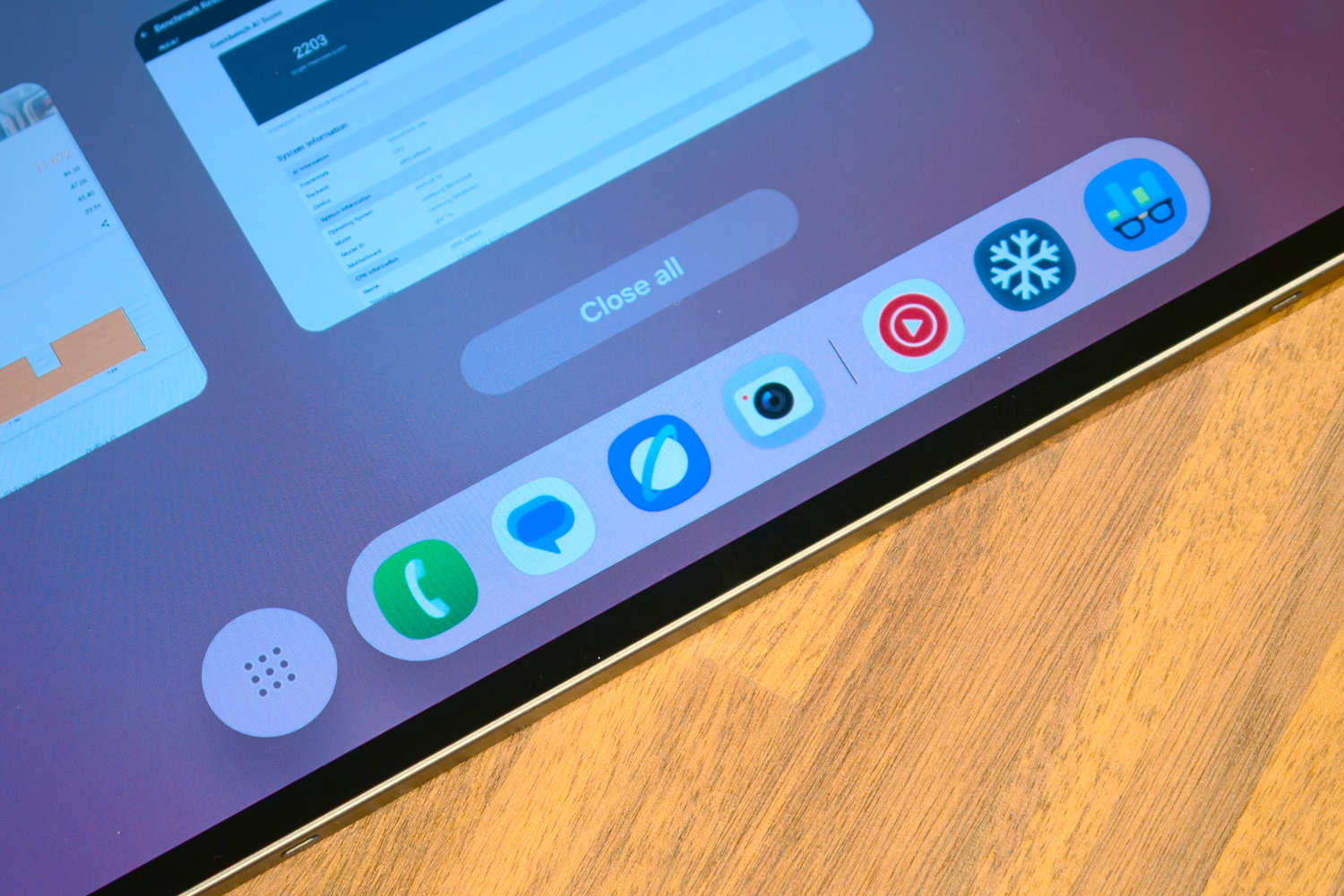
Looking to buy an Android tablet to get productive? The Galaxy Tab S11 Ultra is your best bet by a long shot. Samsung has iterated its desktop-like DeX interface and multitasking modes to near-perfection, and having them on such a big screen makes multitasking a joy.
You can have three apps side-by-side-by side in whatever split you like. I’m a fan of 10/80/10, with the app I’m using most taking up the majority of the display, while the other two sit at the sides for at-a-glance info or access to my Spotify music queue. Being able to save app pairs (or trios) to the app bar is massively helpful, while dragging a fourth app out into a floating window is also a breeze.
DeX used to be primarily for external displays, and while some features still demand you hook up a separate monitor (either wired or wireless), the main experience is good to go right out of the box. One button in the Quick Settings menu swaps Android’s usual launcher for one that lets each app open as a window you can maximise, minimise or drag around the desktop, just like a Mac or Windows PC. The Recents screen lets you launch multiple virtual desktops, too. No other Android tablet comes close to matching it for getting work done.
The rest of the interface is a match for Samsung’s latest smartphones. OneUI 8 is slick and easy to navigate, with no shortage of preinstalled apps to keep you busy – including a bunch of creative heavy hitters like Clip Studio Paint and LumaFusion (albeit in trial form). Fans of Google’s apps may not relish how Samsung has a fair few duplicates, but they do benefit from a healthy dose of Galaxy AI assistance.
The Notes app can summarise long documents, record and transcribe audio (saving a trip to the dedicated voice recorder) and translate different languages without having to also have a web browser open. The image gallery can generatively remove objects, expand tightly cropped photos, and create all-new pics from text prompts. Everything works as well as I’ve come to expect from Samsung – which is to say largely better than Apple’s alternatives, which still feel half-baked.
That said, an iPad Pro does have the luxury of a more creator-focused app store. The full version of Photoshop Mobile has been on iPadOS for a while, but it’s still in beta on Android; there are lots more video editing and music production choices on Apple’s side of the fence, too. It’s something to think about if you have specific creative needs.
Samsung does get a big thumbs up for seven years of software support, at least.
Performance & battery life: all-powerful
Samsung made the switch to MediaTek power for its top-end tablets last year; clearly it was happy with the results, as there’s another one at the heart of the Galaxy Tab S11 Ultra. The Dimensity 9400+ is the firm’s current fastest silicon (though a 9500 is on the way), with eight cores and a 3.63GHz max clock speed.
It’s paired with either 16 or 12GB of RAM, depending on whether you go for the (eyebrow-raisingly pricey) 1TB model, or stick with the more vanilla 256GB and 512GB varieties. My review unit was a 12GB/256GB version, so is the baseline owners can expect in terms of performance.
There’s plenty of it here, with synthetic tests seeing it trade the top spot back and forth with the OnePlus Pad 3 and its Snapdragon 8 Elite chipset – but never by a wide margin. Things leant a little more in Qualcomm’s favour for 3D benchmarks and gaming, but this is still the high water mark for a big-screen Android device.
| Samsung Galaxy Tab S11 Ultra benchmark scores | |
| Geekbench 6 single-core | 2494 |
| Geekbench 6 multi-core | 8563 |
| Speedometer 3.1 browser bench | 25.8 |
| PCMark Work 3.0 | 16362 |
| Geekbench AI | 3299 |
| 3DMark Wild Life Extreme | 6492 |
| 3DMark Solar Bay | 11,672 |
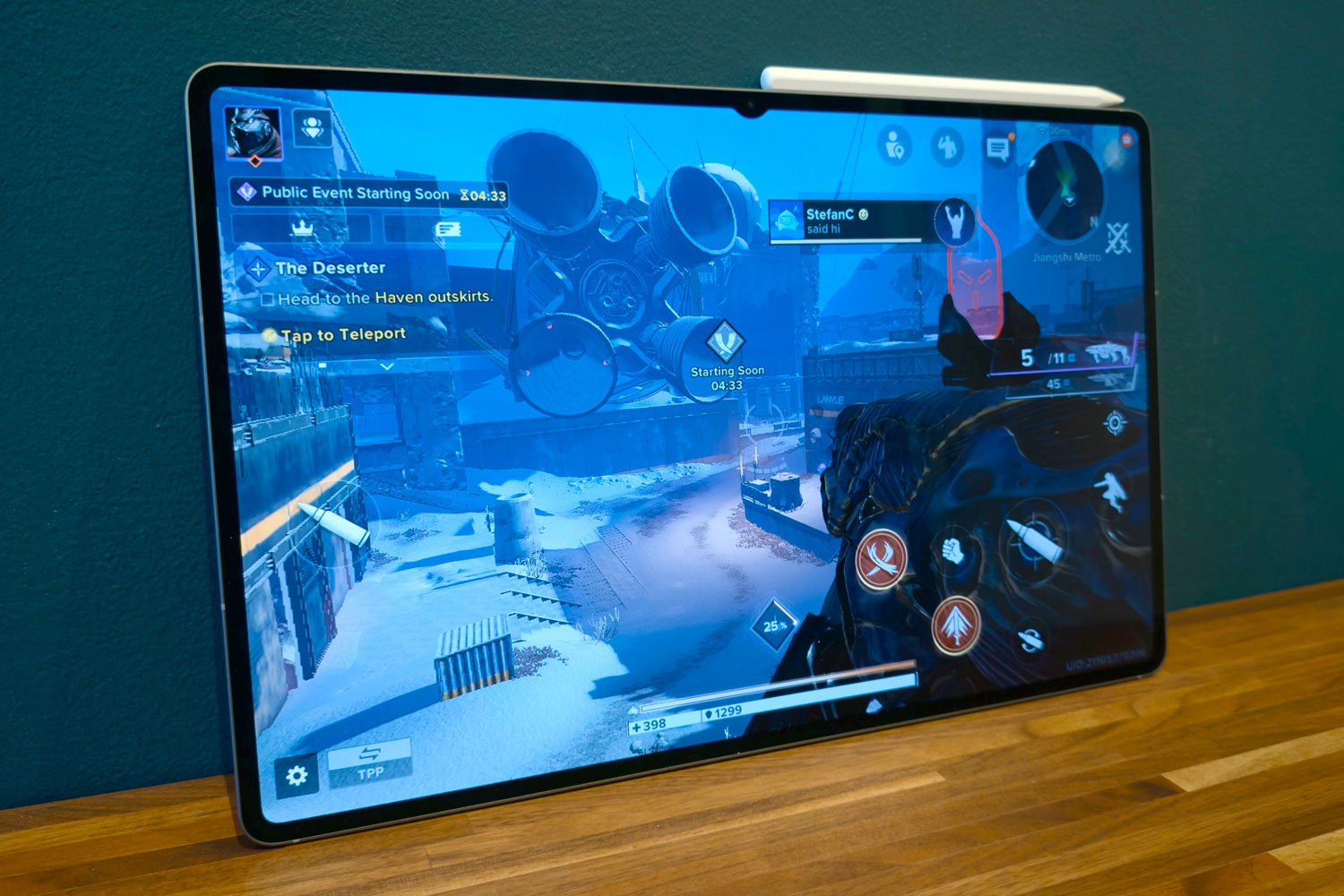
Unsurprisingly that meant the Tab S11 Ultra was a delight to use for daily duties. There’s a smoothness and responsiveness here that lesser tablets can’t hope to match, with apps opening in a blink and three-app multitasking never being an issue. Graphics-heavy games defaulted to high settings and ran pretty much flawlessly. More limited selection of creator-oriented apps aside, it’s able to handle more demanding tasks like 4K video editing at a real lick.
When given a breather, the Tab S11 Ultra can also display impressive stamina. The 11600mAh battery might only be slightly up on last year’s 11,200mAh cell, but in my experience this tablet can get through multiple days of casual use – including gaming, video playback and web browsing – or a full working day of video editing.
Charging speeds haven’t changed between generations, meaning you still get support for 45W top-ups (as long as you supply the power brick). For me that meant just under 40% from empty in half an hour, while a full refuel needed around an hour and a half.
Samsung Galaxy Tab S11 Ultra verdict
Samsung’s Ultra-badged tablets have gotten progressively more niche as they’ve grown in size. The Tab S11 Ultra hasn’t done anything to change that. It’s impressively powerful, lasts ages per charge, has an especially slick version of Android that really makes multitasking a breeze, and that screen is just delightful, so is fully deserving of a five star score.
However, it costs an eye-watering amount of money, even before you pick up the official keyboard cover. You could spend the same on an ultraportable laptop that runs Windows, and so will be able to run a wider array of industry-standard creative software.
If all the arty apps you personally require can be found on the Play Store, then this is the ultimate Android tablet. But for most people, the smaller Galaxy Tab S11 will do everything just as well, at a slightly smaller scale – and considerably less cash.
Samsung Galaxy Tab S11 Ultra technical specifications
| Screen | 14.2in, 2960×1848 AMOLED w/ 120Hz |
| CPU | MediaTek Dimensity 9400+ |
| Memory | 12/16GB RAM |
| Cameras | 13MP + 8MP rear, 12MP front |
| Storage | 256GB/512GB/1TB on-board |
| Operating system | Android 16 w/ OneUI 8 |
| Battery | 11,600mAh w/ 45W wired charging |
| Dimensions | 326x209x5.1mm, 692g |
Read the full article here
