

Introduction
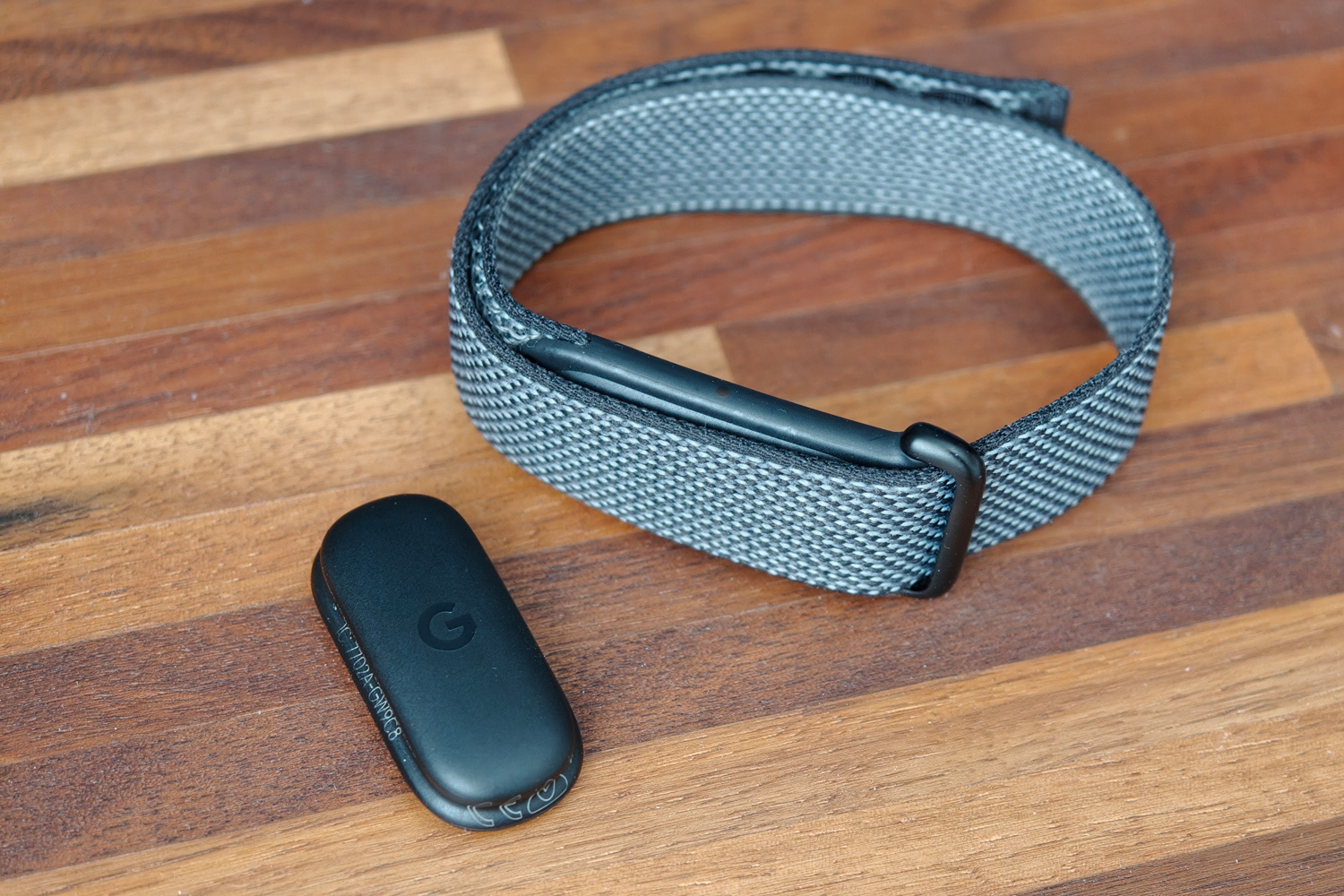
No distracting display. No mandatory subscription. A no-brainer purchase? Google is aiming to rewrite the rules for scree-free fitness trackers at its first time of asking with the Fitbit Air.
Rather than demand a three-figure annual fee like Whoop or target data-obsessed fitness fanatics like the Garmin Cirqa, this everyman wearable has price on its side at just $100/£85. There’s been no skimping on sensors, it has a battery that can go the distance, and the companion app won’t bamboozle newbie exercisers with stats and charts. Comfort hasn’t been forgotten either.
OK, Google will happily also charge you $10/£8 a month for AI-powered fitness and nutrition insights – but they’re entirely optional (and, as I’ll explain below, not for everyone). So as long as one or two absent features aren’t enough to send you searching for a regular smartwatch or GPS watch, it’s hard to see how casual exercisers can do any better.
How does the Fitbit Air’s design differ from rivals?
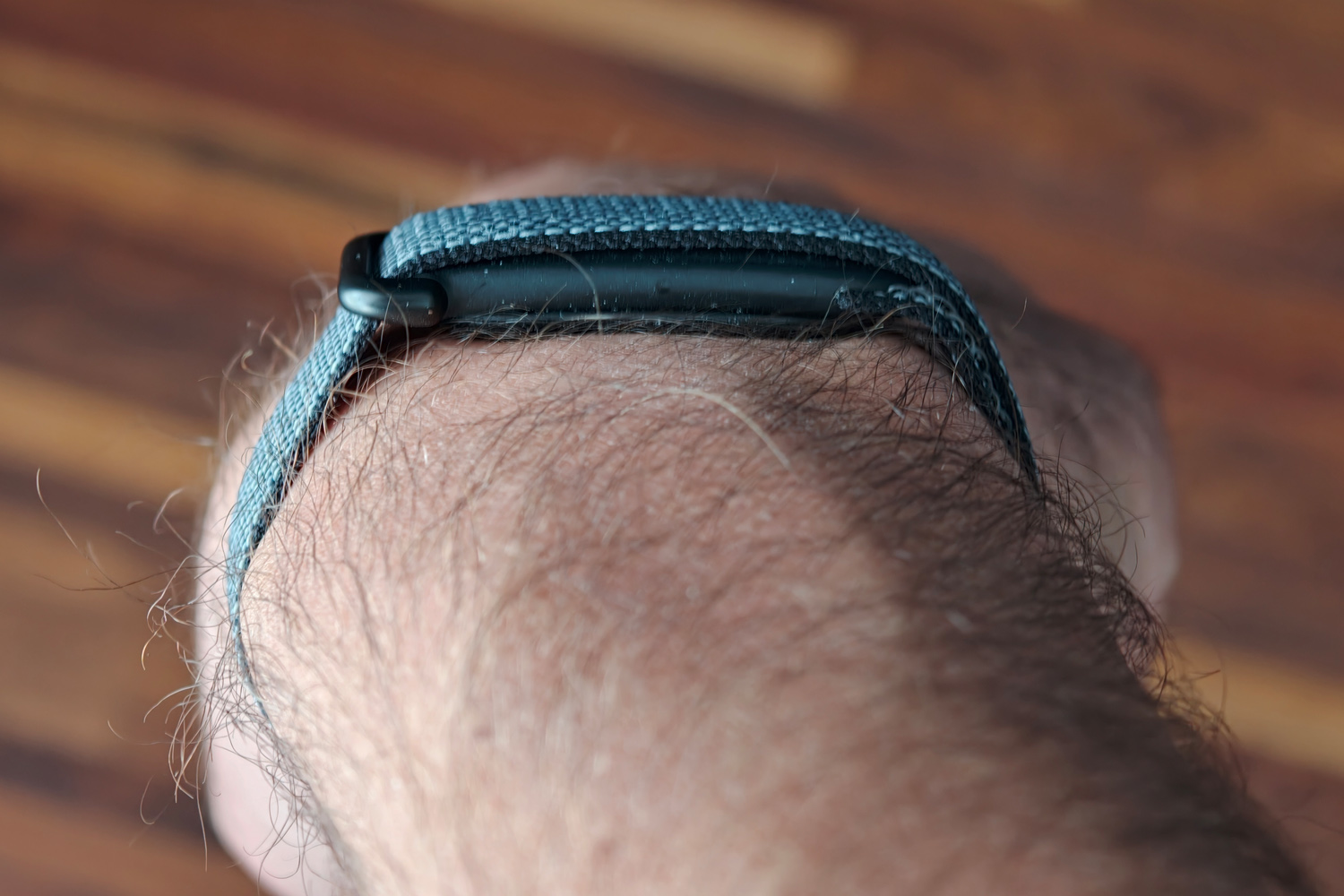
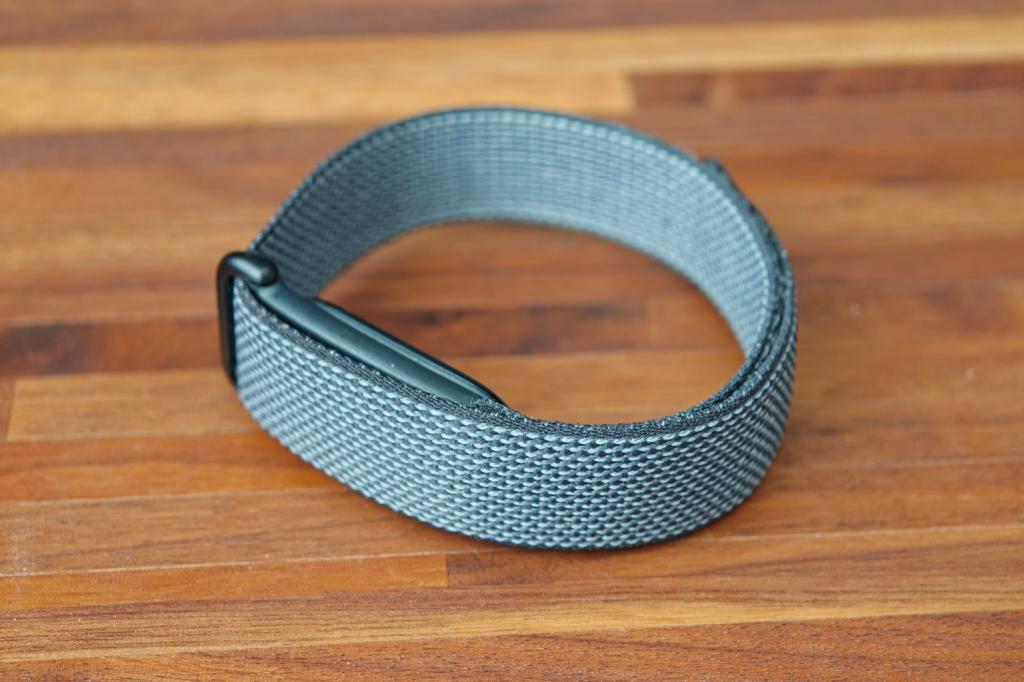
Side-by-side with a Whoop, Cirqa or virtually any other screen-free fitness tracker you could name, the Fitbit Air is impressively small. At a hair over 8mm thick it takes up very little room on your wrist. The tracker also weighs next to nothing. Combined with a flexible fabric knit band that’s infinitely adjustable, via velcro that grips tightly no matter what form of exercise is your favourite, and there were times during testing where I genuinely forgot I was wearing it. This is easily the comfiest in the class right now.
Not being overloaded with features surely helps. With no buttons to make room for and a status LED that can largely be ignored (it’ll only flash to indicate charging status or firmware updates), this is a set-it-and-forget-it wearable. Only the vibration motor will remind you of its presence on your wrist, and even then only for irregular heart rhythm alerts, low battery warnings and a silent alarm. You can’t set it to buzz for incoming texts or calls.
The stretchy fabric wrist band would be my pick for daily wear; it’s fantastic for sleep and comes in a bunch of jazzy colours beyond the rather reserved black of my review unit. Swimmers may want to swap it out for the quick-drying silicone version, though. The tracker pops out with a bit of force and clips back in just as easily, so there are no tricky clasps or release mechanisms to struggle with.
Google doesn’t have any official bicep straps or accessories to wear the Air anywhere other than on your wrist, like Whoop does, but a quick search online suggests there’s already a burgeoning third-party market.
How good is the Fitbit Air at health & fitness tracking?
It may be small, but Google found enough room inside the Fitbit Air for heart rate, SpO2 and skin temperature monitoring as well as an accelerometer/gyroscope. That’s enough for it to record your resting heart rate, blood oxygen saturation and heart rate variability, on top of simpler metrics like step count.
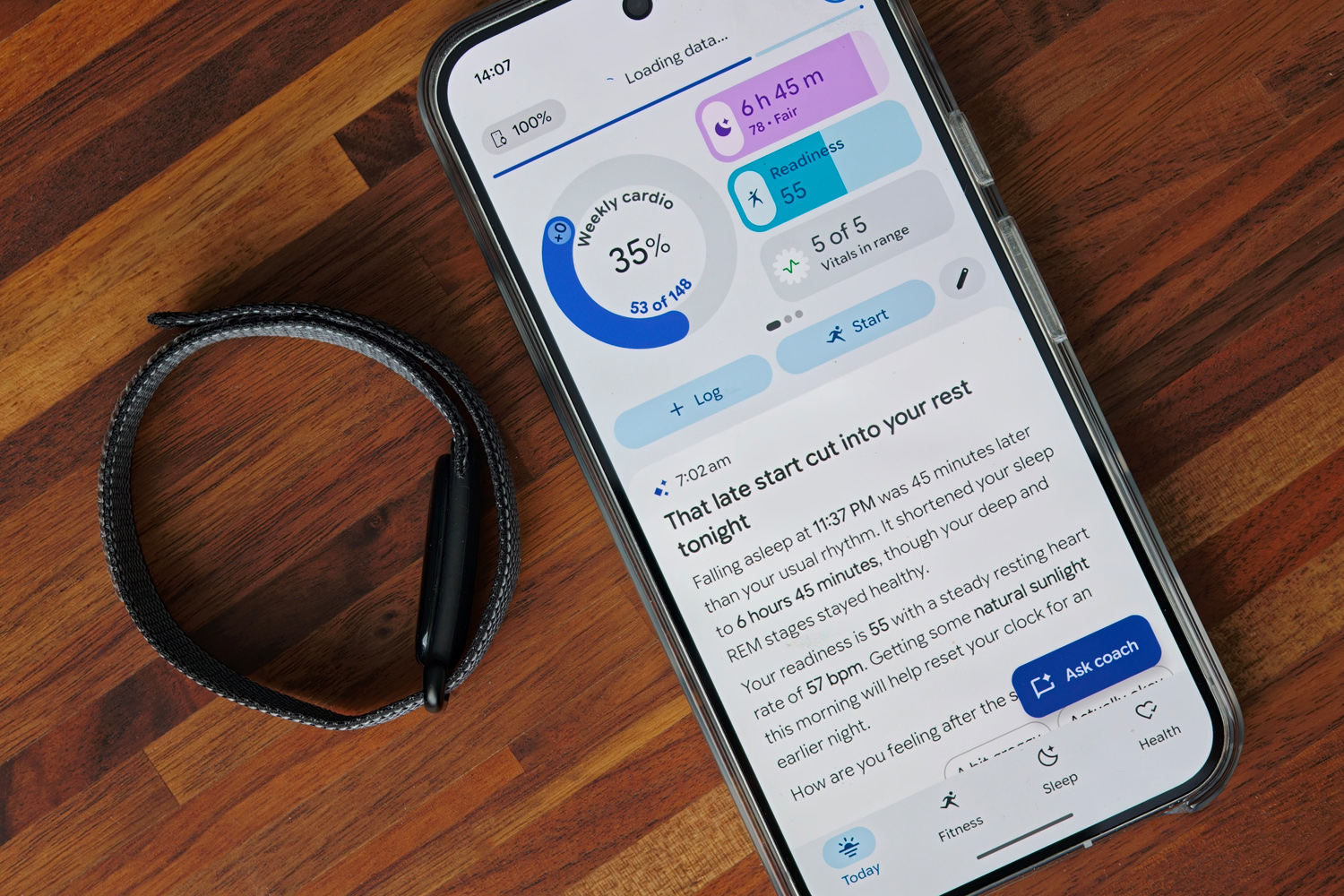
Google Health takes all these and calculates more at-a-glance figures, like a daily readiness score and a weekly cardio load. These are great for deciding whether today is the day to tackle a personal best, or to take it easy and give your body time to recover. The results were largely in line with Garmin’s body battery metric, based on data recorded by the much more expensive Fenix 8 Pro smartwatch.
Sleep scores were also consistent with more expensive wearables, with sleep and wake-up times within a few minutes of my Garmin. Sleep stages weren’t an exact match, but neither is exactly medical-grade, so it gets a pass. There’s plenty of detail within the app if you want to monitor restlessness or sleeping heart rate.
Workouts will take some adjustment if you’ve previously used a smartwatch or tracker with a screen. Now you’ll either be ignoring data altogether until you’ve finished an exercise, having it announce exercise stats audibly through your phone based on time or distance, or looking to your phone’s screen for real-time data within the companion app.
If you don’t start an activity this way, the Air will begin recording automatically after 10-15 minutes depending on the exercise. You can tweak this in the settings if, for example, you don’t want it counting your 20 minute walk to work as exercise. It recognises walks, runs, cycles and rowing machines, but there are over 100 more to tag a workout as through the app.
The Air also monitors all your metrics 24/7, so if something gets missed (which in my experience rarely happened) you can retroactively add it via the app; that’s not an option on the Garmin Cirqa, which costs twice the price. Tracking accuracy is generally excellent for a wrist-based wearable. Step, heart rate and distance results all aligned with a more expensive smartwatch.
There’s no ANT+ on board like the Cirqa, but you can share live heart rate data with other devices over Bluetooth which is a well-deserved silver medal. Many more expensive smartwatches can’t do that without a third-party app.
The only real negative is a lack of onboard GPS, meaning you’ll have to bring your phone along during activities to record location data or track with even better distance accuracy. This is also the case for most rivals, though, so if not having maps from a single device is a dealbreaker then a screen-free tracker may not be for you.
What makes the Fitbit Air’s companion app stand out?
Like any screen-free fitness tracker, the FitBit Air is nothing without a companion app. Happily, Google’s is the most user-friendly I’ve come across to date. Google Health has fully replaced the old Fitbit app with an uncluttered and customisable interface that lets you put the numbers that matter most front-and-centre.
The app is available for both iOS and Android, so iPhone owners aren’t missing out, and it plays nicely with Google’s Pixel Watch range. It’s smart enough to merge data when wearing a Watch for workouts but the Air the rest of the time, rather than duplicating it, and has no problem spitting out your data to third-party apps or services such as Strava.
If you just want the basics, that’s all there is to it: fitness, health and sleep are split into different pages, each with layers of data to dig through. I found everything easy to digest and not nearly as overwhelming as something like Garmin Connect.
Pay £80 a year for a Premium subscription, however, and Google’s AI-powered Health Coach can translate all those numbers into short paragraphs of text analysing your most recent sleep, last workout, and daily activity roundup. It can also estimate calories for your nutrition goals based on photos of your food and create tailored workout plans, customisable through a chatbot interface.
I told it the hours I typically had free on weekdays and weekends around work and childcare, what workouts I enjoyed, and my overall fitness goals. It then spat out a plan covering multiple lunchtime runs and two longer sessions on my Zwift Ride static bike. When I noted I had a work trip coming up, it changed the plan to include early morning gym sessions instead. I liked how I could take a photo of a treadmill run and add it to my workout diary, without having to tap anything in manually or download a third-party app first.
There’s an ease of use here that goes way beyond what rival wearables are offering with their AI features. Whether they are worth paying for depends on if you’d rather plan your workouts yourself, or find conversing with a disembodied text prompt at all motivating. You do get three months bundled in for free with purchase to try it out, and Google includes Health Premium with its more general subscription offerings like AI Pro; if you’re already paying for extra Google Drive storage, you might find you already qualify for this.
While I’ve yet to test them, Google will soon be adding blood pressure trends, insulin resistance trends and sleep breathing quality metrics as part of the premium package – though these rely on algorithms rather than actual readings, so I’ve no idea whether they’ll be worth paying for.
How good is the Fitbit Air’s battery life?
Officially, the Fitbit Air will last for around seven days of 24/7 wear. That’s half what a Whoop 5.0 can manage and slightly less than the Garmin Cirqa – although things are a bit closer once the Garmin enables constant pulse ox monitoring.
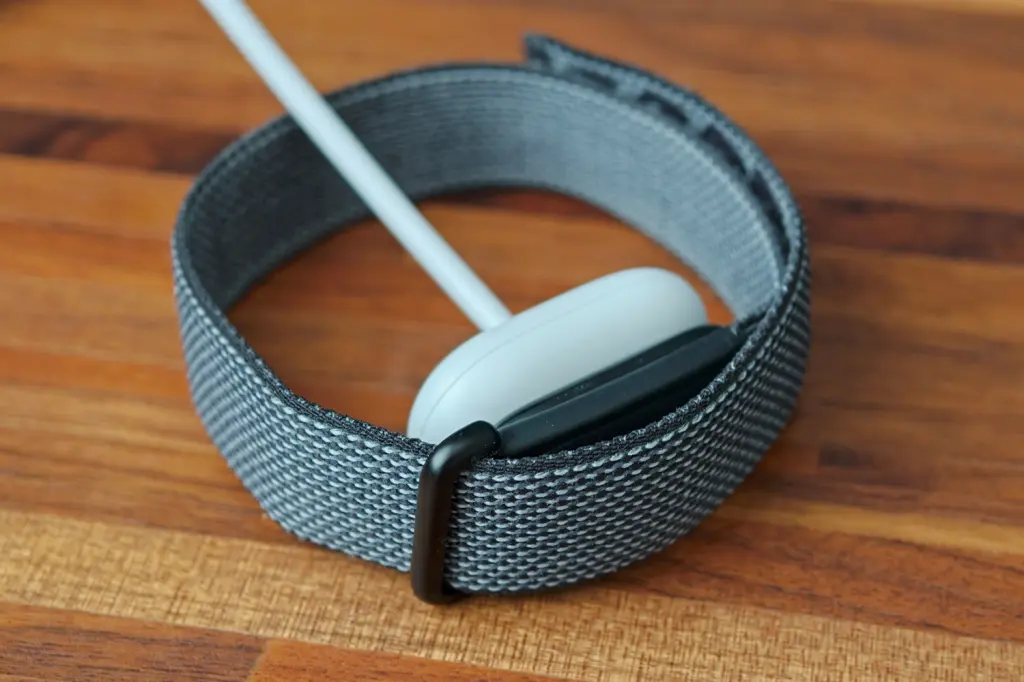
In my testing, however, the Air has been something of an overachiever. On weeks with a handful of tracked exercises, rather than daily workouts, I got closer to ten days before needing to charge. Even with daily runs or gym sessions, I’d be confident of travelling without taking the compact magnetic puck along with me.
There’s no way to top up the Air while wearing it, unlike the Whoop, and a full charge takes about an hour and a half. I’ve found a quicker stay while I shower and get dressed in the morning is plenty for getting through at least the next twenty four hours, though. You’re lasting comfortably longer here than any mainstream smartwatch: a Samsung Galaxy Watch Ultra2 or Apple Watch Ultra 4 will struggle to get to a third day before begging for a trip to the plug socket.
Should you buy a Fitbit Air in 2026?
Do you want a distraction-free fitness band that tracks multiple health metrics – and tracks them well? One that doesn’t cost the earth, either up front or annually through a subscription? Look no further than the wonderfully slim, comfortable and long-lasting Fitbit Air.
Google has delivered an impressively well-rounded device, which doesn’t gate off its headline features if you decide AI insights aren’t worth paying extra for. The companion app is the most user-friendly I’ve tried, clearly detailing every exercise and health stat the average fitness fan could want – whether you’re subscribed or not.
Only Garmin die-hards that refuse to leave Connect should consider a Cirqa instead, while serious amateur athletes or above should still budget for Whoop’s expensive annual membership for its more in-depth strain and training load analysis.
What are the Fitbit Air’s technical specifications?
| Screen | None |
| Sensors | Heart rate, accelerometer, SpO2, temperature |
| Connectivity | Bluetooth |
| Durability | 5ATM |
| Battery life | Up to 7 days |
| Dimensions | 35x17x8.3mm, 5.2g (tracker only) |


Read the full article here
