Close Menu
Gadget Guide News
  • Home
  • News
  • Features
  • Reviews
  • Best Stuff
  • Buying Guides
  • Deals
  • More Articles

Subscribe to Updates

Get the latest tech news and updates directly to your inbox.

Trending

New York sues Kalshi for allegedly running an ‘illegal gambling operation’

July 31, 2026

The phone setting most parents don’t know is switched on – and it could cost you big money this summer

July 31, 2026

Moonphase, chronograph, GMT and more: what do these watch complications actually do?

July 31, 2026
Facebook X (Twitter) Instagram
Gadget Guide News
Subscribe
  • Home
  • News
  • Features
  • Reviews
  • Best Stuff
  • Buying Guides
  • Deals
  • More Articles
Gadget Guide News
  • Best Stuff
  • Buying Guides
  • Reviews
  • Deals
  • Features
Home»Features»The phone setting most parents don’t know is switched on – and it could cost you big money this summer
Features

The phone setting most parents don’t know is switched on – and it could cost you big money this summer

News RoomBy News RoomJuly 31, 2026012 Mins Read
Share Facebook Twitter Pinterest Copy Link LinkedIn Tumblr Email Telegram WhatsApp
Follow Us
Google News Flipboard
Share
Facebook Twitter LinkedIn Pinterest Email Copy Link

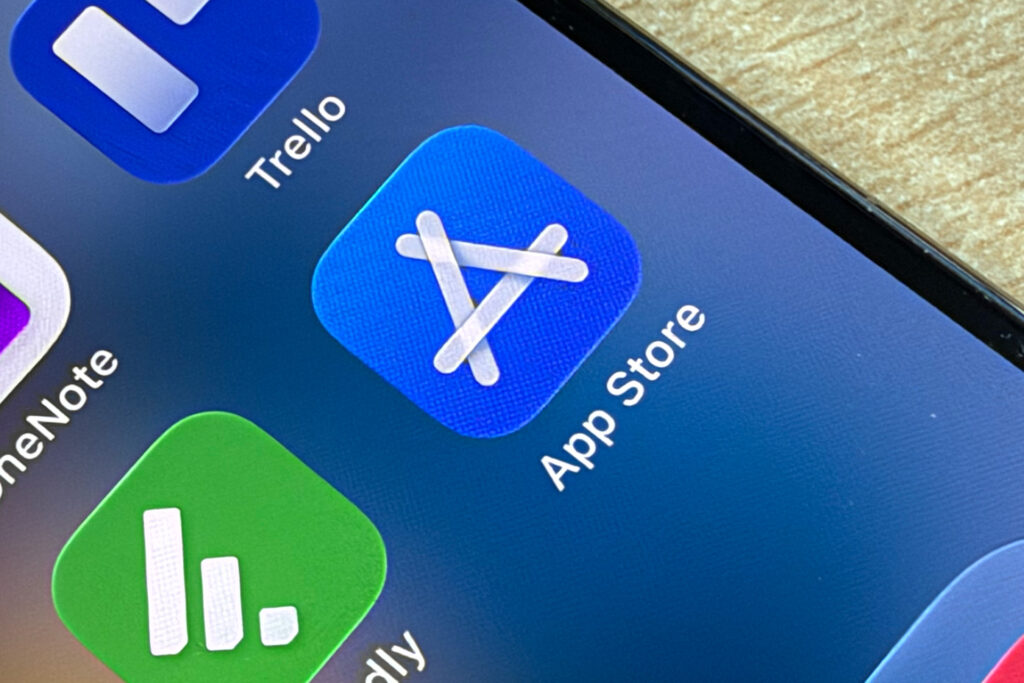
Parental controls settings are rather complicated, whatever device you have. Even Apple’s iPhone and iPad Screen Time features are not the most simple thing to navigate. But beyond the thorny issue of time limits, there’s one issue that could actually cost you big money – and that’s the problem of app purchasing and the accompanying menace of in-app purchases.

We’ve all heard the horror stories of children running up huge bills. One girl ran up a $11,400/£8500 bill on Apple’s App Store for example. But will bills of that severity are somewhat unlikely, there’s one setting you absolutely must check, whether you have an Apple or Android device. It’ll take you just a few minutes and will be absolutely worth it.

Turn off App Store purchases in Screen Time on Apple devices

  1. Open Settings
  2. Tap Screen Time
  3. Tap Content & Privacy Restrictions.
  4. Turn Content & Privacy Restrictions on
  5. Tap iTunes & App Store Purchases
  6. Under In-app Purchases, select Don’t Allow

Got Apple Family Sharing set up?

If you have an Apple device with Family Sharing set up, you should turn on Ask to Buy, which blocks all purchases until they are approved:

  1. Open Settings
  2. Tap your Apple ID at the top and select Family (Family may be displayed as a separate entry at the top of the Settings menu )
  3. Choose your child’s name
  4. Switch Ask to Buy on

For Android devices

  1. Open the Google Play Store
  2. Tap your profile picture
  3. Go to Payments & subscriptions
  4. Select Payment verification
  5. Turn on Biometric Verification for purchases. Choose ‘Always’ so you’re always asked.

Use Google Family Link

You can also use Google Family Link to approve purchases by going to Settings > Family > Manage family members.

James Brown, Director at Protect Your Bubble commented on the issues surrounding app purchasing, “This is a common mishap many parents experience, either themselves accidentally purchasing something, or indeed their children.

“It’s easy to assume that payments need passwords or additional approval; however, many devices and accounts allow instant spending once a card is saved to the account. The simplest way to stop this happening is to turn off one-touch payments and require approval for every purchase.”

Also read: Screen Time = scream time. Why parents need more human device tracking

Apple News

Read the full article here

Follow on Google News Follow on Flipboard
Share. Facebook Twitter Pinterest LinkedIn Tumblr Email Copy Link
News Room
  • Website

Related Posts

Moonphase, chronograph, GMT and more: what do these watch complications actually do?

July 31, 2026

No, you don’t actually need fitness trackers, gadgets, or apps to lose weight. But they sure can help. Here’s how

July 31, 2026

E-cars: what are they, when might they arrive, and could they be the future of EVs?

July 31, 2026
Add A Comment
Leave A Reply Cancel Reply

Top Articles

The best paid-for iPhone and iPad apps money can buy

June 1, 2026

Best flip phones in 2026: top clamshell foldables for every budget 

June 11, 2026

Apple CarPlay Ultra compatibility list: every car that has, and is getting, Apple’s next-gen UI

June 12, 2026
Latest Reviews

Razer’s new keyboards drop the price on powerful gaming features

News RoomJuly 30, 2026

A second lens makes DJI’s Osmo Pocket 4P my new favorite video camera

News RoomJuly 30, 2026

This Alienware ultrawide monitor is so good I didn’t want to give it back – could it be the best upgrade you’ll make in 2026?

News RoomJuly 29, 2026

Subscribe to Updates

Get the latest tech news and updates directly to your inbox.

Demo
Most Popular

I think the BYD Ti7 offers way better value than a Land Rover Defender – but is it as good as one?

June 2, 2026

The best paid-for iPhone and iPad apps money can buy

June 1, 2026

Best flip phones in 2026: top clamshell foldables for every budget 

June 11, 2026
Our Picks

Anthropic says Claude accidentally hacked real companies too

July 31, 2026

Apple TV’s Cape Fear remake turns it into a paranoid tech thriller

July 31, 2026

This tattoo is permanent, pain-free, and maybe delivered in the mail

July 31, 2026

Subscribe to Updates

Get the latest tech news and updates directly to your inbox.

Facebook X (Twitter) Instagram Pinterest
  • Home
  • Privacy Policy
  • Terms of use
  • For Advertisers
  • Contact
2026 © Prices.com LLC. All Rights Reserved.

Type above and press Enter to search. Press Esc to cancel.