

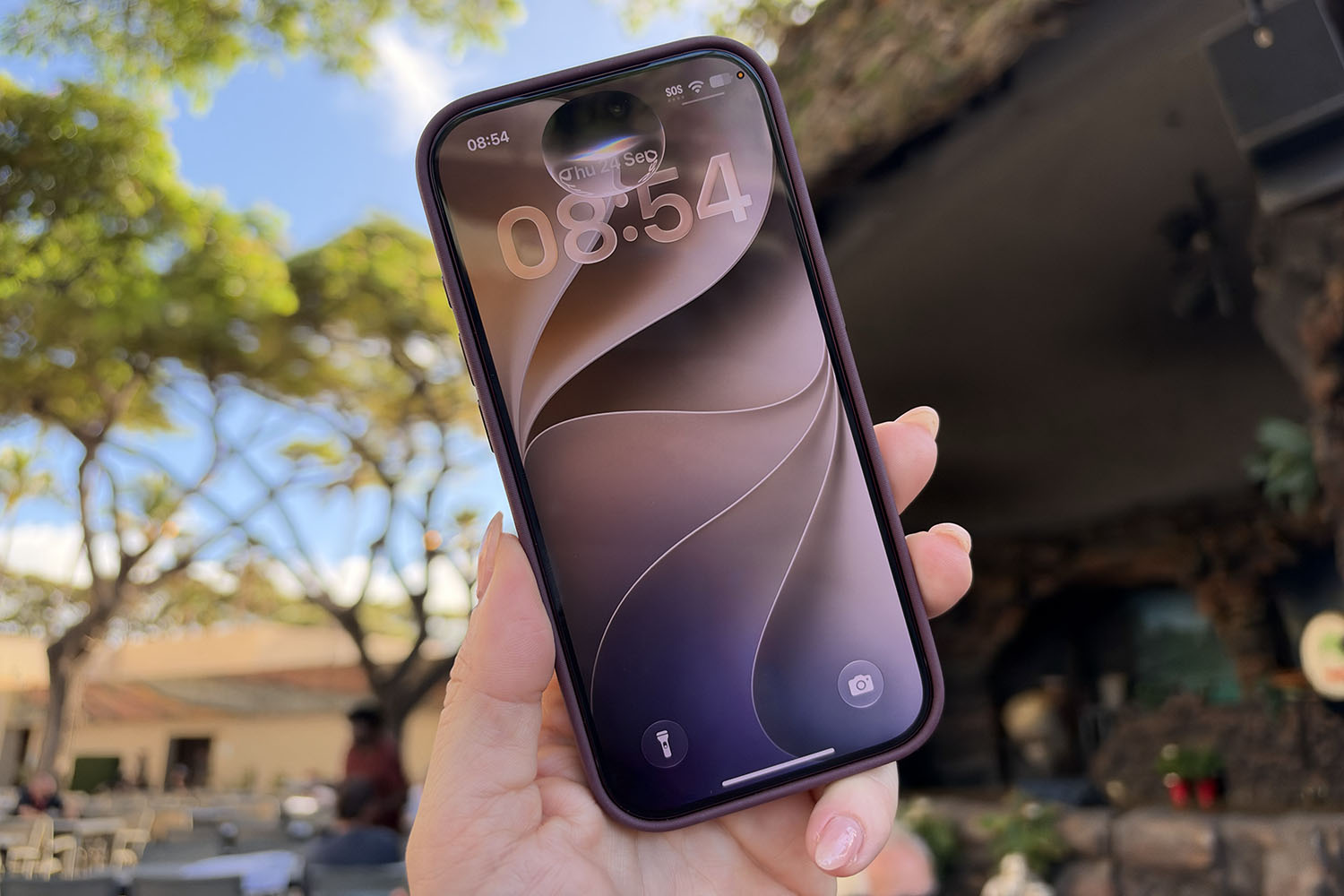
Apple’s latest iPhone software hasn’t been around long – iOS 27 arrived on compatible iPhones only a couple of weeks ago, but it’s already old news. If you updated on day one, you’ve probably already chatted with Siri AI (and been pleasantly surprised that it understood you the first time), nudged the new Liquid Glass slider to make your home screen more readable, and used the improved Clean Up in Photos to erase a stranger or rescue a picture you took at a dodgy angle.
But there’s more on the way. Apple usually follows a big release with a quick bug-fix update, but this time iOS 27.1 appears to have been skipped, and anyone on the Beta programme has jumped straight to iOS 27.2. While it might seem like Apple has forgotten how to count, 9to5Mac says iOS 27.1 is reserved for the iPhone Duo, which arrives on October 23 with the update pre-installed, so the rest of us skip straight to iOS 27.2. So what new features can you expect on top of everything iOS 27 has already brought?
Profiles in the Apple TV app
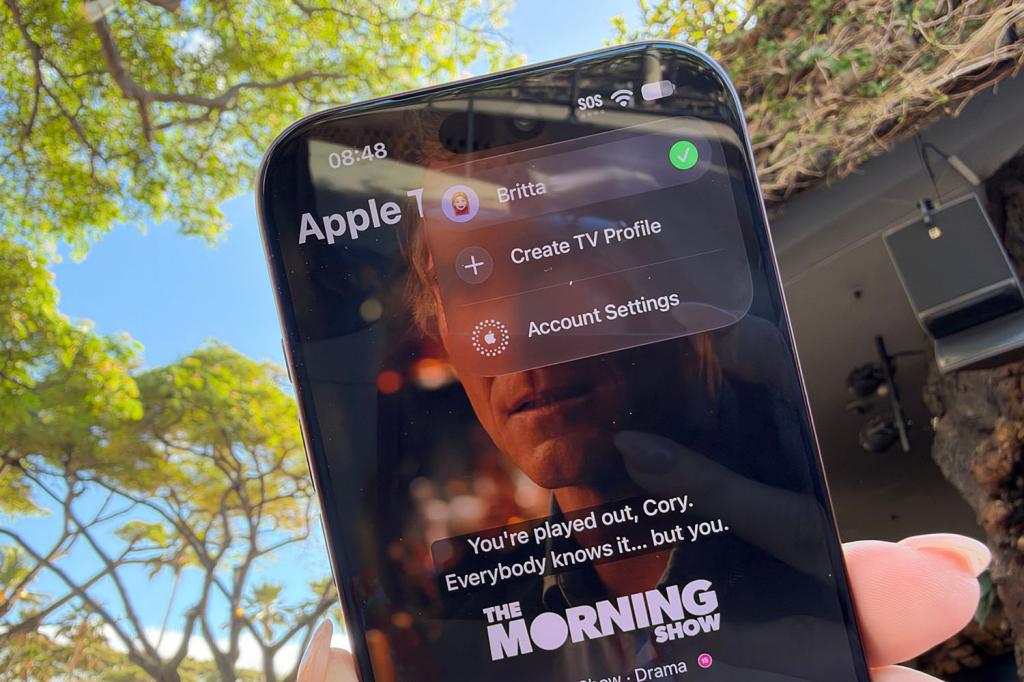
Good news for anyone whose recommendations are a chaotic mix of crime documentaries and cartoon pigs: the Apple TV app on iPhone finally supports profiles. Apple’s tvOS has had them for years, so while iOS is fashionably late, this is a good example of better late than never.
Setting one up will be quick, requiring you to choose a name, select a content rating and indicate whether the profile is for a child. Kids’ profiles default to PG-rated content, though parents can loosen or tighten that limit through Apple’s updated parental controls. Alongside profiles, the app adds a sign-language interpretation option, which you can enable in the TV app’s settings menu.
Dual Capture for Group FaceTime
Dual Capture debuted in iOS 27, allowing FaceTime to use your front and rear cameras at the same time so people can see your face and what you’re looking at, but it currently only works for individual calls.
The iOS 27.2 software will bring the feature to Group FaceTime, so you can show a concert, a school play or your new kitchen to the whole family at once, while your own reaction plays out in a little window too. You’ll need an iPhone 17 or newer for this to work, and everyone on the call must be running iOS 27. But tick those boxes and you’ll have a new FaceTime experience soon.
Siri AI in more languages
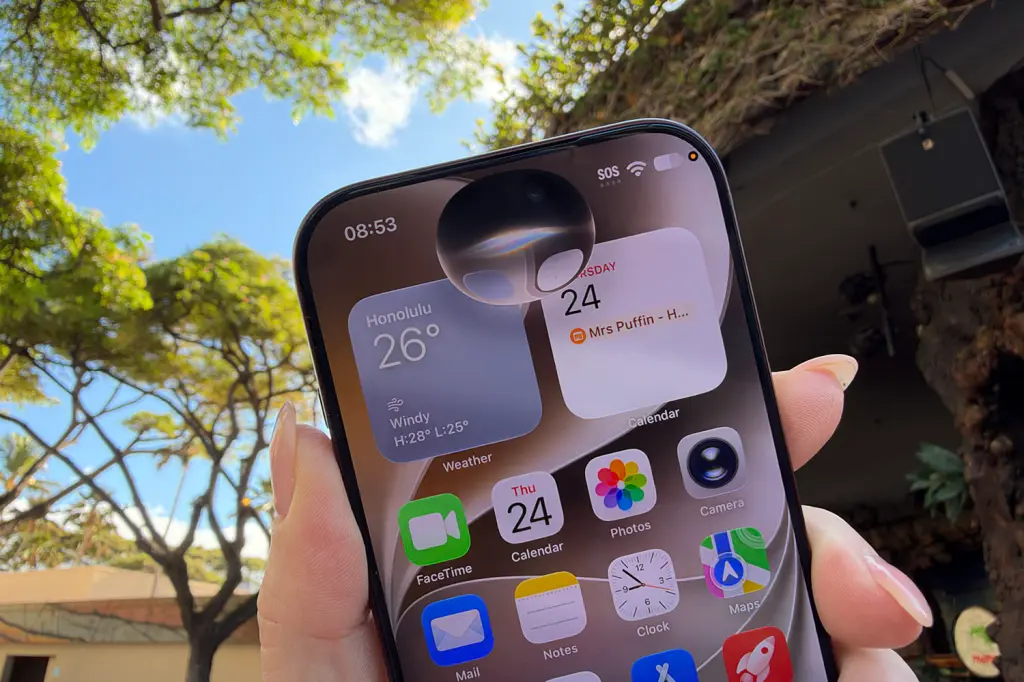
Siri AI is getting a passport in iOS 27.2. The software adds support for French, Japanese, Korean, Portuguese and Spanish, so speakers of those languages can finally use the smarter Siri without switching their phone to English and hoping for the best.
Apple promised new languages in October, which could give us a clue about when this update will arrive. There’s also a small settings change. “App Access” in the Siri app is now called “Excluded Apps”, and you can bench several apps at once instead of removing them one by one.
Call Context for birthdays and anniversaries
iOS 27 introduced Call Context, which displays helpful details on screen when you call a business, such as an airline about an upcoming flight. iOS 27.2 extends the idea to personal calls, reminding you of birthdays and anniversaries mid-conversation.
There are limits, though. The date has to be saved in that person’s contact card, and the reminder only appears if you happen to call them. So if you forget your anniversary and never phone your partner, your iPhone won’t save you. Calendar alerts are still your best bet for staying out of the dog house.
Refresh of Apple Podcasts
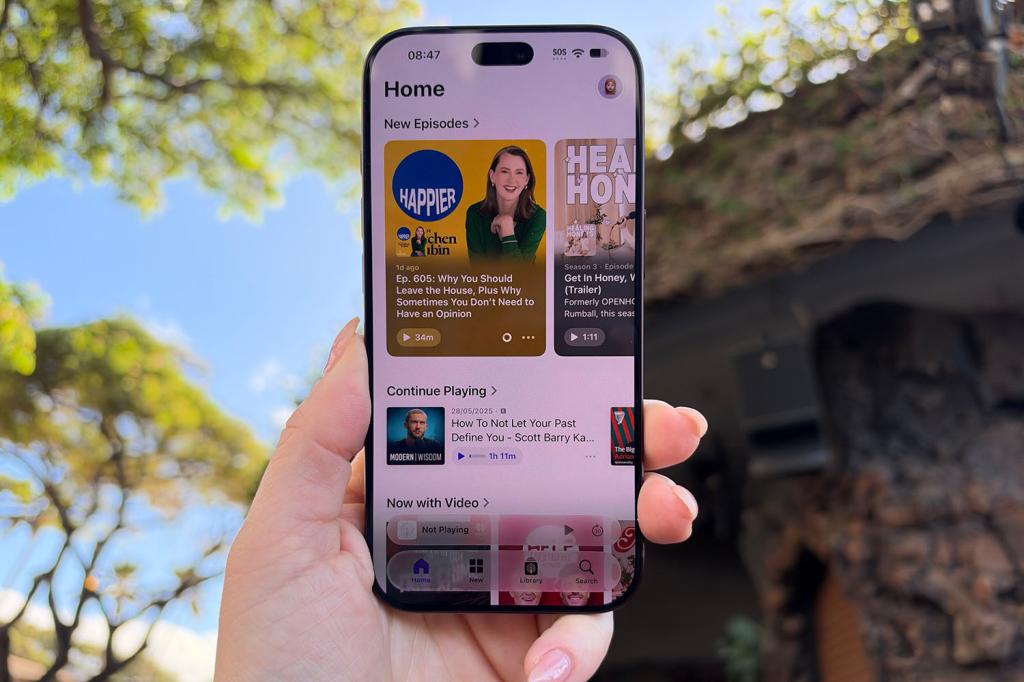
Apple Podcasts has had a minor refresh with iOS 27.2. The “Up Next” queue is now called “New Episodes”, which is helpful, since that’s what it shows. Below it, you’ll see ”Continue Playing”, where you’ll find every episode you started, got distracted from, and swore you’d finish.
Episode lists also look brighter, with backgrounds that borrow colours from each show’s artwork, giving each podcast a little more personality. Nothing about how the app works has fundamentally changed, but finding your next listen should require less scrolling, and you shouldn’t have to hunt for your queue as much.
A redesigned Health app
One of the biggest changes in the iOS 27.2 beta is a redesigned Health app, first previewed at Apple’s September event, though it’s thought this is just the beginning of the testing and the redesign won’t arrive with iOS 27.2 but later in the year – hence why it’s lower down this list. Still, if you’re on the beta, you can get a little taste for what to expect.
The new Health app will be organised into three tabs – Insights, Longevity and Browse – compared with iOS 27, where the tabs are Summary, Sharing and Browse. Insights collects your day-to-day data, from your vitals and sleep score to your heart rate and Activity rings. Longevity analyses those numbers over a period of time to produce a Health Age, which is an estimate of how your body compares with your real age, based on Apple Watch readings such as VO2 max, sleep duration and movement.
Meanwhile, Browse retains its familiar library of resources, sticking to what it is now. The app also adapts to your data with a little help from Apple Intelligence.
Visual tweaks in Music and Clock
Last but not least (if you ignore the rumoured features that have 9to5Mac have found in code), a couple of small tweaks round things out. The Music app has swapped some of its red accents for black, including the shuffle and play buttons in your library.
Meanwhile, in the Clock app, the alarm screen now displays AM and PM in smaller text than the time. Neither change is dramatic (you probably wouldn’t have noticed if I didn’t tell you), but both add a little polish to apps you might open every day.


Read the full article here
