






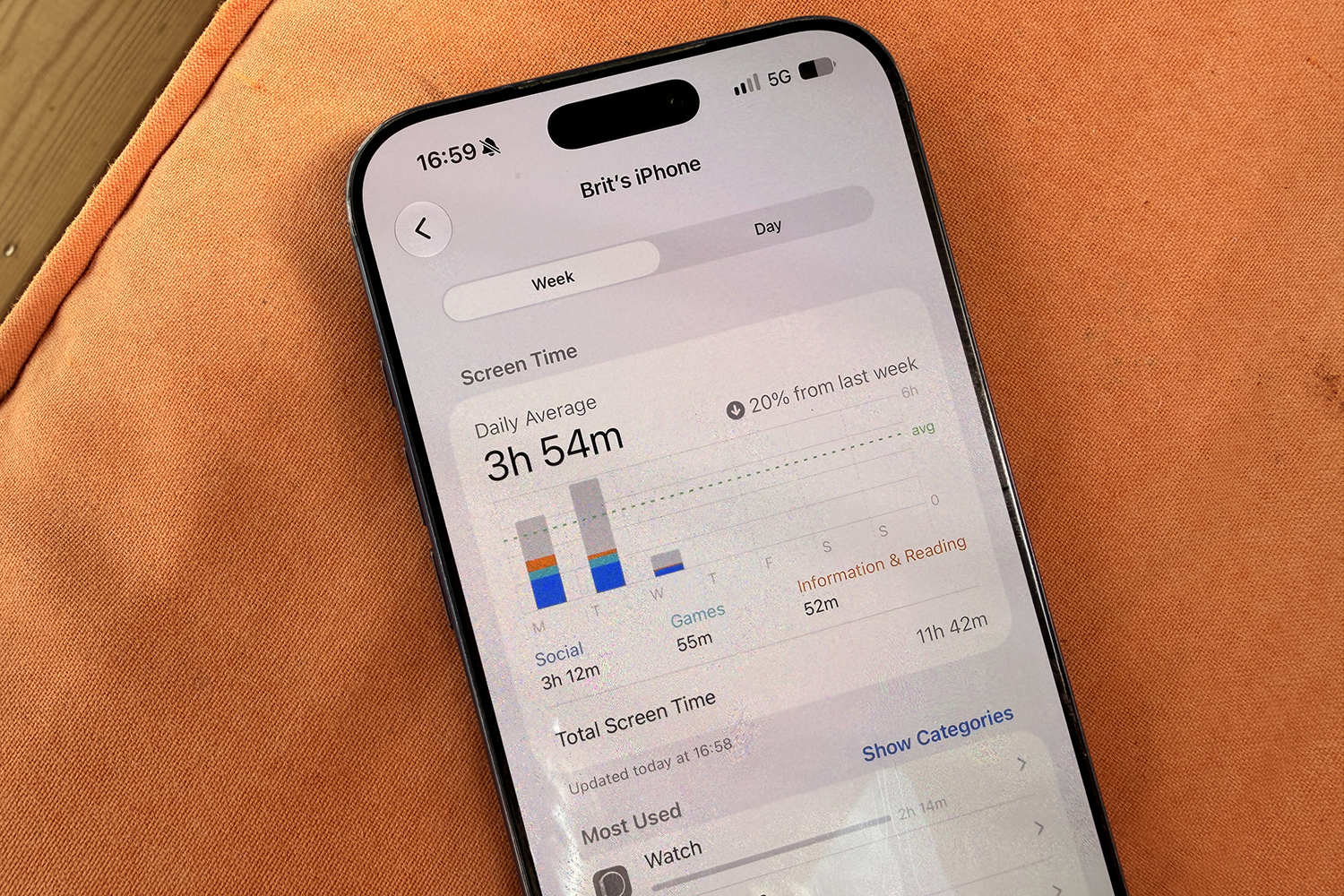
I always keep my phone face down, whether it’s on a table or a sofa. That’s partly because I can’t deal with the wobbling caused by the camera bump (it’s like watching a toddler operate a see-saw), and partly to stop me from looking at it without physically picking it up. It’s always on silent, too. But before you nominate me for ‘Screen Time Saint of the Year’, I should confess I also have an Apple Watch that buzzes on my wrist like a wasp trapped in a jam jar every time a notification arrives. I should also confess that I am guilty of checking every single notification, sometimes mid-conversation, which is a habit I really must break, not least because it is just rude. Sorry everyone I’ve ever ignored mid-sentence; it wasn’t you, it was Deliveroo.
When it comes to how much time is healthy to spend on screens, though, the advice isn’t the same for everyone. There’s plenty of guidance for children, with Apple’s upcoming screen time features on iOS 27 and iPadOS 27 even leaning into WHO guidance to help you set schedules. But it’s difficult to tell an adult who has to be on a computer for eight hours a day that their screen time should be a maximum of four hours, while giving them access to something as addictive as a smartphone. It’s just not realistic – you might as well tell a barista they can only think about coffee for half their shift.
That said, it’s in your best interest to reduce it as much as you can. Research from Stamford’s Lifestyle Medicine team has been tracking the effects of constant screen exposure on the adult brain, and the findings are far from cheery. There’s evidence that heavy screen use leads to measurable thinning of the cerebral cortex (the part of the brain involved in memory and decision-making), while also affecting sleep. I’m no doctor, but “your brain is getting thinner” is not a sentence I want said about mine.
One of Stamford’s family therapists suggests that “passive screen time is like eating sugar but for your brain”. It’s moreish and instantly satisfying, but it offers zero nutritional value once the scrolling stops. But stopping is like telling someone not to eat the last square of a Dairy Milk bar while leaving it directly in front of them. Still, here are eight ideas to help you fight your strong-willed thumbs, though you will need a little willpower too. I can’t do everything for you.
Check your screen time

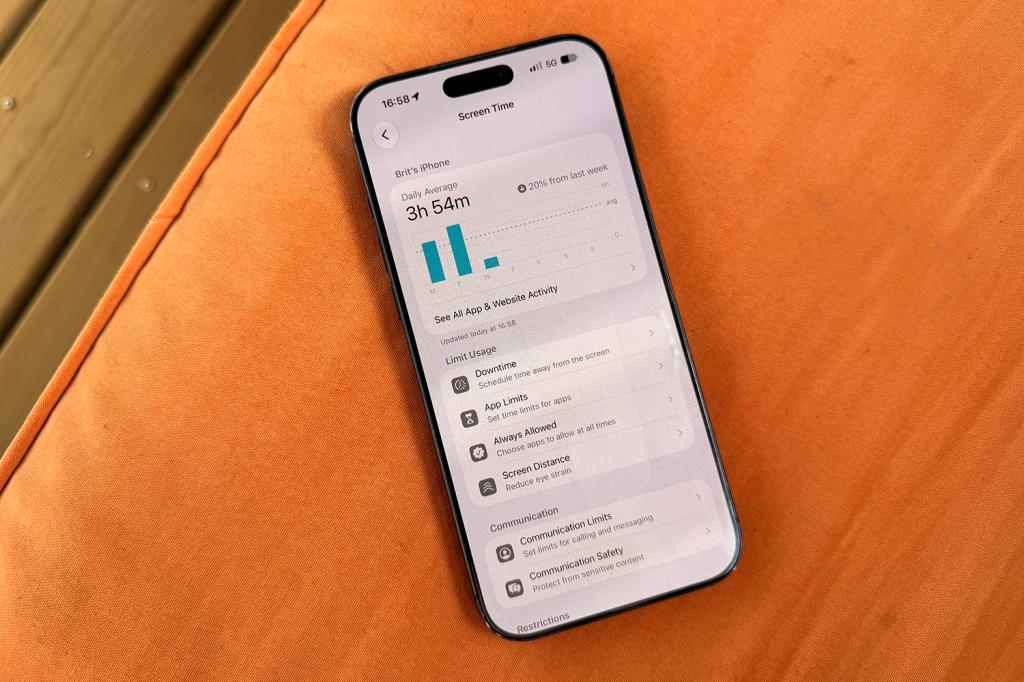
Before you try anything, try holding yourself accountable by looking at the numbers, however much you’d rather not. Both iPhone and Android have built-in systems for this, with iPhone’s called Screen Time and Android’s called Digital Wellbeing. Both exist to make you feel bad in a lovely colourful way. They will tell you how much of your life is disappearing into your phone, and specifically which apps are the culprits.
It can be quite a humbling exercise to learn that what you thought would be just a quick five minutes to check something ended up taking three hours you can’t account for, three hours you won’t get back, and three hours you could have spent learning a new language or developing your mental maths. On iPhone, go to Settings, then tap Screen Time. On Android phones, go to Settings, then tap Digital Wellbeing.
Set up a focus or mode
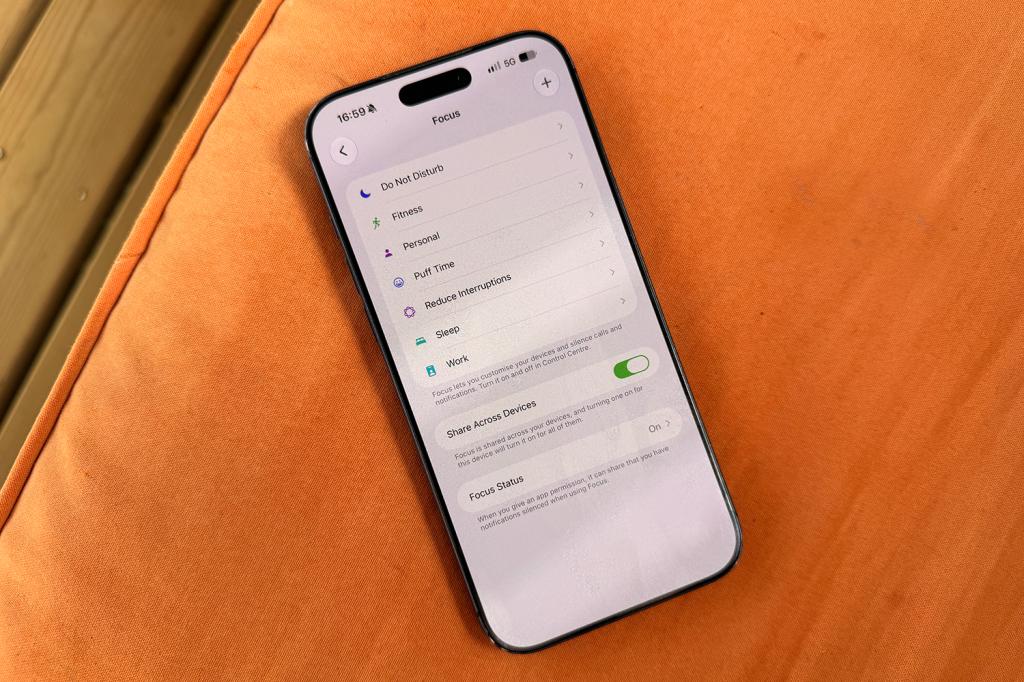
I can vouch for this one. It doesn’t completely stop you from using your phone, but it certainly makes it less tempting. From 8pm every night, I have Focus mode on my iPhone, which blocks all notifications except those from select contacts and apps I have decided could be urgent. That Focus is automatically mirrored on my Apple Watch too, so at least I am less rude in the evenings. Look at me with my self-development.
When a Focus mode is on, all notifications still come through in the background, but I have to physically pick up my phone, unlock it and open the apps to see them. For me, it ends up being the difference between picking up my phone because my mum is calling and might need me, and looking at it because ASOS wants to tell me I’ve left something in my basket from the last time I was doomscrolling.
On iPhone, open Settings and scroll down to Focus. On Android, open Settings and you’ll find them in Digital Wellbeing. Samsung calls them Modes, and you’ll find them in Modes and Routines under Settings.
Try Brick
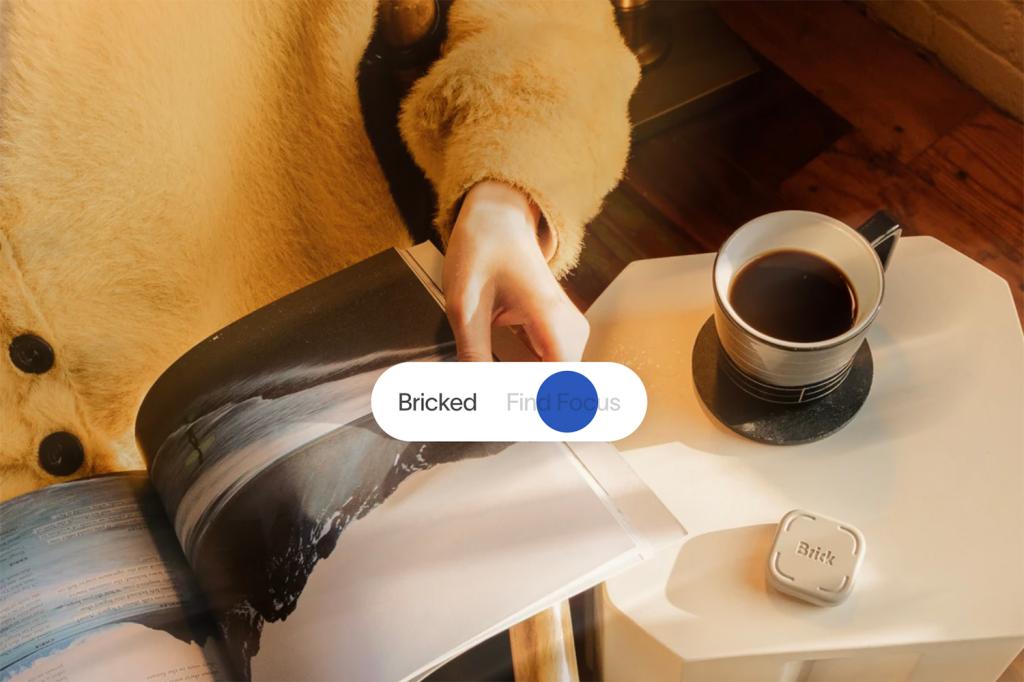
If your willpower is running on empty, you could try Brick. It’s a physical tag you tap your phone against to lock the apps you’ve chosen. That might be Instagram, TikTok, YouTube, maybe even your emails, whatever you consider your poison (be honest). Those apps won’t unlock until you tap your phone on the Brick tag again. There’s no override button and no option to extend your time on social media by 10 minutes.
It might sound absurd to buy a plastic square to protect you from your own phone, but it introduces friction. Depending on where you put the Brick, it might mean getting up off the sofa and going all the way upstairs just to unlock TikTok. Frankly, most videos are not worth that cardio. Adding a step between you and doomscrolling might just be enough to stop you from bothering at all. We can but hope.
Ditch the colours on your home screen
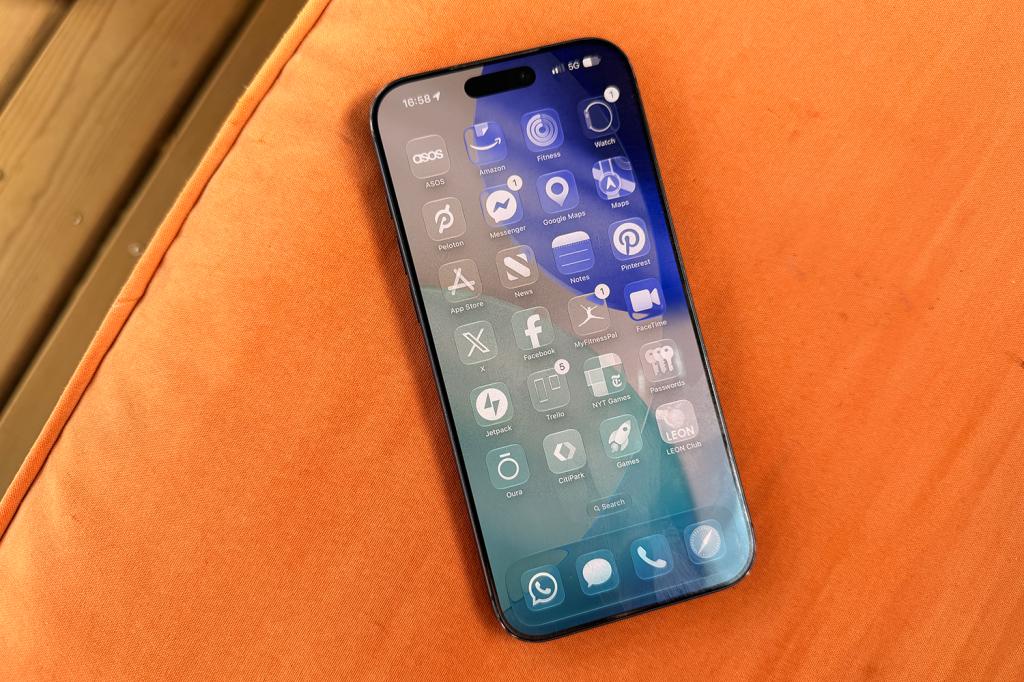
This is another one I can personally attest to helping reduce screen time. Apps are designed in bright, dopamine-friendly colours to keep you looking at them. When you strip that away, your phone feels more like a filing cabinet and less like a slot machine, to a degree, anyway. Switching your phone or tablet’s display to greyscale is also one of the cheapest and quickest ways to make it less appealing.
For iPhone, press and hold your home screen, tap the paint brush in the top left corner, then tap Customise. You can then select Default, Dark, Clear or Tinted. Picking one of the latter two will ditch the colours. For Android, head to Settings, then Modes, then Custom Mode, and select Greyscale in the display settings.
Try an app like Opal
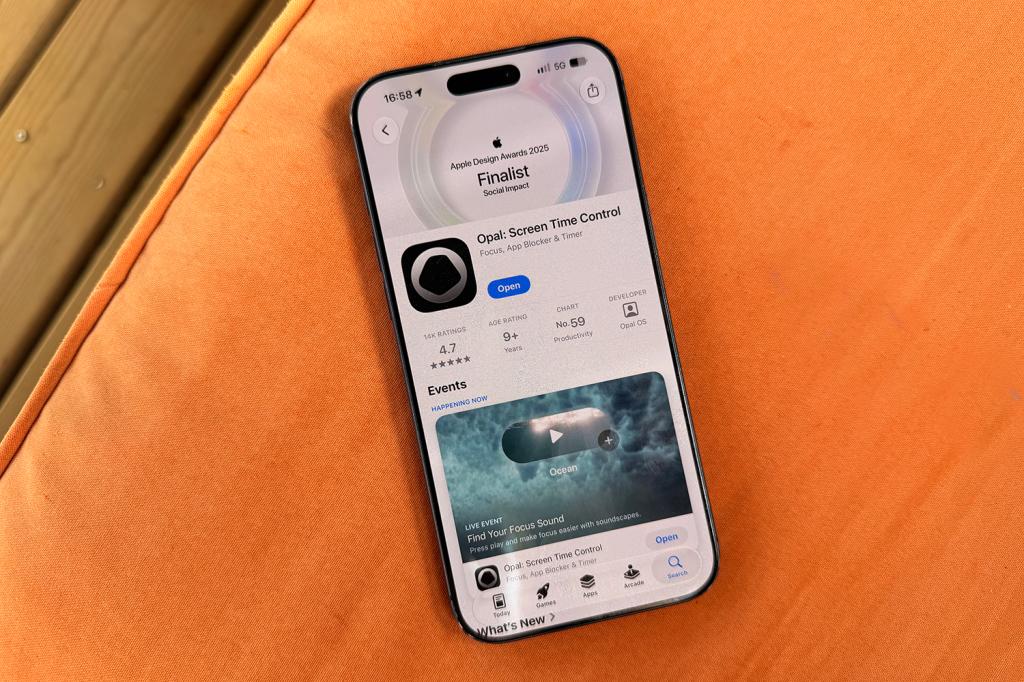
If you need something with a bit more bite than your phone’s built-in tools, you could consider an app like Opal. Unlike apps that rely on a gentle daily limit you can swipe away or override in a couple of seconds, like batting away an irritating fly, Opal allows you to block distracting apps during set windows, such as work hours, before bed, or times when you are more likely to cave – and you can turn off the ability to unblock them.
If you do want to unblock the apps you have restricted, you can set it so you have to complete a small task before you are allowed back in, like a memory game or some maths. It might not sound like much, but I have friends who swear by this app in particular (there are plenty of others) for helping them reduce their screen time, largely by removing the easy override. It won’t do all the work, but use it alongside a little bit of honesty about the apps that are a problem, and you might find it takes a decision out of your hands that you are unlikely to make well (no offence).
Consider screen-free zones
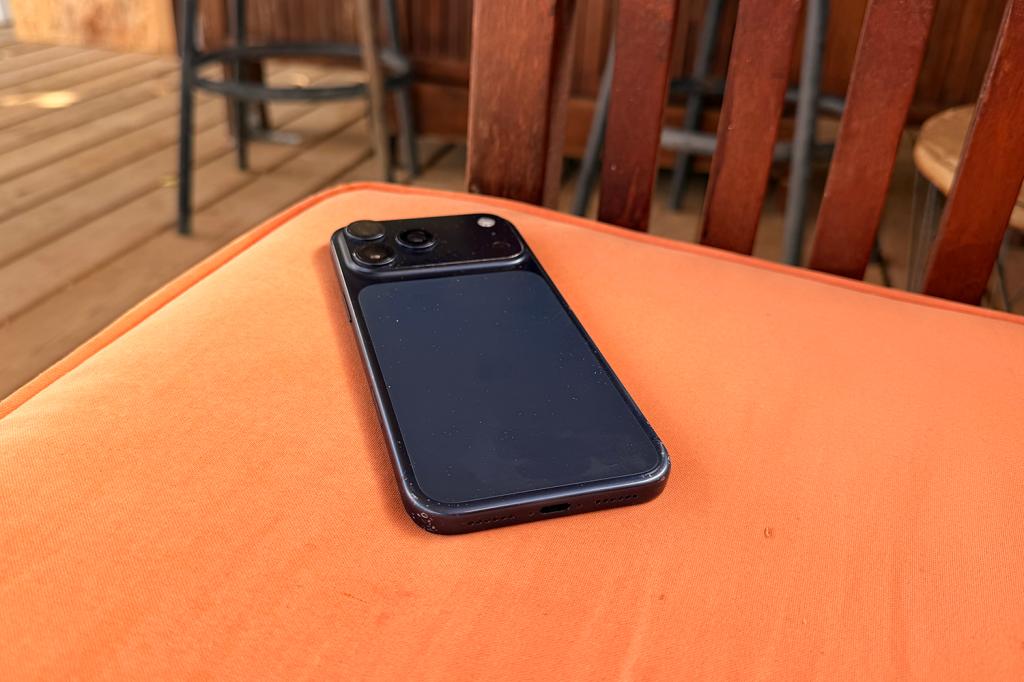
This is one of the ones that requires you to exercise a level of willpower that you just might not have. But if you’re up for the challenge, pick a couple of places where your phone isn’t allowed, no exceptions. The most obvious options are the bedroom and the dinner table, and for good reason. Late-night scrolling is known for not being brilliant for your sleep, while a phone at the table is a sure-fire way to end a conversation with the actual humans right in front of you before it’s even started.
You don’t need to apply the rule to your whole house. Even one firm boundary that is consistently enforced can help. It does need to be a rule, though, rather than something you do now and then, otherwise you’ll ignore it the second you get bored.
Move your phone away from you
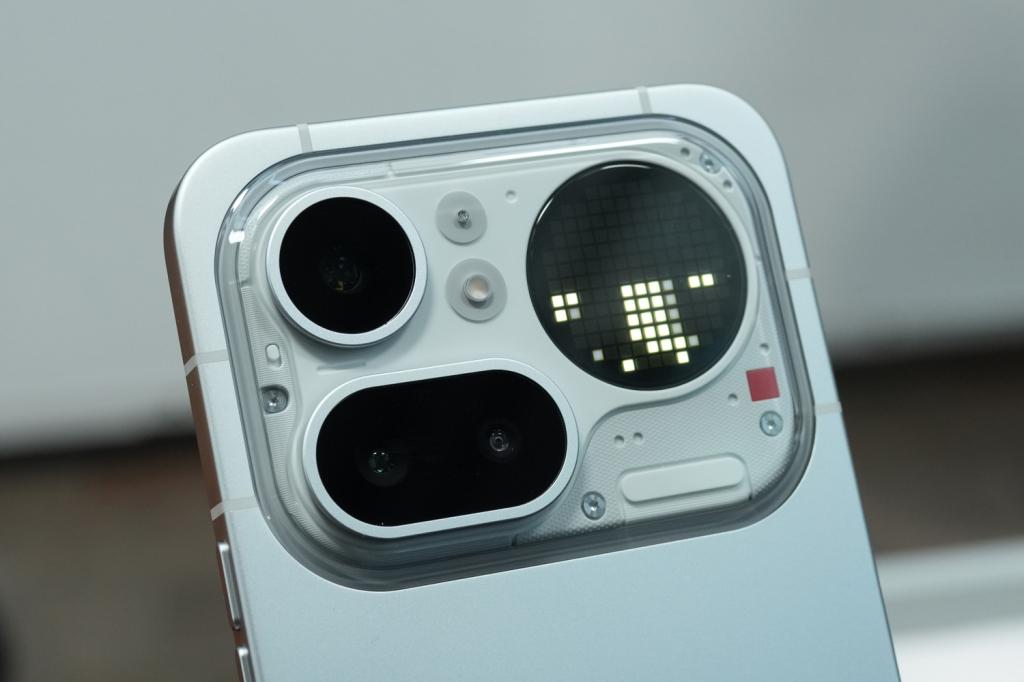
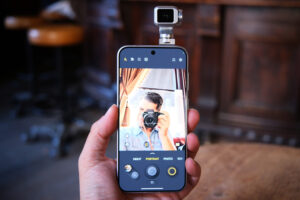
Not too dissimilar from the one above and another that requires some willpower, but proximity does a lot of damage. If your phone is sitting on your desk or face up beside you on the sofa, you will end up looking at it. Probably not because you need to, but more because it’s right there, like the biscuit jar on the kitchen counter. Even face down doesn’t help, depending on what phone you have – the latest Pixel 11 devices and Nothing phones certainly don’t help reduce distraction with their rear interfaces, even when you try by placing the screen down.
What will help, though, is putting your phone somewhere else – a bag, a drawer, or another room entirely. Anywhere that requires you to get up and go and get it. That little extra step, as with Brick above, could be enough to make you pause and ask yourself whether you really need to look at your phone. Out of sight, out of mind, as the saying goes.
Consider a dumbphone

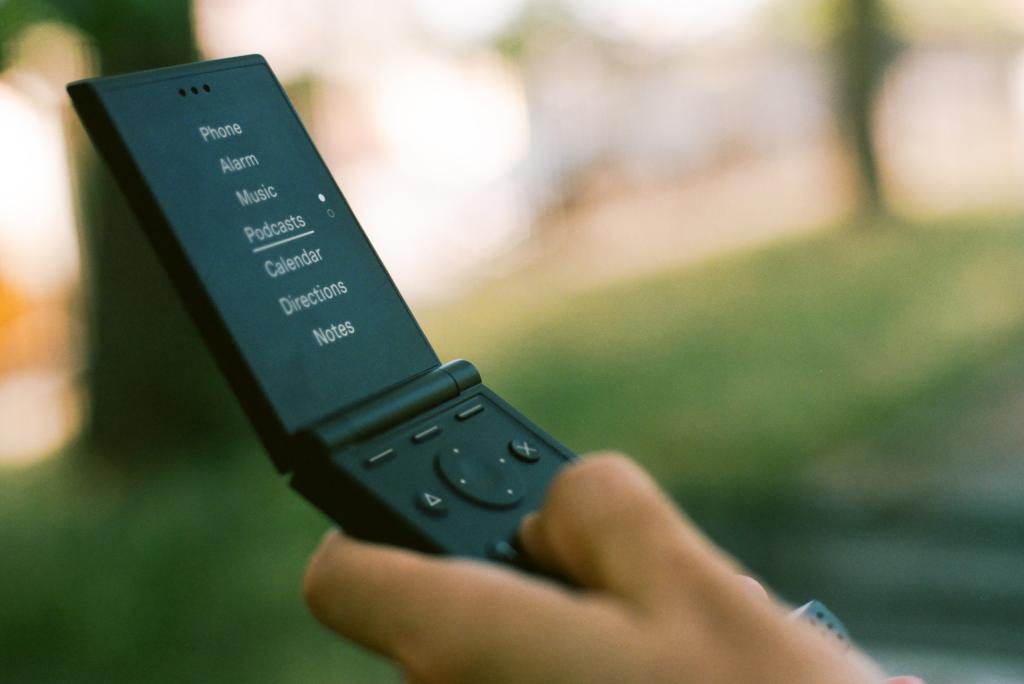
This is the nuclear option, but if you don’t trust yourself to take any of the options above seriously, it might be worth swapping your smartphone for a dumbphone. It’ll let you call, text, take a grainy photo like a 90s crime scene, and it might even have a torch. What it will not have is Instagram, TikTok, or any other app designed by a team of clever people to keep you hooked.
Dumbphones remove the temptation entirely, rather than expecting you to manage it – a bit like not buying the chocolate in the first place, rather than limiting yourself to one square a day for a month and failing by Tuesday. It won’t be for everyone; many of us need maps, banking apps, and email on the go. But if you want to be reachable without everything at your fingertips, a dumbphone is a great option.
Read more: Best dumb phones in 2026 for a simple, tech-detox




Read the full article here


