

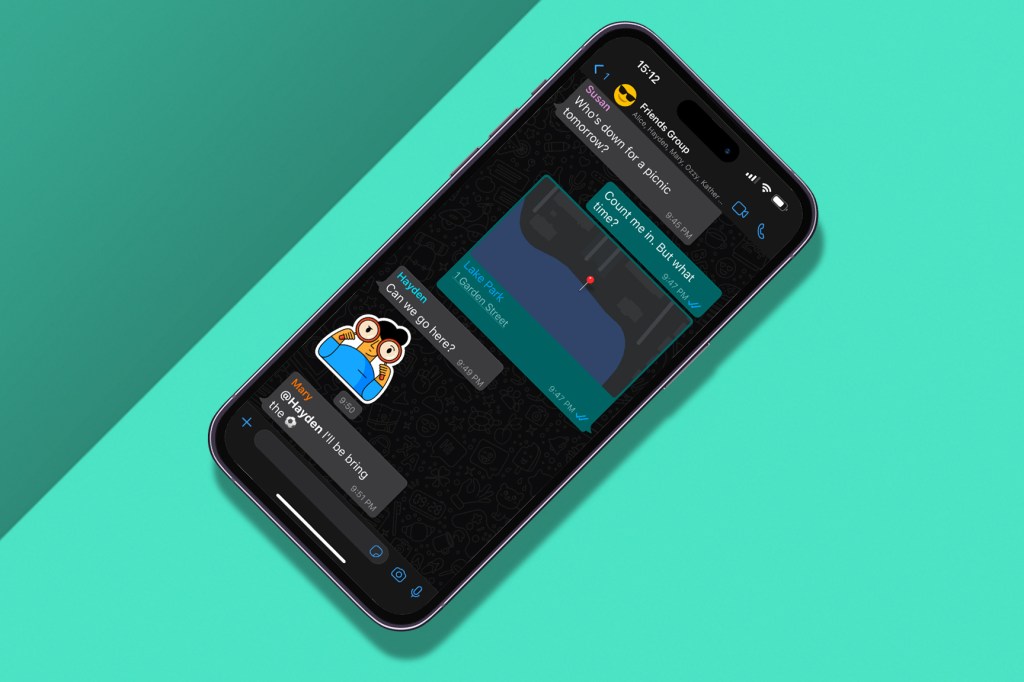
We’ve all made phone-based errors, some worse than others. That could range from dropping it down the toilet, to opening a conversation with a significant other at 2.30am on a Saturday morning. When it comes to WhatsApp, you can definitely make a few social errors, but you can also make some tech-based ones. We’re here to help with the latter.
Whether you leave people on ‘read’ or forget an old phone number is still linked to your WhatsApp account, here are six mistakes everybody makes with WhatsApp.
Turn off read
If you haven’t already turned off your read receipts on WhatsApp, you’re doing WhatsApp all wrong. The two blue ticks of doom strike anxiety-inducing fear into all involved, both the reader and recipient. Switch them off, for your own health.
To do that, navigate to Settings, click on Privacy, search for the ‘Read receipts’ option and turn it off. Just like that, you are free to never reply to another single person ever again.
Sync it
Lost WhatsApp messages are mostly the concern of disgraced politicians, but old messages can come in handy. Often, though, these can be easily lost, especially if you’re setting up a new device. WhatsApp allows you to transfer messages from your old phone to a new one, and it’s pretty simple.
To start, make sure both phones are connected to the same Wi-Fi, and enable location. On your old phone, navigate to Settings, then click Chats, then Chat transfer. A QR code will then show up. Simply scan that QR code with your new phone, and you’re all set.
Change your number
It’s not commonly known, but your WhatsApp account is linked to a specific phone number. If you change your phone number, WhatsApp won’t automatically update itself to your new number. This means that old, potentially unwanted contacts will still be able to message you. To stop that happening, you’ll need to change your WhatsApp number.
Thankfully, there’s an easy way to do this. First, navigate to Settings, then Account, then Change number, and then tap Next. WhatsApp will prompt you to enter your old phone number in the first field, and then your new phone number in the second field. Tap Next, and then from there you can choose whether to notify your contacts of your number change.
Eradicate your mistakes
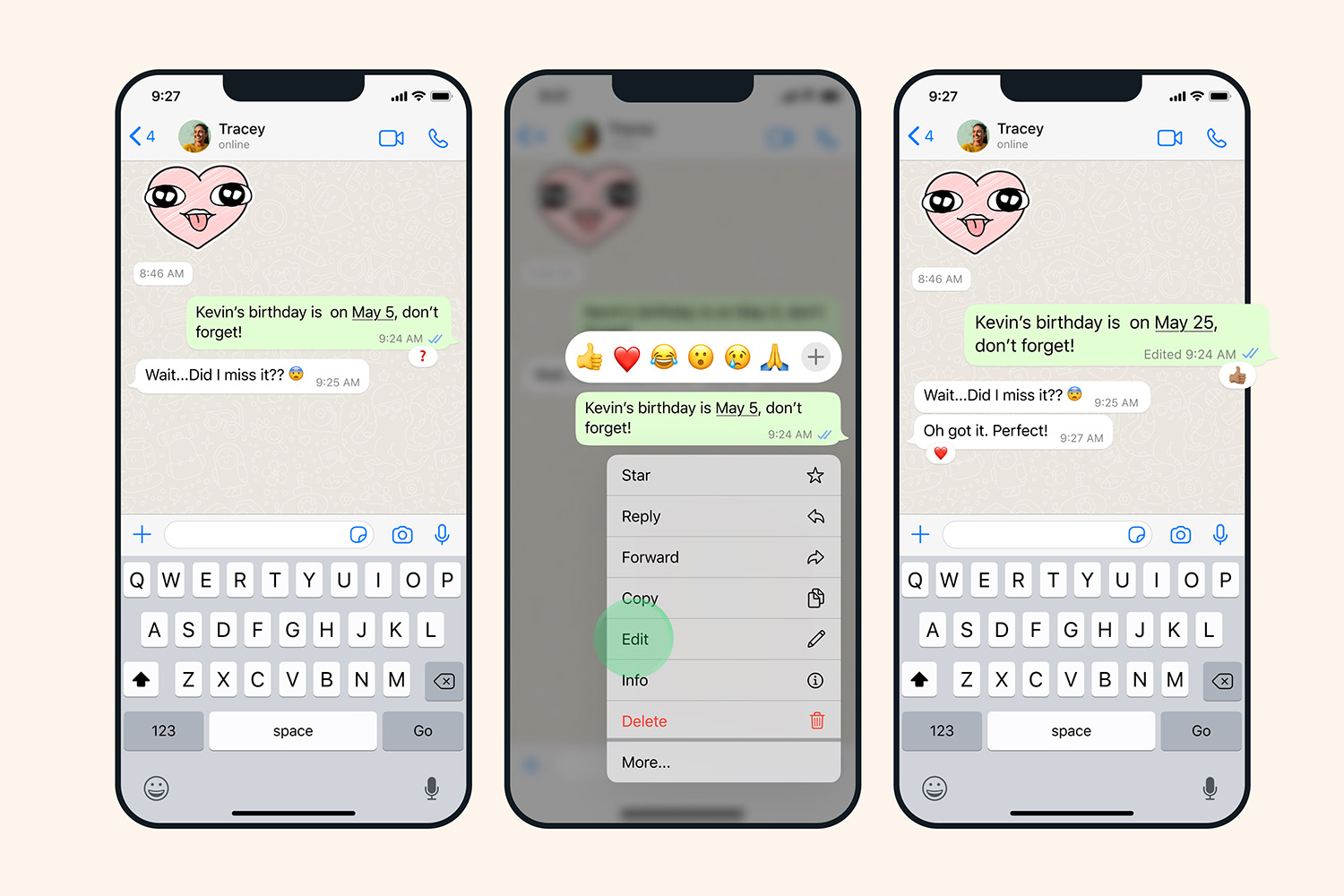
Sent a message that you regret and want to take back? WhatsApp has long given you the opportunity to delete messages, but now there’s an option to edit a sent message.
As you do to delete a message, long-pressing on a sent message will give you the option to edit it. For iPhone owners, this will bring up a menu, while Android users will see three vertical dots appear in the toolbar at the top of the screen. There’s a slight catch, though. You can only edit for up to 15 minutes after you’ve sent the message. Useful for typos, useless for regretful messages sent in the early hours…
Mute WhatsApp group chats
Everyone has one, or likely several, WhatsApp group chats they joined years ago but can’t leave. Call it societal pressures, but the fear of being rude means our phones are constantly pinging with irrelevant messages sent by that person you met at a work retreat five years ago. It’s time to cull those groups, but you can do so without causing an argument. Simply mute them.
To do this, tap on the group chat of your choice, then the name to bring up Group Info. Here, you’ll find the option to Mute the chat for either eight hours, one week or a year.


Read the full article here
