

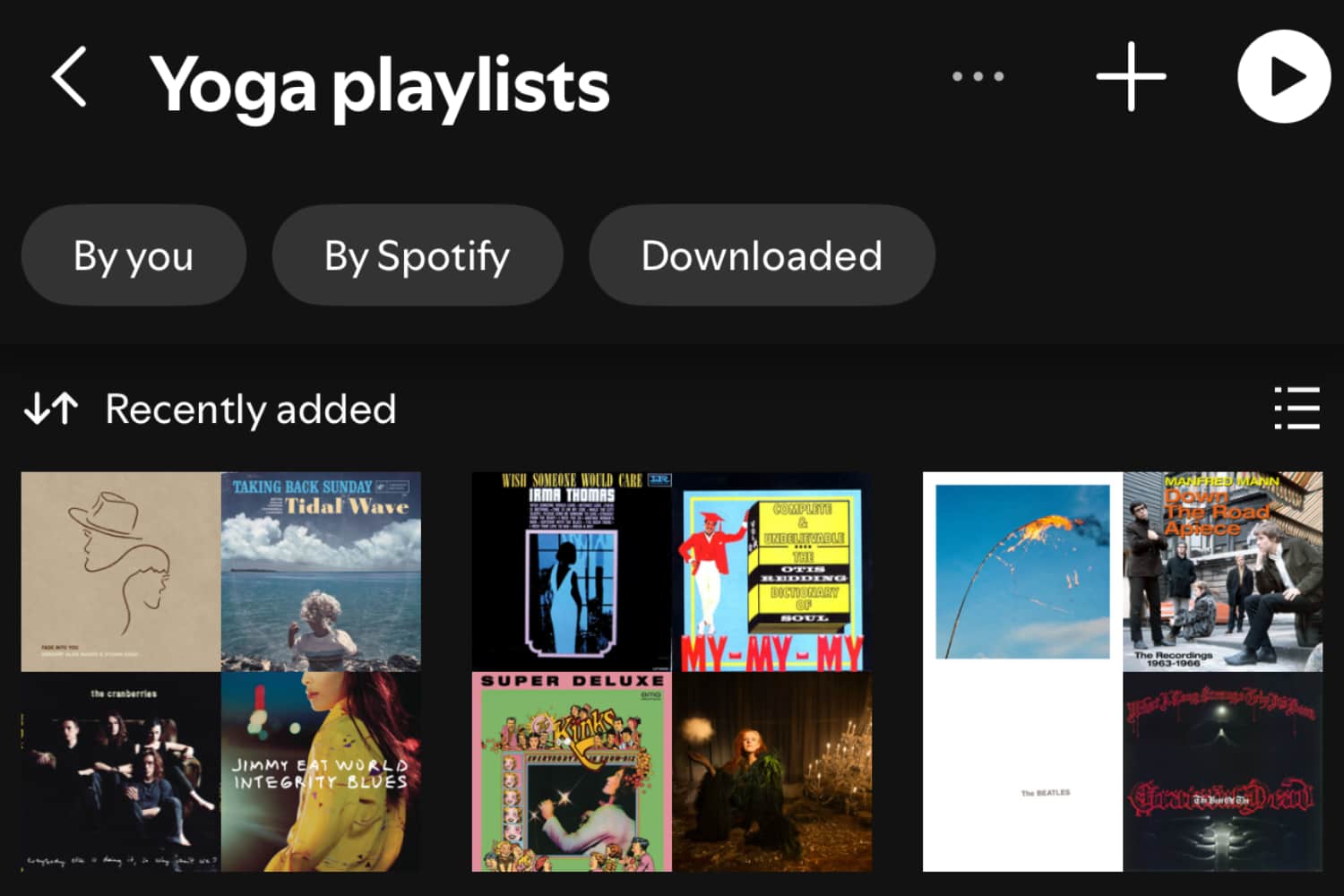
Spotify users can finally organise their favourite playlists into folders on their phone, making it easier to access their favourite playlists.
While Spotify has offered this functionality via its desktop app for donkeys years, the vast majority of Spotify listening takes place on mobile. So, 16 years after it arrived on desktop, Spotify users are getting the privilege to add folders on mobile too.
Redditors have reported (via Digital Trends) seeing the fixture on iOS and Android. Those with access are seeing the Folder option at the bottom of the Create options. It’s not there for me yet, but I can access it by heading to the playlist settings itself and choosing Add To Folder. In the first instance, you’ll need to create a new one, but after that you can begin dropping the playlists in.
Thanks to this functionality, my dozens of yoga teaching playlists are now neatly organised, as is the music I’m planning on getting me through the Vancouver Marathon next week.
Unfortunately, you can’t do it for individual albums, which would be great for assembling your tunes from various genres. However, there is a workaround if you don’t mind creating playlists from your albums. We could also use some cover art for the folders too. Right now it’s just a generic folder with a name.
Speaking of playlists, Spotify is also pretty psyched for to be adding some Super Mario Bros. playlists to celebrate everyone’s favourite plumbing brothers’ last 40 years of escapades.
The Super Mario Galaxy and Super Mario Galaxy 2 playlists are joined by playlists from the recent animated movies. No sign of “Do The Mario” by WWF Wrestler Captain Lou Albano from the Super Mario Bros Super Show animated series though.

Read the full article here
