

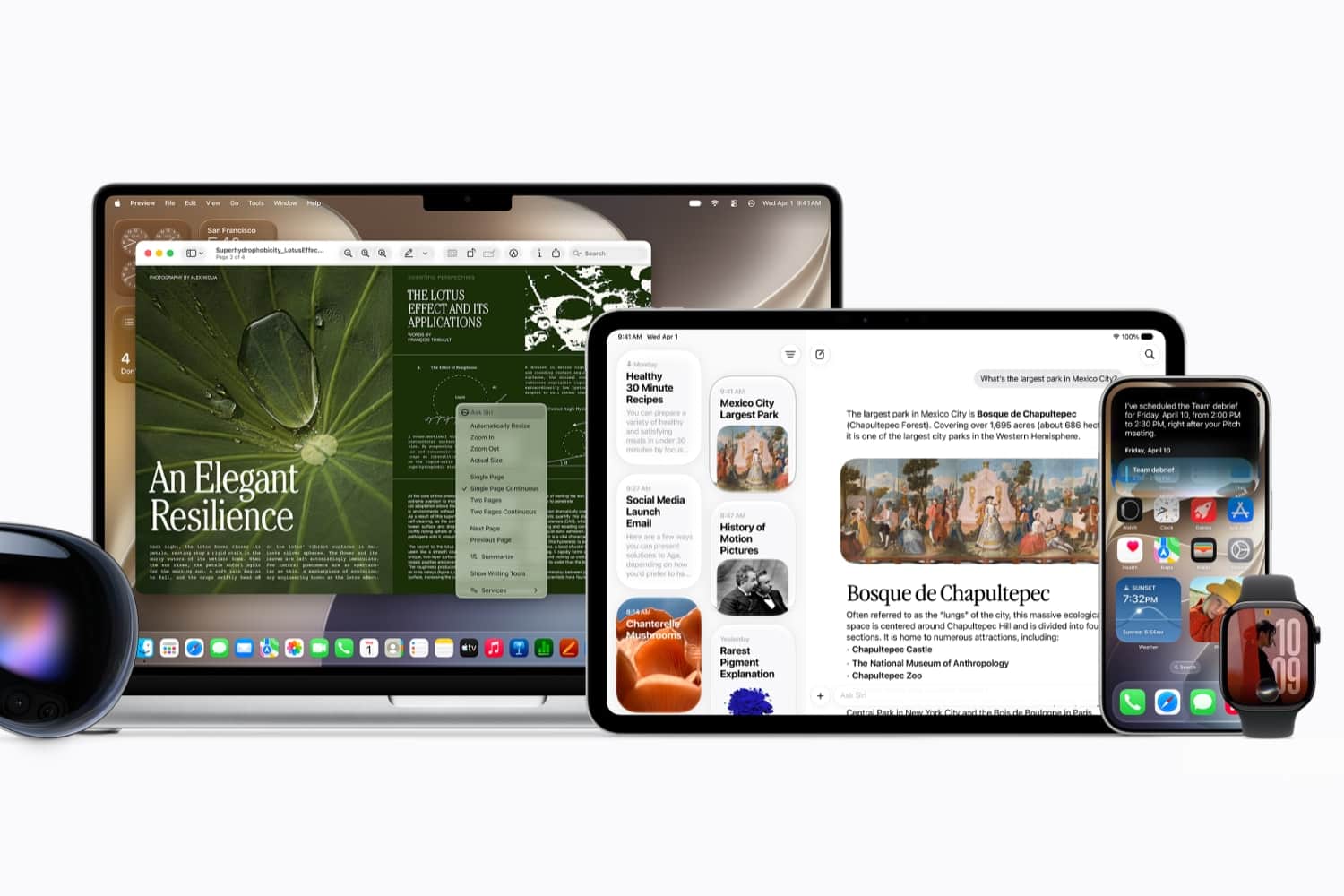
Poor Siri. While ChatGPT, Gemini, and seemingly every AI startup on the planet have spent the last few years showing off increasingly impressive tricks, Apple’s voice assistant has largely remained the same iPhone and iPad tool many of us have been using for the better part of a decade.
Sure, it could set timers, start playlists, send messages, and occasionally answer a question or two, but nobody was seriously putting Siri in the same conversation as modern AI assistants. That became a problem for Apple. And the answer, it turns out, wasn’t a mere feature patch.
Instead, Apple has spent the past couple of years building an entirely new version. In fact, executives have since revealed the company abandoned an earlier attempt because it wasn’t delivering the experience they wanted. Rather than ship something half-finished, Apple instead went back to the drawing board and rebuilt Siri from the ground up.
Here’s everything you need to know about the new Siri arriving with iOS 27…
Siri can finally remember what you’re talking about
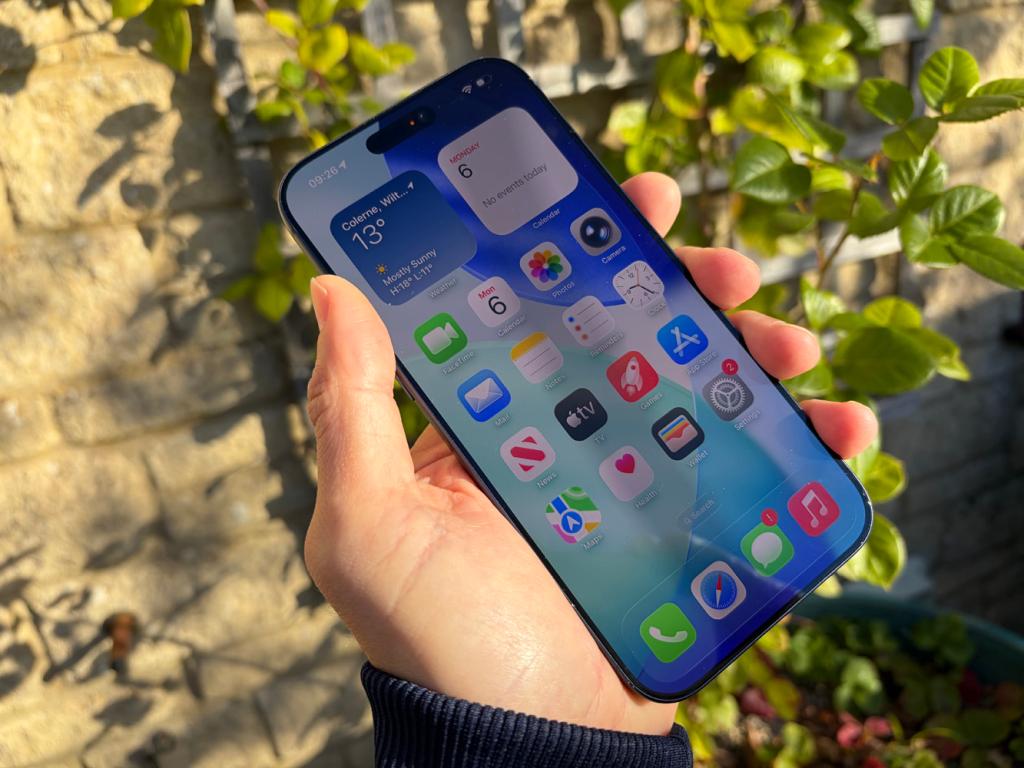
Ever used Siri and immediately (and rather annoyingly) found yourself having to repeat information? That’s because the old Siri generally treated each request as a separate interaction. Ask one question, then follow it up with another, and there was a good chance that Siri would lose the thread entirely.
The new Siri in iOS 27, though, can maintain context throughout a conversation. In theory, that means that you should be able to speak more naturally instead of constantly rephrasing requests in a way that it can understand.
It’s also gaining access to what Apple calls personal context. With permission, Siri can use information from messages, emails, notes, photos, calendars, and other personal data to help answer questions.
The same applies to addresses, flight numbers, appointments, recommendations, and all the other little pieces of information that tend to disappear into the black bottomless abyss of modern messaging apps.
Siri can now understand what’s on your screen
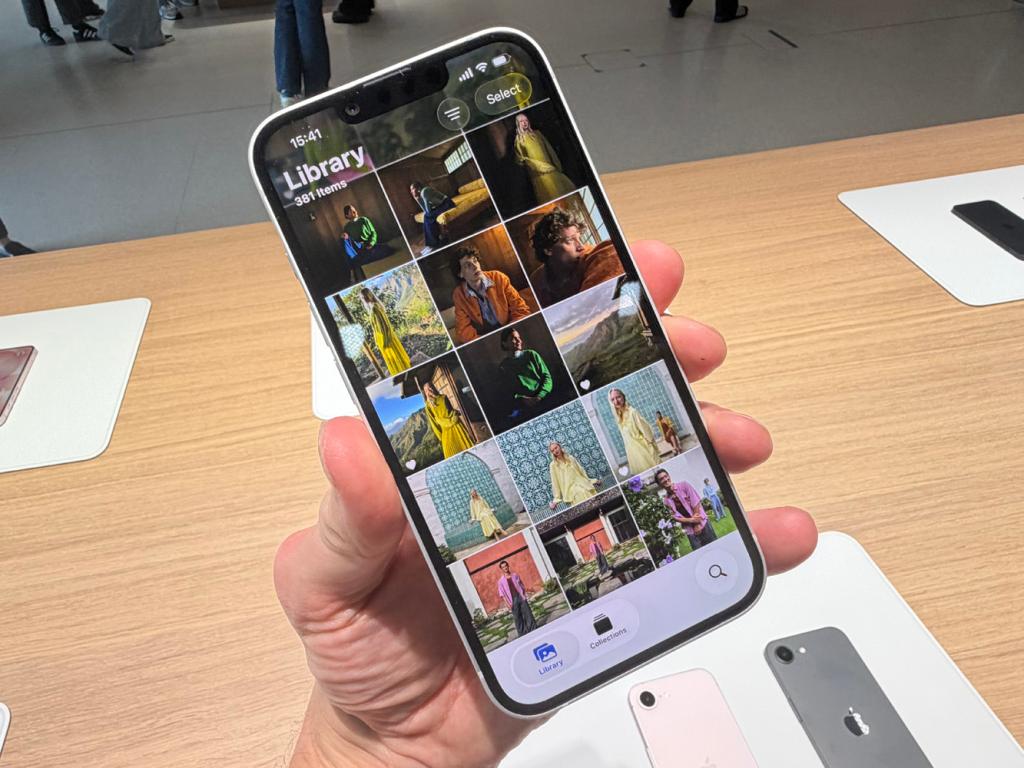
This might end up being one of the most useful upgrades of the lot. Until now, Siri has largely been blind to whatever you’re actually doing on your device. It could respond to commands, but it had very little understanding of the content sitting directly in front of you.
The new Siri, though, now has on-screen awareness. If somebody sends you an address in Messages, for example, instead of manually copying it into Maps, you could simply ask Siri to navigate there. Or if you’re looking at an email containing travel information, Siri can also use details from that email without you having to jump between apps.
Siri is becoming less of a voice assistant and more of an actual assistant
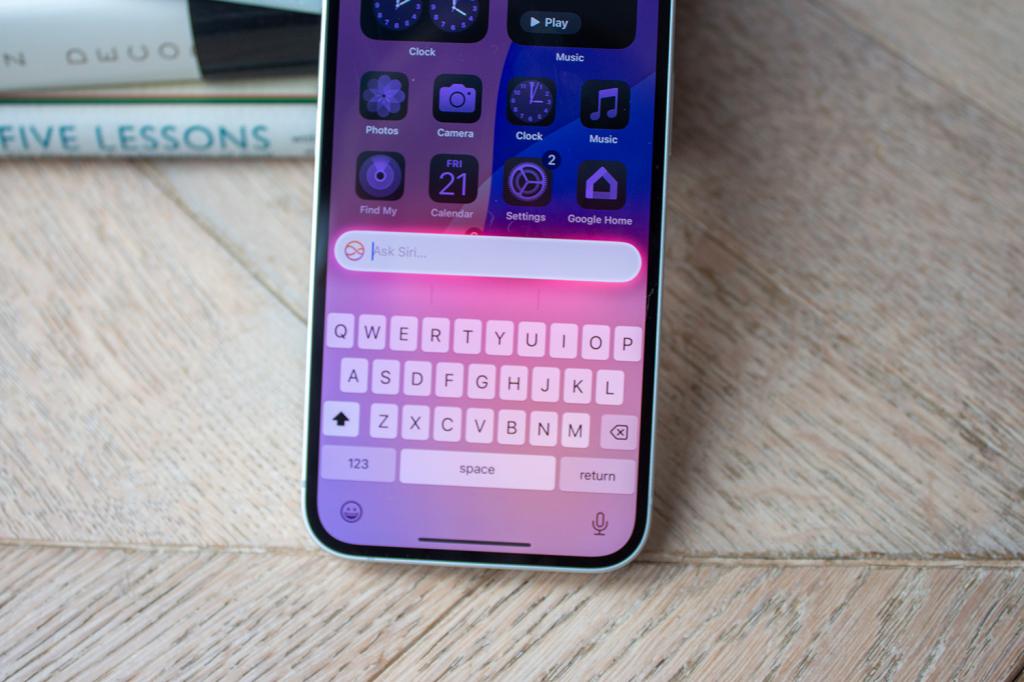
The old Siri generally stayed in its lane, launching apps, creating reminders, sending messages, and handling a handful of basic tasks. Anything more complicated usually required you to take over.
Apple wants the new version to do much more, and it says that Siri AI can perform actions across multiple apps, pull together information from different sources, helping complete more complex tasks that previously required several separate steps.
In other words, instead of helping you merely operate your iPhone, Siri is increasingly being positioned as something that helps you achieve whatever it is that you’re trying to do.
The upgrades aren’t limited to text and voice, either – the new Siri works alongside Apple’s Visual Intelligence tools, giving it the ability to understand information captured through the camera.
Point your iPhone at a product, sign, landmark, poster, document, or object, for example, and Siri can use what it sees as part of the conversation.
Apple is betting on integration rather than raw AI power
One of the more interesting aspects of Siri AI is that Apple isn’t necessarily trying to build the smartest chatbot on the planet.
ChatGPT might be brilliant at generating text. Gemini might be excellent at answering questions. But neither is woven into your iPhone, iPad, Mac, Apple Watch, AirPods, CarPlay system, messages, photos, emails, notes, and calendar in quite the same way.
Apple’s argument is that an AI assistant with deep knowledge of your devices and apps can be more useful than a chatbot that’s marginally better at answering trivia questions. It’s a sensible strategy, and one it will hope plays out.
Will your iPhone support the new Siri on iOS 27?
Before you get too excited, though, there’s an important limitation – like other Apple Intelligence features, Siri AI requires newer hardware.
You’ll still be able to install iOS 27 on a wider range of devices, but the most advanced Siri capabilities are reserved for Apple Intelligence-compatible hardware. That’s because many of the new features rely on large AI models that require significantly more processing power than the original Siri ever needed.
Apple is also initially limiting availability to English-language users, while regulatory issues mean the rollout will be more complicated in some regions than others.
In other words, upgrading to iOS 27 doesn’t automatically mean you’ll get every Siri AI feature Apple demonstrated on stage.
Should you upgrade to the new Siri?
For years, Siri has felt like a product Apple knew needed attention, but couldn’t quite figure out how to fix.
The result was an assistant that handled basic tasks well enough, but increasingly felt out of place in a world where AI tools could hold conversations, understand images, and perform practically useful work on your behalf.
The new Siri won’t suddenly turn your iPhone into a science-fiction computer, mind – and Apple still has a lot to prove, especially after asking users to trust that its rebuilt assistant will deliver where previous promises fell short.
Either way, for the first time in a seemingly very long time, Siri feels like it’s moving forwards rather than standing still, and we’re looking forward to learning more about its new features over the coming months.


Read the full article here
