
Close Menu
Gadget Guide News
  • Home
  • News
  • Features
  • Reviews
  • Best Stuff
  • Buying Guides
  • Deals
  • More Articles

Subscribe to Updates

Get the latest tech news and updates directly to your inbox.

Trending

Getty’s Shutterstock merger falls apart

July 1, 2026

How to use Action mode on your iPhone

July 1, 2026

I found the Philips OneUp 5000 was a brilliant – and cheaper – alternative to Shark and Dyson

July 1, 2026
Facebook X (Twitter) Instagram
Gadget Guide News
Subscribe
  • Home
  • News
  • Features
  • Reviews
  • Best Stuff
  • Buying Guides
  • Deals
  • More Articles
Gadget Guide News
  • Best Stuff
  • Buying Guides
  • Reviews
  • Deals
  • Features
Home»Features»How to use Action mode on your iPhone
Features

How to use Action mode on your iPhone

News RoomBy News RoomJuly 1, 2026003 Mins Read
Share Facebook Twitter Pinterest Copy Link LinkedIn Tumblr Email Telegram WhatsApp
Follow Us
Google News Flipboard
Share
Facebook Twitter LinkedIn Pinterest Email Copy Link

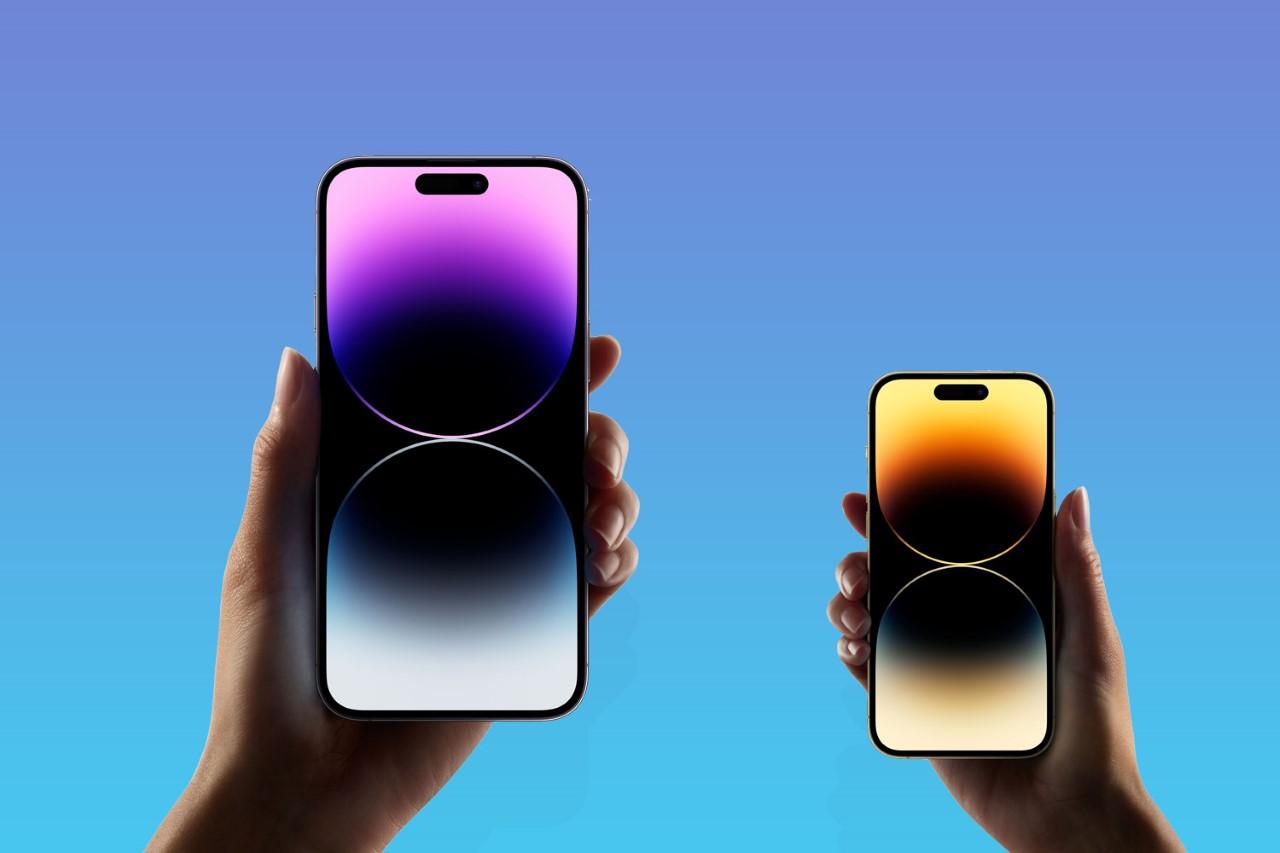
If you have a newer Apple phone in your pocket, you’ve got a bunch of excellent cameras in easy reach. They’re superb for stills, but also take fantastic video footage, and iPhone Action Mode is a big reason why.

Action Mode was introduced in the iPhone 14 series, and is meant to prevent your vids from being ruined by shaky hands. The digital image stabilisation tech helps keep those otherwise blurry frames from Saturday night looking clean and crisp – which may not be a good thing, depending on what you got up to. To get smoother shots, follow our handy guide to using Action Mode.

How to activate Action mode

When you’re ready to shoot steady video, simply open the iPhone’s native camera app and switch to video. Next, give the running person icon a press and presto, the iPhone Action mode is initiated. Action mode will switch to the ultrawide lens by default, and with a little tinkering can be set to either 1080p HD or 2.8K resolution.

Smoother, better, faster, sharper

Apple’s OTT Action Mode ad would have you believe your phone could shoot charity skydives and action scenes without a hitch. It absolutely can make a difference when filming choppy scenes, but it comes with a few caveats. The mode crops your 4K footage down in order to function, so quality will take a hit if you’re cutting up clips in iMovie.

If the camera and the subject are both moving, it can sometimes have a tough time focusing on the subject instead of the background. This feature won’t replace an external gimbal – but then who wants to carry one of those around with them 24/7? Camera handoff works impressively well for one-shot filming, and 360 shots on a stationary subject works smoothly.

Action mode is meant for the great outdoors

Action mode struggles with light, or a lack thereof. That’s especially true when filming indoors. In dim surroundings, a ‘More Light Required Message’ will pop up on the screen. That doesn’t mean Action mode won’t work indoors, just that the image quality may not exactly be crystal clear.

That can be tweaked, though. Navigate to Settings, tapping Camera > Record Video, and clicking on the ‘Action Mode Lower Light’ option. The feature will slightly polish what will still likely be a very grainy video, so don’t expect Spielberg quality.

If you simply must take the Action indoors, try to find a well-lit area. Or, better yet, don’t activate it at all.

Apple News

Read the full article here

Follow on Google News Follow on Flipboard
Share. Facebook Twitter Pinterest LinkedIn Tumblr Email Copy Link
News Room
  • Website

Related Posts

Apple iPad Mini 8: release date, price, specs and everything you need to know

July 1, 2026

A month with the Oura Ring 5 – this is the iPhone moment for smart rings

June 30, 2026

MacBook Neo vs MacBook Air: which Apple laptop should you buy?

June 30, 2026
Add A Comment
Leave A Reply Cancel Reply

Top Articles

Best Royal Pop models ranked: these are the Swatch x Audemars Piguet collab watches I’d recommend

May 19, 2026

User-replaceable batteries are coming back in a big way

May 31, 2026

Apple iPhone Air 2: the second version of the super-thin phone will surely fix these two crucial issues

May 14, 2026
Latest Reviews

These camera-free smart glasses made me feel like Tony Stark

News RoomJune 29, 2026

Motorola Razr Fold review: depending where you live, this could be the book-style foldable to beat

News RoomJune 29, 2026

BYOK is my new go-to distraction-free writing tool

News RoomJune 25, 2026

Subscribe to Updates

Get the latest tech news and updates directly to your inbox.

Demo
Most Popular

Best Apple Watch in 2026: all current models reviewed and rated

May 6, 2026

Best Royal Pop models ranked: these are the Swatch x Audemars Piguet collab watches I’d recommend

May 19, 2026

User-replaceable batteries are coming back in a big way

May 31, 2026
Our Picks

Apple iPad Mini 8: release date, price, specs and everything you need to know

July 1, 2026

Casio’s new G-Shock x Pokémon watch is available today – here’s how to buy it

July 1, 2026

Meta is adding ridiculous ‘rate limits’ and a soft paywall to its smart glasses

July 1, 2026

Subscribe to Updates

Get the latest tech news and updates directly to your inbox.

Facebook X (Twitter) Instagram Pinterest
  • Home
  • Privacy Policy
  • Terms of use
  • For Advertisers
  • Contact
2026 © Prices.com LLC. All Rights Reserved.

Type above and press Enter to search. Press Esc to cancel.