

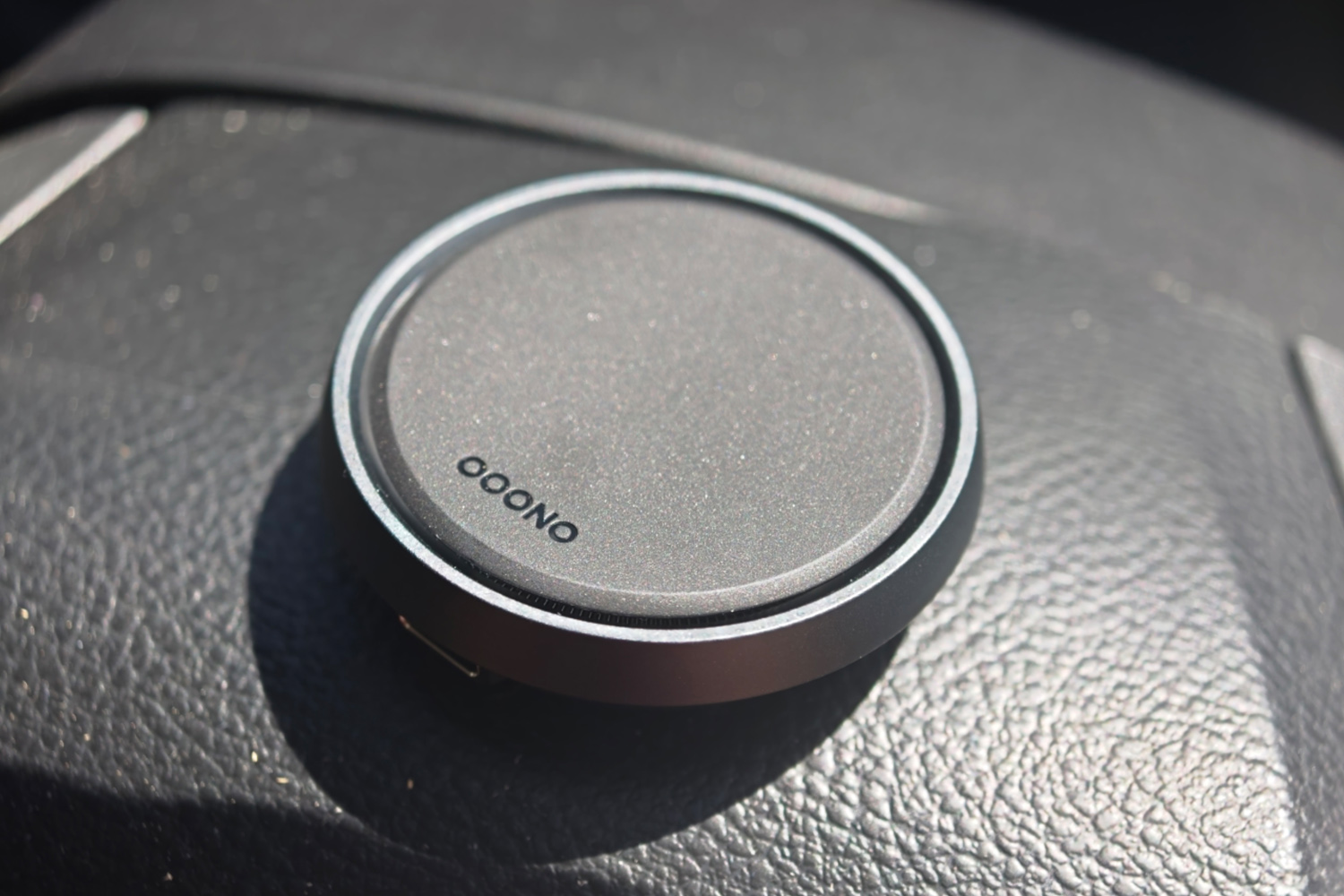
I’ve got a clean driving license and would like to keep it that way. Yet even the most attentive drivers can accidentally creep over the speed limit at the wrong time and end up with the dreaded points and fine double-whammy. Ooono’s puck-like Co-Driver No2 aims to keep you within the law while letting you keep your eyes on the road ahead – and doesn’t charge a subscription fee in the process.
After driving with one in my car for the past few weeks, I’m convinced it’s the ideal accessory for those shorter trips and journeys on UK and European roads you know like the back of your hand. But it won’t be for everyone.
The Co-Driver No2 is an updated take on the original Co-Driver, which is well established across Europe; the pair now count over five million active users. The firm has yet to branch out to the USA. This new version ditches the OG’s coin cell battery for one that recharges over USB-C. It also adds Apple CarPlay and Android Auto integration, along with navigation via its smartphone companion app. It’s grown slightly as a result, but the styling is largely unchanged.
How easy is the Co-Driver No2 to set up?
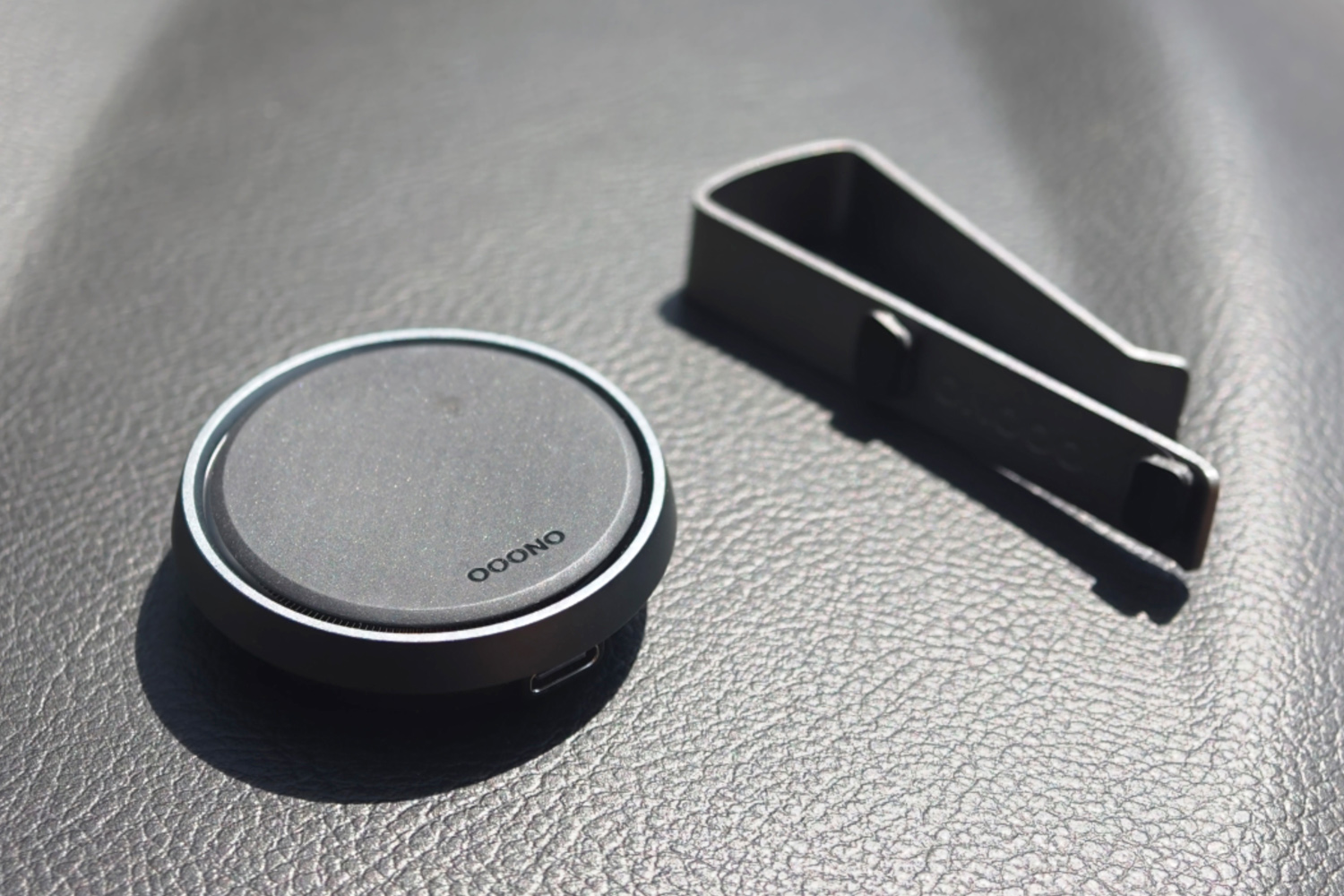
You’re still looking at a compact disc with a giant button in its centre, surrounded by a ring of LEDs that illuminate different colours depending on the alert. You can either stick it on your dashboard using the provided 3M sticky pads, or snap it onto your sun visor using the aluminium mount that came bundled with my Co-Driver No2 Plus review unit. As someone with multiple cars on the drive I went for the latter, but the attached magnets make it easy to pull the unit off for charging even if you go for the more permanent option.
The Plus model has a metal construction that looks suitably premium; to my eyes it’s worth the extra £15 over the regular Co-Driver No2, especially if it’ll live on your dashboard 24/7.
Once I’d charged it and followed the simple setup process through the companion app, the Co-driver No2 powered on automatically when it recognised my phone and that my car had started driving. From there it uses your phone’s GPS and Ooono’s community-driven database to alert you to fixed, mobile and semi-fixed speed cameras, along with traffic jams, Broken-down vehicles, objects in the road and accident black spots. This isn’t a scanner – it doesn’t intercept signals – so doesn’t break any traffic laws.
If you see a road hazard or speed camera, you simply prod the central button to mark it in Ooono’s database, alerting other users when they next drive on that stretch of road. If you approach a hazard that others have reported, the Co-Driver will flash and make an audible beep. Pressing the central button confirms the report; pushing the second button at the top dismisses them if the hazard/camera is no longer there.
What’s the Co-Driver No2 like to use?
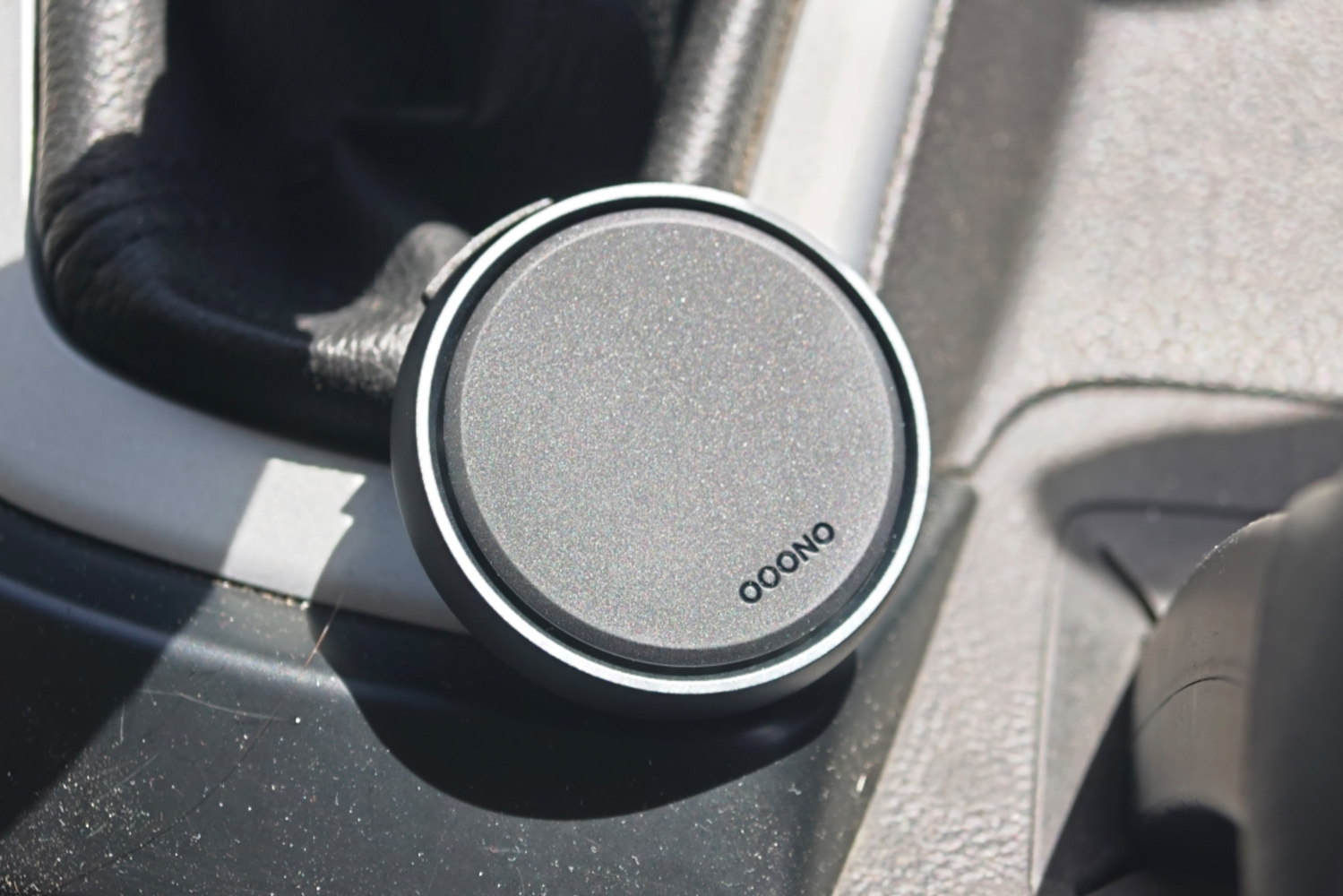
The original Co-Driver wasn’t the clearest at indicating which sort of hazard it’s alerting you to, but here the different chimes and brighter LEDs make it obvious. Notifications sent to your phone better explain the alert – that you’re now entering a mobile speed camera zone, for example – and can show up on your infotainment screen via Android Auto or Apple CarPlay. The chimes are loud, easily making themselves heard over a car stereo at sensible volume.
I had no issues with it disconnecting from my phone mid-journey.
For me, the other big plus point was the speed limit warning. You can set the threshold at which it’ll remind you in either miles per hour or as a percentage of the current road’s limit. As I drive a car without built-in traffic sign recognition, it’s a very useful reminder when on roads with no obvious signage.
Throughout testing the Ooono database has been on the money for both fixed speed cameras and local roads that I know often see mobile camera patrols. This has been excellent for journeys where I didn’t start a navigation route first; Waze and Google Maps are great for camera alerts, but only while using navigation. You also don’t have to look at a screen, so is less distracting. It can absolutely help stop drivers ‘zoning out’ on familiar roads. That said, if it’s already force of habit to plug in a route for even the smallest of journeys, you might not find a lot of added value here. I also found a few hazards that Ooono wasn’t aware of but Waze was, highlighting how the community database is smaller.
After the initial charge I’ve gone two weeks without needing to plug the Co-Driver No2 in again, meaning Ooono’s claimed one month of typical use feels on the money. There’s a USB-C to USB-A cable included in the box for hooking it up to your car’s USB ports, in case you want to guarantee it won’t conk out mid-journey, but I prefer not to have cables trailing around the cabin.
Is the Co-Driver No 2 right for every driver?
The companion app is almost as straightforward as the device itself, letting you customise alerts and sounds as well as plan routes. Stretches of road where mobile cameras can often be found are highlighted blue, which is a nice touch. Live traffic data is a step behind Waze and Google Maps, though. Those apps were quick to suggest alternate routes on one longer, congested drive, and found addresses more easily too.
Anyone that already uses navigation apps every day and relies on them for hazard alerts might wonder why they’d bother with the Co-Driver No2. It made a lot of sense for me, though: on regular commutes and weekend pootles where I didn’t program a navigation route first, it was ever-present without me having to lift a finger. For peace of mind that doesn’t require a monthly fee or adding an unsightly screen to your dashboard, it’s a canny buy.


Read the full article here
