

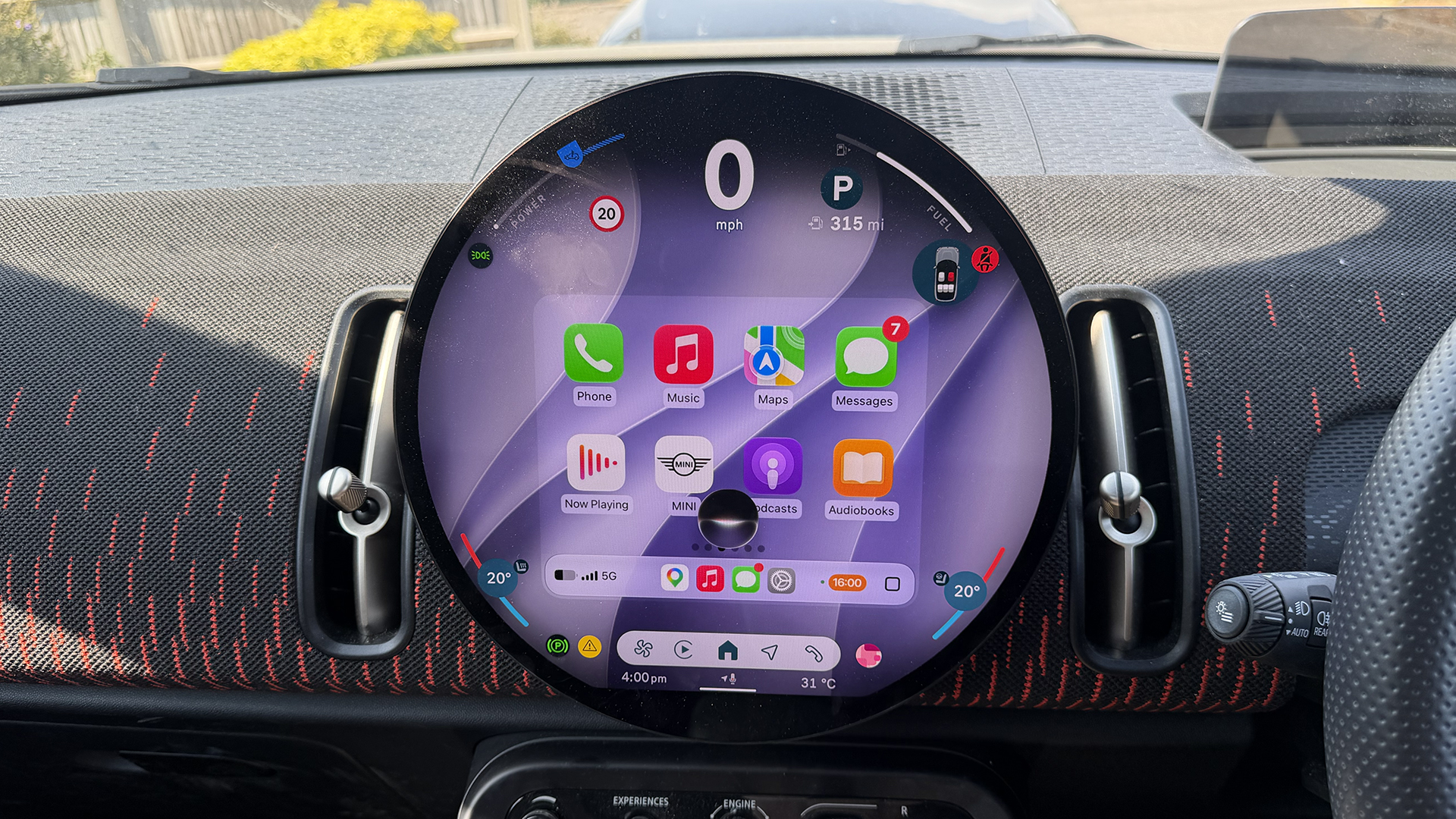
I distinctly remember walking into a car garage six years ago. When the salesman asked what my requirements were for the new car I was looking to buy, I said Apple CarPlay. Not a sunroof, special alloys, or metallic paint; CarPlay was what I had decided I couldn’t do without. Needless to say, he looked at me a little strangely (fair), but given that the customer is always right, he thought better of arguing.
As it turned out, CarPlay came as standard on the cars I was looking at (not true of all car manufacturers), so, much to his delight, he could then focus on selling me other extras. CarPlay has come a long way since I first had it in my car in 2020, though, and especially since it launched in 2014. The biggest refresh arguably came with iOS 26 last year, when the Liquid Glass design was introduced to the interface, alongside interactive widgets and a compact banner view for incoming calls, so the whole screen wasn’t taken over by the caller’s name.
There’s plenty more coming to CarPlay with iOS 27, however, not just when you’re driving, but when you’re sitting still, too. Here’s what you can look forward to when iOS 27 arrives.
Siri AI
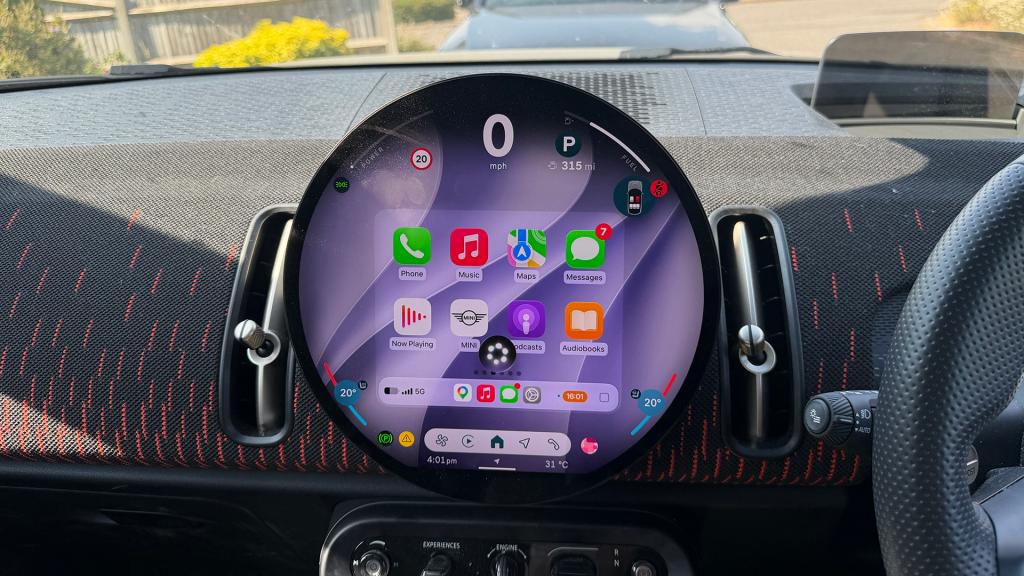
You’ve probably heard about Siri AI. We’ve been waiting for it since WWDC24, so it’s fair to say it’s been a long time coming. Having tried it on iPhone over the last few months on the iOS 27 beta, I’ve been impressed by how capable it is, from finding a marinade recipe my mum sent me in Messages in 2023 to telling me the name of a restaurant I visited in Barcelona in 2025.
It doesn’t just come to iPhone with iOS 27, though; it also comes to your car through CarPlay. Like other Apple devices running Siri AI, you’ll be able to ask it questions, get it to complete tasks and find information. Any conversations you have with Siri AI while you’re driving will then appear in the Siri app on iPhone so you can pick them up when you stop, and there’s a little car icon to distinguish them from other Siri AI chats you’ve got going on.
Sharing is caring
Some navigation apps running on CarPlay in iOS 27 will be able to share route information with the car itself, enabling features such as EV charging stops. For instance, if you have 40 miles of your journey left, but your car’s range is 30 miles, a charging stop could be suggested based on the range you have left and the route you are taking, with the apps and the car sharing information accordingly.
Wallpapers and new glassy icons
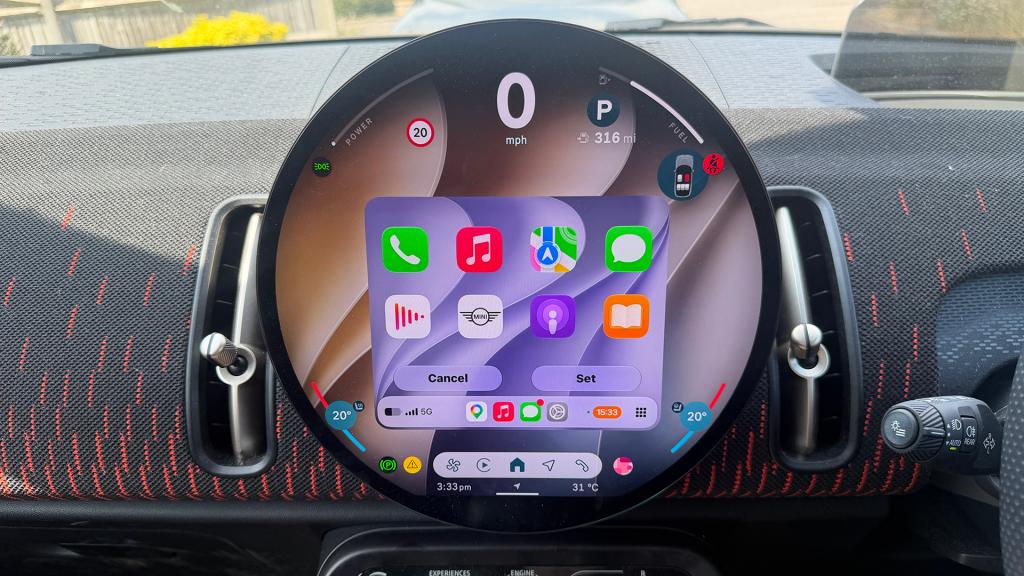
With iOS 27, there will be 14 new wallpapers to choose from in CarPlay, all featuring a wave-like design. As you might expect, they have all been created for the CarPlay interface, and there is a selection of colours to choose from. The eagle-eyed among you may also notice updated icons for Maps and Weather, both of which were redesigned this year with the new Liquid Glass style.
Voice control for all
Previously, voice control was limited to certain apps in CarPlay, but iOS 27 changes that, bringing voice control to all app categories. Handy, given that you should have your hands on the steering wheel when driving, not fiddling with your car’s infotainment display. Eyes on the road, people.
It’s also worth noting that Apple Maps should be better at understanding natural language for navigation searches. For example, you could ask the voice search to take you on a route that avoids tolls or motorways.
New audio player
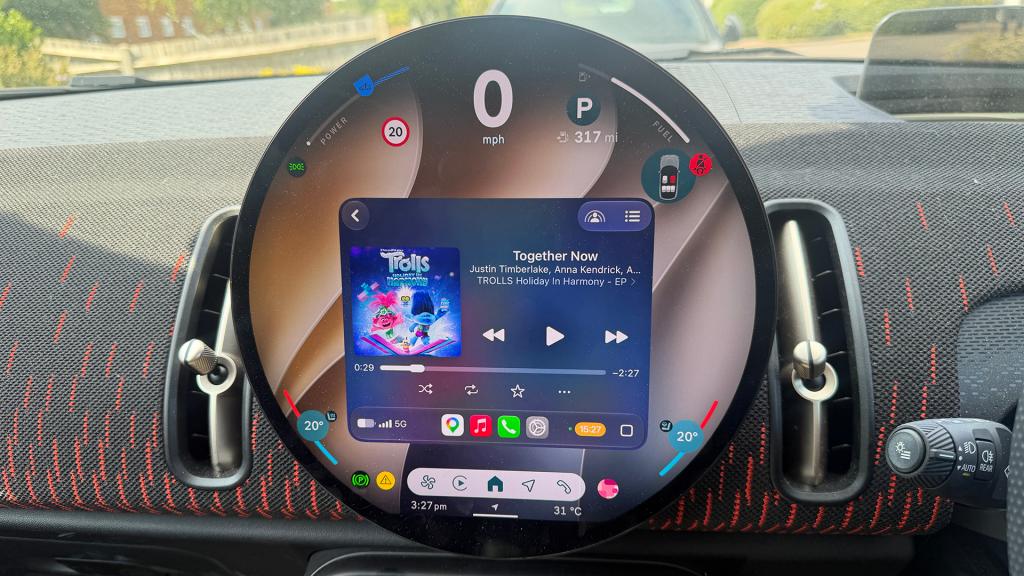
The Now Playing screen on CarPlay will show you everything from the song you’re listening to to the podcast you have playing. With iOS 27, a progress bar will be added to the Now Playing screen, allowing you to jump to a specific point in an audiobook, podcast, or song.
There is also a new mini player that will appear in the top-right corner of audio and media apps, displaying playback controls alongside artwork.
Video apps
One of the biggest changes coming to CarPlay in iOS 27 is the ability for CarPlay apps to include video browsing. This means you can watch videos on your car’s display when you’re parked. Naturally, you can’t watch while you’re moving for safety reasons, so it’s probably best not to ditch the kids’ tablets just yet. Any iPhone apps that support AirPlay will also be able to connect to your car’s display to stream content.
There is a catch with this one, however: automakers have to enable support for the video apps to play content on your car’s screen, and at the moment, there are no confirmations of any manufacturers with plans to do this. That means that depending on the car you have, you may have to wait a while for this particular feature.
Better reliability
It’s not a visible feature as such, but better reliability is not to be sniffed at. Apple has said that wireless CarPlay will be more reliable with iOS 27, and there’s also a claim of improved GPS location accuracy.
Which devices are required to get the new iOS 27 CarPlay features?
To experience the new CarPlay features in iOS 27, you will need a compatible iPhone running iOS 27. The iPhone 11 and later are compatible with iOS 27, though for Siri AI, you will need an iPhone that supports Apple Intelligence, such as the iPhone 15 Pro or newer.
Also read: You can now try Apple’s all-new Siri AI yourself on your iPhone, iPad or Mac – here’s how


Read the full article here
