

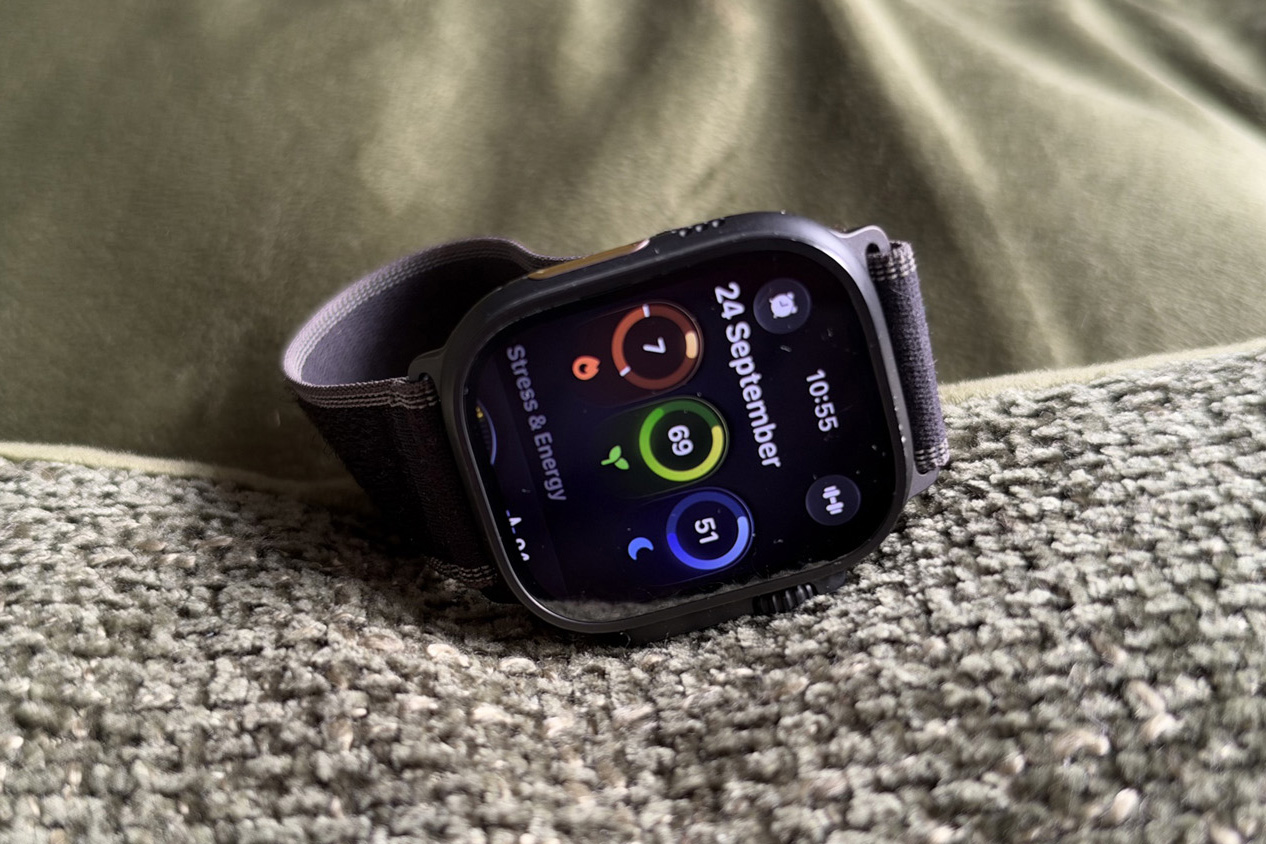
When Apple announced the Apple Watch Ultra 4 and the Series 12 smartwatches one of the headline-grabbing new features was the introduction of Readiness scores.
These scores, generated from an array of health and fitness Watch stats, aim to simply tell you whether you’re in good shape to tackle a busy day, tick off a tough workout at the gym or maybe you should be kind to yourself and your body and take a well-deserved rest.
Unfortunately, those new scores are only available on Apple’s latest watches. That’s because they’re closely tied to Apple’s new health sensing system.
If this is a Fitbit and Oura-rivalling feature you’ve been pining for on your Apple Watch for some time, but don’t want to make that upgrade, there are some great Watch apps available that can dish out advice on how you take on your day. These are the apps that can bring readiness-style scores to older Apple Watches.
All of these apps are free, but most have optional subscription bundles available as In-App Purchases.
Bevel
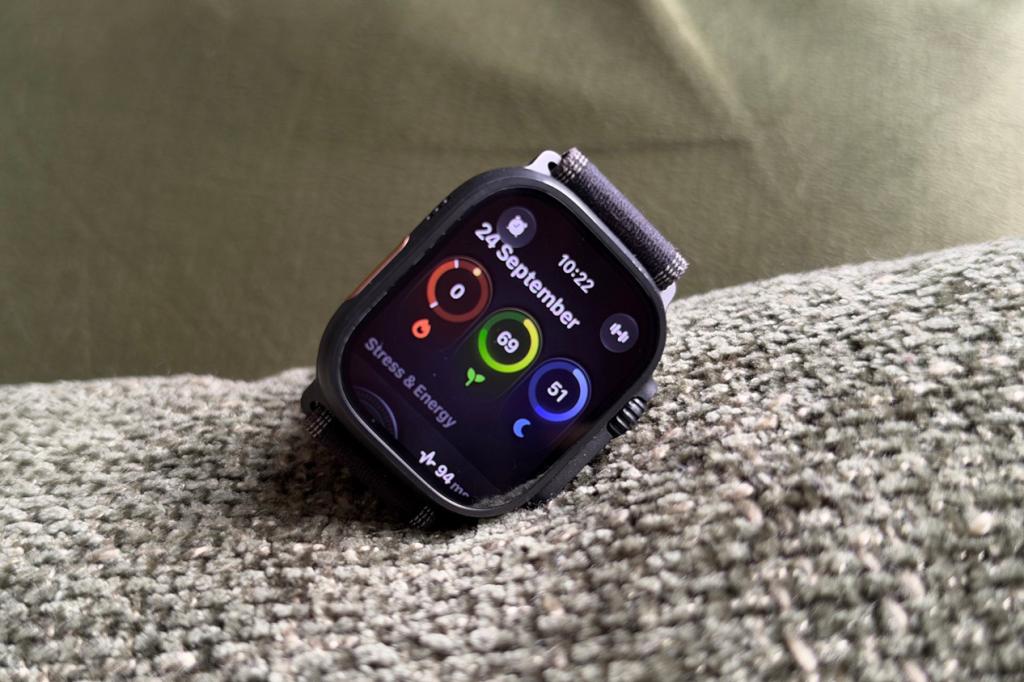
Bevel got into a spot of bother with Whoop this year for its app that can sync health and fitness data from a host of different devices. Those supported devices include the Apple Watch.
It’s packed with data, led by crunching your stats and then breaking things down into three buckets. That’s the strain placed on your body, recovery and sleep. The recovery status bucket essentially works in a similar way to Apple’s readiness score, paying close attention to your heart rate variability and resting heart rate data along with a host of other metrics to calculate your recovery percentage. You’ll also receive a snippet of Coaching advice to tell you if your recovery has been good or bad.
There is a paid element to Bevel, which mainly adds in access to an AI coach. If you can live without some AI assistance and only want that readiness-type insight in your life and on your wrist, you don’t have to spend to get it.
Training Today
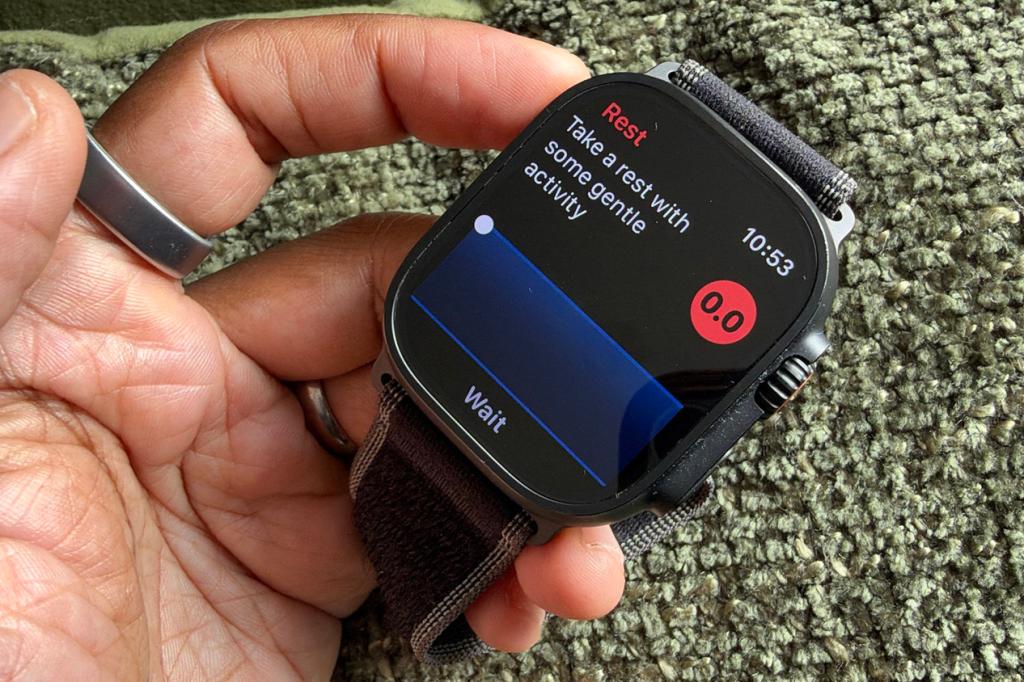
This is another very fitness-focused Watch app that can even push training intensity recommendations to your watch face as a complication. Training Today looks at heart rate variability measurements to calculate RTT, which is your Readiness to Train. It recommends capturing sleep data alongside heart rate stats and can adapt scores based on aspects like your accumulated sleep debt if you’ve fallen short of the dream 8-hour target.
If you pay up for the optional subscription, you’ll also get access to trend charts and can see how RTT scores have changed (or remained the same) over time. There’s also richer support for your iPhone like being able to add a dedicated widget to your homescreen. Just make sure you’ve correctly permitted access to key heart rate metrics during set up to make sure you can start seeing those insightful RTT scores.
Athlytic
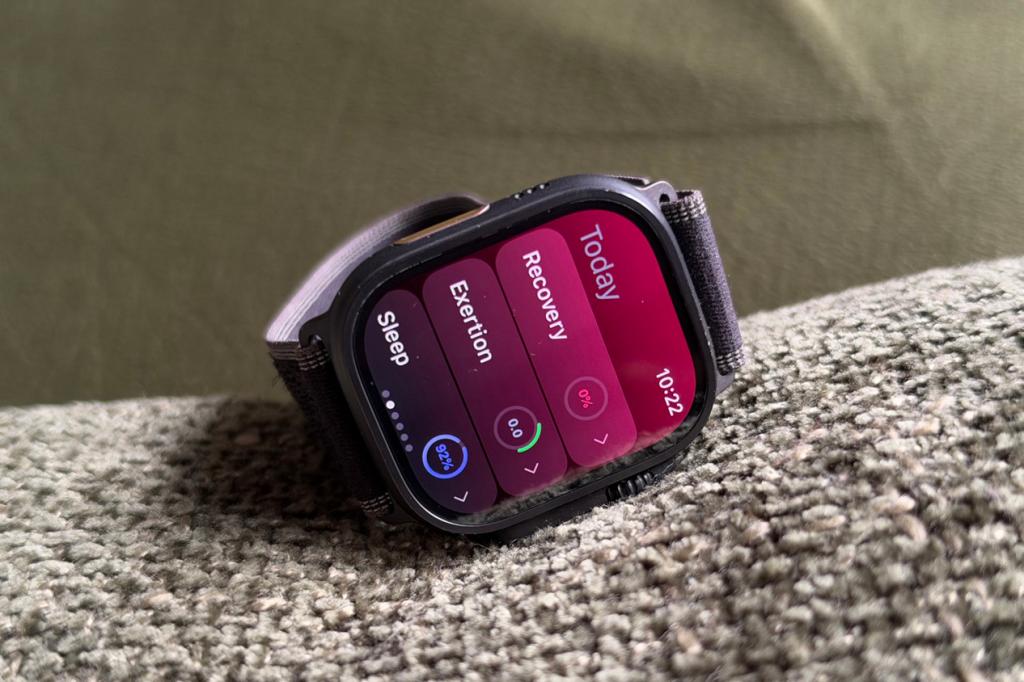
Athlytic looks at very similar data to Apple’s to push out its own readiness scores. That’s heart rate variability, resting heart rate, sleep quality and workout data history. Once you’ve connected the app to Apple Health, you’ll be able to view a recovery percentage alongside some simple, yet useful recovery advice. It’s accompanied by a very slick phone app that makes all your data glanceable so you can quickly spot whether recovery data is trending in the right direction and what’s driving recovery stats to improve. You do have to pay for access, but you can trial it for a week before you decide on whether it’s the one to get your readiness fix from.
Incredible: Readiness & HRV
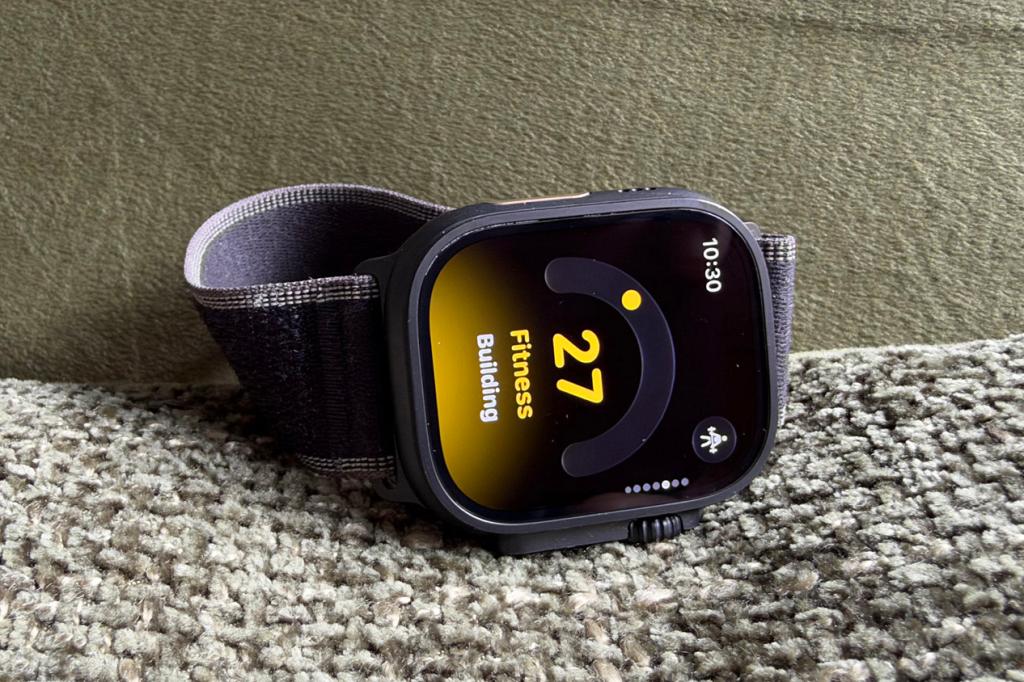
Incredible relies on reading and analysing your Apple Health data with its very strong widget-based app that puts your readiness score front and centre. Incredible scores readiness out of 100 unlike the 1-10 scale Apple uses then lets you delve deeper to see what’s having a positive impact on your readiness scores and what’s lowered it as well. It’s got a great beginner-feel both on and off the watch if you want a gentler way to get to grips with the rich and at times overwhelming stats. It can also provide a breakdown of your vitals data like temperature and resting heart rate, as well as compare totals against your previous day. There’s an optional coach and the ability to log workouts following training plans to directly send that workout data straight into the app.


Read the full article here
