



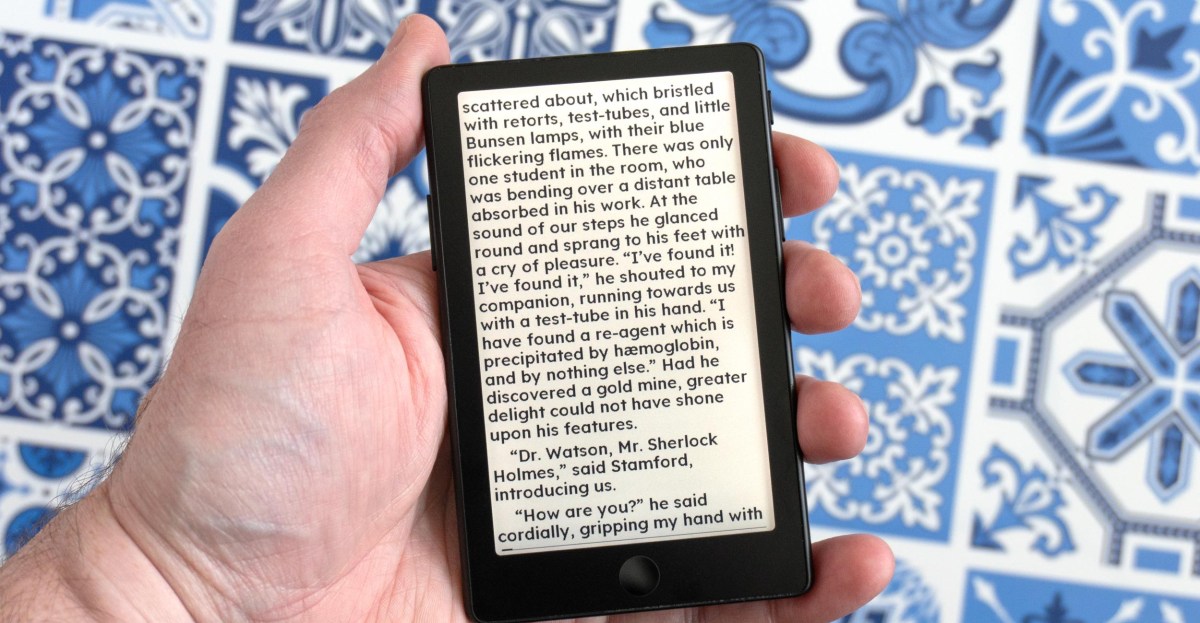
The familiar story with Xteink’s tiny e-readers plays out once again with its new X4 Pro: upgraded hardware held back by frustrating software. The company’s latest tiny e-reader adds a touchscreen and lighting, so choosing it over a Kindle or a Kobo feels like less of a compromise — until you use it. The new touch controls and some welcome software updates do manage to make the X4 Pro easier to use, but frustrations still abound. There’s a happier ending to the story this time, however, as the team behind the excellent CrossPoint Reader software plan to have their alternative firmware ready for the new device at its launch. If you’ve been considering one of Xteink’s e-readers, the X4 Pro is the one to get, even if it’s the most expensive yet.

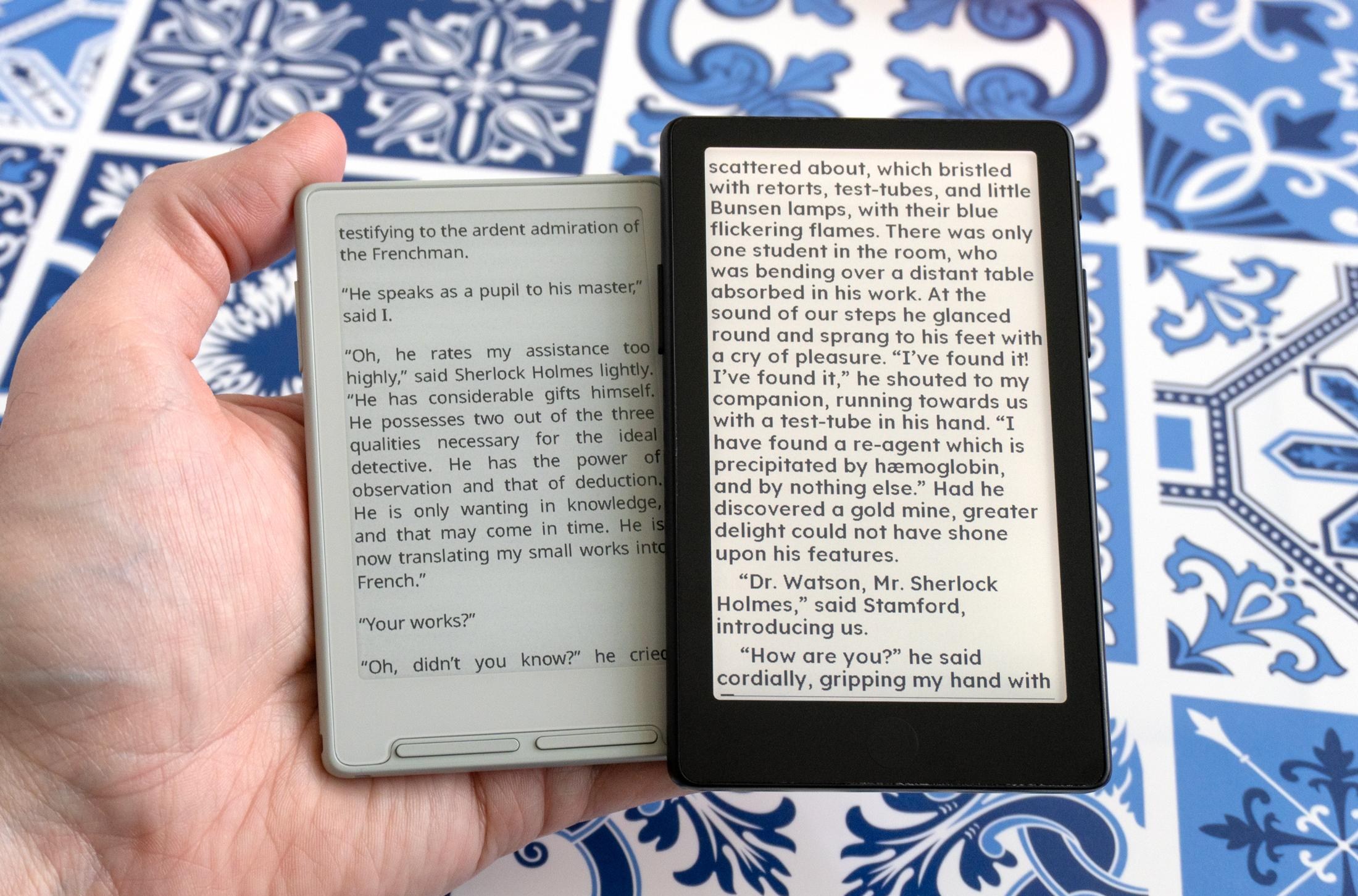
The X4 Pro is available for purchase today through Xteink’s online store for $99, making it slightly more expensive than the company’s $79 X3 and $69 X4 models. That also brings the X4 Pro closer in price to the $110 entry-level Kindle featuring Amazon’s polished e-reader experience and on-device access to a well-stocked digital bookstore. The X4 Pro lacks both of those things, but with a 4.26-inch, 800 x 480 E Ink screen, it’s another extremely pocketable device from Xteink that’s slightly smaller and thinner than the company’s first e-reader, and considerably smaller than Amazon’s 6-inch Kindle.

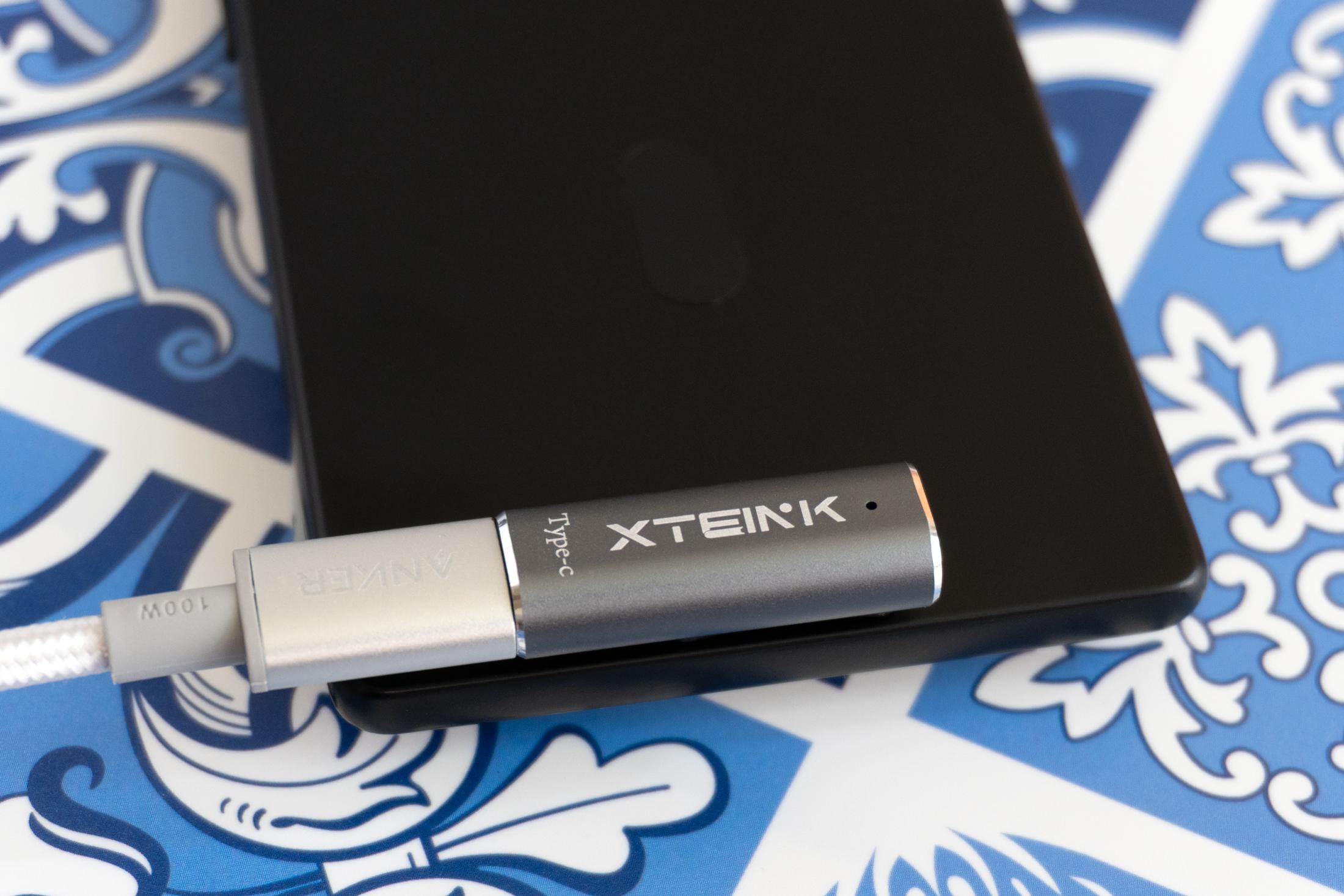
That thin profile means you’ll need to be prepared for a big compromise: There’s no longer an actual USB-C port. You can still benefit from USB-C functionality but will need an adapter to deal with an uncommon magnetic pogo-pin connection. The adapter is included, but I’d still opt for a slightly thicker device with an actual USB-C port.

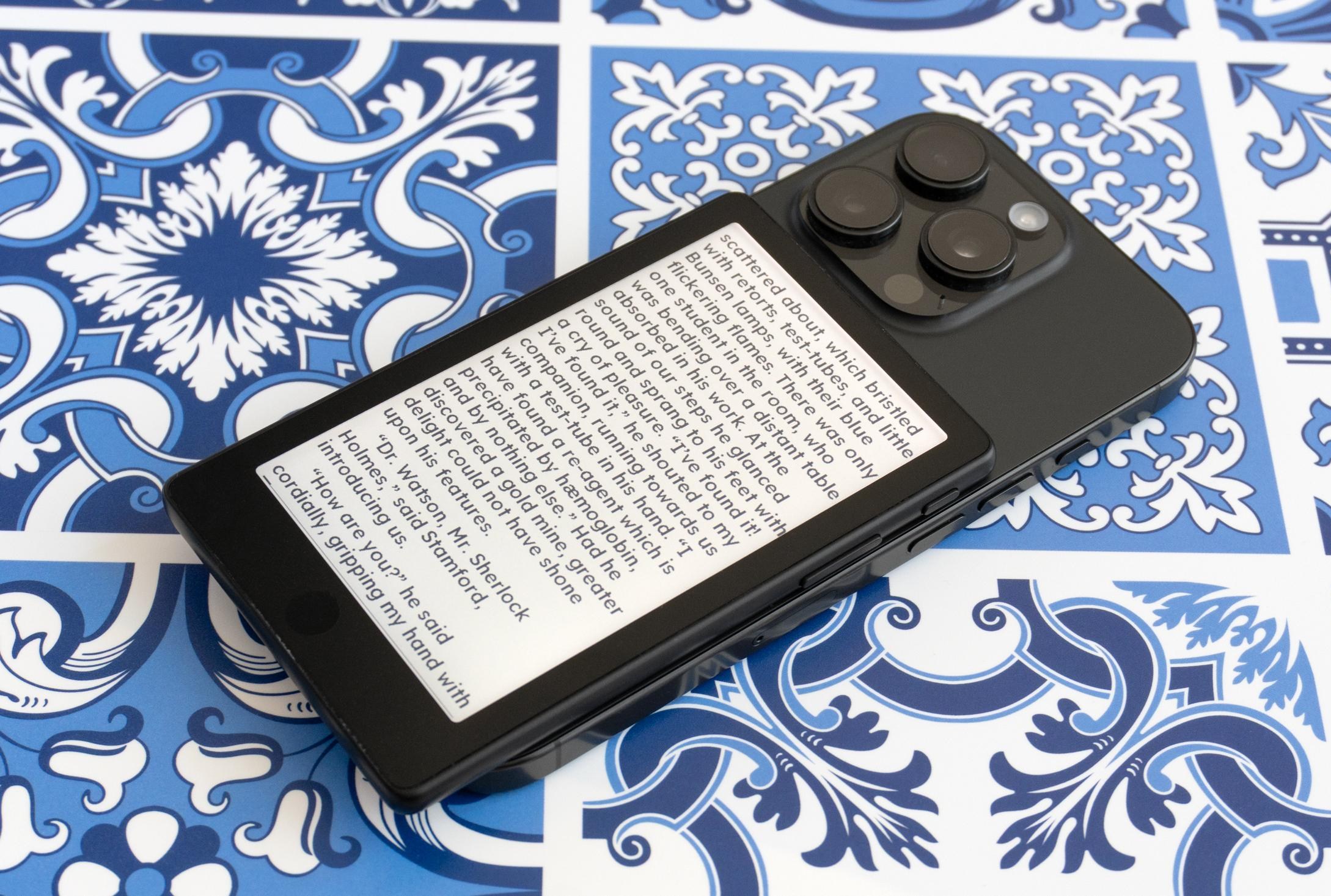
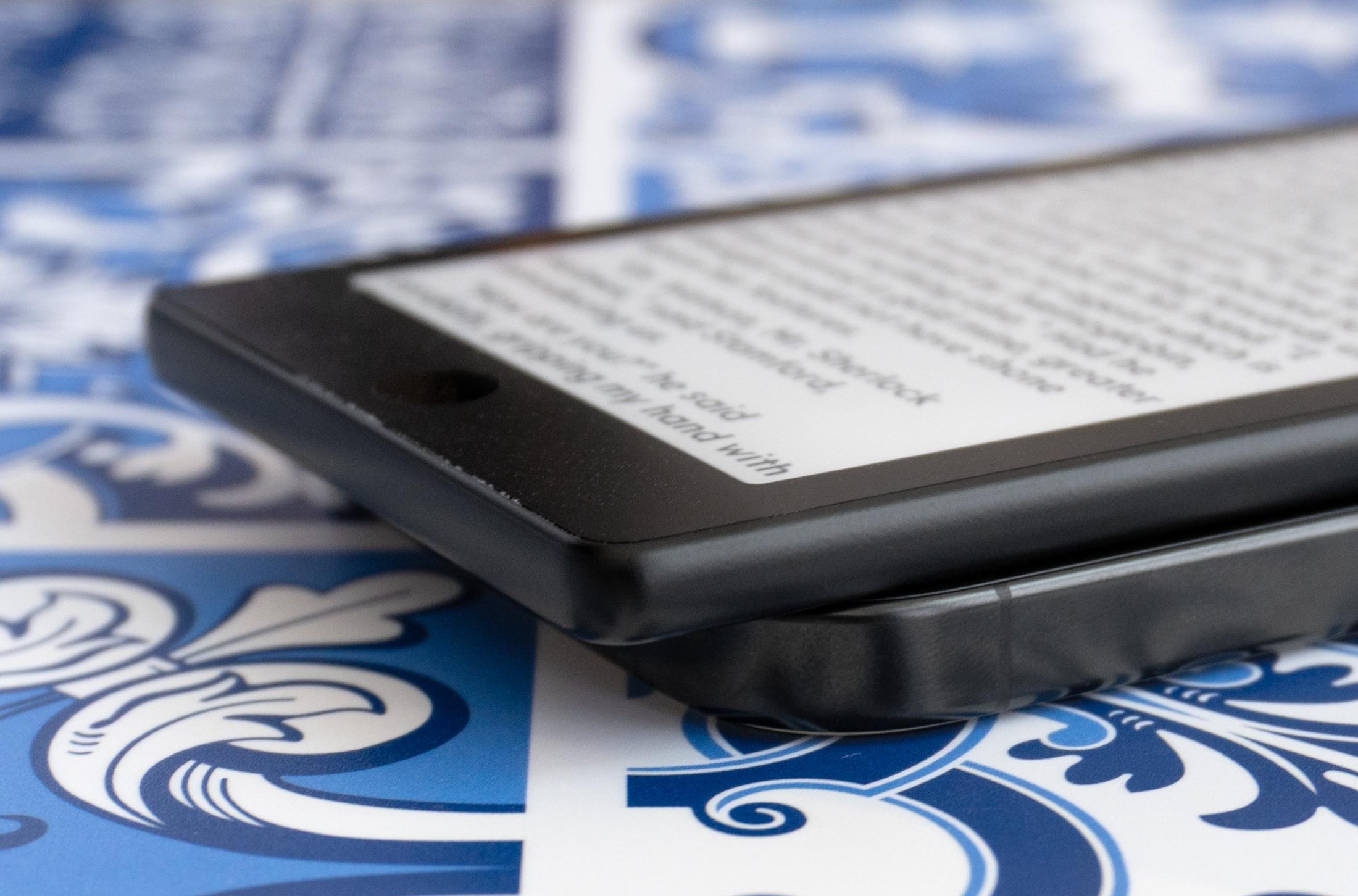
On the back of the X4 Pro you’ll once again find embedded magnets so you can attach it to compatible smartphones like a wireless battery. The magnets feel stronger, but still not strong enough to make me confident the e-reader is going to remain stuck to my phone while jostling around in my pocket. The X4 Pro’s size also makes the tiny e-reader awkwardly extend past the bottom of my iPhone 16 Pro when attached, and at this point I think Xteink should just abandon promoting this functionality. Its e-readers are better as standalone devices.

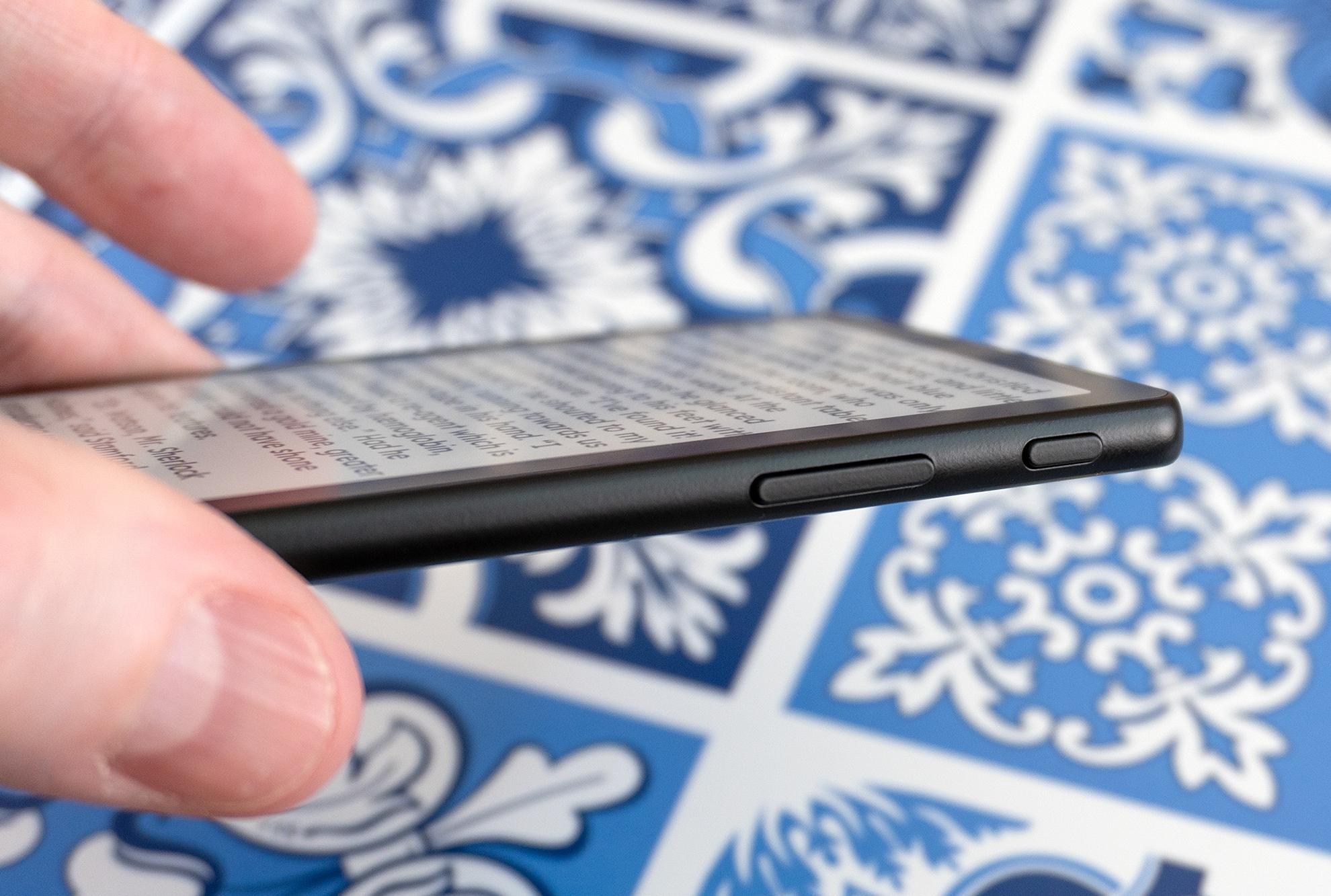

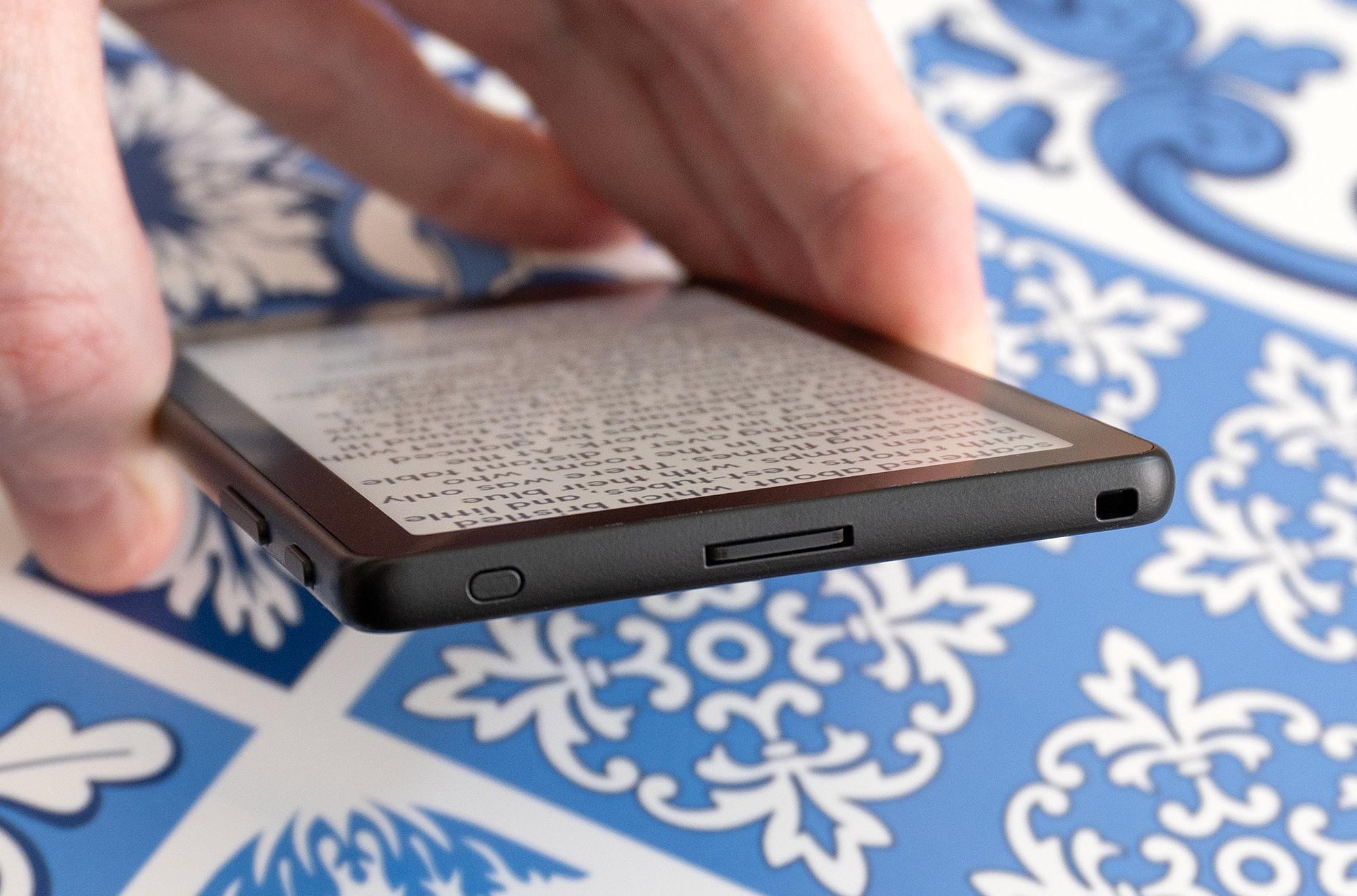
The added touchscreen allows for a much simpler button layout on the X4 Pro, and I’m glad the company still includes dedicated page turn buttons on each side in addition to being able to tap the edges of the screen. There’s also a power/wake button and, for the first time, a touch button on the front of the e-reader below its screen for jumping back to the e-reader’s homescreen.

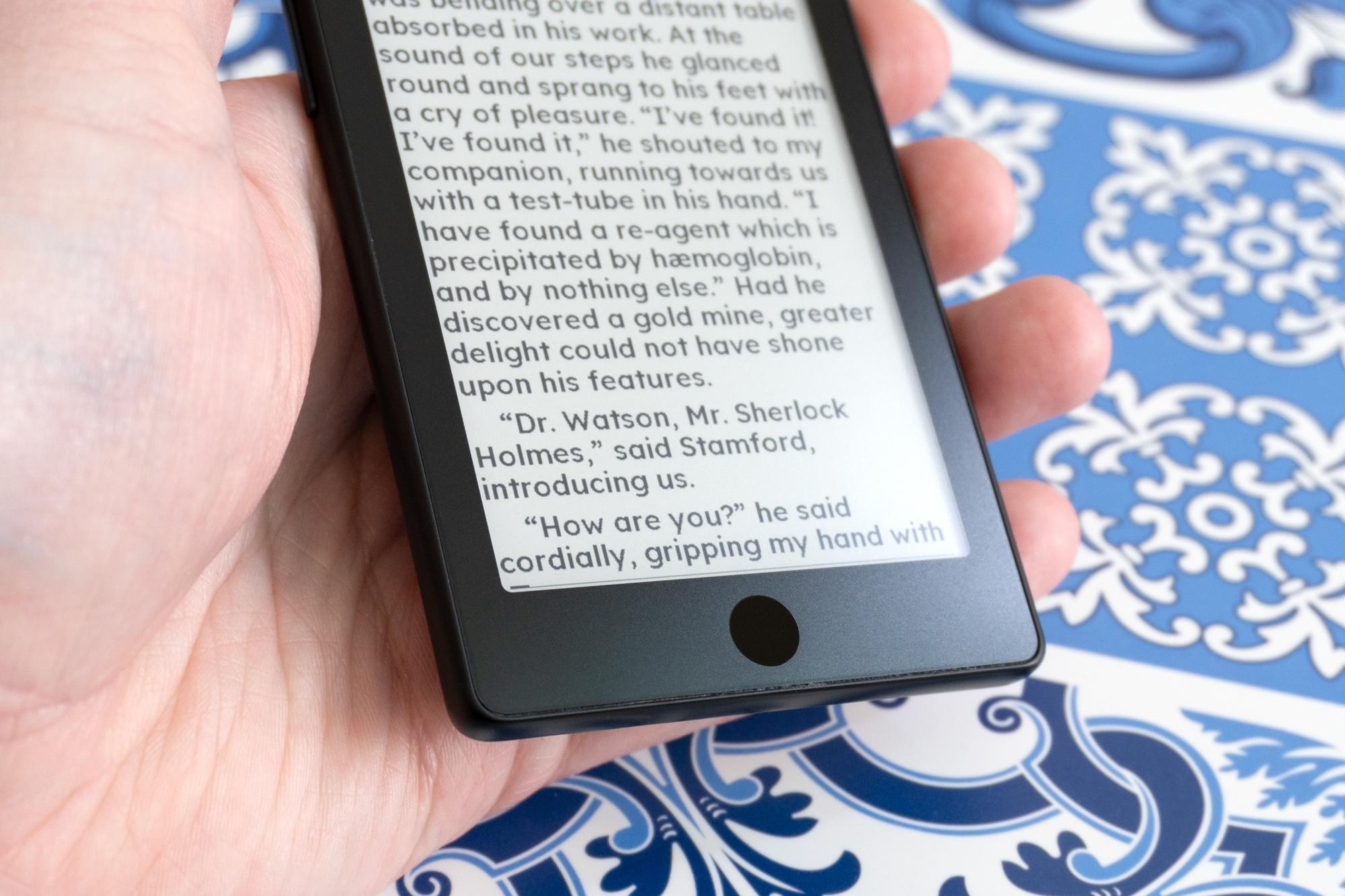
There’s been some debate about whether or not these tiny e-readers actually need a touchscreen, but after testing the X4 Pro for over a week I think it’s a welcome upgrade for these devices. Even after months of use, navigating the company’s other e-readers using just buttons has never felt intuitive or easy, and it’s held me back from wanting to carry them everywhere I go. Navigating the X4 Pro using screen taps (like we do with the rest of our mobile devices) finally makes it feel like I’m not fighting the e-reader to make it do what I want.
But the X4 Pro’s touchscreen doesn’t feel as sensitive or responsive as a Kindle or Kobo when tapping on the screen, and half the time it feels like I have to repeat a tap with a little more pressure for my finger to be detected. I’m hoping that’s something that can be improved through future software updates.
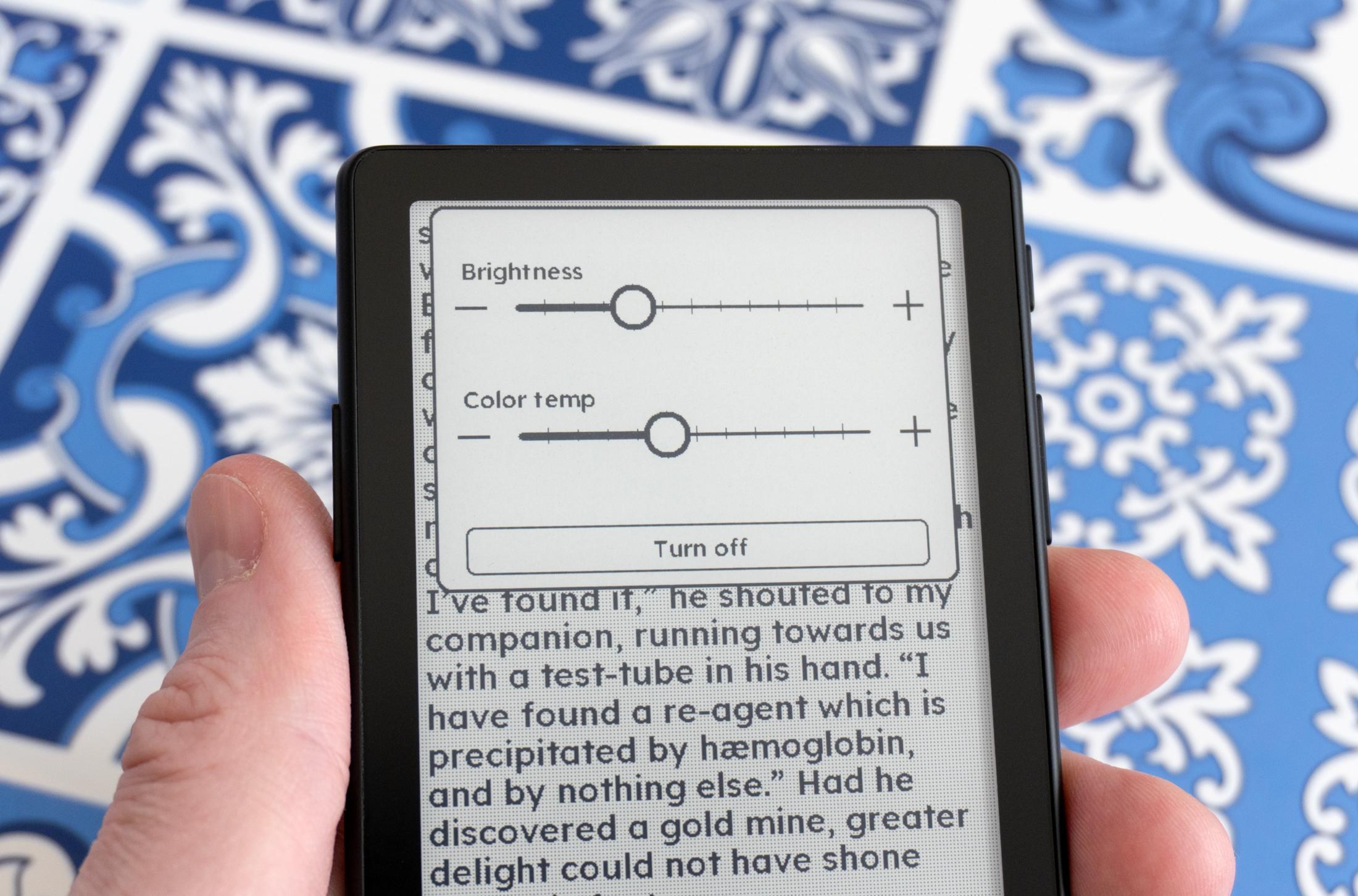
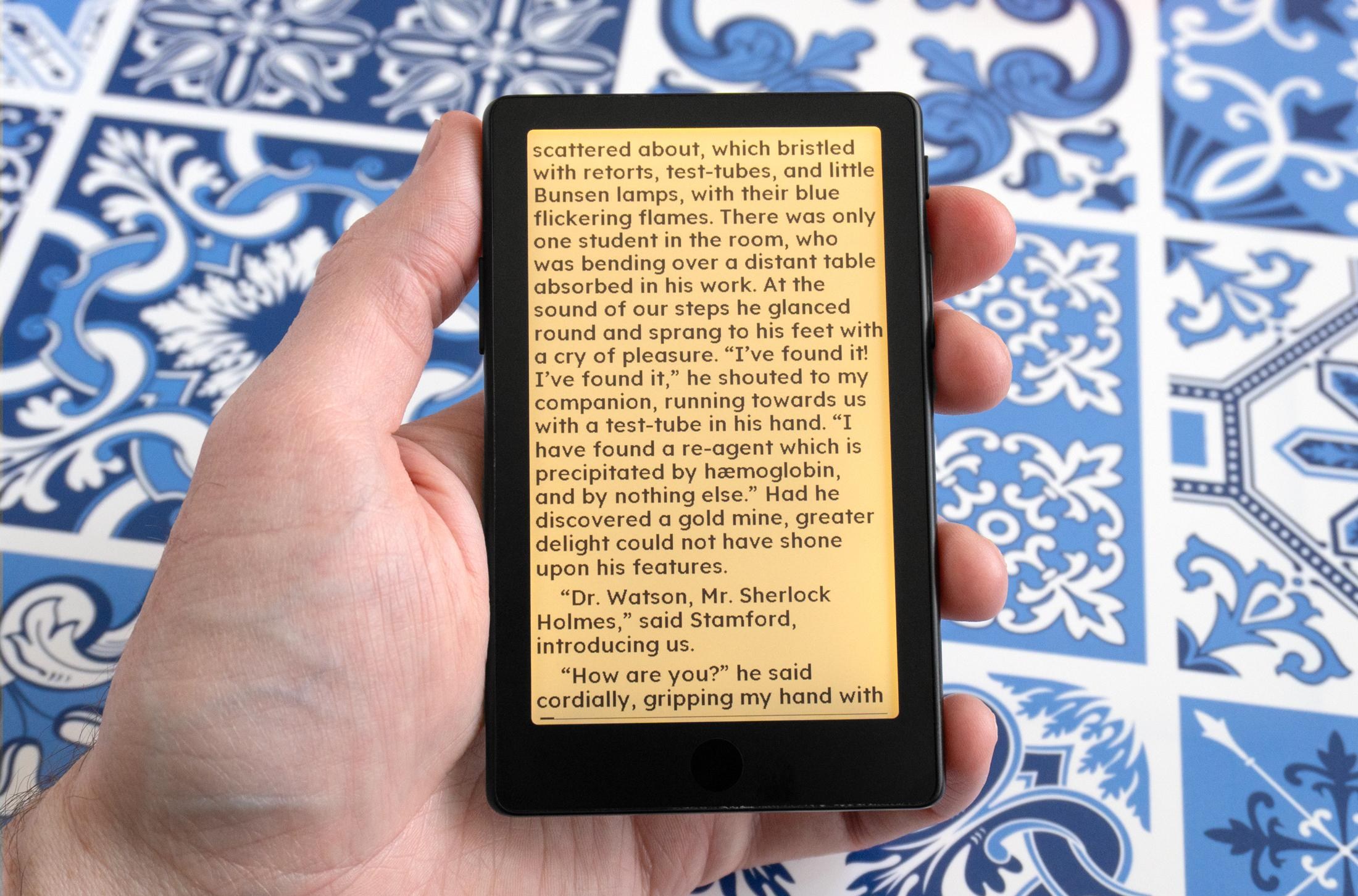
The added screen light is an excellent upgrade, and even though it’s a bit uneven and definitely a little brighter at the top of the display, you can adjust its intensity and color temperature using sliders that appear when you swipe down from the top of the screen. There are no automatic adjustments or scheduling available yet, but being able to finally use this e-reader in bed without having a lamp on is a game changer, and I can’t see myself going back to Xteink’s older devices that lack lighting.
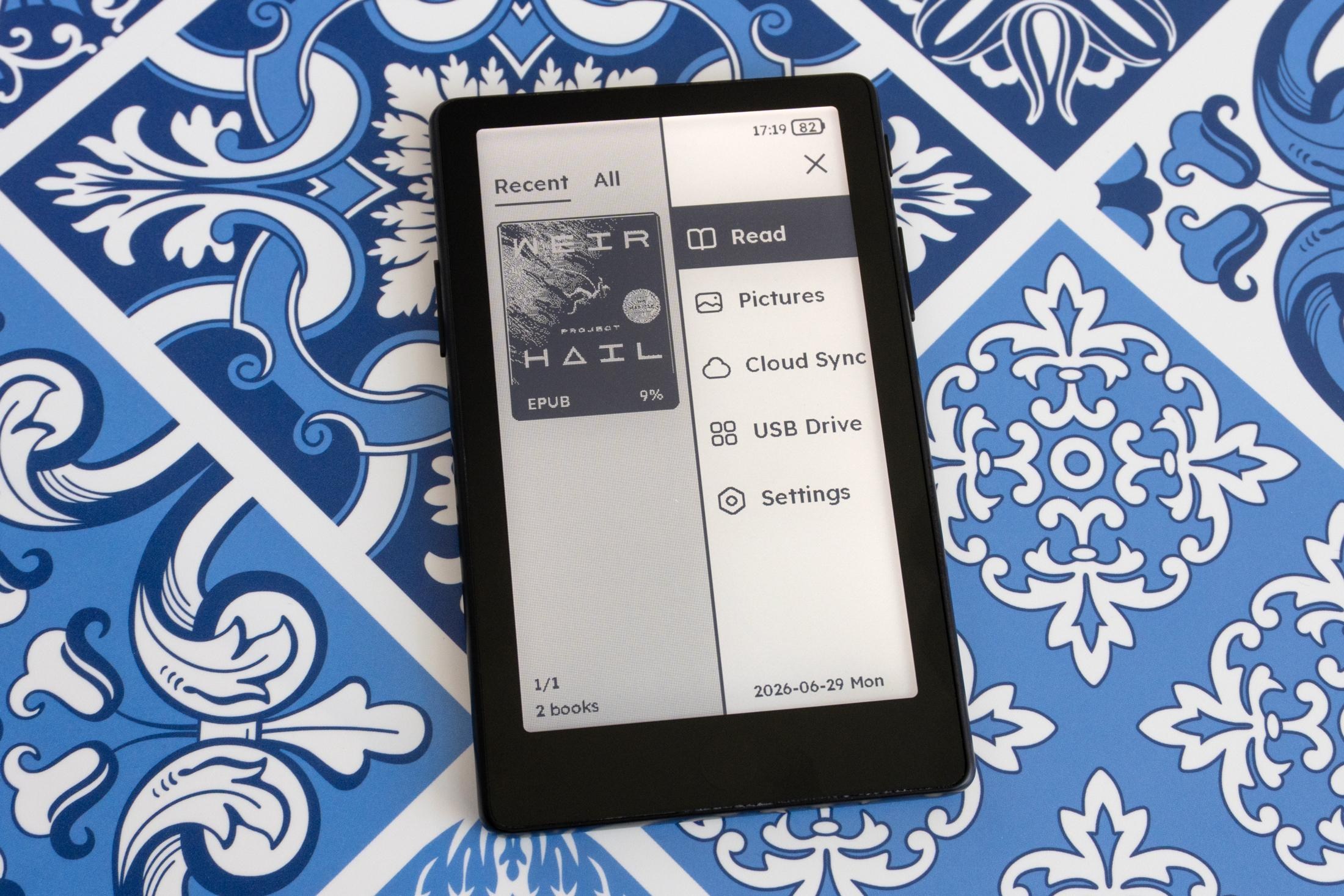
Xteink has made a lot of improvements to its bundled software and UI to accommodate the X4 Pro’s touchscreen. The menus have been streamlined and are easier to navigate with touch, and accessing reading settings by tapping anywhere on the page now feels more intuitive. There’s also more flexibility with adjusting text spacing and layout, but out of the box you’re once again limited to just a single font in two different sizes unless you want to jump through hoops to install your own. But you don’t have to suffer with Xteink’s unpolished software.

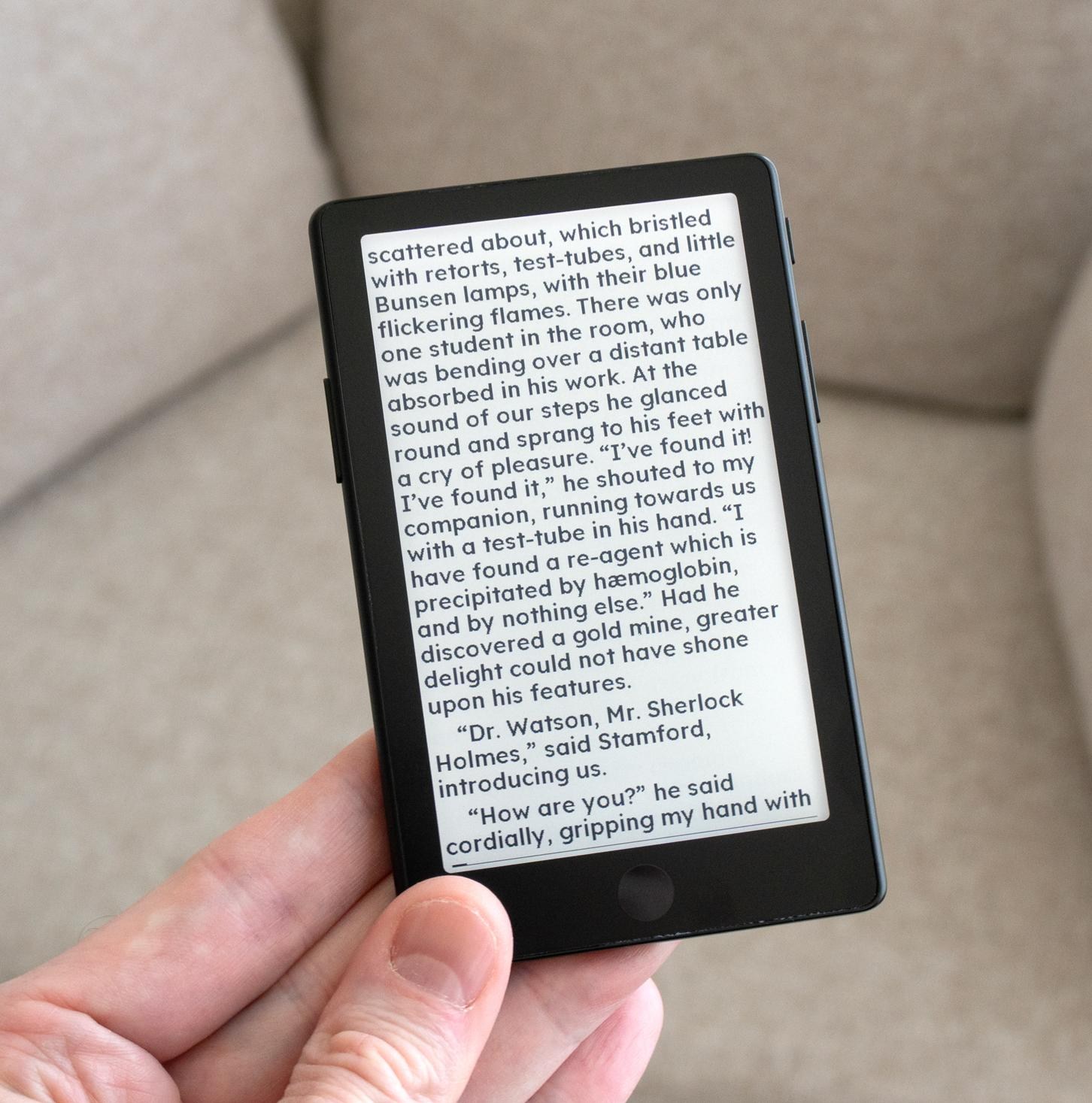
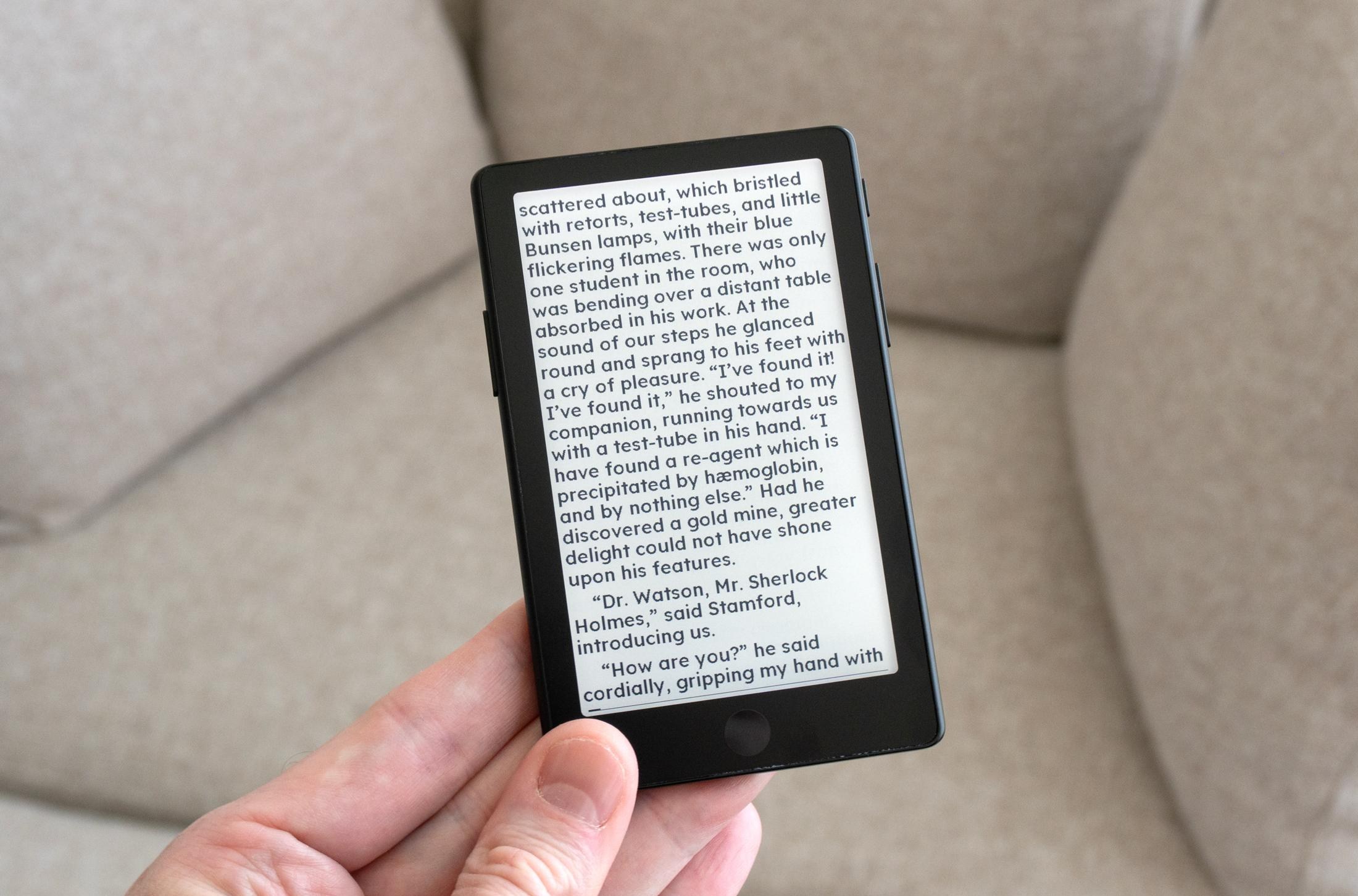
Of all the X4 Pro’s improvements, the most compelling reason to get Xteink’s latest e-reader is that the easy-to-install CrossPoint Reader software will be available at launch. It’s a free firmware alternative that vastly improves the UI and reading experience of Xteink’s devices. When I tested Xteink’s last e-reader the team behind CrossPoint Reader wasn’t sure when support for the X3 would be released, but Justin Mitchell has since taken over as the core maintainer of the software and told The Verge that X4 Pro support will be available “before any customers are able to order and receive theirs in the states.” CrossPoint Reader is also now a part of Mitchell’s new Free Ink project that counts Xteink as one of its hardware partners, so the firmware should be compatible with all of the company’s future devices at launch.
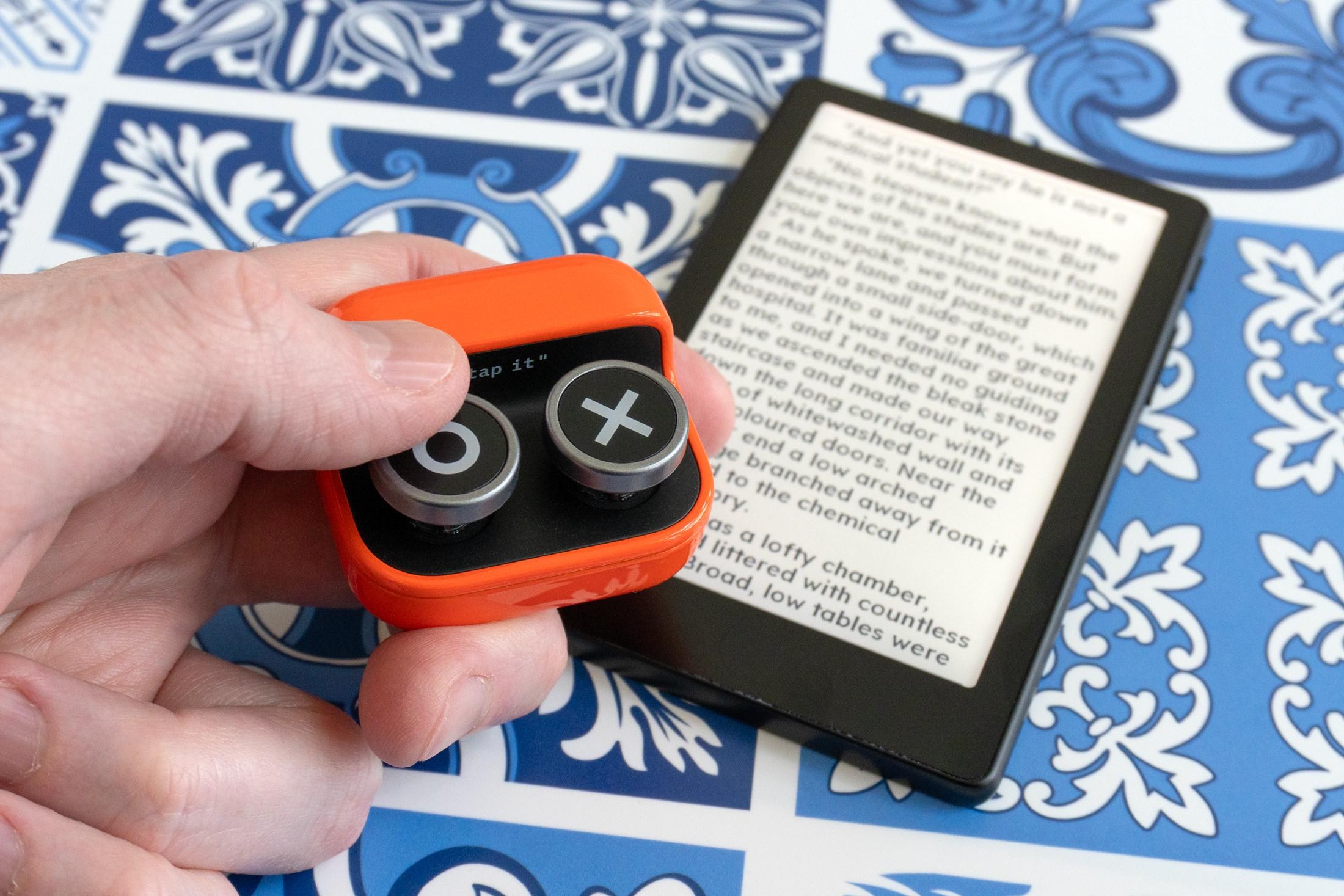
If you’ve been on the fence about grabbing one of Xteink’s e-readers, even with a proprietary USB-C connector and a $99 price tag the X4 Pro is the one to get if you prioritize portability. It won’t match the Kindle or Kobo experience even after installing CrossPoint Reader, but even with its limitations it’s still the best tiny e-reader you can buy and a device I already won’t leave the house without.
Photography by Andrew Liszewski / The Verge
Read the full article here


