







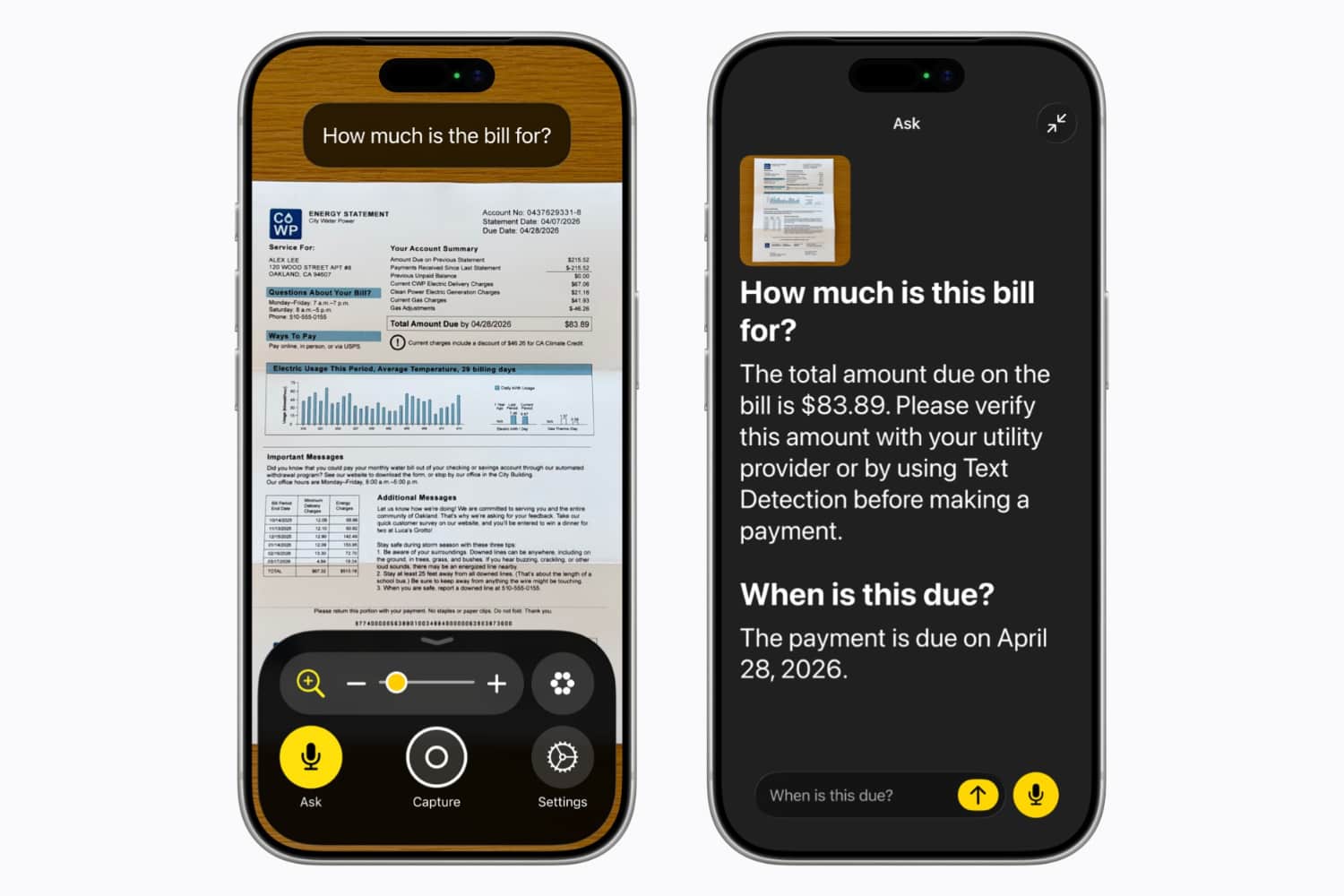
Apple has announced new accessibility features that use Apple Intelligence AI to make life a little easier for people with vision, hearing and physical difficulties. The new features, which will arrive as part of iOS 27 later this year, centre around the existing VoiceOver, Magnifier, Voice Control, and Accessibility Reader.
Furthermore, Apple has announced its Vision Pro headset can be used to steer a powered wheelchair using their eyes. This option is designed with people who aren’t able to steer with a joystick.
“Leveraging the precision eye-tracking system on Apple Vision Pro, a new power wheelchair control feature offers users a responsive input method for compatible alternative drive systems,” Apple says in a press release.
“With Vision Pro, eye tracking doesn’t require frequent recalibration and works in a variety of lighting conditions.”
The update for Magnifier can pull key information from something like a utility bill and present the key information in a larger, more readable font. It offers an assistive exploration and visual description in a high-contrast interface. You may see information like the amount and the due date highlighted and you can ask any questions.
Voice Over gets a similar feature, enabling Apple to describe photographs, personal records and other visual content. Both can be accessed via a shortcut using the Action Button.
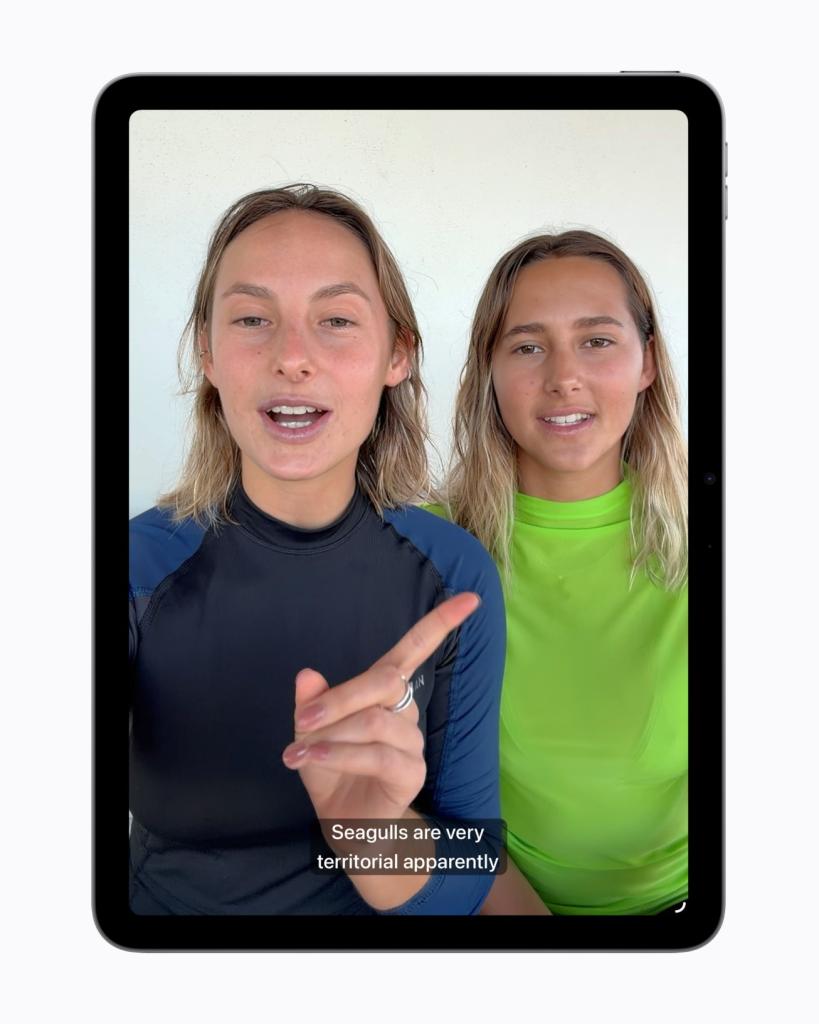
The company is also adding generated subtitles for video that’ll add captions to videos shared by friends and family. The company added: “With new generated subtitles, videos can display transcriptions of spoken audio automatically when captions or subtitles are not already provided, including in clips recorded on iPhone, received from friends and family, or streamed online.”

Apple is also giving Voice Control a natural language overhaul, thanks to Apple Intelligence.
“With Apple Intelligence, Voice Control becomes more intuitive than ever, using natural language to help users with a range of physical disabilities navigate iPhone and iPad entirely by voice,” Apple says.
“With a new flexible input, users can describe onscreen buttons and controls with natural language instead of memorising exact labels or numbers. The option to “say what you see” is great for navigating any app, including those with visual layouts such as Apple Maps or Files, using intuitive language like “tap the guide about best restaurants” or “tap the purple folder.”




Read the full article here


