

Introduction
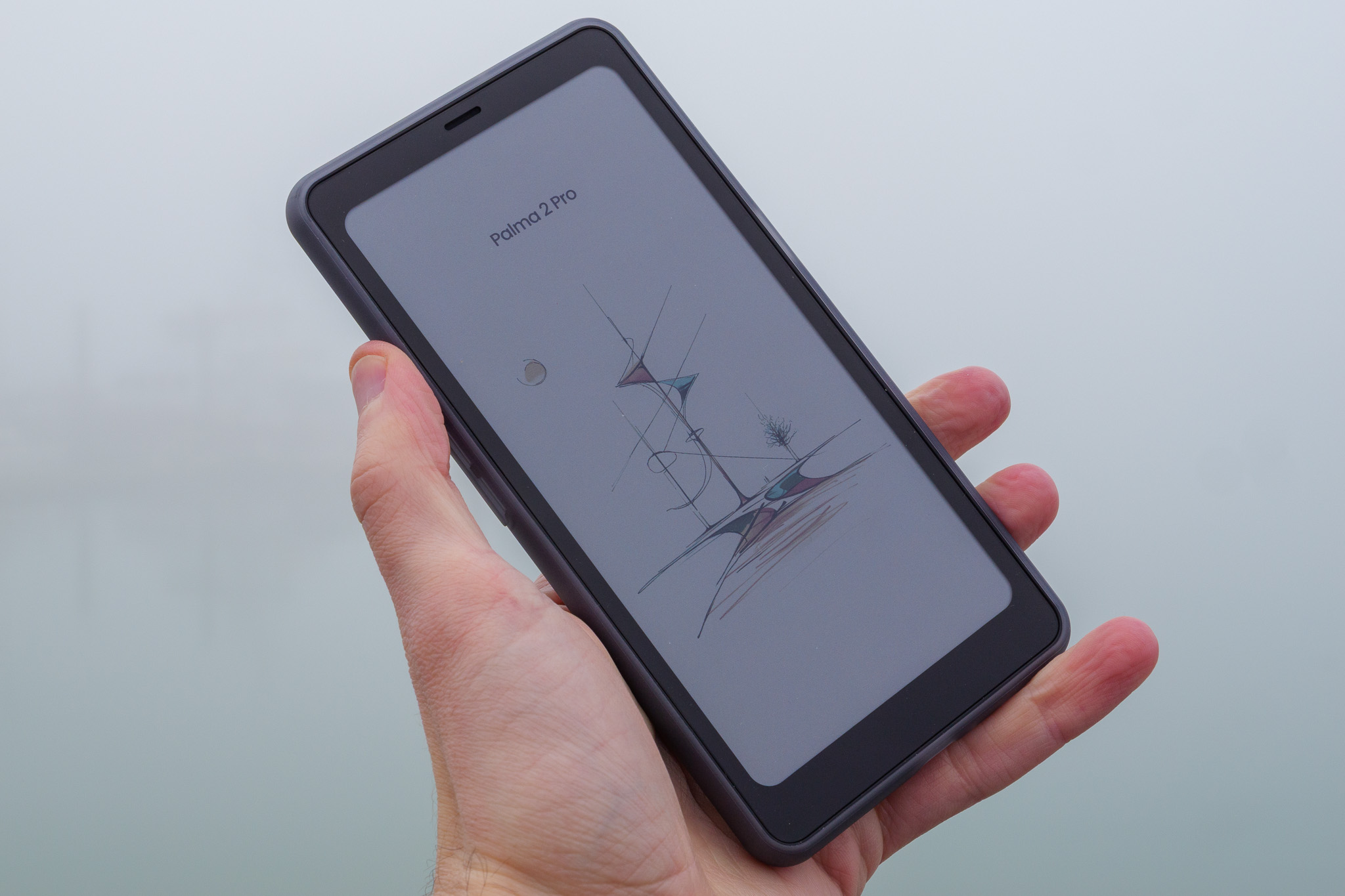
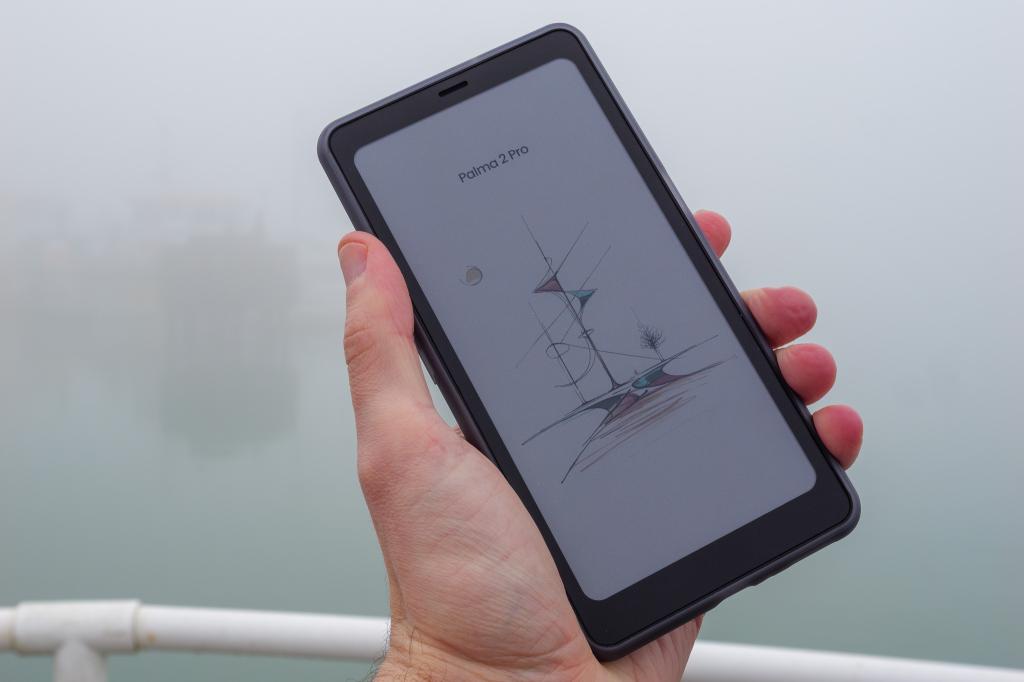
It fits into your pocket like a smartphone. It runs on Android 15 like a phone. It has a big colour touchscreen like a phone, a camera like a phone – and even a SIM card slot like a phone. But is the Boox Palma 2 Pro a phone? Not on your nelly.
Technically, this is a pocket-sized e-ink tablet that supports mobile data but not calls or messaging – making it, by my reckoning, about 90% of a smartphone. Quite why Boox decided not to support that last 10% is a bit of a mystery to me, but having spent several weeks in its company, I’ve got some thoughts about whether it’s worth buying.
Design: smartphone meets e-reader
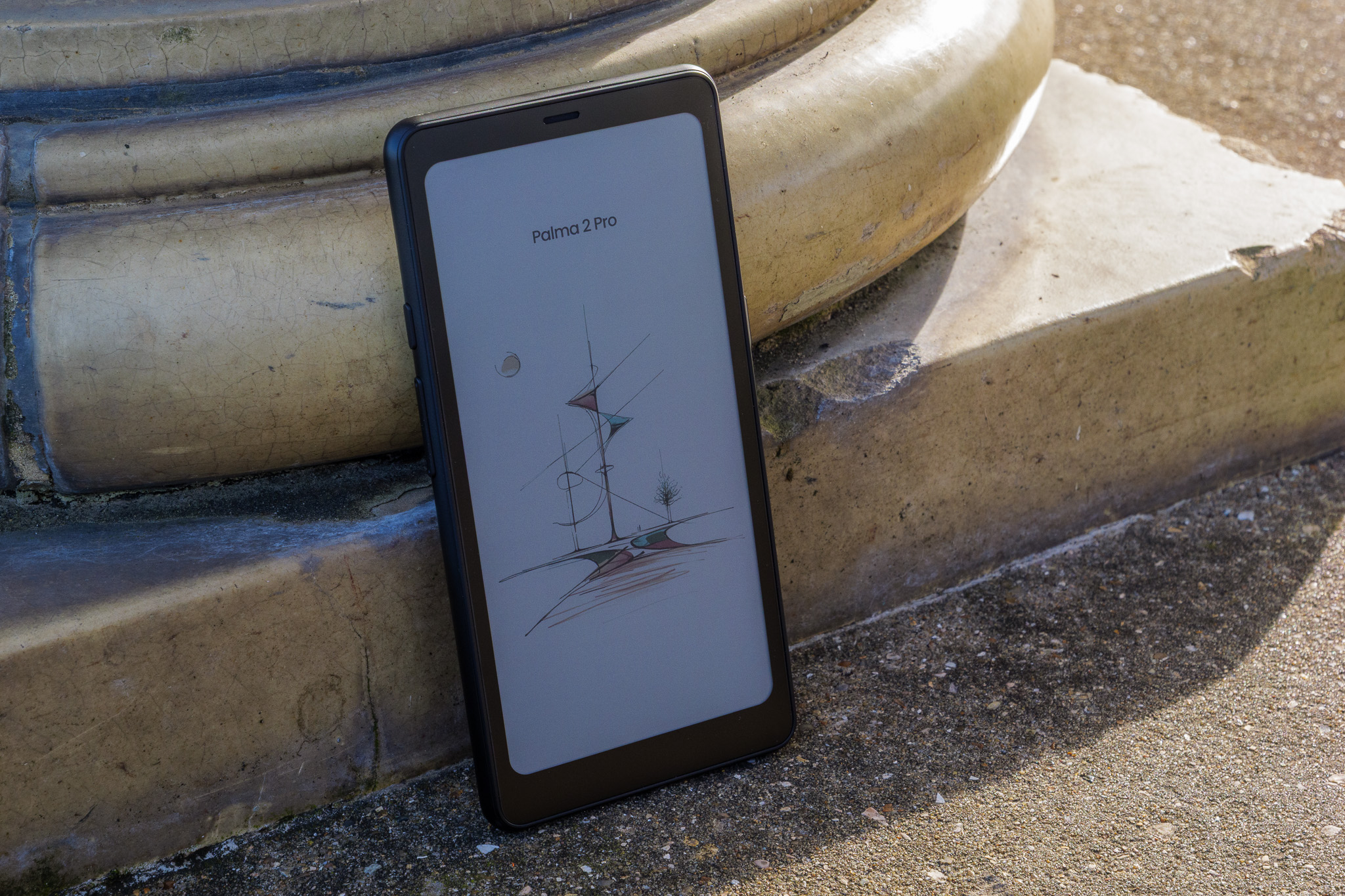
The Palma 2 Pro looks like a cross between a Kindle and a smartphone. The front is dominated by a large e-ink touchscreen with a (fairly wide) bezel, while the back has a camera and flash in one corner, but a rough plastic texture elsewhere.
I like the back’s texture – there’s something organic and natural about it, and it feels pleasant to touch. But, as the Palma 2 Pro comes supplied with a protective case that wraps the whole of the back surface in smooth plastic, the only time you’re likely to be touching that rough surface is the first time you pull the tablet out of the box. Oh well.
The back also features a magnetic ring that allows it to pair securely with a folio-style wraparound cover, made from a soft-touch material. When this is attached, the magnetic clasp makes for a great place to attach the optional stylus – which I’ll get to in the section below.
The sides of the device feature power and volume buttons, plus a customisable function button. The power button, incidentally, doubles as a fingerprint reader, albeit not a particularly reliable one – I usually found myself having to key in my PIN to unlock the device when my fingertip wasn’t recognised. On the bottom there’s a pop-out tray for slotting your 5G SIM for data connectivity and/or a microSD card for up to 2TB of extra storage.
Overall, the Palma 2 Pro doesn’t feel particularly first-rate in terms of build quality – it leans more towards the e-reader level of build quality rather than the average smartphone – but given the price tag, I think that’s OK. You’re not paying iPhone money for this, so plenty of plastic is fine.
Screen and stylus: matte-ish display, mighty-ish pen
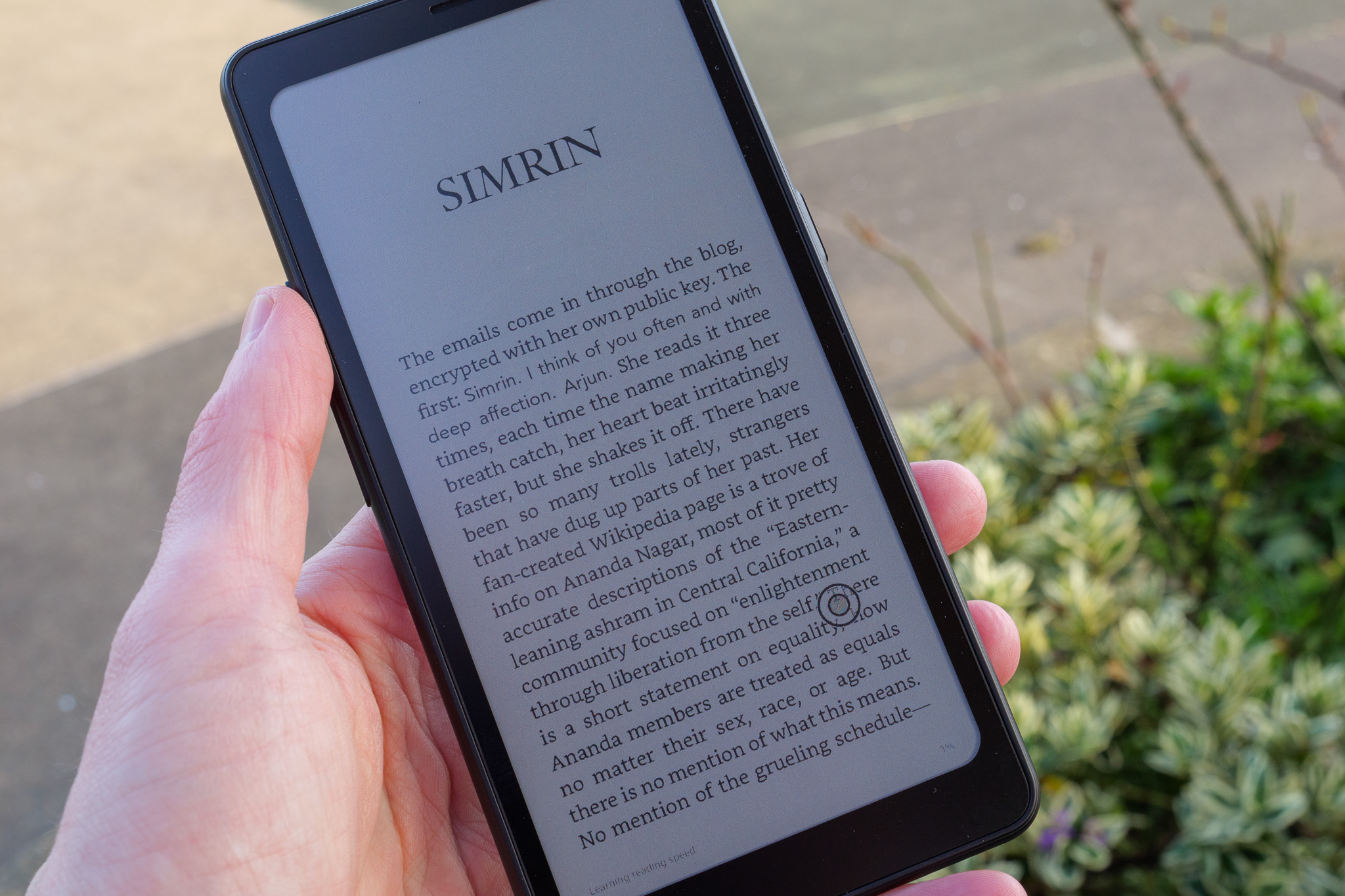
The star of the show here is undoubtedly the 6.13in Kaleido 3 screen, which delivers beautifully muted, soft colours and the usual benefits of e-ink like an eye-friendly brightness, crisp detail and long, long battery life. There’s a gentle backlight for viewing in the dark, and a matte-ish finish that means it’s easy to read even in direct sunlight.
It’s nicely customisable too, with a range of options for tweaking brightness, colour temperature, contrast and refresh speed. Despite these options, it’s never going to be a screen suitable for watching videos, playing games or looking at photos. But for reading text on static web pages or ebooks, or viewing comics, it’s a peach. I was able to comfortably read ebooks for hours without straining my eyes, and checking Reddit or news websites right before bed doesn’t have the same adverse effect as doing so on a smartphone.
Interestingly, the display resolution changes depending on whether or not you’re using colour. In black and white mode, it’s a respectable 1648 x 824, which is 300ppi, but switch to colour mode and it’s just 412 x 824 (150ppi). That being said, I didn’t ever feel like the low resolution really hurt performance – and this isn’t something you’re going to want to view hi-res content on anyhow.
As often happens with e-ink screens, text and images you’ve viewed can leave a faint but visible after-impression on the display. This goes away on its own eventually, but you can also engage a manual refresh if you can’t wait.
The Palma 2 Pro doesn’t come with the InkSense Plus stylus as standard, but I suspect many users will pay the €33 supplement for one, simply because (a) it’s not a huge extra outlay and (b) one of the main perks of using an e-ink tablet is being able to scribble down notes and sketches with a little smart pen. And with over 4000 pressure levels, I found it a pretty good stylus to jot with, although I would caution that, unlike reMarkable tablets, the Palma 2 Pro’s screen doesn’t have a truly matte or paper-like texture. It’s smooth (and made of glass with a flat coating on top), so it doesn’t replicate the feel of a pencil or pen on a sheet of A4.
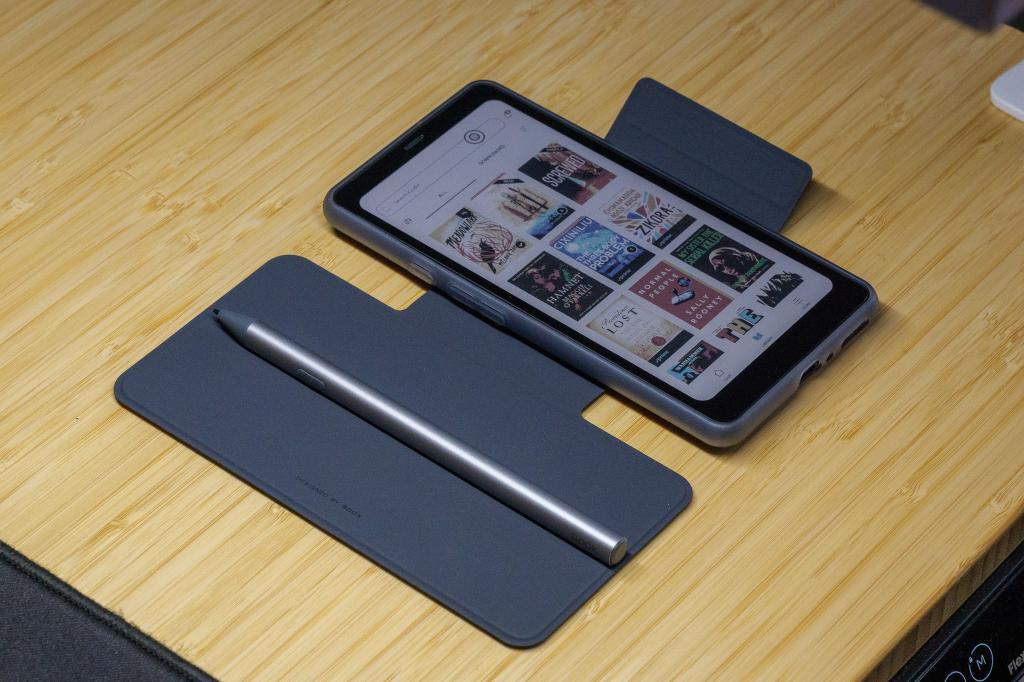
The InkSense Plus has a built-in battery and a USB-C port for recharging, plus a side button for shortcuts – like switching to the eraser while note-taking – and replaceable tips. It’s also magnetic and clings nicely to the magnetic folio case when not in use.
Performance: brisk by e-ink standards
The Palma 2 Pro is built around a modest hardware setup: a Qualcomm Snapdragon 750G octa-core processor, 8GB of RAM and 128GB of (expandable) internal storage. As mentioned above, it also supports 5G networking in addition to Bluetooth 5.1 and Wi-Fi.
I downloaded Geekbench 6 in order to benchmark the hardware, but it wouldn’t work at all – not a great advertisement for the Palma 2 Pro’s app compatibility. Even so, I would say from my experience using it that the device performs on par with a mid-range smartphone – which I think is pretty impressive given that it’s an e-paper tablet.
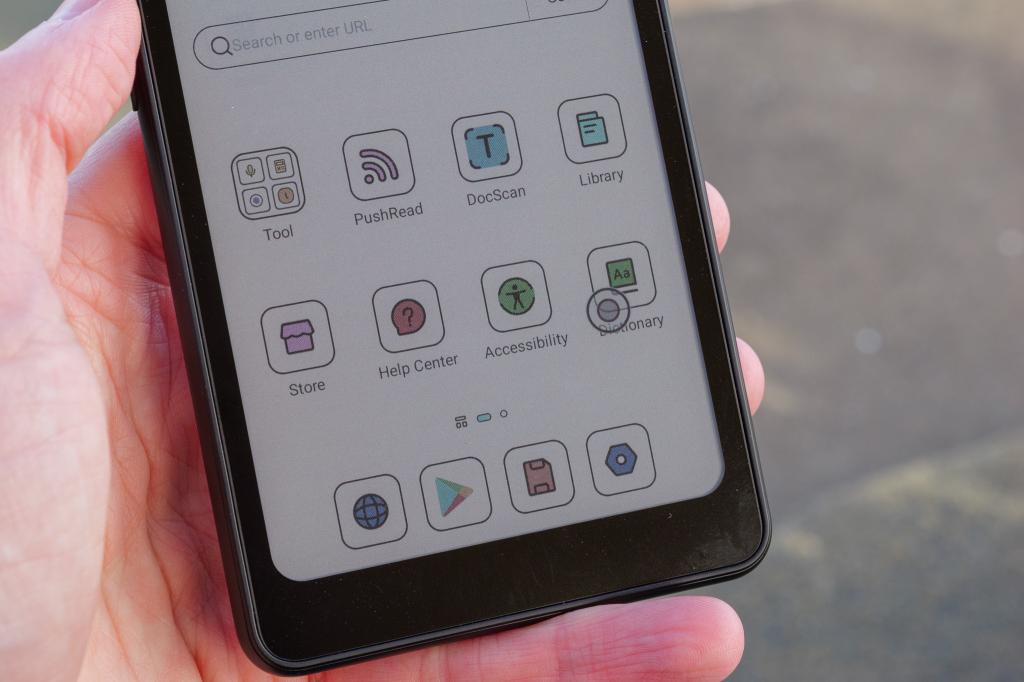
It shouldn’t be held to the same standards as a full-blown phone, given that’s it’s designed primarily for notetaking and viewing static text and images, but the Boox Super Refresh (BSR) technology does give it the ability to push its refresh rate further than what I’ve come to expect from an e-paper device. This meant I could scroll quickly through Reddit and even watch videos in a semi-acceptable way. It’s a nice halfway house between traditional e-paper tablets and luminous-screened devices, I suppose.
Battery life, as you’d expect from an e-ink tablet, is excellent – at least compared to a standard smartphone or small tablet. It varies quite a bit depending on how you’ve set the screen up, and even with the lowest refresh rate, lowest brightness and black and white mode engaged it’ll last days rather than weeks or months because the device is constantly connected to the internet. Stick it in standby or turn it off and you can look expect lots of battery life to remain the next time you fire it up, though.
Finally, I should give a mention to the rear 16MP camera. While this does feature an LED flash, it’s very basic by modern standards overall, and not particularly enjoyable to use due to the rather lethargic, low-feedback nature of the UI. The photos don’t look great either, in my opinion, lacking in four key areas (detail, richness, dynamic range and contrast); I’ve posted some examples below to allow you to judge for yourself.
Boox Palma 2 Pro verdict
The Boox Palma 2 Pro sits in something of an awkward spot: it can’t replace your phone, despite offering 90% of what a phone can. Were it able to make and receive calls and SMS messages, it might make the ideal “lite” smartphone for people who don’t want or need to spend hours a day scrolling social media or watching YouTube videos. But, as it is, it’s somewhere in the middle between an e-reader and a true phone, allowing you to send WhatsApp messages but not call your mum.
All that aside, I like it as a device, if only because it’s such a departure from what I’m used to having in my pocket. Sure, the camera is bad, the hardware isn’t much better and the UI is a little fussy, but it’s a great device for reading e-books, jotting down notes and checking the occasional website – and its battery life is immense. It’s something of a curiousity, really – and if the next version does add true phone capabilities, I can see it capturing a lot of hearts – if not a massive market share.
Boox Palma 2 Pro technical specifications
| Screen | 6.3in 824 x 1648 e-paper |
| CPU | Qualcomm Snapdragon 750G |
| Memory | 8GB |
| Cameras | 16MP rear |
| Storage | 128GB on-board plus microSD |
| Operating system | Android 15 |
| Battery | 3,950mAh |
| Dimensions / weight | 159 x 80 x 8.8mm / 175g |


Read the full article here
