


Apple’s next big iPhone software update is coming very soon and the headline act is a smarter, more conversational Siri.
But there are plenty of other enhancements from faster AirDrop to Camera app that can answer questions about whatever you’re pointing it at. Here’s my guide to the key features you’ll want to know about.
Siri finally gets the AI smarts that we deserve
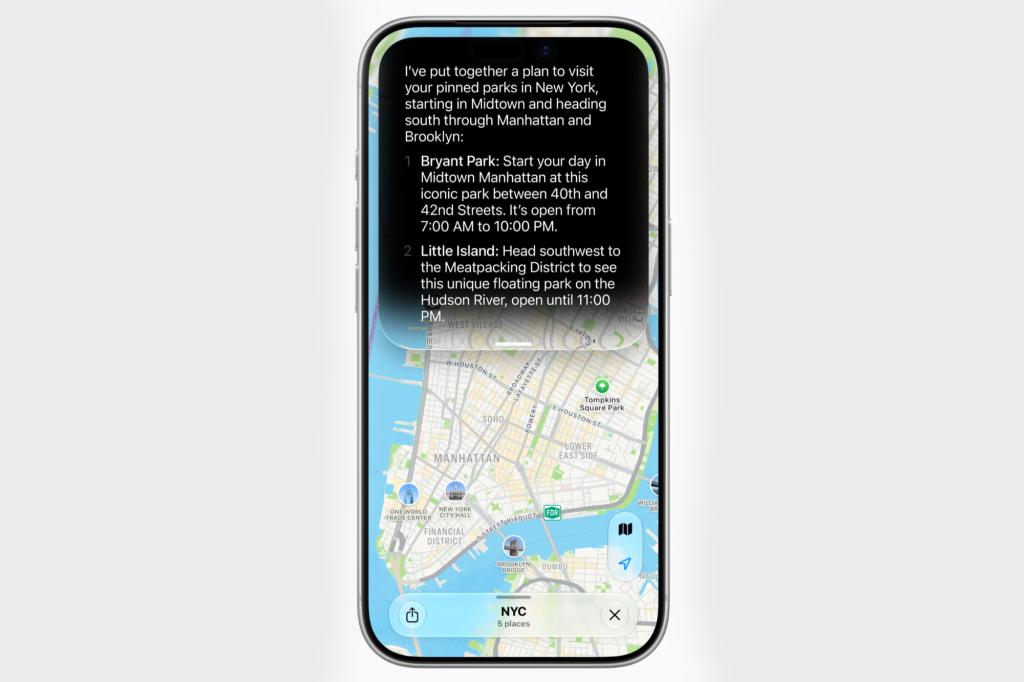
After years of underpowered mediocrity, Siri is getting the overhaul everyone’s been waiting for with the help of some power from Google’s Gemini. While it is more conversational and better at understanding what you actually mean and while it can now do things in apps rather than just pointing you at a web search, the jury is still very much out as to
Our initial forays into using the app in iOS 27 betas have found it to be a vast improvement. But it’s still quite slow and compared with Alexa+ or Gemini itself I still think it’s behind. We’ll see how people get on with it. It can at least take action in your other apps like Mail and Calendar which is really handy.
It’s worth saying that we’re expecting Siri AI to stay in beta and not all features will be available everywhere that quickly.
A new standalone Siri app gives you a chatbot to turn to like ChatGPT, but it’s very basic and nowhere as comprehensive as many rival apps. Expect Apple to rapidly improve it – I’m surprised it hasn’t been more developed.
It looks nicer and runs faster
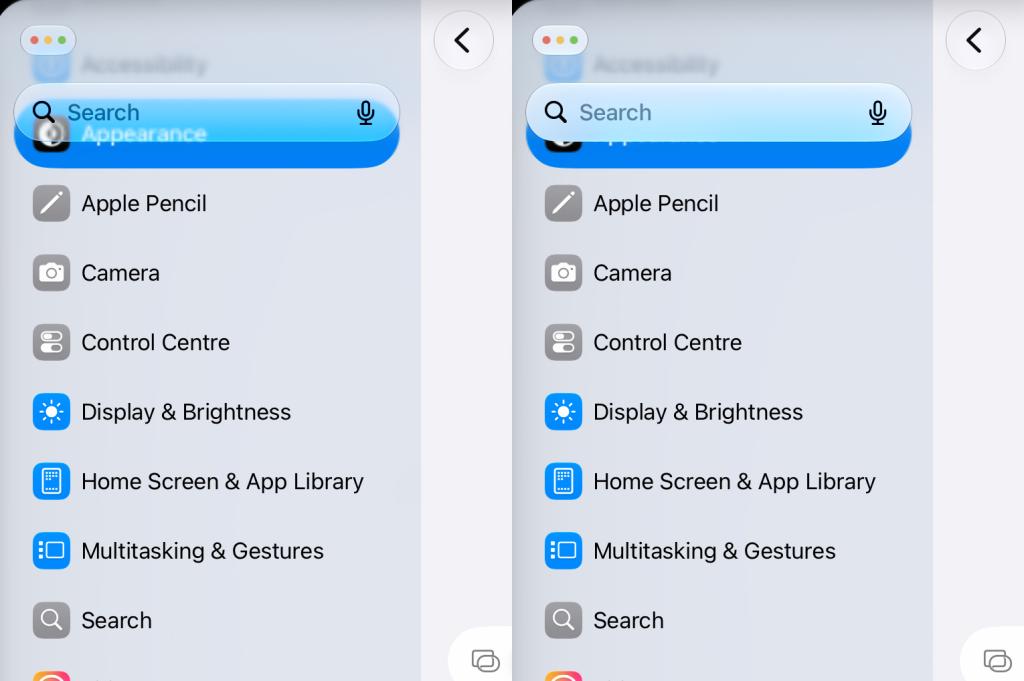
The Liquid Glass look from iOS 26 has been tidied up, with better contrast and a new slider so you can choose how see-through or tinted you want things to feel.
Apple is also promising apps launching up to 30% faster, photos loading up to 70% faster and up to 80% quicker AirDrop transfers, too.
For families
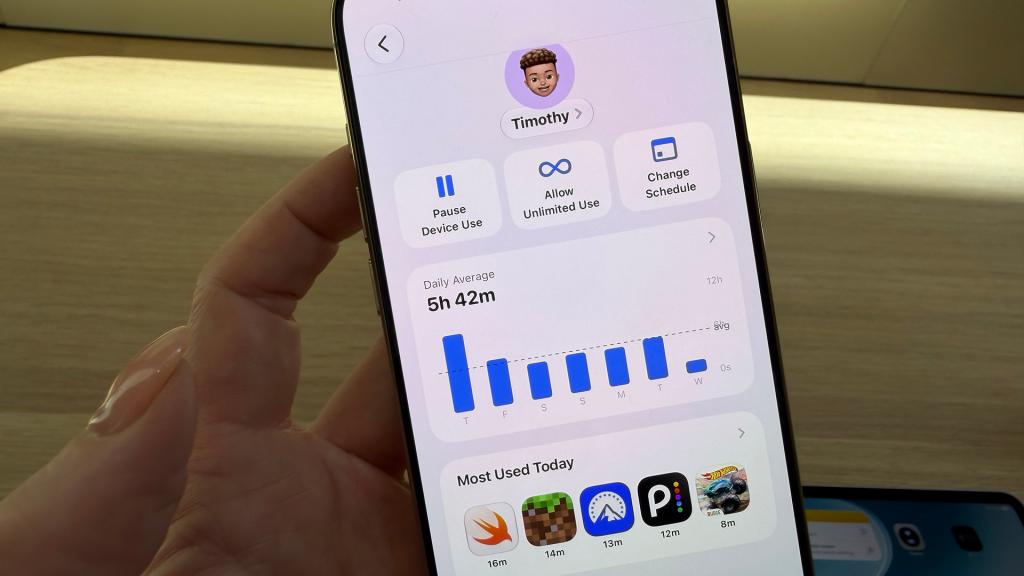
New parental controls give parents finer controls over what kids can access and who they can message, plus new tools designed to guide age-appropriate use. We’ve covered this here, but the features appear to be MIA at present in the early versions of iOS 27 and so may arrive later on.
Home screen changes
Home Screen widgets can now stretch to fill the whole screen – great for glanceable info from Calendar or News.
Sound changes
You can also set separate volume levels for alarms, alerts and system sounds instead of one blanket setting.
Photos get smarter editing features
Spatial Reframe lets you tweak the composition after you’ve already hit the shutter – for anyone who has taken a photo and wished they’d framed it slightly differently, The Clean up tool has also been made more accurate.
Quick hit upgrades
There are a bunch of other upgrades too – here’s the best
- Copying and pasting gets a bit slicker – quicker clipboard access from the keyboard.
- Bill splitting in Apple Cash – AI helps divvy up costs when you’re paying for a group.Search inside podcasts – finally find that one bit you half-remember from an episode.
- Better Shared Albums – full-resolution photo and video sharing, and now non-Apple users can even chip in via the web.
- Smoother AutoMix in Apple Music – better transitions between tracks which has been lacking plus lyrics in more languages.
- Better Wi-Fi to mobile data switching – so hopefully fewer dropped connections as you move around.
- Smarter Wallet – turn physical cards into digital passes and there are improvements to digital hotel keys.
- Share one number across two iPhones – handy if you’re juggling a work and personal phone. Your carrier needs to support it, though.
- Custom location sharing – set exactly when your shared location with a friend or family member expires, down to the minute.
Also read: Apple’s subscription bundle gets smarter with iOS 27 – here’s what new features are coming


Read the full article here
