

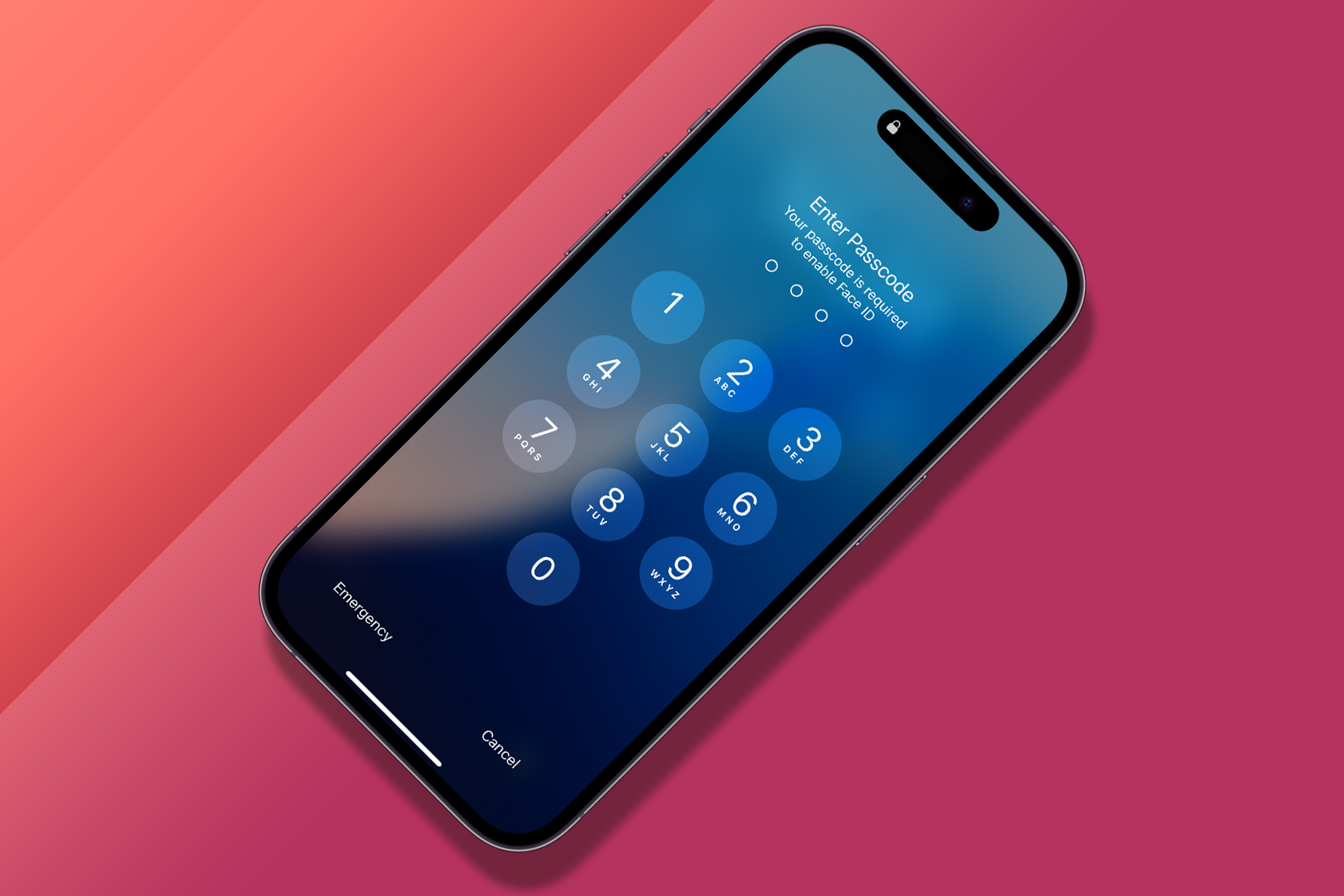
Your iPhone and iPad are more than just a smartphone or tablet; they hold vital information.
Apple provides various authentication tools to safeguard that information, including Face ID and Touch ID and the ability to set a passcode. Passkeys are also gaining some popularity. If you ever need to change your passcode, rest assured that the process is straightforward and can be completed in just a few simple steps.
What is a passcode?
A passcode is a feature available on iPhones and iPads that allows you to lock your device with a password. This password, or passcode, is used to secure your device against unauthorized access by others. You’ll be asked to enter your Passcode every time you turn on or wake up your device.
Setting a solid passcode is essential to ensure your device stays secure. A strong passcode should combine letters, numbers, and symbols that are difficult for others to guess. It’s recommended to avoid using obvious choices like “1234” or “password.”
A solid passcode is especially important if sensitive or personal information is stored on your device. If your machine is lost or stolen, having a solid passcode will help to prevent unauthorized access to your data.
How do I change my passcode?
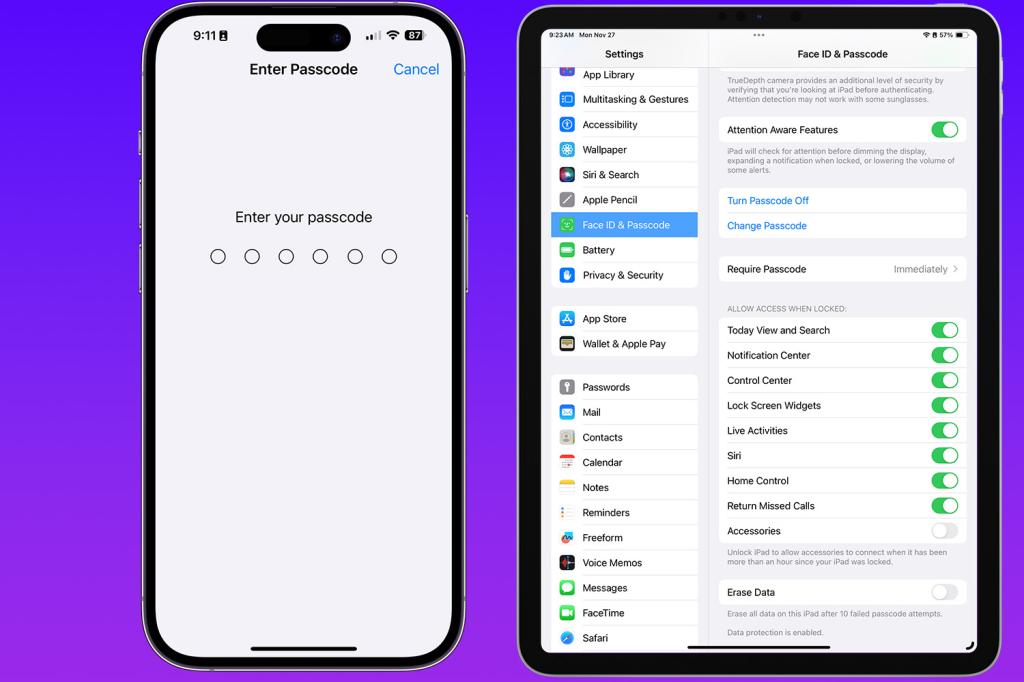
Changing your passcode is a crucial step in ensuring the security of your mobile device. Luckily, the process is straightforward to follow. Two methods are available depending on your device, whether an iPhone or an iPad.
If you use an iPhone, you can follow these simple steps to change your passcode. First, navigate to “Settings” on your iPhone and select “Face ID & Passcode”. You may be prompted to enter your current Passcode to proceed. Once you have entered your current passcode, scroll down, then tap “Change Passcode.”
Next, you will be prompted to enter your current passcode once again. After that, you will be asked to enter your new passcode twice to confirm it. Once you have done that, your passcode will be updated.
If you are using an iPad, changing your passcode is quite similar. Start by going to “Settings” and then select “General” followed by “Passcode Lock”. Enter your current passcode when prompted, and then tap “Turn Passcode On.” This will bring up the screen where you can enter your new passcode and confirm it by entering it again.
Maintaining the security of your iPhone or iPad is crucial, especially in today’s digital age, where cyber threats are rampant. One of the easiest and most effective ways to ensure the safety of your devices is by regularly changing your passcode. This simple measure can go a long way in preventing unauthorized access and keeping your personal information safe.
To update your passcode, follow the easy steps outlined above. Once you’ve completed these steps, you can rest assured that your devices are well-protected from unwanted access. Remember, staying on top of your device’s security is an ongoing process, and updating your passcode regularly is crucial. So, don’t wait any longer – take the necessary steps today to safeguard your iPhone or iPad against potential cyber threats.
That’s it! Those are the steps to change the passcode on your iPhone or iPad.
Related: Best iPad: Which is the ideal Apple tablet for you?


Read the full article here
