






Trying to decide between the MacBook Neo or MacBook Air for your next laptop? It’s not as easy a decision as one may think – though that hasn’t always been the case.
It used to be simpler, y’know. For years, if someone asked which Apple laptop to buy, the answer was almost always the same – the MacBook Air. It struck a sweet spot between price, portability, and performance, that very few laptops – Apple’s or otherwise – could match.
Then the MacBook Neo arrived, bringing macOS to a lower price point without asking buyers to spend four figures. Far from simply a cheaper MacBook Air, Apple has saved money in some clever places, and whether those compromises matter depends entirely on how you use your laptop.
Luckily for you, we’ve reviewed both laptops extensively, with editor-in-chief Dan Grabham testing the MacBook Neo, and contributor Craig Grannell reviewing the latest MacBook Air. The comparison below is based on their thorough testing, and, by the end of this page, you should have a much better idea of whether the MacBook Neo or MacBook Air is the best MacBook for you.
Price and release date

The MacBook Neo and MacBook Air both landed in March 2026. The Neo in particular made quite an impact, arriving as Apple’s answer to everyone who wanted a MacBook without spending four figures. It remains the cheapest way into the Mac ecosystem, but its value proposition has, sadly, shifted since launch.
The base 256GB MacBook Neo model now starts at $699 / £699, while the 512GB version with Touch ID costs $799 / £799. That’s an increase of $100 / £100 across the board, all thanks to supply shortages fuelled by the AI boom. Boo, hiss etc. The increase undoubtedly dents some of its appeal, although it’s worth remembering many people expected the Neo to launch at around this price anyway.
It’s also still comfortably cheaper than the MacBook Air, which, following its own price increase, now starts at $1299 / £1299. Make no mistake – the Neo absolutely remains excellent value, by Apple standards. The real question, though, is whether the MacBook Air justifies spending an extra $600 / £600 over the base Neo.
Design and build

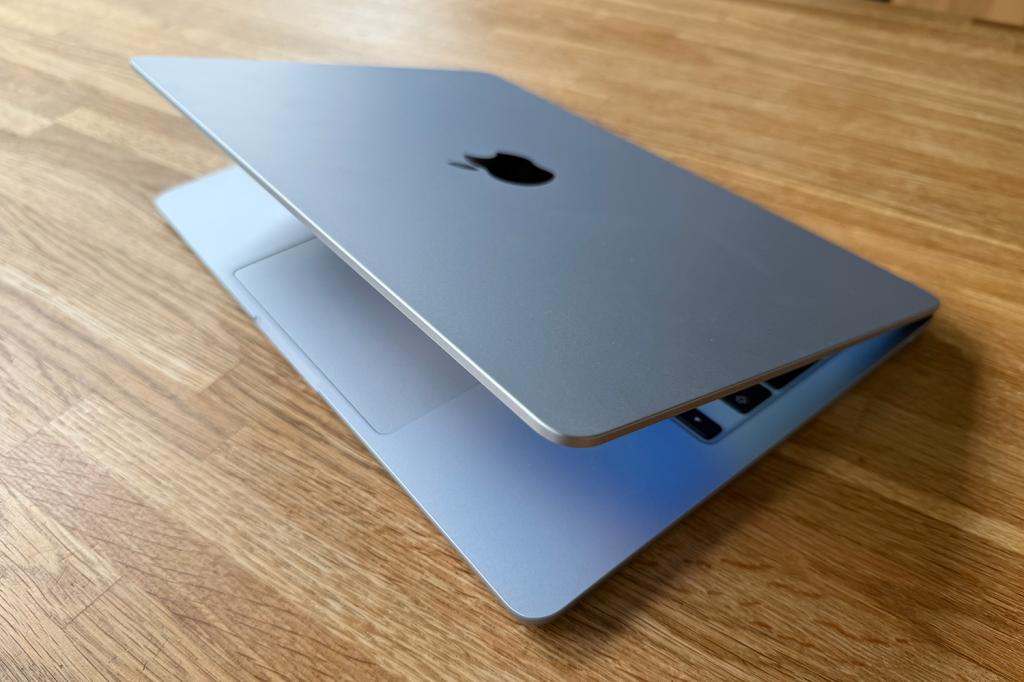
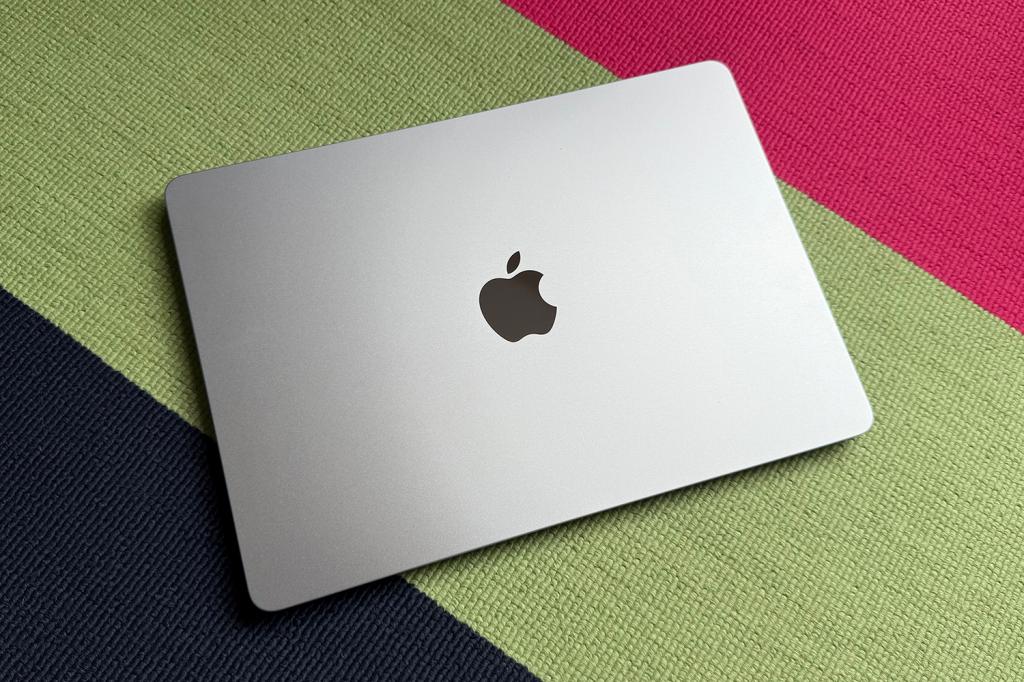
Rather than feeling like a stripped-back Mac, the Neo still feels unmistakably like a MacBook. The aluminium construction is every bit as reassuring as you’d expect, it’s light enough to carry around all day, and unless you put it next to an Air, most people would be hard-pushed to spot which is which.
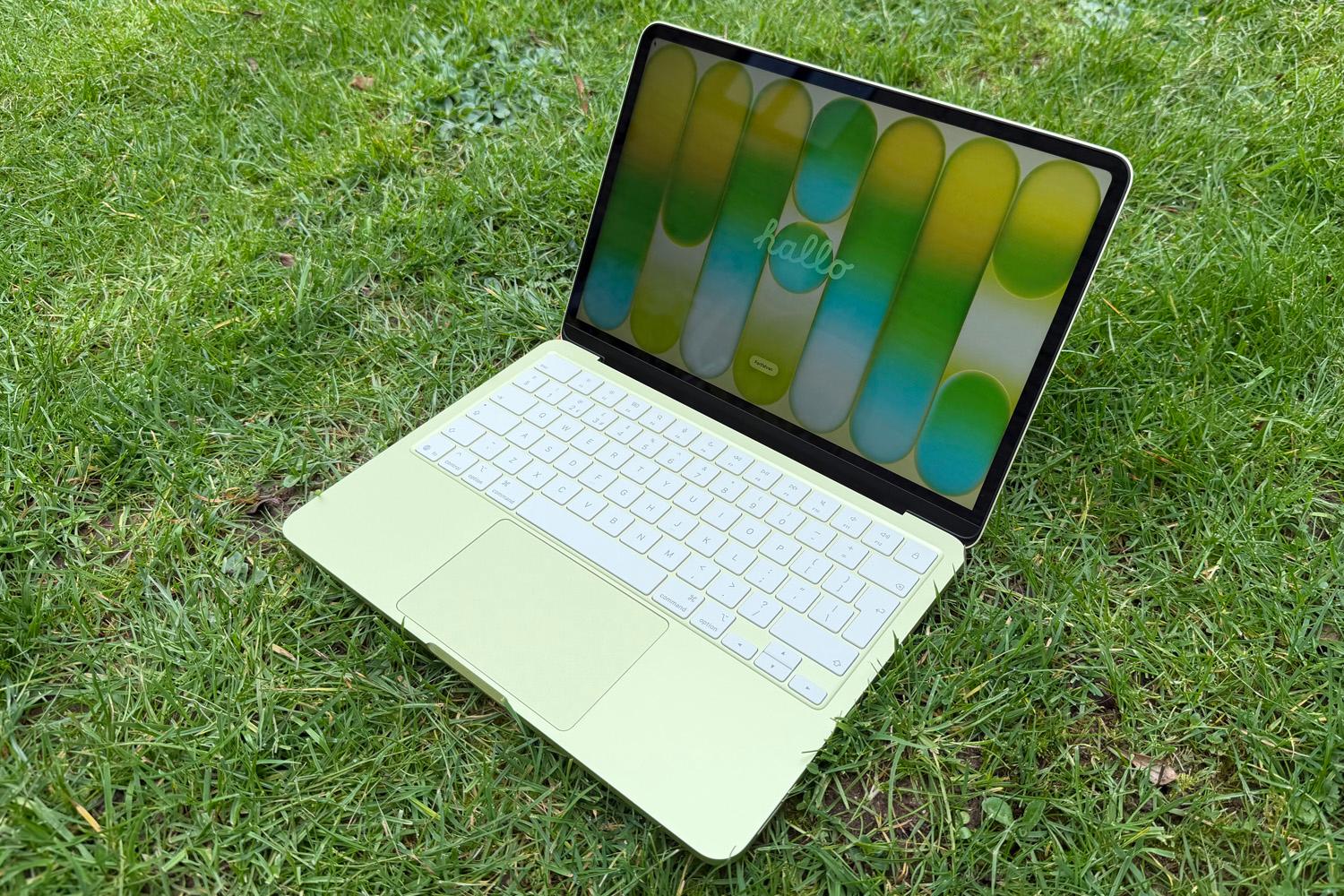
Apple has also given the Neo a little more personality. Alongside the familiar silver finish, it’s available in fresh indigo and citrus colours that stand out from Apple’s usually conservative MacBook palette.
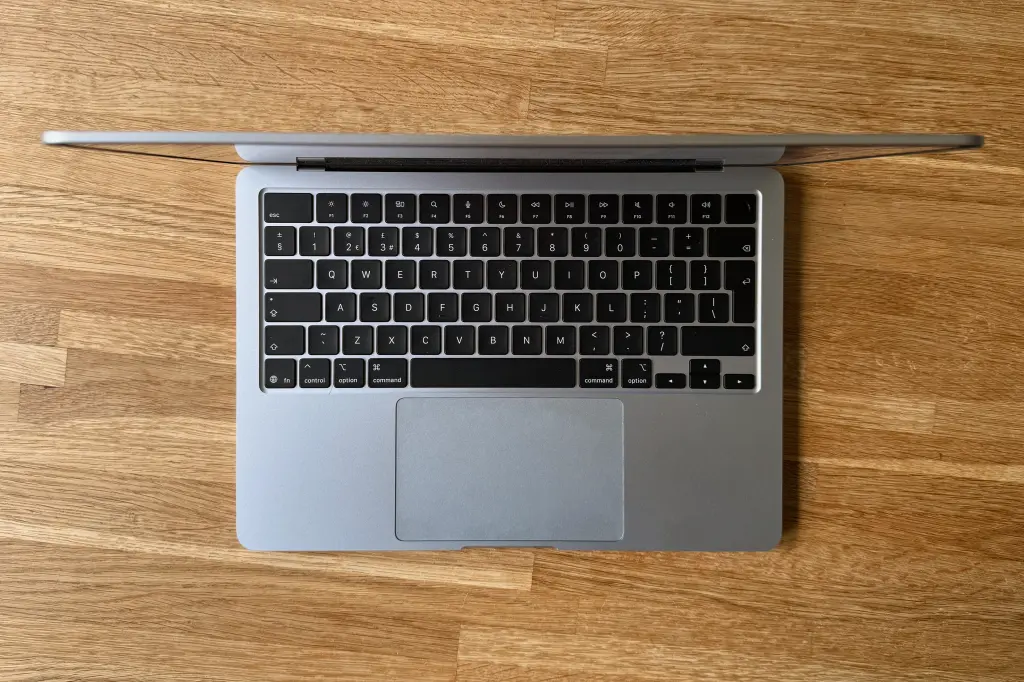
The differences only become obvious once you’ve spent some time with both machines. The Neo has thicker bezels and distinctive speaker grilles running down either side of the keyboard, but they’re subtle changes rather than obvious cost-cutting.
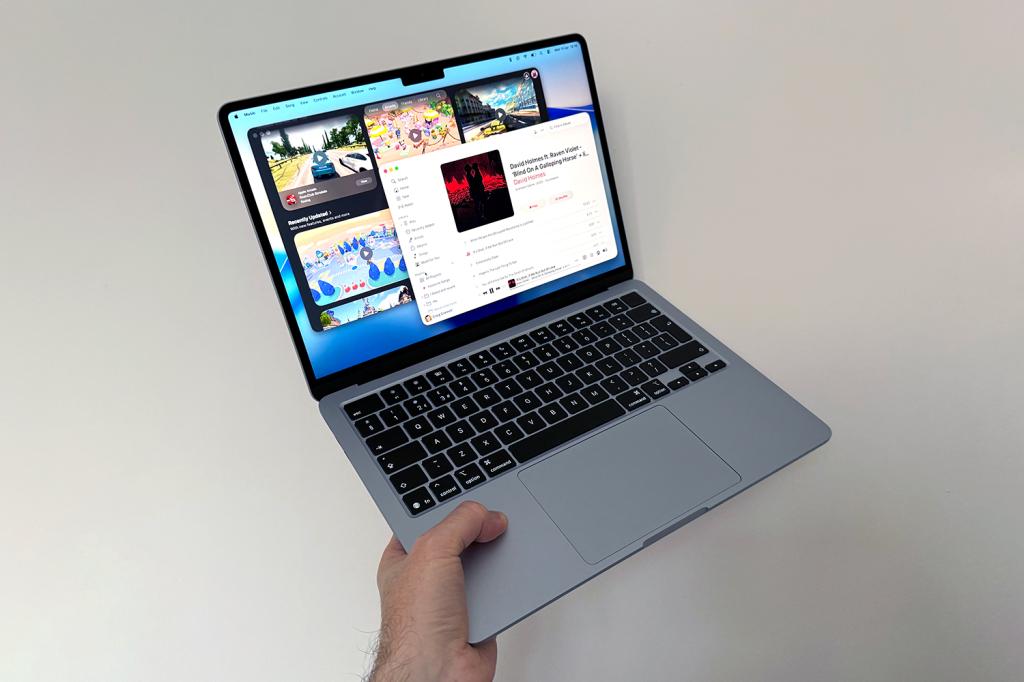
It’s the smaller details that gradually separate the two. The Air gets MagSafe charging, so an accidental tug on the cable is far less likely to send your laptop flying. Its superb Force Touch trackpad remains one of the best on any laptop, while the Neo uses a traditional mechanical design that’s perfectly usable but lacks the same premium feel.
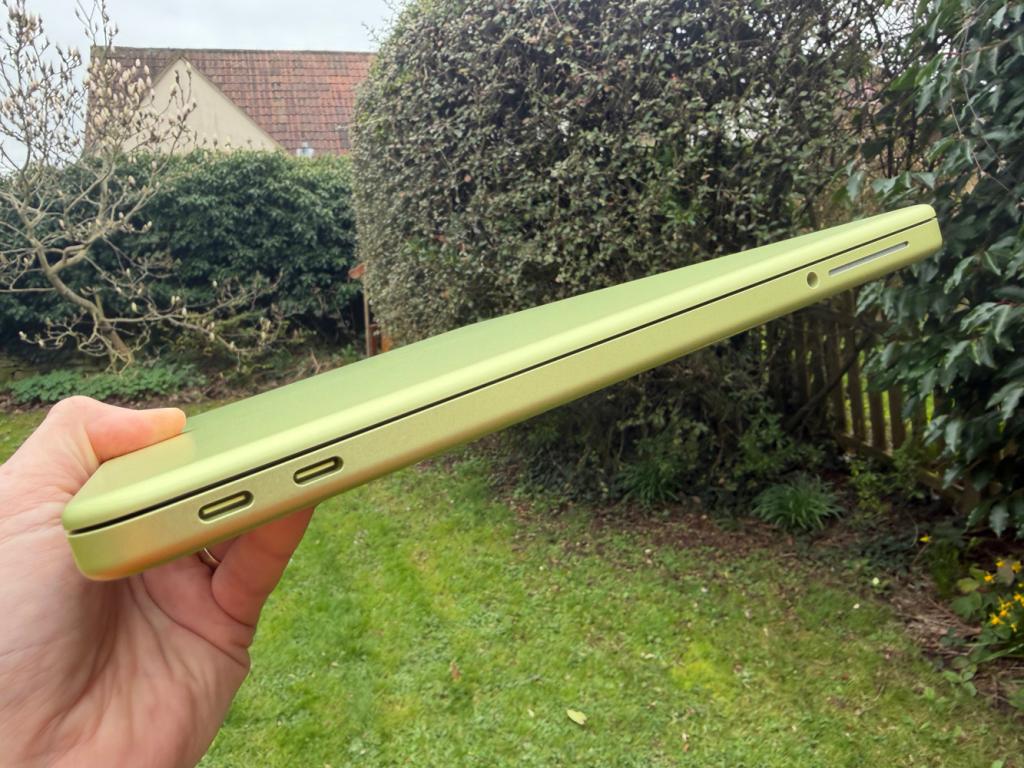
The gap widens when it comes to connectivity, too. The Air’s pair of Thunderbolt 4 ports offer considerably more flexibility than the Neo’s mixed USB-C arrangement, where one port runs at USB 3 speeds, and the other is limited to USB 2. Touch ID is also reserved for the Neo’s more expensive 512GB model, rather than the entry-level version.
None of those compromises undermine what Apple has achieved though. The Neo doesn’t feel like a budget laptop, because Apple hasn’t really cut build quality – it’s cut features. Whether you’ll miss them depends entirely on how you use your laptop. More on that in a bit…
Screen

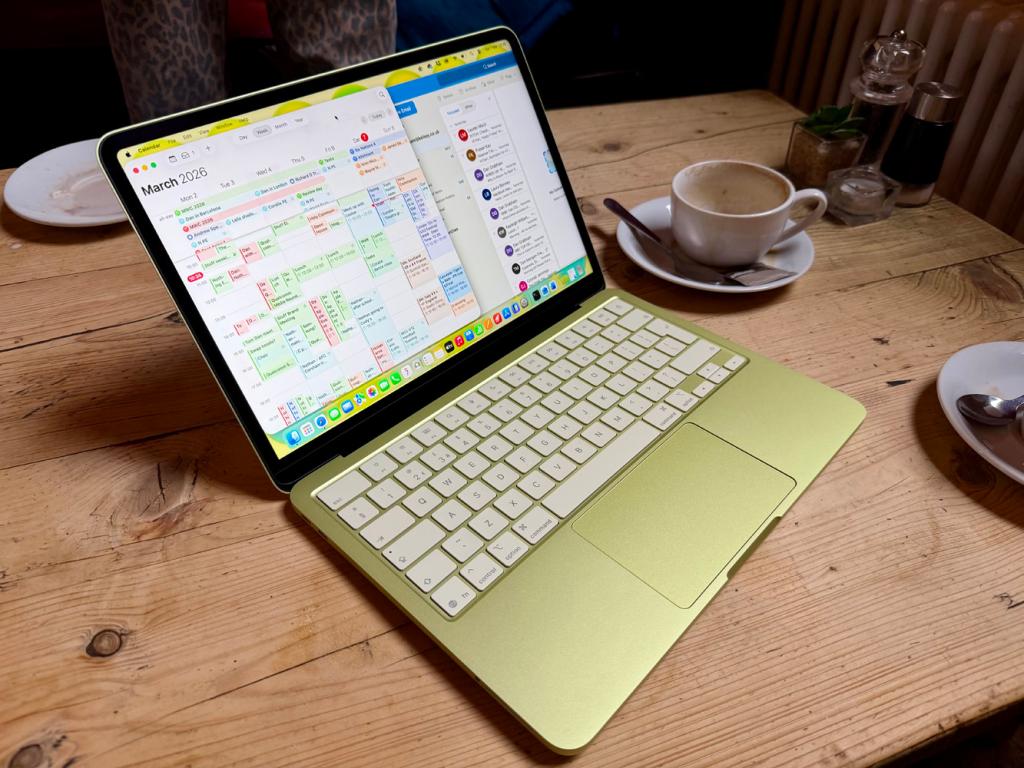
On paper, the two displays look surprisingly similar. The 2408 x 1506 Neo has a 13in display, while the 2560 x 1664 Air stretches that to 13.6in. Both are rated at 500 nits of brightness, and neither is trying to compete with the superior Mini-LED screen of, say, the MacBook Pro.
They’re both more than good enough for everyday use, whether you’re writing, browsing the web or catching up on Netflix. They’re sharp, colourful and exactly what you’d expect from a modern MacBook.
Slight size difference aside, the Air edges out ahead slightly with its Wide color (P3) standard, vs the Neo’s sRGB. That won’t mean much to those that don’t deal with these things day-to-day, but in essence, if you’re a designer, you’ll likely appreciate the 25% more colour available on the Air.
The same goes for Apple’s True Tone tech, which automatically adjusts the screen’s colour temperature depending on the ambient environment. Out of these two MacBooks, only the Air has it. Again, you’ll likely only care about this if you’ve got a certain career or hobby, but it’s well worth pointing out.
Performance and battery life
For regular use, the MacBook Neo is remarkably capable. Web browsing, Microsoft 365, streaming, photo management and even light video editing are all comfortably within its wheelhouse. That’s why Apple’s decision to use the A18 Pro chip works better than many expected. Unless you’re constantly pushing the laptop, it rarely feels underpowered.
The bigger compromise isn’t really the processor though – it’s everything around it.
The Neo comes with 8GB of RAM regardless of which storage option you choose, and that’s the spec that feels hardest to justify in 2026. It’s perfectly adequate for everyday work, but heavier multitasking, creative apps and larger projects quickly expose its limits. Apple itself moved the MacBook Air to a 16GB minimum, making the Neo’s memory feel less like a sensible cost-saving measure, and more like its biggest long-term compromise.
Thankfully, Air doesn’t ask you to think about any of that. Its M5 chip has performance to spare for virtually every mainstream workload, from editing RAW photos and working in Photoshop, to producing music and exporting video. Just as importantly, it now starts with 16GB of memory and 512GB of storage, giving it considerably more breathing room for the future.
Battery life is excellent on both laptops, too. The Neo comfortably lasts through a typical working day, with around eight to 10 hours proving realistic during our testing rather than Apple’s optimistic 16-hour claim. The Air stretches further still, easily lasting a full day of work while offering significantly more performance at the same time.
Elsewhere, both MacBooks are rocking a fanless design, which means you’ll never hear them working. Naturally, this also means that sustained heavy workloads do make them warm up and throttle sooner than, say, a MacBook Pro. Most buyers will never notice, but creative professionals almost certainly will.
Ultimately, both laptops deliver the battery life people have come to expect from Apple Silicon. The difference is that the Air combines that endurance with considerably more performance, memory and storage, making it far less likely you’ll outgrow it in a few years.
MacBook Neo vs MacBook Air: which MacBook should you buy?
The MacBook Neo has made buying a MacBook more interesting than it’s been in years. Not because it’s dethroned the MacBook Air – it hasn’t – but because it finally gives budget-conscious buyers an honest-to-goodness alternative that doesn’t feel like a compromise.
And therein lies the Neo’s biggest achievement. It looks, feels, and behaves like a MacBook. Because it is – excellent build quality, strong everyday performance and battery life that comfortably lasts a working day. And unless you’re constantly switching between it and the Air, many of its compromises quickly fade into the background.
The Neo’s recent $100 / £100 price increase is, of course, a shame (not that the Air wasn’t hit with an increase either, mind), but it’s still excellent value, making it even more important to decide whether you’ll actually benefit from everything the Air adds, for the extra spend.
It’s also worth repeating that the extra money spent on the Air isn’t exactly a paltry upgrade. For even the base model Air, you get a faster M5 processor, double the RAM/storage, Thunderbolt 4, MagSafe charging, a superb Force Touch trackpad, a better display, stronger speakers, and a laptop that’s likely to remain capable for much longer. For professional use, that’s worth the extra spend in most cases.
In short, if you want something lightweight for travelling or working away from home, the Neo makes enormous sense. But if this is going to be the only Mac you own, or if you need that extra oomph, the Air’s extra performance, memory and storage are much easier to justify. Whichever you spring for, though, you won’t be disappointed.




Read the full article here


