

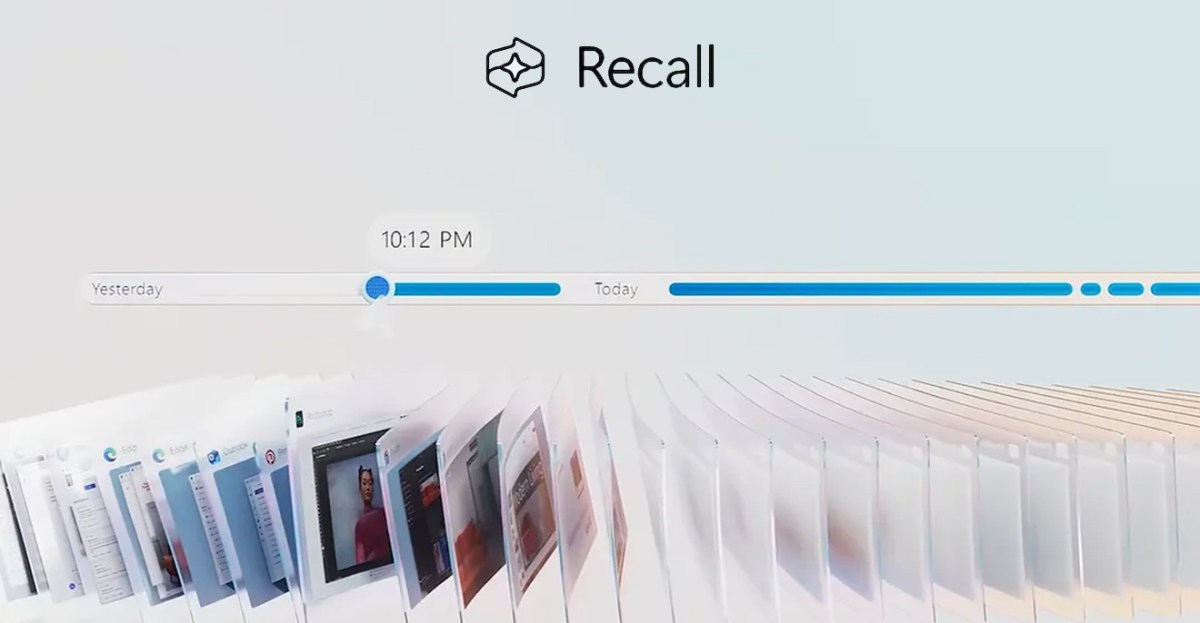
When Microsoft tried to launch Recall, an AI-powered Windows feature that screenshots most of what you do on your PC, it was labeled a “disaster” for cybersecurity and a “privacy nightmare.” After the backlash and a year-long delay to redesign and secure Recall, it’s once again facing security and privacy concerns.
Cybersecurity expert Alexander Hagenah has created TotalRecall Reloaded, a tool that extracts and displays data from Recall. It’s an update to the TotalRecall tool that demonstrated all the weaknesses in the original Recall feature before Microsoft redesigned it.
Microsoft’s redesign focused on creating a secure vault for Recall data, with Windows Hello authentication and a secure environment through a Virtualization-based Security Enclave. Recall requires users to authenticate using a face or fingerprint to gain access to data and to enable snapshots to be recorded. “This restricts attempts by latent malware trying to ’ride along’ with a user authentication to steal data,” said Microsoft in a September 2024 blog post.
“My research shows that the vault is real, but the trust boundary ends too early,” says Hagenah. “TotalRecall Reloaded makes that ‘latent malware’ ride along.” The TotalRecall Reloaded tool can silently run in the background and activate the Recall timeline to force a user into authenticating with a Windows Hello prompt. Once the authentication has taken place, TotalRecall Reloaded can then extract everything that Windows Recall has ever captured. “That is precisely the scenario Microsoft’s architecture is supposed to restrict,” says Hagenah.
Recall stores much more than just screenshots, with the history of text that has appeared on your screen, messages, emails, documents, browsing history, and much more. Microsoft’s changes to Recall security came months after CEO Satya Nadella told employees “If you’re faced with the tradeoff between security and another priority, your answer is clear: Do security.”
Hagenah responsibly disclosed his latest findings to Microsoft last month, but the company closed the report and said there was no vulnerability. “We appreciate Alexander Hagenah for identifying and responsibly reporting this issue. After careful investigation, we determined that the access patterns demonstrated are consistent with intended protections and existing controls, and do not represent a bypass of a security boundary or unauthorized access to data,” says David Weston, corporate vice president of Microsoft Security, in a statement to The Verge. “The authorization period has a timeout and anti-hammering protection that limit the impact of malicious queries.”
In messages to The Verge, Hagenah disputes Microsoft’s timeout protections. “I can re-poll the data, and what I am doing in my tool [is] to bypass it. And the timeout is patched out,” says Hagenah. “My biggest issue still is them saying in their official announcement that the enclave prevents ‘latent malware riding along,’ which it clearly doesn’t.”
TotalRecall Reloaded can also extract the latest cached Windows Recall screenshot without Windows Hello authentication, or totally wipe the entire capture history. But the type of malware that Hagenah describes could sit in the background on a PC and take screenshots anyway, with or without Windows Recall.
Microsoft doesn’t think there’s a vulnerability here because this is simply how Windows works. Regular user-mode processes have the ability to inject code into themselves as a normal and often legitimate behavior in Windows, but this flexibility also creates opportunities for abuse.
A similar infostealer malware could sit and extract 1Password data or your browsing history, if it was undetected by the various other Windows security tools and memory protection efforts. The bigger concern is that Recall stores a lot more sensitive data than just passwords or browsing history, and Microsoft’s original promise that Recall would protest against malware riding along in the background.
Despite the concerns, Microsoft got a lot right with its Recall redesign. “The VBS enclave is rock solid,” says Hagenah. “The authentication model is stateless and race-free (thousands of probes, zero bypasses).” Hagenah just thinks Microsoft could, and should, go a step further to meet its security design goals for Recall. “The fundamental problem isn’t the crypto, the enclave, the authentication, or the PPL,” he says. “It’s sending decrypted content to an unprotected process for rendering. The vault door is titanium. The wall next to it is drywall.”
Read the full article here
