






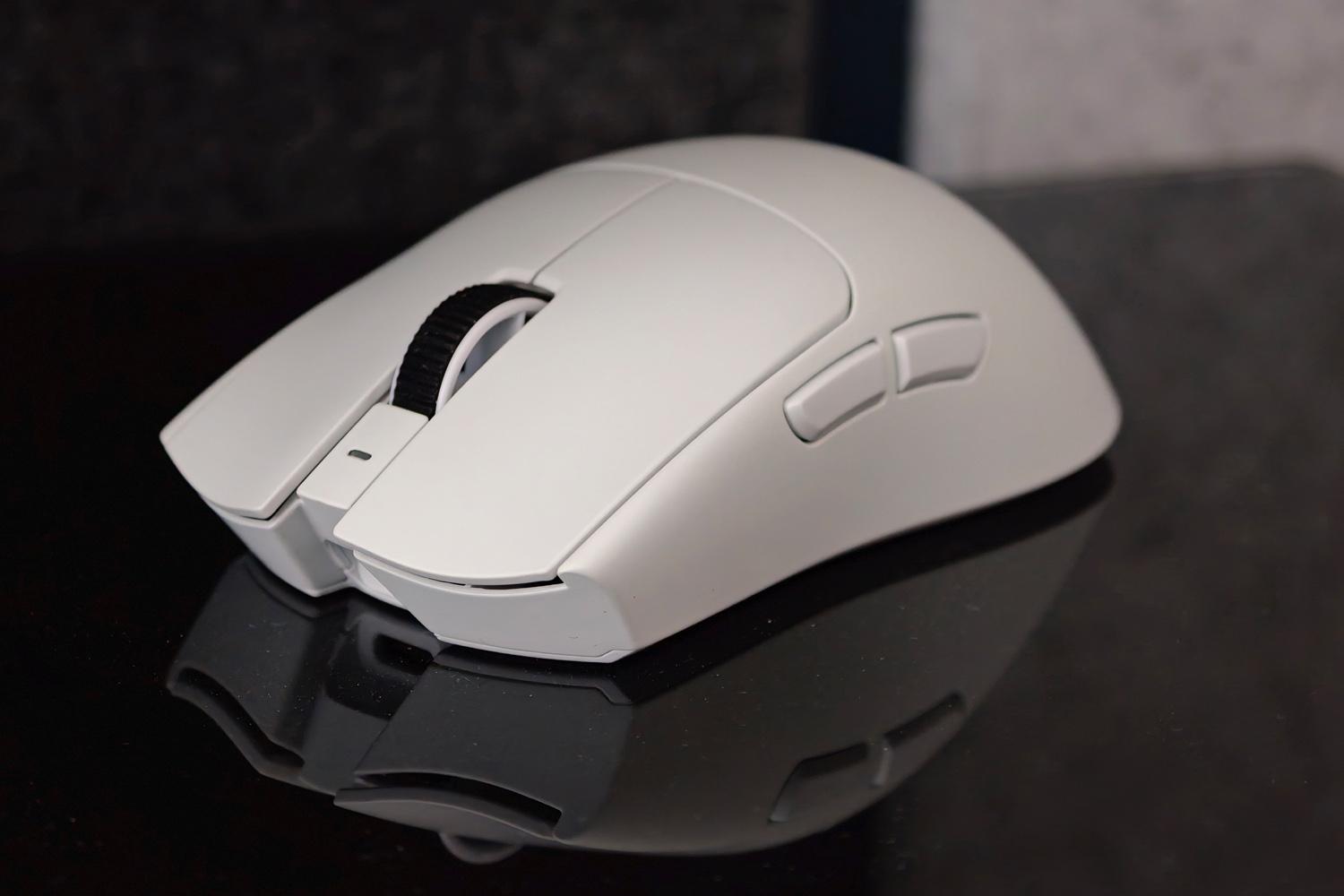
Long-time Razer aficionados will say it looks the same as the old one, but underneath a familiar shell the Viper V4 Pro gaming mouse has been completely overhauled. New optical switches for the buttons and scroll wheel; a new ultra-fast sensor with clever polling tech that basically doubles the battery life; and lower-latency cordless connectivity that’s as close as it gets to playing wired.
It takes much of what made last year’s Deathadder V4 Pro one of my favourite ever gaming mice, while bringing back the symmetrical shape that has proved such a hit with pro players. You’ll find more professional gamers with a Viper V3 Pro on their desk than any other mouse. Based on my time testing the new one, it’s a crown the V4 Pro stands to inherit.
Pro players aren’t dipping into their own pockets for hardware, though, and at $160 / £160 this is a pricey purchase. Is the Viper V4 Pro worth the cash if you’re more of a mainstream gamer?
What does the Viper V4 Pro do well?
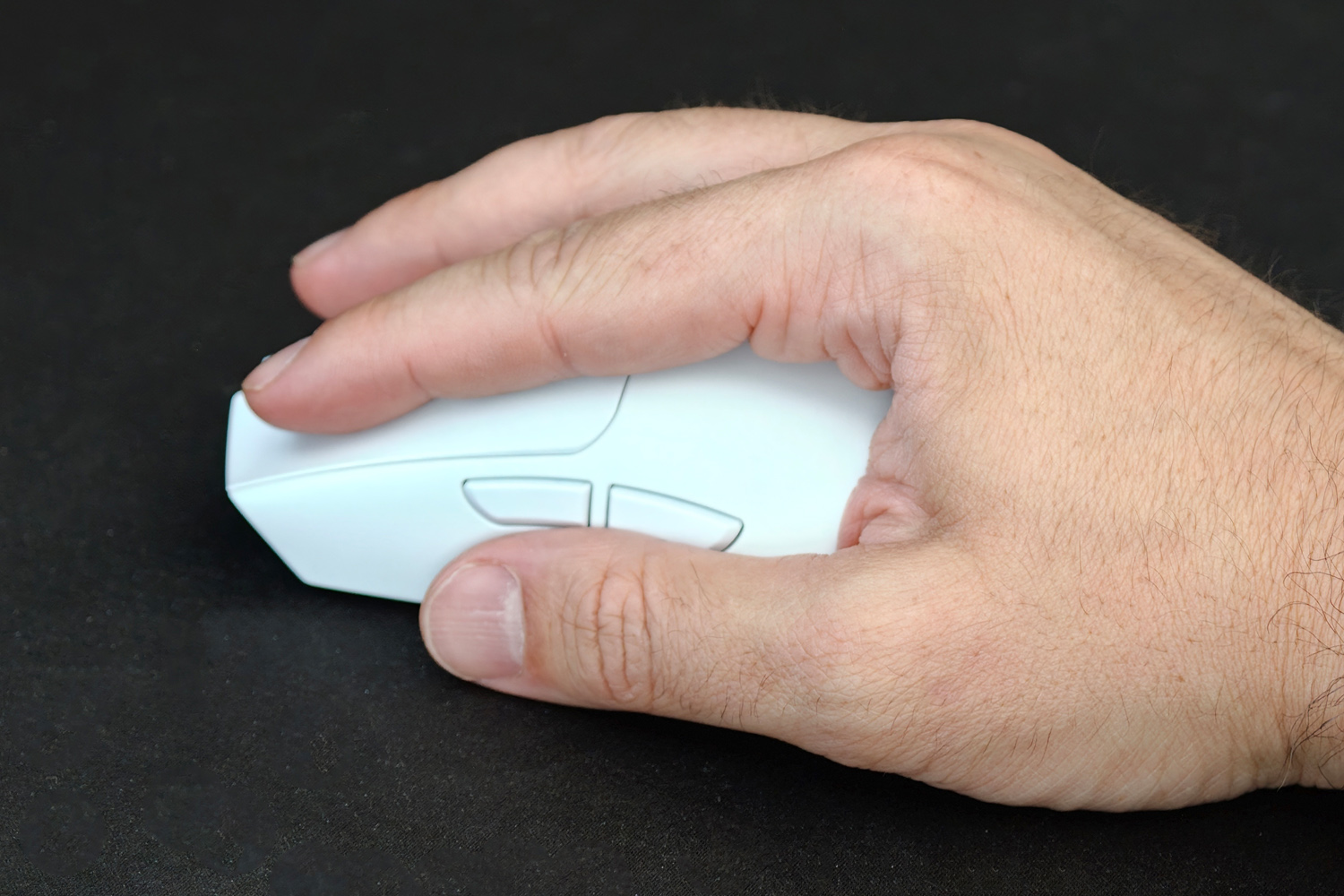
If you’ve used a Viper before, wrapping your hand around the V4 Pro will feel like catching up with an old friend. The mostly symmetrical design is a winner for a reason, being perfectly proportioned for a claw or fingertip grip but still suited to a palm-style hold as well. The side buttons do favour a right-handed user, but aren’t a deal-breaker.
I instantly noticed the weight: at just 50g (49g if you go for the black version over my white review unit) this nails my lightweight mouse sweet spot. It’s light enough that flinging it across a mouse mat feels effortless, but not so feather-like it’s in danger of escaping your grip and being launched across the room. Wide PTFE feet on the underside that create almost zero friction help here. The 50:50 weight distribution also suits every grip style and hand position, unlike the top-heavy Logitech G Pro X2 Superstrike.
With just a combined power/DPI button on the underside and a single white power LED nestled between the left and right buttons, this is a wonderfully minimal mouse that gives little indication to the Focus Pro 50K sensor inside. Razer’s third-gen optical sensor maxes out at a huge 50,000 DPI and can track at up to 930 inches per second, or 90 G of acceleration.
That’s well beyond my means, but across a bunch of games the Viper V4 Pro proved phenomenally accurate, coping with both rapid flicks and more precise target tracking.
Battery life is absolutely epic, approaching 180 hours at 1000Hz polling. I only had to charge it once in the first three weeks, with a mix of 9-5 working and evening/weekend play sessions. This is a lot more than I was getting from the Logitech Superstrike and double what the old Viper was capable of. That amount quickly drops at the higher polling rates, but not as much as it might: Razer’s FrameSync tech ensures the sensor is only sending position updates when the wireless dongle asks for it.
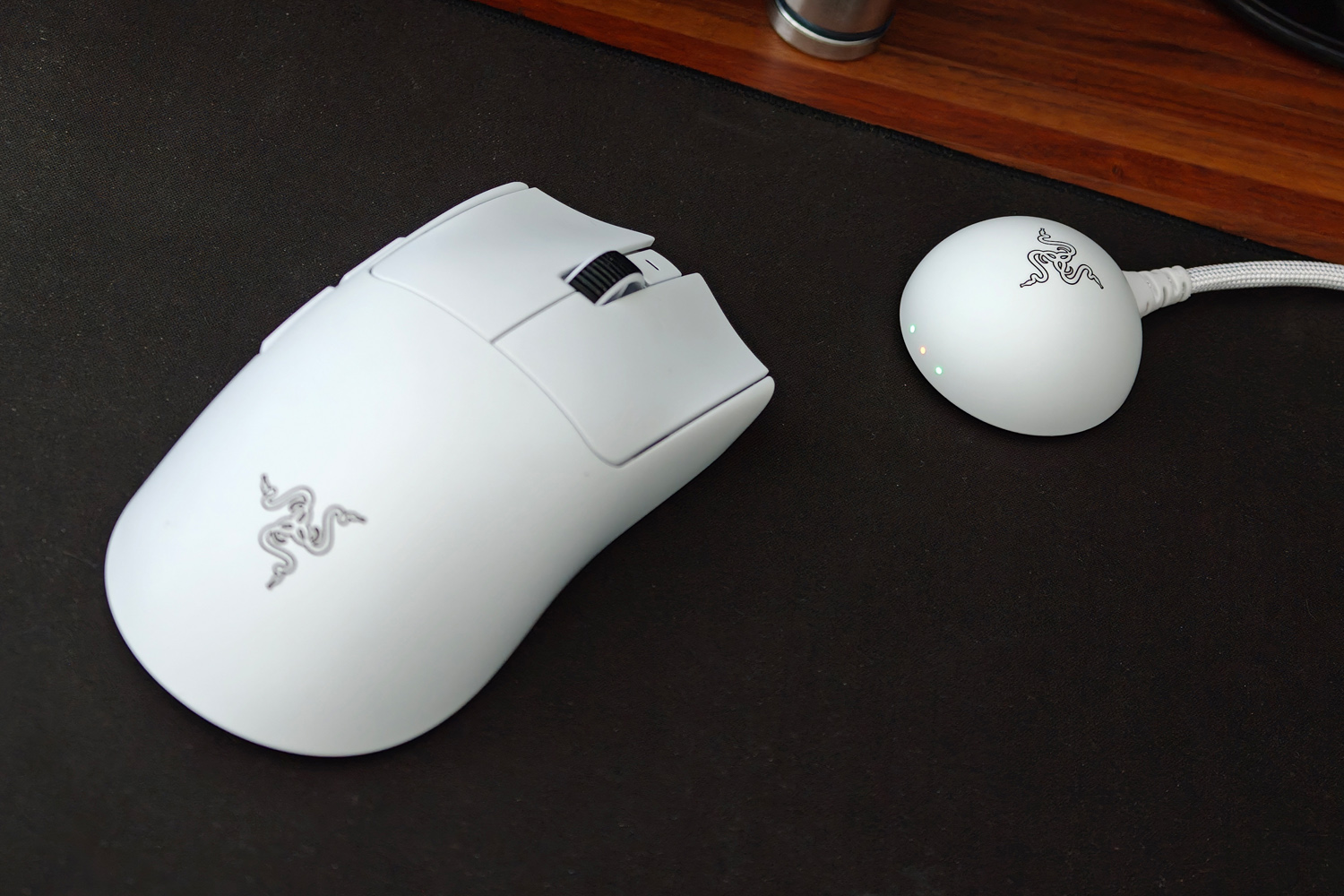
8000Hz polling is pretty much overkill for my gaming ability, with a near-imperceptible difference in tracking response, but I’m sure there are gamers that swear by it. You’re getting this speed over a wireless connection that was rock solid throughout my testing, thanks to a redesigned dongle that sits on your desk rather than lurking at the back of your PC. A rubber base ensures it stays where you place it and the three LEDs indicate battery life, signal strength and mouse sensitivity at a glance.
Razer also scores points for liberating gamers from its Synapse customisation software. The Viper V4 Pro is the first peripheral to support Synapse Web, which lets you tweak settings through a browser window. Personally I don’t mind keeping Synapse installed – it’s come a long way from the resource-hogging early days – and it’s the only way to set up button macros.
Where does the Viper V4 Pro fall short?
This is a short list, and a very subjective one at that. First off, Razer still refuses to add Bluetooth to its gamer-grade mice; apparently the pros don’t use it and less circuitry means a lower weight. But most of us aren’t competing on a stage. Being able to pair a mouse to other gadgets like my Steam Deck or work laptop without having to mess about with dongles is a big deal to me. It’s not like Razer is the only guilty party here of course, with brands like Logitech and Corsair doing similar.
Speaking Logitech, I’d been using the Logitech G Pro X2 Superstrike for months before the Viper V4 Pro arrived. Its haptic clicks make it a silent assassin compared to the Viper’s mechanical machine gun rattle every time you prod one of its buttons. The noise quickly began to grate when working and gaming on the same setup. If you’re coming from an equally cacophonous clicker, though? Then you’ll barely notice.
Should you buy the Razer Viper V4 Pro in 2026?

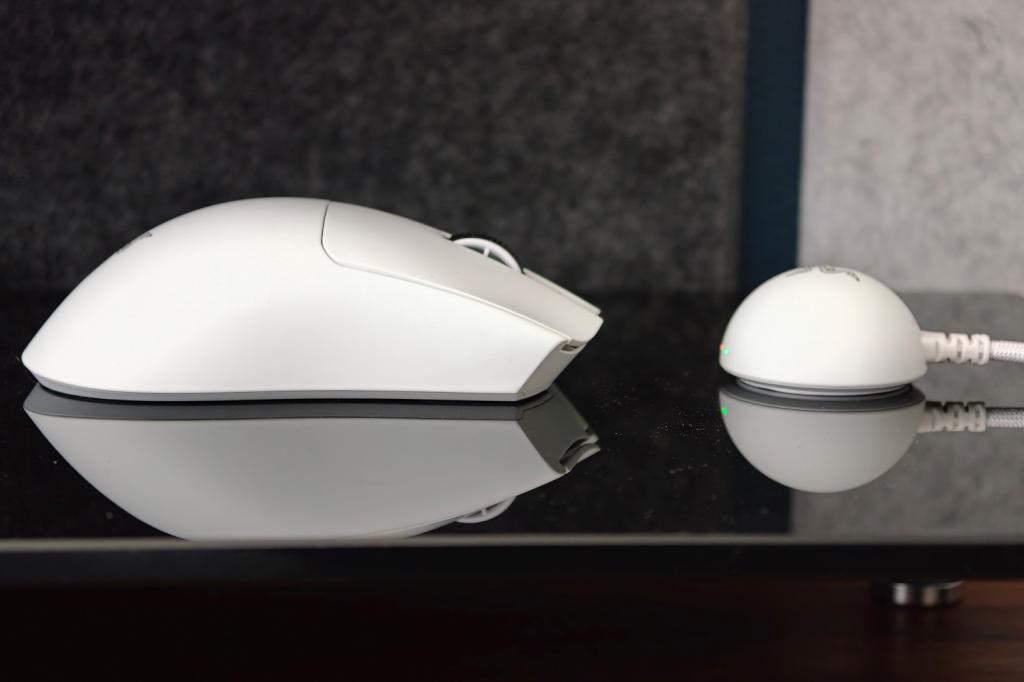
If comfort, battery life and speed are all you care about in a gaming mouse, then absolutely. The Viper V4 Pro is a performance step up from its predecessor in pretty much every way, while keeping the familiar shape Razer fans have gotten used to over multiple generations. Personally I prefer the Deathadder V4 Pro’s more sculpted shell, but the Viper is more of an everyman and its sensor is even speedier.
This is an expensive rodent, which might be a big ask for gamers not already sold on the shape and unwilling to pay the Razer tax. I’ve also fallen for the Logitech Superstrike’s near-silent clicks big time; it’s something to think about if you also use your gaming mouse for work. But pop on some headphones and there’s basically nothing else to moan about.




Read the full article here


