






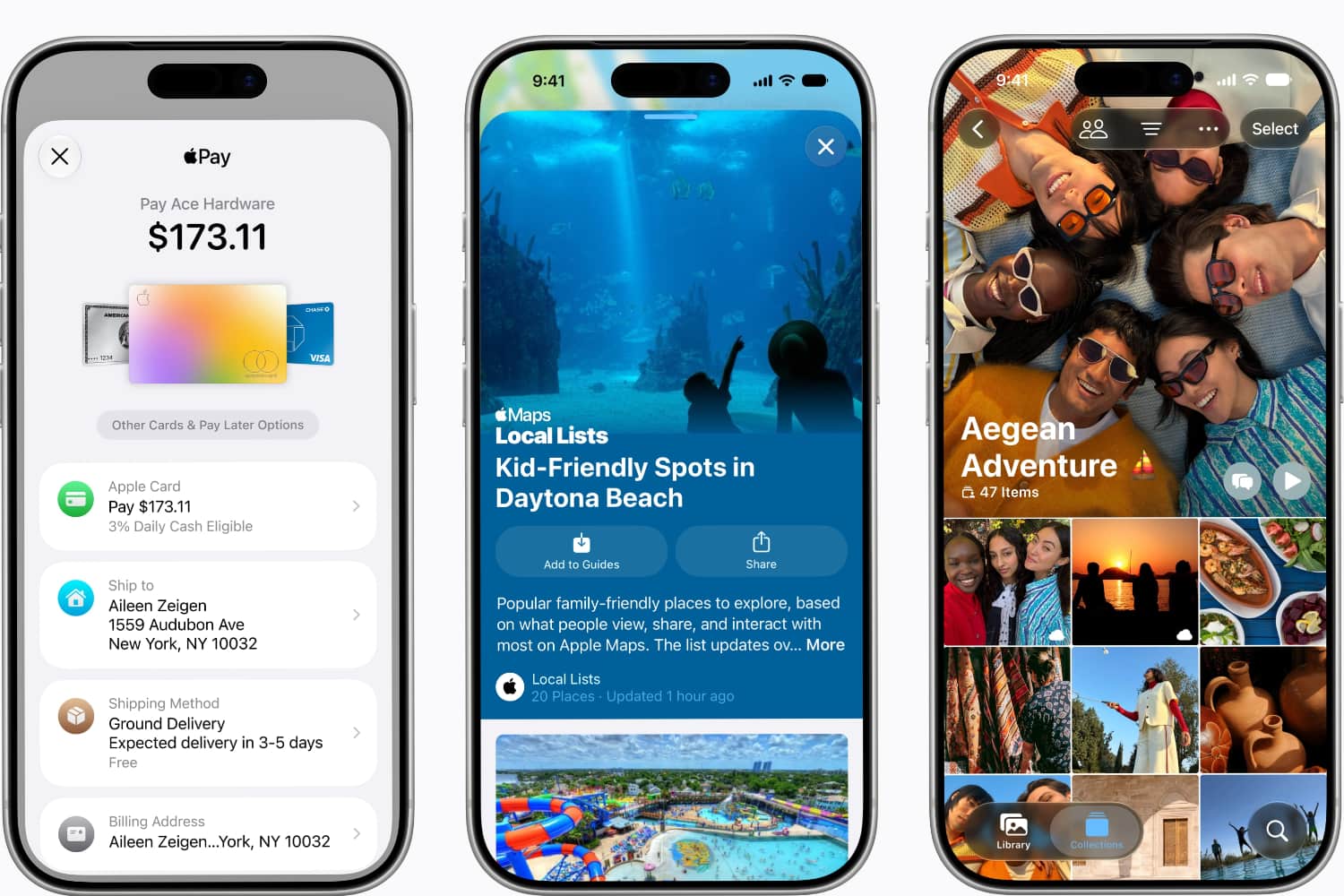
Apple’s iOS 27 is now available in public beta, which gives iPhone enthusiasts the chance to play around with some of the less pronounced but ultimately welcome changes to the operating system.
One such change is the ability to get the clock out of the way of your carefully chosen lock screen wallpaper. Recent versions of iOS have enabled users to alter the size of the clock and even tuck it behind key elements of the photo you’ve chosen to front up your lock screen. However, in iOS 27, iPhone users will be able to shift the clock into the top line of the widgets, potentially making it even smaller.
On most people’s phones, that would put it alongside things like the date and the sunset time, and free up plenty of room to let your pupper, or your significant other, or your offspring shine at the front and centre.

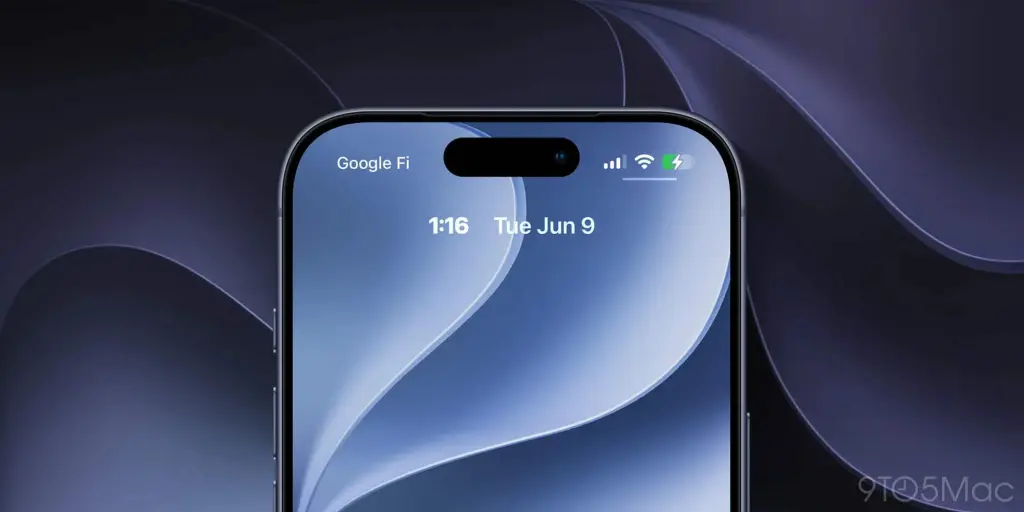
It’s easy enough to do it too (h/t MacRumors):
1) Tap and hold the lock screen and hit customise/
2) Tap the clock.
3) Set the clock to compact mode by tapping the new horizontal bars icon. This will set the clock to compact mode.
4) Hit done when satisfied.
The lock screen is getting a few other customisations in iOS 27 too. You’ll be able to swipe away the Now Playing widget, generate wallpapers using Image Playground (but why though?) and also extend wallpapers using the new Apple Intelligence feature in the Photos app.




Read the full article here


