







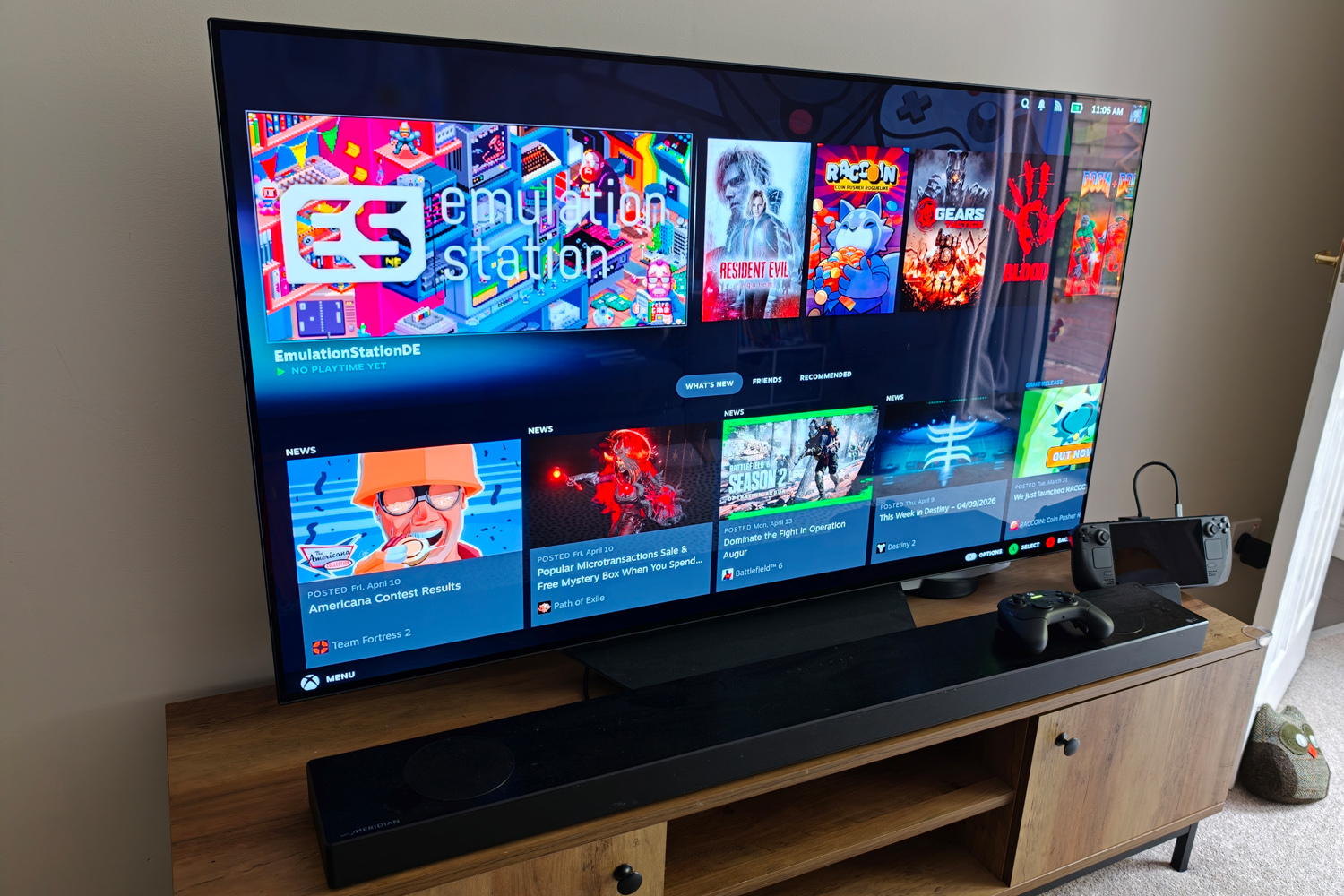
Are you guilty of forgetting that handheld gaming consoles like the Steam Deck are just PCs with onboard controls? Plug ’em in to a separate screen and add a controller (or mouse and keyboard) and you’ve got all the ingredients for couch or desktop gaming. My Steam Deck gaming was strictly handheld-only until the JSAUX Docking Station arrived; now it has become my go-to machine for casual games and retro emulation.
At just $40/£35, JSAUX’s docking station is half the price of Valve’s official Steam Deck Dock. While it’s not quite as sleek and has fewer ports, there are more than enough here for what I need.
The HDMI 2.1 video output is good for 4K gaming at 120Hz (even if SteamOS makes you jump through a few hoops to get it), and is supported on both my TV and desktop gaming monitor so the lack of DisplayPort isn’t a dealbreaker. It’s a shame variable refresh rate (VRR) and auto low latency mode (ALLM) aren’t here though – and you’ll also have to supply the HDMI 2.1 cable yourself, as there’s not one included in the box.
There’s one USB 3.2 Gen 1 Type C port and two Type-As, so I can hook up my Razer Wolverine V3 Pro‘s wireless dongle and still have enough spare connections for a mouse and keyboard – handy for FPS games when I’m sat at a desk. The USB-C ‘port’ at the top of the dock is simply somewhere to stash the captive cable, rather than another connection or power source.
The Gigabit Ethernet port is honestly overkill for my needs, but anyone wanting a steady connection for multiplayer (or the fastest Steam library downloads possible) will appreciate the inclusion.
It’s all plug and play through that single braided USB-C cable, which is long enough for most handhelds, not just the Steam Deck. It means I don’t have to faff about with multiple cables when going from handheld to the big screen and vice versa.
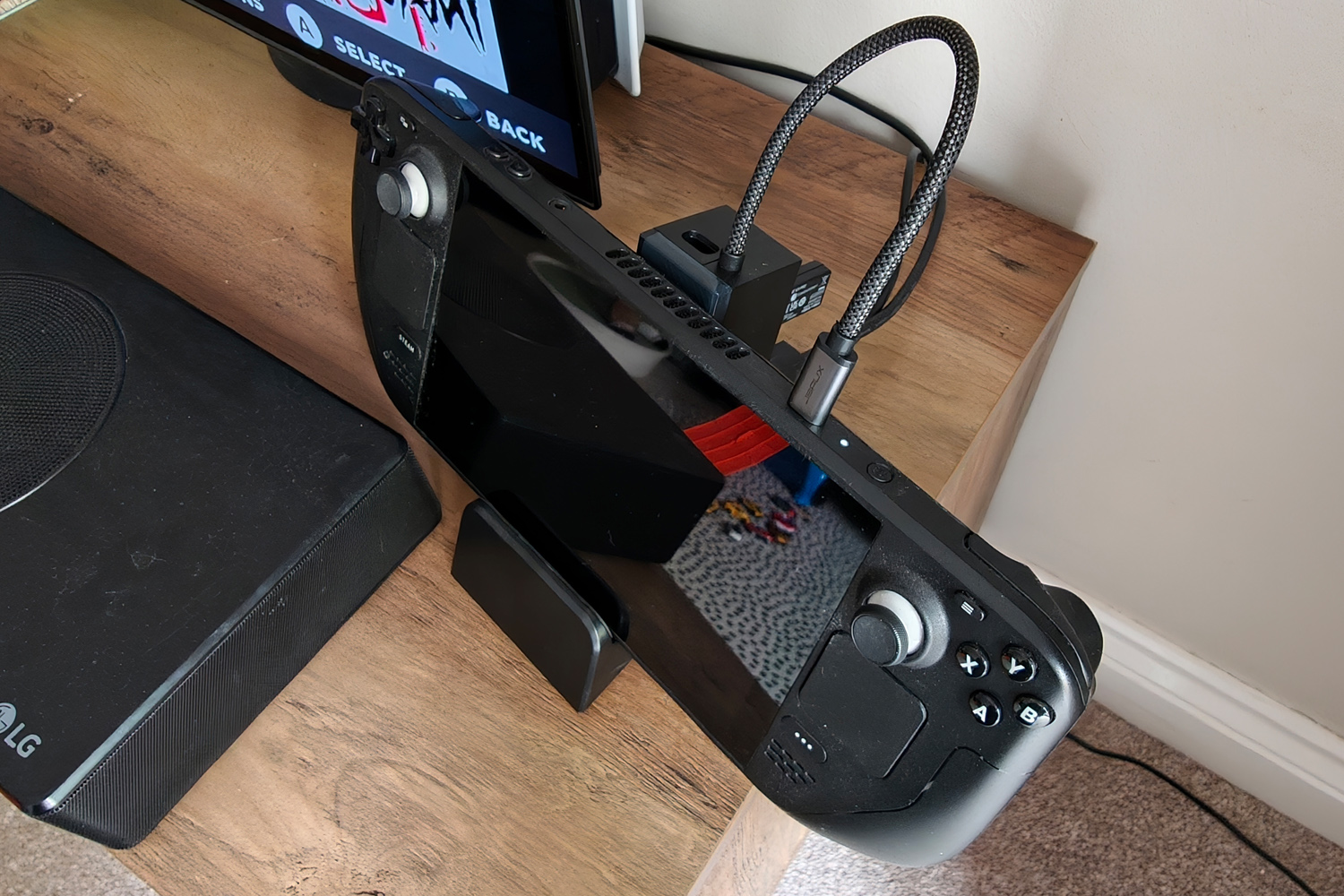
The dock itself comes in two parts: a base with a grippy rubber underside that can hold the Steam Deck upright, and the part with all the connectivity. They detach so the dock can be used standalone, which has proved fantastic for travel. I’ve taken it on work trips and played games on my hotel TV in my downtime, and used it with my MacBook Air when I’ve had to plug in USB-A peripherals or an external screen. The stand obviously gives me somewhere to rest the console when I’m not using it handheld, too. The silicone lining keeps it in place with just a little bit of wobble.
You can unclip the translucent front cover piece and slot a custom card in if you want to personalise the dock, though none are included in the box so you’ll need to get creative. The mainly plastic build is light but reassuringly sturdy. I like that JSAUX hasn’t overloaded the thing with RGB illumination too.
It’s compatible with pretty much every PC-based handheld out there, including both versions of the Steam Deck, Lenovo’s various Legion Go models, and all the Asus ROG Allys. About the only things you can’t plug it into is a Nintendo Switch or Switch 2.
There are versions of the dock that ship with a 100W PD charger, but I’ve been using my Steam Deck’s included 45W power brick with no complaints. It’s only really worth spending the extra if you’ll be plugging in an Asus ROG Ally or Xbox ROG Ally X, as those handhelds need a little more oomph to run at their full potential.
Given the pocket money pricing, the JSAUX Docking Station feels like a no-brainer. It has encouraged me to use my Steam Deck more than I was purely as a handheld, and has the compatibility to keep owners of other devices happy too.




Read the full article here


