





Tracking your sleep can be a mixed bag. Wake up to a high score, and it’s a good motivator for the day. But wake up to a low score, and it’s a sure-fire way to make you feel worse than you already do. Ultimately, you don’t need a wearable to tell you if you slept badly – there’s a good chance you’ll already be fully aware, and on those mornings, I advise ignoring all scores.
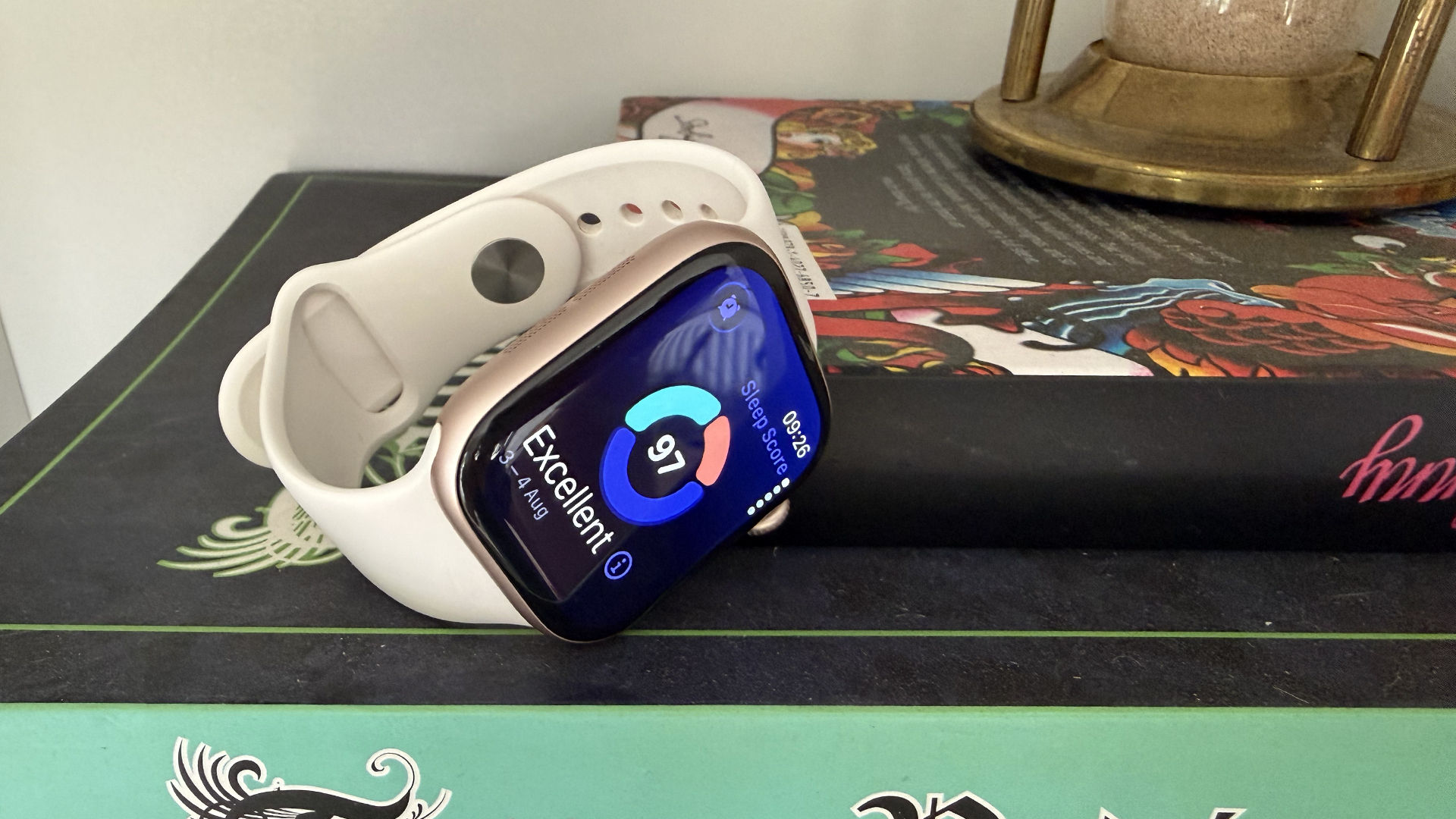
Sometimes, though, the scores can be better than you think, and dare I say it, they can even make you feel better than you might have without any quantifying data. Apple introduced Sleep Score last year with watchOS 26, and having compared it with multiple other sleep trackers, from EightSleep’s Pod 4 mattress topper to smart rings including Oura Ring 5, Ultrahuman’s Ring Pro and Leep’s Ring 1, I can say with certainty that it tracks high. But is that a bad thing? I’d argue no.
How does Apple Watch sleep tracking compare to others?

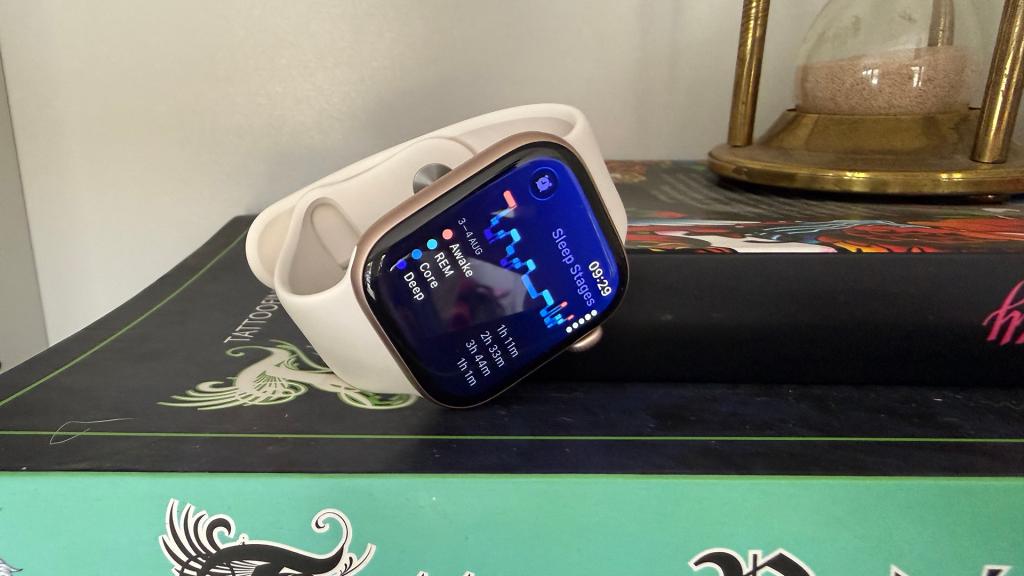
Over the four years of Sleep Score data I have from Apple Watch (it backdates to when you started using Apple Watch for sleep tracking), the lowest score I’ve ever had is 51. My lowest on Oura is 41 (though I only have two years of data here), which gives you some idea of the discrepancy between devices. Still, while I want my sleep trackers to be realistic – I don’t want a sleep score of 95 if I’ve been out drinking till 1 am – I’d rather wake up to a high score than a low one.
Take last night as an example – it was a fairly standard night. I went to bed slightly later than usual (11:45 pm instead of 11:30 pm), but I woke up at my usual time, around 7:30 am. As expected, Apple Watch was my highest sleep score this morning at 97, followed by Leep at 94, Oura at 91, EightSleep at 90, and Ultrahuman at the bottom at 84. I give you one guess which app made me feel the worst when I checked the scores, though?
Looking at the averages over the last seven days, the Apple Watch was again at the top with 93, Ultrahuman and Oura both settled at 88, and EightSleep was 85. If you’re looking for accuracy, the Apple Watch probably isn’t your best bet among sleep trackers, but if you want to feel good in the morning even if you haven’t slept as well as you might have hoped, it won’t kill your mojo before you’ve even had a cuppa.
Why does Apple Watch track high for sleep?
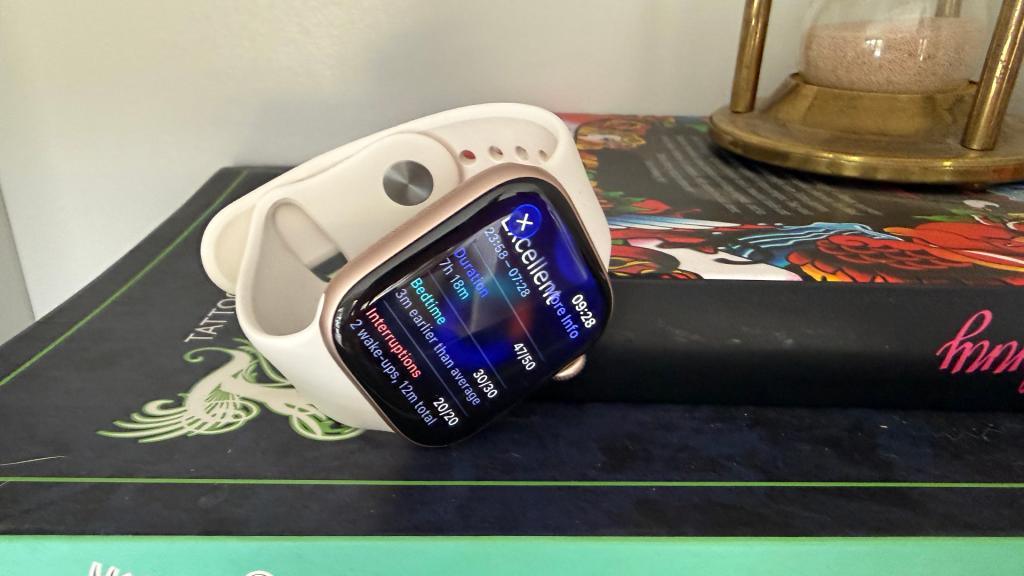
There is a reason the Apple Watch gives higher sleep scores than other devices – it uses less data to calculate the score. Like others, the score is out of 100, but this is based on just three elements: Duration (out of 50), Bedtime (out of 30) and Interruptions (out of 20). Go to bed within the timeframe you selected during setup in the Apple Health app, and you’re already a third of the way to 100. It’s a considerably simpler calculation, and in that, less overwhelming.
EightSleep’s ‘Sleep Fitness Score’ is also calculated using just three factors – Time Slept, Quality and Consistency – but the balance leans heavily towards Time Slept (40 per cent) and Quality (50 per cent), with only 10 per cent given to Consistency. Quality encompasses sleep stages, wake episodes and heart rate trends, so there’s more involved here than with the Apple Watch.
Oura, meanwhile, looks at Total Sleep, Efficiency, Restfulness, REM Sleep, Deep Sleep, Latency and Timing, so there are a lot more factors contributing to that final score. Ultrahuman is the same, factoring in Sleep Efficiency, Temperature, Restfulness, Consistency, Total Sleep, HR Drop Timing and Restorative Sleep to give you a final score.
How to use Apple Watch for sleep
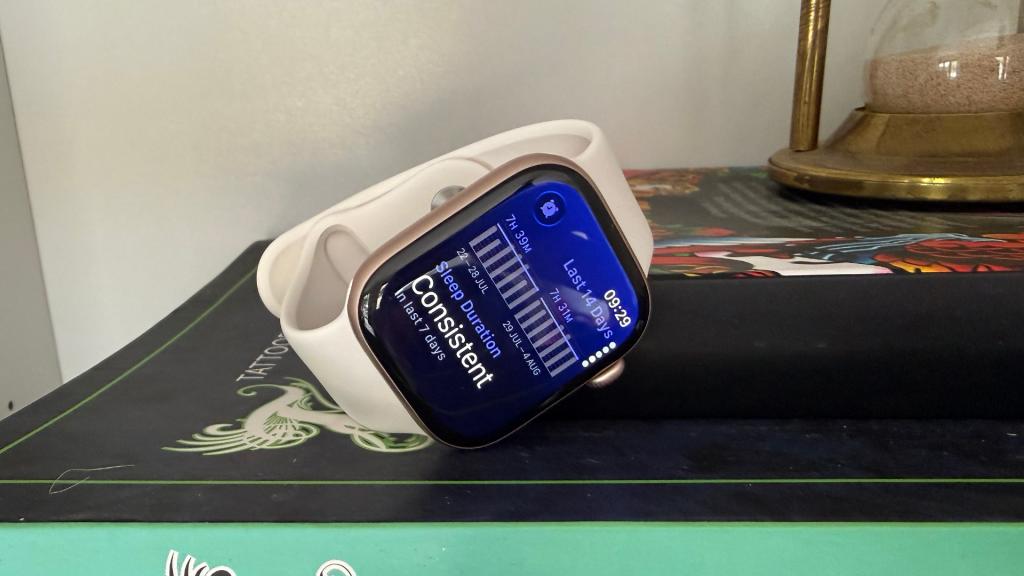
If you haven’t set up your Apple Watch for sleep yet, it’s lovely and simple – much like the data it presents. Open the Health app on your iPhone, then tap ‘Get Started’ under ‘Set Up Sleep’, followed by ‘Next’.
You’ll need to set Sleep Goals – the number of hours you’d like to spend asleep; Bedtime and Wake Up times – this is your sleep schedule, and it contributes to the Bedtime element of the Sleep Score, so be realistic; and set up Sleep Focus – this simplifies your Lock Screen and reduces distractions and notifications, though you can give certain people or apps permission to notify you.
Last but not least, wear your Apple Watch to bed once everything is set up, and make sure ‘Track Sleep with Apple Watch’ is toggled on in settings. You’ll see your Sleep Score every morning when you wake up, though consider not checking it if you’ve had a particularly bad night’s sleep. It can always be ignored.
Also read: Oura Ring 5 vs Apple Watch Series 11: here’s why I wear both




Read the full article here


