
Close Menu
Gadget Guide News
  • Home
  • News
  • Features
  • Reviews
  • Best Stuff
  • Buying Guides
  • Deals
  • More Articles

Subscribe to Updates

Get the latest tech news and updates directly to your inbox.

Trending

Ninja’s microwave air fryer could be the fix for soggy reheated pizza

July 16, 2026

Google ordered to open Android and Search to rivals in Europe

July 16, 2026

Your iPhone has more ways to take screenshots than you think

July 16, 2026
Facebook X (Twitter) Instagram
Gadget Guide News
Subscribe
  • Home
  • News
  • Features
  • Reviews
  • Best Stuff
  • Buying Guides
  • Deals
  • More Articles
Gadget Guide News
  • Best Stuff
  • Buying Guides
  • Reviews
  • Deals
  • Features
Home»News»Your iPhone has more ways to take screenshots than you think
News

Your iPhone has more ways to take screenshots than you think

News RoomBy News RoomJuly 16, 2026012 Mins Read
Share Facebook Twitter Pinterest Copy Link LinkedIn Tumblr Email Telegram WhatsApp
Follow Us
Google News Flipboard
Share
Facebook Twitter LinkedIn Pinterest Email Copy Link

Everything you need to level up your screen-capturing game


Want to know how to take a screenshot on iPhone? We’ve got you covered. It’s pretty simple and won’t take long, so you’ll be screenshotting away before you know it. Once you’ve mastered your new skill, feel free to check out our other guides, such as our pick of the best cheap smartphones if you like.

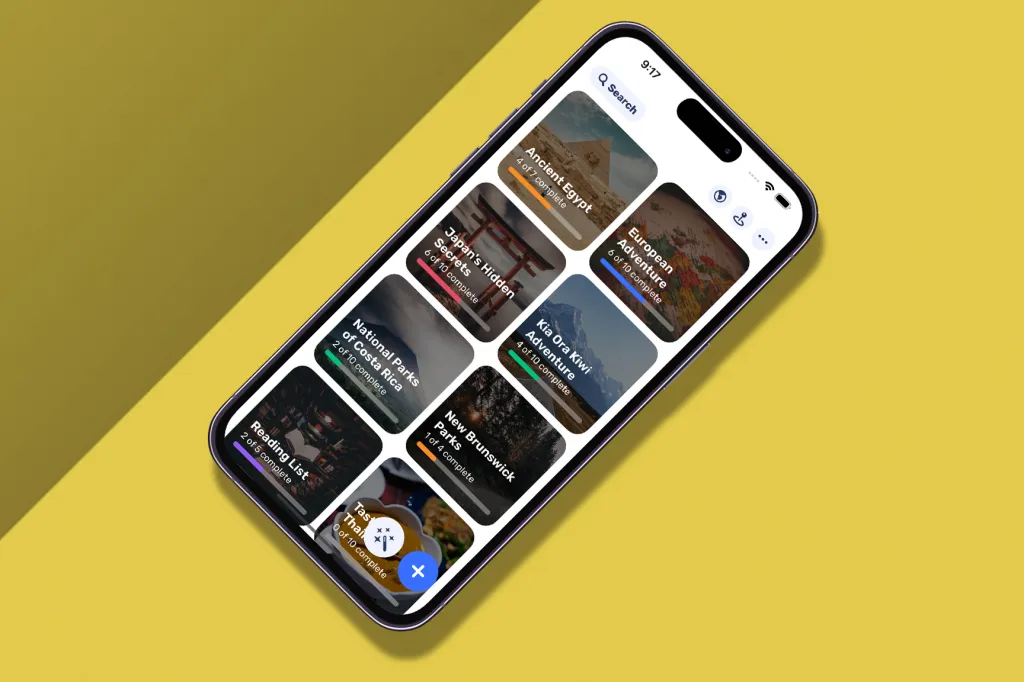
How to take screenshots on iPhone
how to take screenshots on iphone

Taking screenshots on an iPhone is a delightfully simple process, and there are three main methods to try:

  • The most common method: Press the side button and the volume up button at the same time. This will capture a screenshot of the entire screen. It can take a few tries to get the knack/timing down, but once you’ve nailed it, it’ll come naturally.
  • Using AssistiveTouch: If you have AssistiveTouch enabled, you can also use it to take screenshots. Open Settings and tap on Accessibility. Then, tap on AssistiveTouch. Toggle the switch next to AssistiveTouch to turn it on. Once AssistiveTouch is enabled, you’ll see a small white button on your screen. Tap on the button, tap on Device, and then tap on Screenshot. Sorted.
  • Using Siri: You can also use Siri to take screenshots. Simply press and hold the side button or the Home button (depending on your iPhone model) to activate Siri, then say “Take a screenshot.”

The above methods should also work on your iPad, so if you can take a screenshot on one device, you’ll know you can do it on the other.


google preferred source

Apple News

Read the full article here

Follow on Google News Follow on Flipboard
Share. Facebook Twitter Pinterest LinkedIn Tumblr Email Copy Link
News Room
  • Website

Related Posts

Ninja’s microwave air fryer could be the fix for soggy reheated pizza

July 16, 2026

Google ordered to open Android and Search to rivals in Europe

July 16, 2026

COMPUTER COPS: Inside the big business of selling AI to the police

July 16, 2026
Add A Comment
Leave A Reply Cancel Reply

Top Articles

User-replaceable batteries are coming back in a big way

May 31, 2026

I think the BYD Ti7 offers way better value than a Land Rover Defender – but is it as good as one?

June 2, 2026

The best paid-for iPhone and iPad apps money can buy

June 1, 2026
Latest Reviews

8BitDo’s FlipPad is the most pocketable way to turn your phone into a Game Boy

News RoomJuly 15, 2026

Siri AI is already changing how I use my iPhone

News RoomJuly 13, 2026

Siri AI makes the Apple Watch finally feel like a wrist computer

News RoomJuly 13, 2026

Subscribe to Updates

Get the latest tech news and updates directly to your inbox.

Demo
Most Popular

Best Royal Pop models ranked: these are the Swatch x Audemars Piguet collab watches I’d recommend

May 19, 2026

User-replaceable batteries are coming back in a big way

May 31, 2026

I think the BYD Ti7 offers way better value than a Land Rover Defender – but is it as good as one?

June 2, 2026
Our Picks

In the age of AI, here are 5 reasons why camping and getting back to nature is more important than ever

July 16, 2026

COMPUTER COPS: Inside the big business of selling AI to the police

July 16, 2026

This once key smartphone brand is no longer going to sell phones in the US and Europe

July 16, 2026

Subscribe to Updates

Get the latest tech news and updates directly to your inbox.

Facebook X (Twitter) Instagram Pinterest
  • Home
  • Privacy Policy
  • Terms of use
  • For Advertisers
  • Contact
2026 © Prices.com LLC. All Rights Reserved.

Type above and press Enter to search. Press Esc to cancel.