

When I first got access to Siri AI through Apple’s iOS 27 Developer Beta in June, I’ll admit I wasn’t overly optimistic. We’d been waiting two years by then, and, in all honesty, I thought Apple was unlikely to compete with the likes of Google Gemini and ChatGPT, which had years on poor old Siri by then.
But then I tried Siri AI, asked it some pretty tricky questions to see if I could catch it out, and it turns out I was wrong to underestimate it. Siri was the first personal assistant, after all, and while Gemini, Alexa and ChatGPT continue to be better in several ways, as a personal assistant for iPhone users, Siri AI definitely rules the roost.
That applies not only when using an iPhone or iPad but also in the car. There are a number of changes coming to CarPlay with iOS 27, including new wallpapers, video capabilities, and a new audio player, but Siri AI is the biggest addition. I tried it in my car, and guess what? I’d say it’s pretty good so far, and even helpful in some instances.
It found flight details and added a reminder for checking in
I started my Siri AI in-car experience by asking Siri if I was free this afternoon, knowing full well I had a nail appointment, which Siri told me about within a couple of seconds. I followed up by asking, “What about tomorrow?” knowing I had a flight in the afternoon, though this wasn’t in my calendar.
That didn’t matter to Siri, though. It told me about a friend’s birthday I had in the calendar and let me know it was the start of my holiday, both of which it highlighted as “all-day events”. It then added that I had a flight from Heathrow, telling me both the time and the destination.
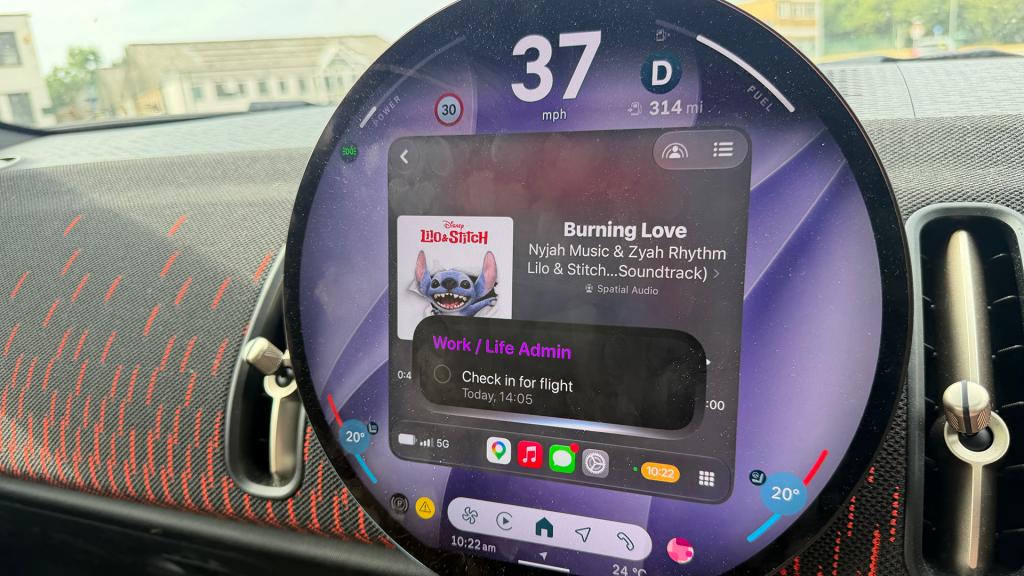
Continuing the conversation, I asked what time check-in would open for that flight. Siri told me it would open 24 hours before, giving me the time that would be today, and noted that desks usually open three hours before the flight. Finishing the chat, I asked Siri to add a reminder to check in today at the time it suggested, which it added to my default list in Reminders.
It got me directions – and changed the navigation app when requested
When I asked for directions home, Siri AI loaded them up on Apple Maps – no surprises there, given that even old Siri could have just about managed that. I asked Siri to switch it to Google Maps, though (it’s often better for traffic, after all, and I could see traffic ahead), and it did so without any qualms.
It found a restaurant I visited in Barcelona in 2025
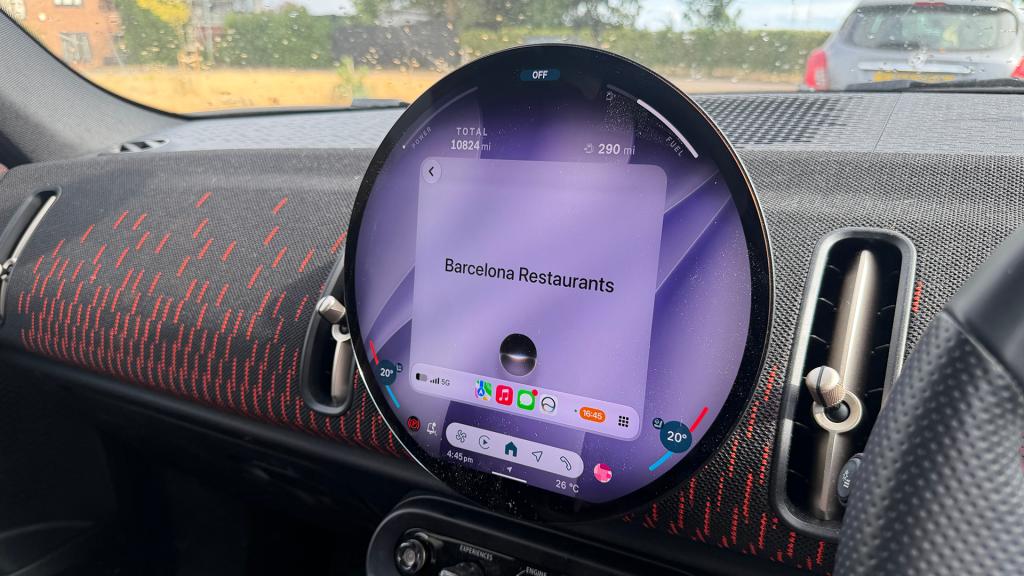
This was one of the tests I ran on the Developer Beta when I first tried out Siri AI back in June. I visited a great restaurant in Barcelona with a friend ahead of Mobile World Congress in March 2025, but I couldn’t remember the name (we had stumbled upon it by chance, so I had no reservation details either). When I first asked Siri in the car which restaurant I had gone to in Barcelona, it replied with details of a dinner reservation I had the other night in a village near me, so definitely not the right answer.
I followed up by asking “What about in 2025?”, and it replied, “In 2025, you visited Zed in Barcelona on March 1st, as well as Ristorante Gravin and La Alcobita on March 5th”. I don’t remember the other two restaurants, but Zed was the one I wanted in the answer, so Bravo, Siri. Second time’s the charm.
It detailed unread emails I needed to reply to (out of 200)
Next, I thought I would try asking Siri something admin-related – something you might want to know if you were driving and couldn’t look at your phone. “Hey Siri, are there any emails I need to reply to today?” was the prompt. The response pulled out three emails from the 200 unread emails in my inbox, all three of which I would have agreed needed some form of response. The three emails were summarised with what they were asking, and the name of the sender was also referenced in Siri’s reply. Not bad, really.
It gave me some bad news about a delivery
The last test I gave Siri was a little left field. I went shopping this morning for kids’ school shoes (I know, very organised). I also popped into Office Shoes for some holiday shoes. Both Clarks and Office sent me email receipts, so on my drive home, I asked Siri, “How much did I just spend in Office?”, to which it took great pleasure in reminding me of the exact amount. I followed up by asking, “What about Clarks?” Again, Siri took great pleasure in highlighting my spending.
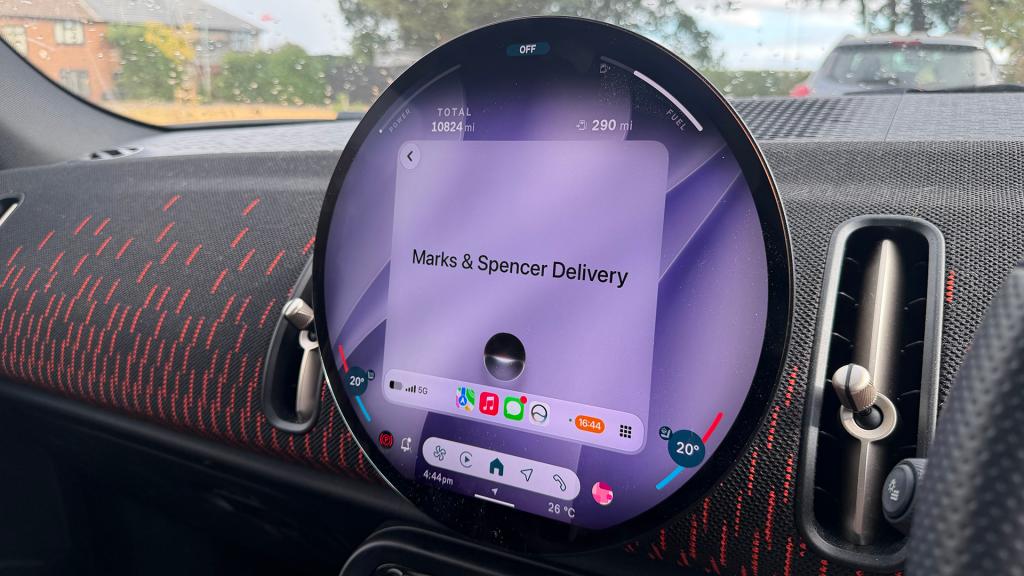
Things got a little more surprising when I asked: “When is my Marks & Spencer’s order due to be delivered?” I knew it was due today, but I hadn’t seen the email saying it would be delayed (200 unread emails remember), so Siri’s response was far from what I was expecting, having paid especially for next-day delivery so it came in time for my holiday: “Your Marks & Spencer order was due to be delivered today, Tuesday, August 4, between 7 am and 9 pm. However, you received a notification that it may be running late”. It’s still not here in case you were wondering.
How does Siri AI work with CarPlay?
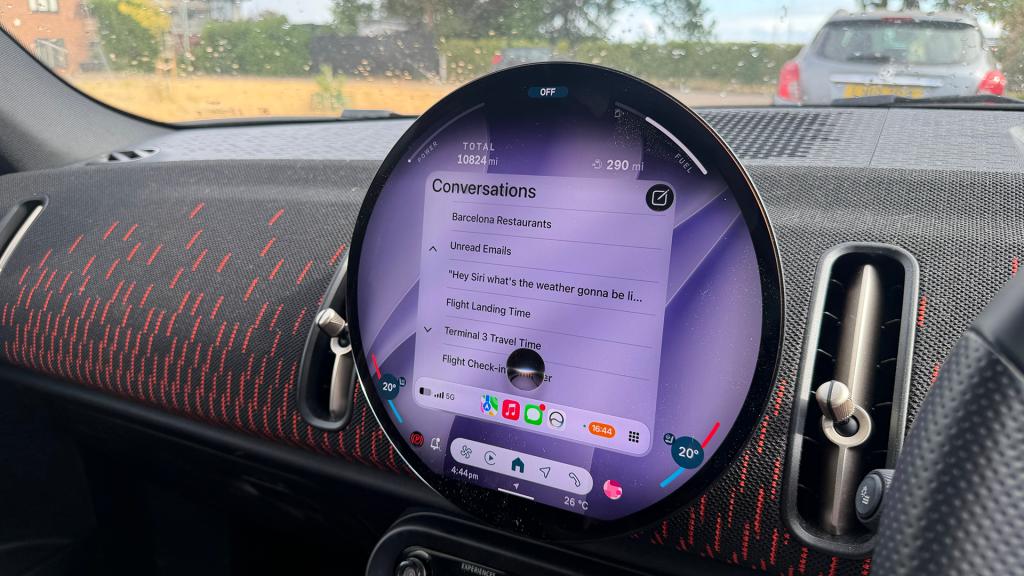
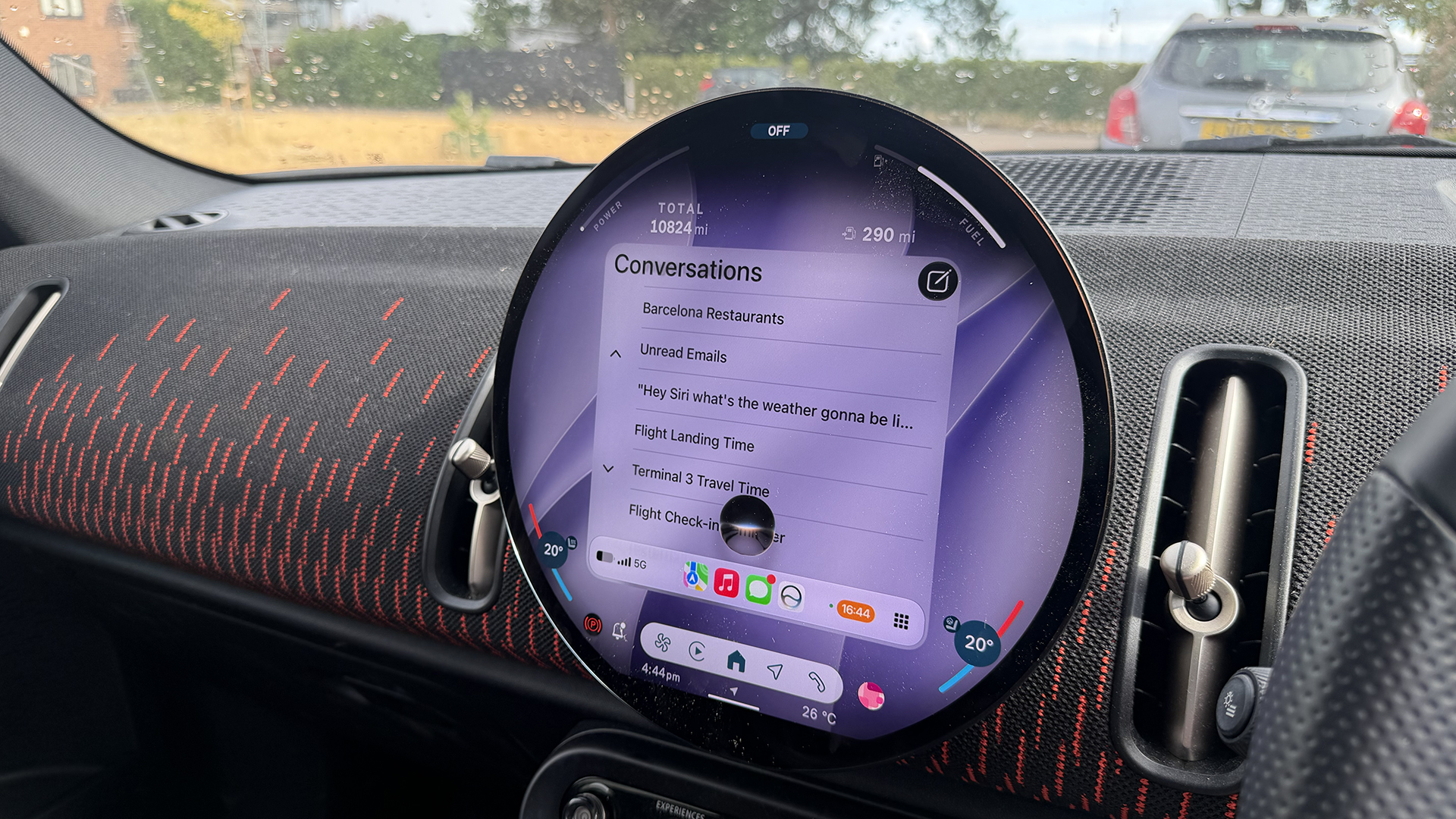
Siri AI works in a very similar way in the car as it does on iPhone or iPad, though the responses are predominantly spoken, as you would expect, given your eyes should be on the road and not your car’s display. If you ask if you’re free on a particular afternoon, for example, it will read out any events you have in your calendar rather than show them on your car’s display. Occasionally, the odd thing will appear on the screen, like a reminder you might have asked it to set or directions you’ve asked it to get, but Siri AI in the car is more of a chat than a visual experience.
Like with iPhone and iPad, there’s a Siri app in CarPlay with iOS 27, which you can open to see all your previous conversations. That app also has an icon in the top right corner that lets you start a new conversation with Siri, just like you can for Messages in CarPlay.
Any conversation you start with Siri, whether through the Siri app on CarPlay or by saying “Hey Siri” in the car, will appear in the Siri app on iPhone or iPad, so you can pick up any chats when you finish driving, too. It has been reported that a car icon will appear in the Siri app on iPhone and iPad when you start the conversation using CarPlay, though the current beta doesn’t show that icon yet.
Read more: Apple CarPlay is about to get a serious upgrade – here’s what’s new, and why it matters


Read the full article here
