

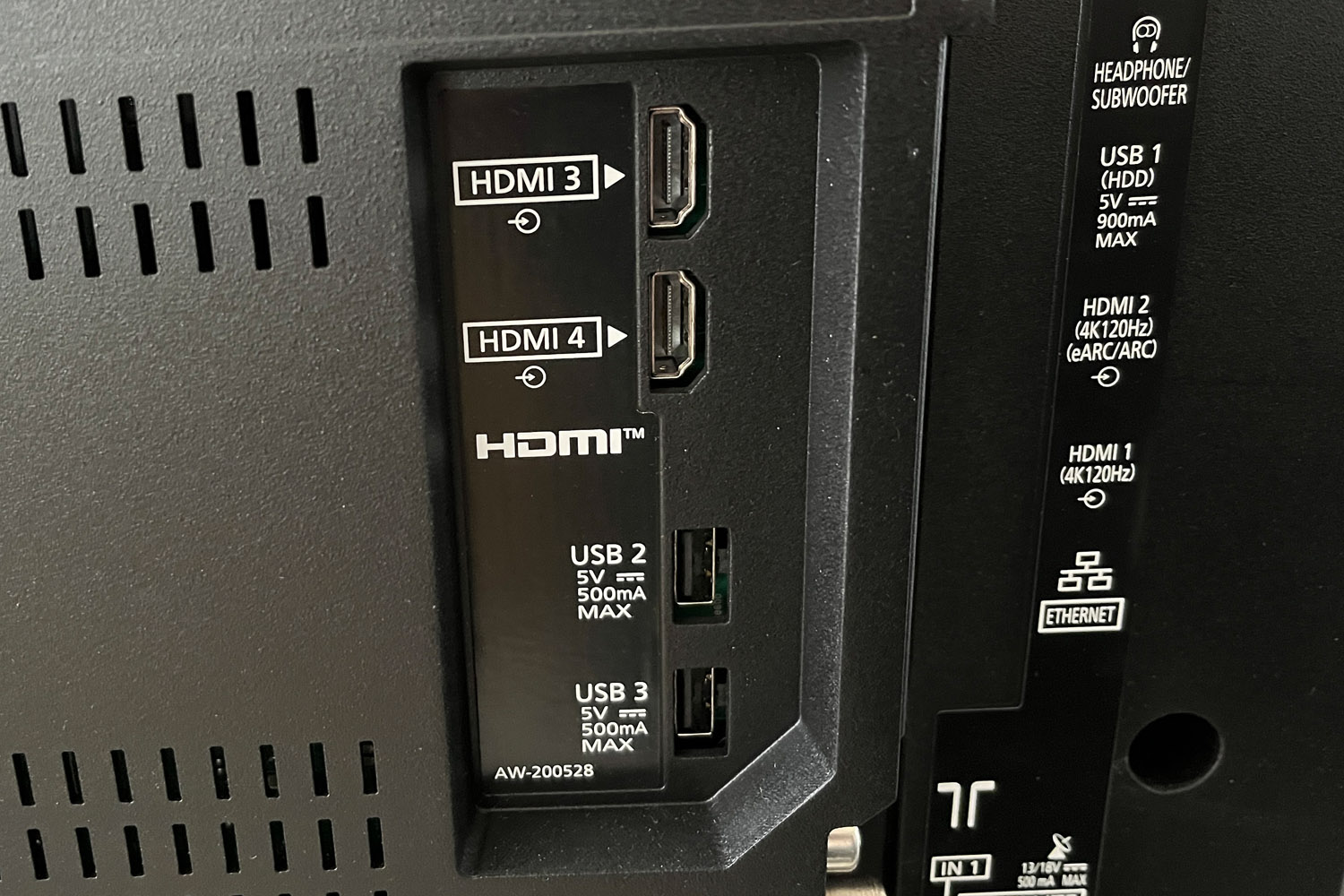
Buying a new TV means wading through an increasingly ridiculous collection of badges, standards, and specifications. HDMI 2.0, HDMI 2.1, and now HDMI 2.2, along with 4K/120Hz, VRR, ARC, and eARC… it’s all an alphanumeric eyesore. But does it really matter which HDMI port you use?
Do me a favour, if you’re able. Are you near a TV? Good. Peek around the back, and you’ll find several identical sockets labelled HDMI 1, HDMI 2, HDMI 3, and so on. Are those numbers HDMI versions? Are some ports better than others? Does one of them dispense Nutella? Where should you plug in your console, streamer, or soundbar? What happens if you choose the wrong port?
The answer is… well, not a disaster – but choosing the wrong one could certainly land you in a suboptimal viewing experience. And we don’t want that.
Sure, you could just plug any old cable into any old hole that fits. In many cases, that’s absolutely fine, even. Those HDMI 1, HDMI 2, and HDMI 3 labels usually just identify the inputs, rather than the HDMI standard each port supports. But the sockets can still differ in bandwidth and features, leaving, for example, a console stuck at 60Hz, or deprive your soundbar of its best audio formats. And what would be the sense in that?
Does the HDMI port actually matter?
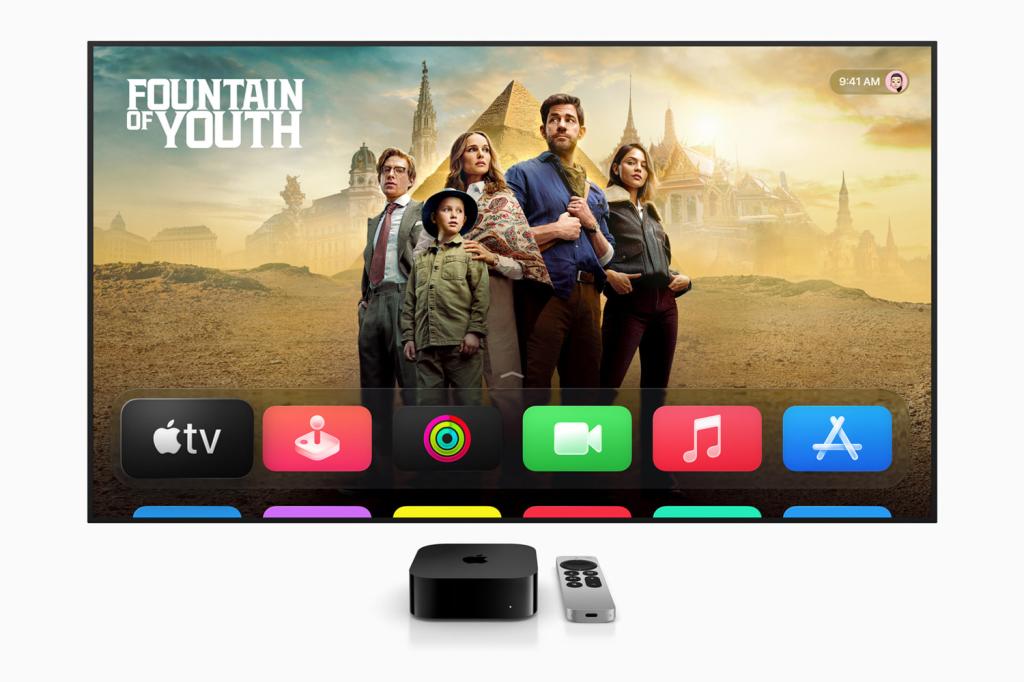
Every device you connect places its own ceiling on the signal it can send to your TV. Take an Apple TV 4K – its maximum video output is 4K at 60Hz, so plugging it into a port capable of 4K at 120Hz won’t suddenly make it produce a 120Hz signal. The same principle applies to a 4K Fire TV Stick or most UHD Blu-ray players.
There’s no harm in using the more capable port, of course. But if your TV has only one or two inputs supporting 4K/120Hz and variable refresh rate, it makes sense to save them for a PS5, Xbox Series X, or gaming PC that can actually use those features. Soundbars or AV receivers have different requirements, as they normally need the designated ARC or eARC port to receive audio from the TV. If both devices support eARC, use that connection to access higher-quality, lossless audio formats.
The port number itself isn’t a quality ranking, either, so HDMI 4 isn’t necessarily sharper, faster, or better-looking than HDMI 1. Of course, HDMI 4 might genuinely be a higher-spec port on your particular TV. Look beside the sockets for labels such as 4K/120Hz, VRR, Game, ARC, or eARC, which can reveal what each one supports.
If you only see HDMI 1, HDMI 2, and so on, check the manual or manufacturer’s specifications instead. Capabilities can vary considerably between models, even within the same brand, so don’t assume that an unlabelled port supports any particular HDMI standard.
Check your TV’s settings too
Some TVs won’t make an HDMI input’s full capabilities available until you enable the appropriate setting. Depending on the manufacturer, it might be called Enhanced Format, Input Signal Plus, HDMI Deep Colour, or something similarly unhelpful. VRR, Game mode, and eARC may have separate switches too.
The cable also needs to carry the signal. A certified Premium High Speed HDMI cable is suitable for 4K/60Hz HDR, while 4K/120Hz calls for a certified Ultra High Speed HDMI cable. The leads supplied with the PS5 and Xbox Series X already support their respective video capabilities, so there’s no need to replace them.
Ultimately, a streaming device or disc player can usually occupy any suitable 4K/60Hz input, leaving your TV’s 4K/120Hz ports for consoles and gaming PCs. Your soundbar gets the ARC or eARC socket. Check the manual if the labels aren’t clear, make sure the relevant settings are enabled, and you should be sorted.


Read the full article here
