

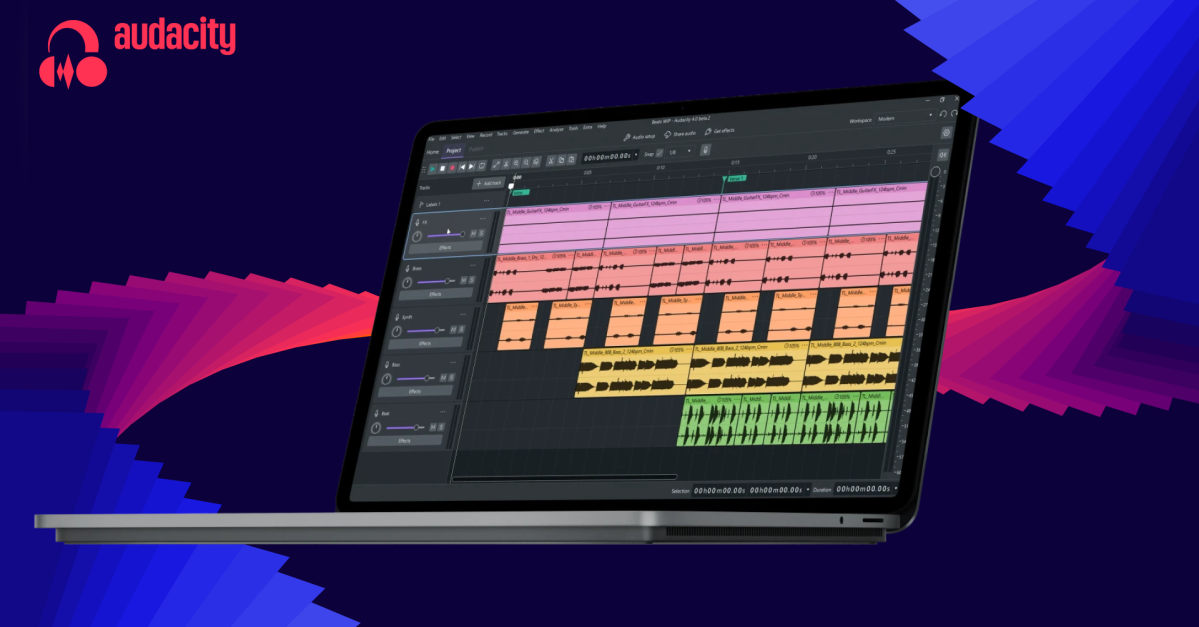
Audacity 4 has been in the works for some time, and had its own mini controversy last year when an unfortunate redesigned logo started making the rounds. The final version of the new icon isn’t nearly as bad as the early rendition that was circulating last October. But more importantly, all the promised improvements to the self-proclaimed “world’s most popular audio editing and recording app” are here, turning Audacity from a free and capable but extremely clunky audio editor into a powerful modern tool.
The biggest change is the move to a non-destructive editing workflow. That means you can trim a clip down, then recover the audio simply by dragging the edge of the clip back out if you change your mind. Clips can now overlap too, which means you can still paste in audio even if there isn’t enough space and adjust after, or just freely drag audio around the timeline. Previously, if you tried to drag a clip past another one in the timeline, it would just stop dead in its tracks. You’d instead have to cut and paste it to move it past any existing audio.
You can also split clips now to easily chop up and rearrange audio. The developers refreshed clip envelopes and the built-in effects, and added a home screen with revamped project organization. Audacity also got a dramatic facelift that brings it more in line with Muse’s other products like Muse Score and Audio.com, complete with customizable themes.
While Audacity has been a staple of many people’s toolkits since it debuted way back in 2000, it’s stayed stubbornly consistent in its design and layout as new features have been bolted on, sometimes clumsily. This big refresh to Audacity 4 brings it much closer to a modern digital audio workstation (DAW).
Read the full article here
