






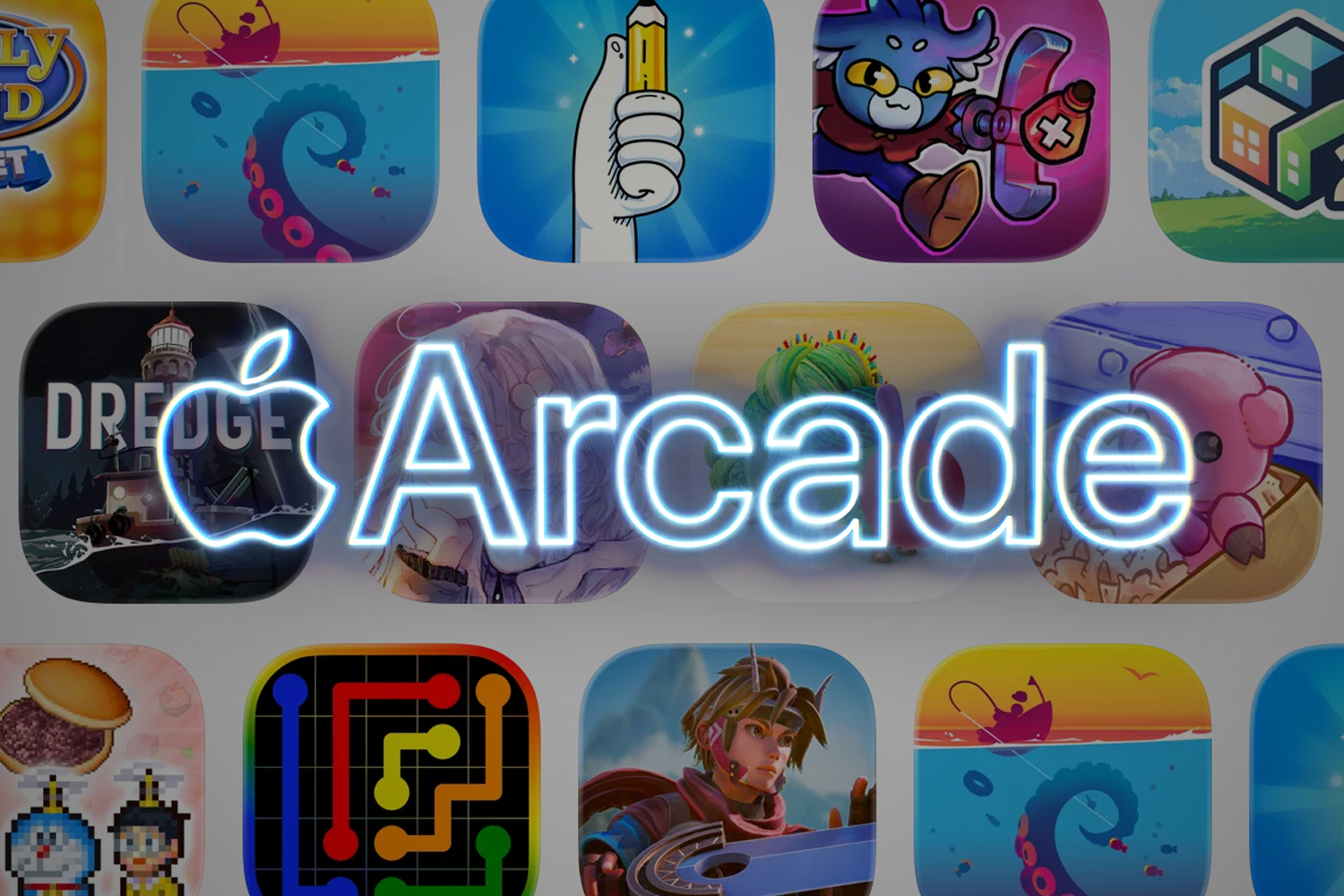
How much Apple Arcade costs, what iPhone, iPad, Mac and Apple TV hardware you need, and the best games to play
Apple Arcade was revealed way back in 2019. At which point many people yelped “Games?”, followed by “Apple?”, and then collapsed into fits of coughing and laughter until they expired. Which is a shame for them, because Apple Arcade has turned out to be a real gem.
But what hardware do you need? Are you forced by Apple to use the Siri Remote when playing on an Apple TV? How many games do you get? How much does it all cost? And aren’t phone games all rubbish anyway? For all of the answers, read on…
What hardware does Apple Arcade require?

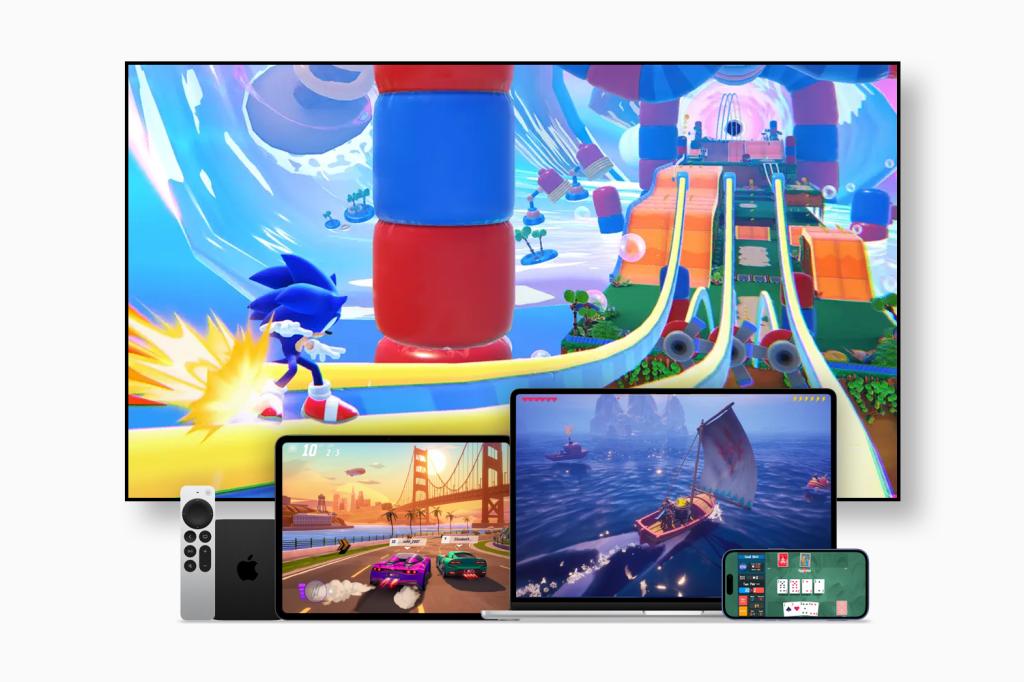
Apple Arcade works on all Apple devices. Well, not HomePods. That would be silly. You’ll therefore need a Mac, iPhone, iPad, or Apple TV. Some games also work on Vision Pro, if you’re mad enough to own Apple’s headset.
Minimum requirements and compatibility vary by game. Broadly, it appears that Apple Originals (fully new games or mobile exclusives) now require iOS/iPadOS 16, macOS 13 (Ventura), visionOS 1 or tvOS 18 as a minimum. As ever, the most recent OS is usually the best one. Note that not every title is available on every platform.
Some games are more demanding than others. Older hardware may struggle with more advanced titles. But even if you’re lumbered with a steam-powered iPhone, Apple Arcade has loads of older classics to delve into.
What you won’t need: a permanent internet connection. Although some games do require you to be online – for example, during live multiplayer battles – Apple Arcade isn’t a streaming service. Games are downloaded to your device from the App Store (grab them from the Arcade tab), and most can be played entirely offline. For example, while you’re hiding in a hedge, trying to finish just one more level of Sonic Dream Team when you should be sorting out the garden.
However, when you do sneak back inside and get online, progress is uploaded to iCloud, letting you pick up on another device wherever you most recently left off.
Do you need a controller for Apple Arcade?
Yes and no. Hilariously/terrifyingly, Apple Arcade initially demanded all games work as-is with every device. Which for Apple TV meant mandating support for the old Siri Remote. That… wasn’t good. Apple’s since relaxed that limitation.
Broadly speaking, you’ll be fine with just an iPhone or an iPad, although certain games will liberally sprinkle virtual buttons across your display like confetti. With an Apple TV, you now need a controller most of the time. The Mac is a mixed bag, but a keyboard and mouse is typically a poor substitute for a gamepad anyway.
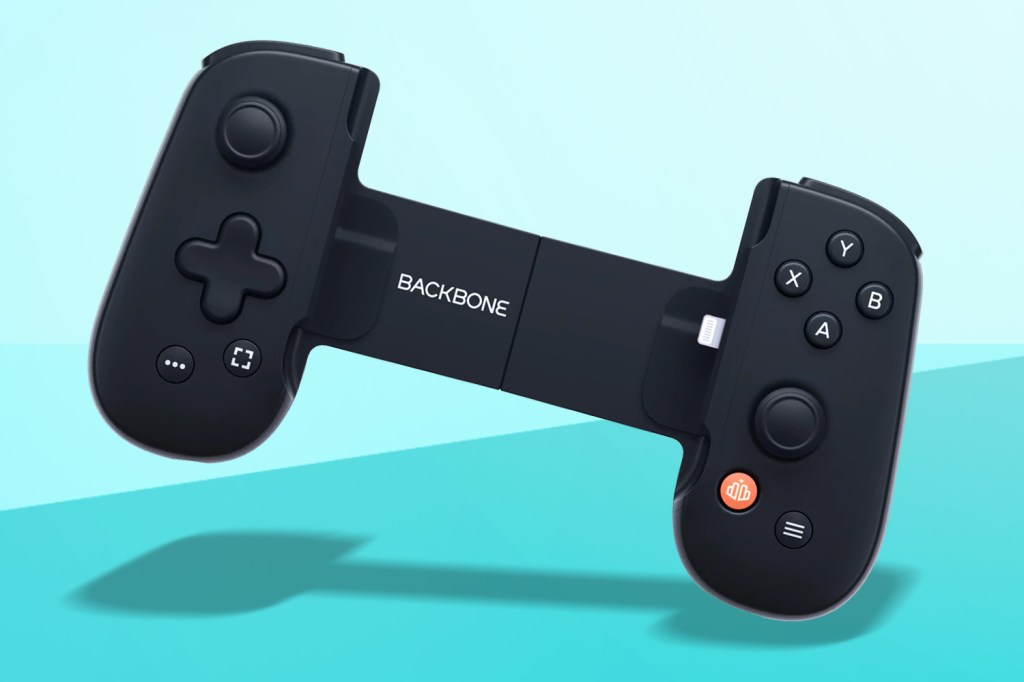
Fortunately, Apple supports a range of controllers. If you’ve PlayStation or Xbox ones kicking around, they’ll connect to a Mac, Apple TV or iPad with no trouble – as will MFi controllers. Got an iPhone? A svelte and pocketable telescopic controller will transform it into a gaming handheld.
Need some controller recommendations? Check out the best iPhone and Android mobile controllers for playing AAA and retro games.
How much does Apple Arcade cost?

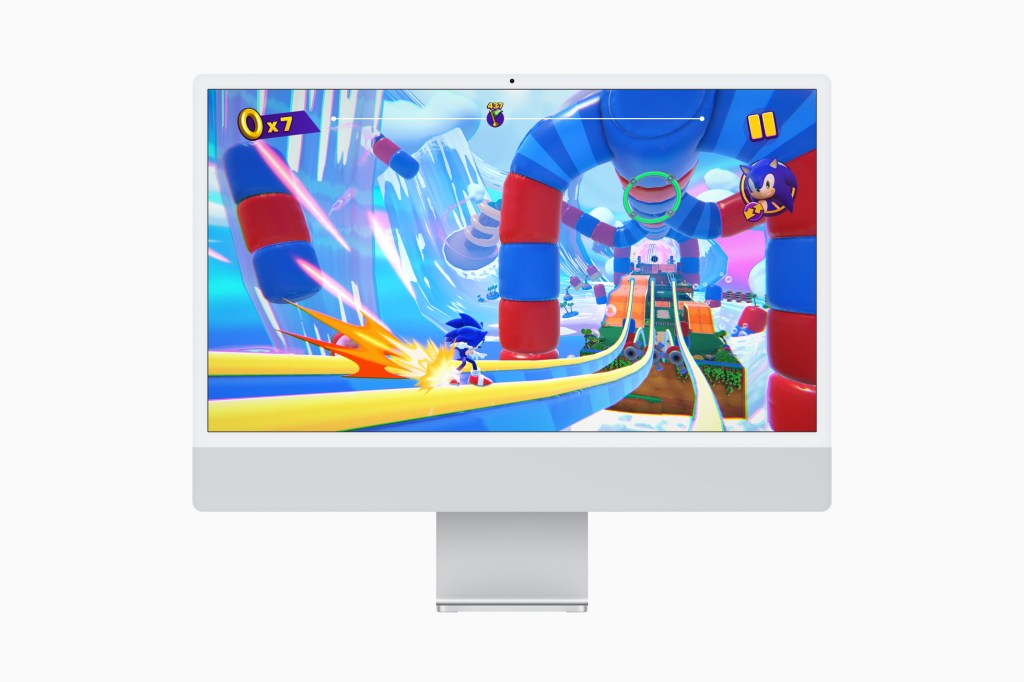
Apple Arcade is a subscription service. It started out at a fiver a month, which was quite the bargain. At the time of writing, Apple prices it at $6.99/£6.99 per month, which still represents solid value for what you get. If you subscribe to any Apple One tier, Apple Arcade is included.
It’s worth noting that the standard subscription allows you to share Apple Arcade with up to five family members – as do relevant Apple One tiers. And you get a free trial when buying many Apple devices.
If you’re still on the fence, bear in mind Apple Arcade won’t cost you anything extra – unlike much mobile fare, this service’s games have no adverts and no in-app purchases whatsoever. But since it’s a subscription service, you will lose access to your games should you stop playing.
Resubscribe later, however, and you can pick up where you left off, assuming the game in question is still on Apple Arcade. (Like Netflix and the like, titles come and go.)
What games can you play on Apple Arcade?
If you’re of the opinion mobile games aren’t ‘real games’, well, you’re wrong. But also, Apple Arcade won’t do much to change your mind. Many of its games are immediate fare, providing bite-sized blasts of entertainment. That said, the service does include deeper dives, such as Civilization VII, Oceanhorn 3, Return to Monkey Island and Stardew Valley.
In its early days, Apple Arcade was big on exclusives – at least to mobile. This isn’t so much the case today, not least because Apple added loads of ‘+’ games – ad-free and IAP-free versions of highly regarded existing App Store titles. That said, there are still some big titles here that you won’t find on Android.
Also be mindful that – as noted earlier – like with any service of this type, games do come and go from Apple Arcade. However, some developers later rerelease their games as standalone purchases and let you migrate your progress – A Monster’s Expedition being a good example. So if a favourite does abruptly vanish, don’t lose hope that it’ll be gone forever.
But which of the current games should you try first? For that, check out The best Apple Arcade games to give you an instant gaming hit. Or, you know, download all 200+ games and randomly try them at speed until your thumbs scream. Your choice.




Read the full article here


