

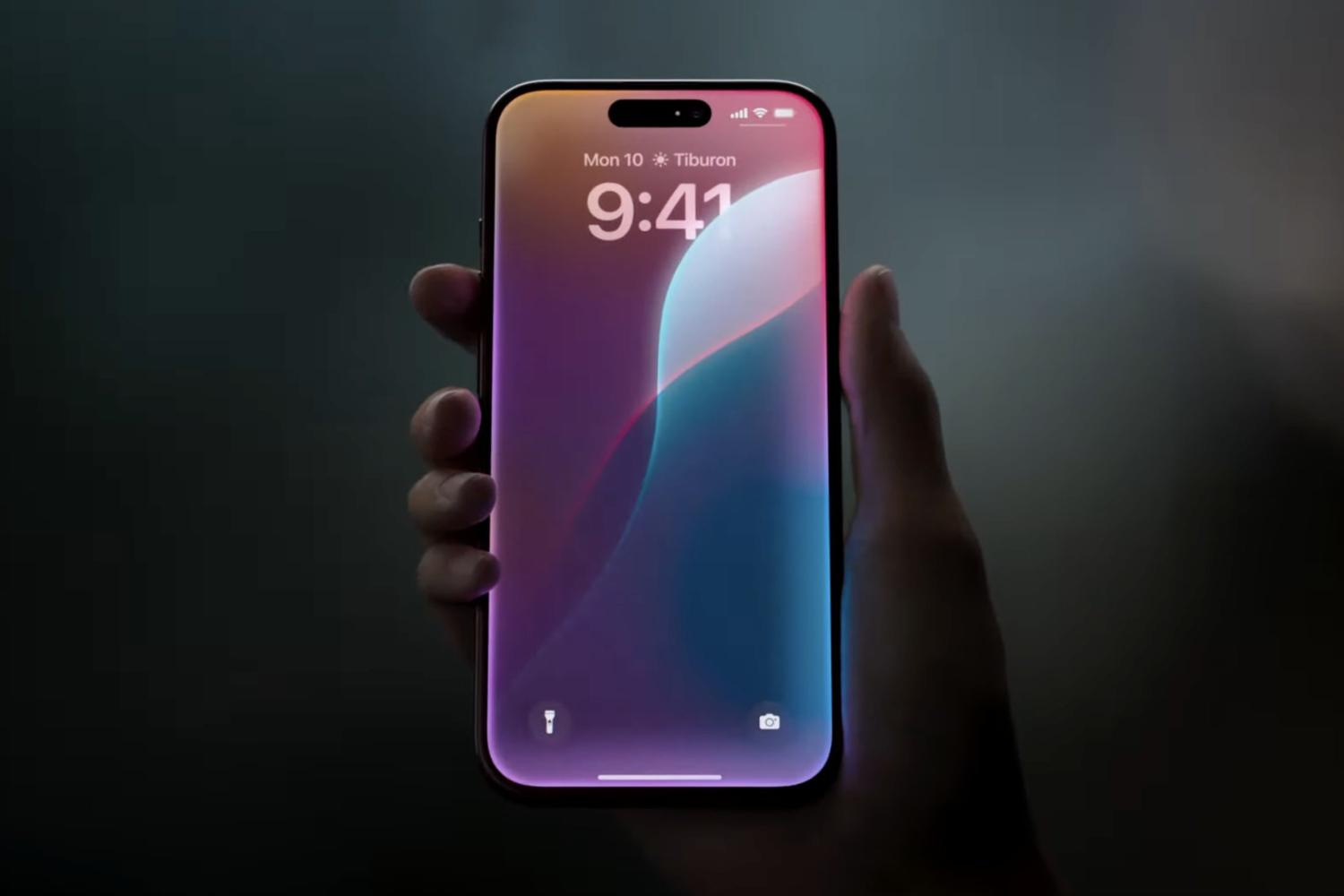
In 2024 Apple announced Apple Intelligence as part of iOS 18, iPadOS 18, and macOS Sequoia. In true Apple fashion, it wasn’t called AI – rather, we’ve got Apple Intelligence. It’s designed to be something that’s more personal. That sounds pretty wishy-washy – but it’s very impressive. However, some bits of it never emerged, despite promises – like a new version of Siri.
Now, two years later, Apple has announced Siri AI as part of iOS 27, macOS 27, iPadOS 27, watchOS 27 and visionOS 27 and, while it doesn’t look groundbreaking, it should provide a step-change in the way we use your iPhones and other Apple devices.
Here’s everything you need to know about Apple Intelligence.
Which devices support Apple Intelligence?
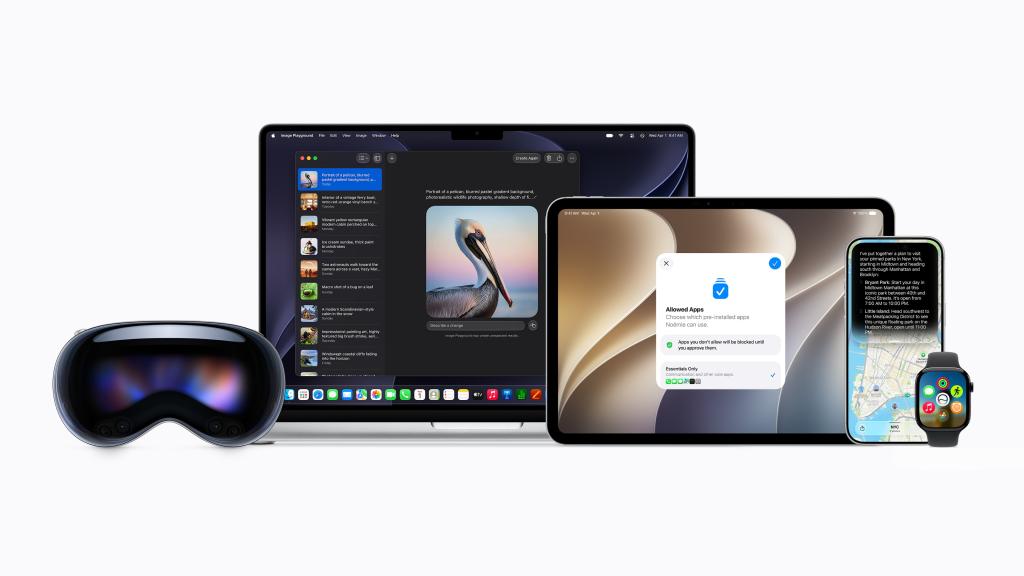
Most of Apple Intelligence is supported by the following devices: iPhone 17, iPhone 17 Pro, iPhone 17 Pro Max, iPhone 16, iPhone 16 Plus, iPhone 16 Pro, iPhone 16 Pro Max, iPhone 15 Pro, iPhone 15 Pro Max, iPad with A17 Pro or M1 and later, and Mac with M1 and later.
Siri AI in iOS 27, iPadOS 27, macOS 27, watchOS 27, and visionOS 27 are available on iPhone 16 models or later, iPhone 15 Pro, iPhone 15 Pro Max, iPad mini (A17 Pro), iPad models with M1 or later, Mac with M1 or later, Apple Vision Pro, Apple Watch Series 10 or later, Apple Watch Ultra 2 or later, and Apple Watch SE 3 when paired with an Apple Intelligence-enabled iPhone nearby.
Because of privacy issues, Siri AI will not be available initially in the EU in iOS and iPadOS. Apple says it “is working hard to find a path forward that preserves its users’ privacy and security.” Mac, Apple Watch, and Apple Vision Pro users in the EU will be able to access Siri AI when set to a supported language. The new capabilities also won’t be available in China.
Some Apple Intelligence features, such as image generation, have daily usage limits because they rely on powerful server models, according to Apple. We’ll have to see how this works out when the 2027 versions of Apple’s software appear for download. Apple adds that “increased access is available with most iCloud+ subscription plans, which also include Apple Intelligence support for compatible Home cameras.”
Apple Intelligence is available in English, Danish, Dutch, French, German, Italian, Norwegian, Portuguese, Spanish, Swedish, Turkish, Vietnamese, Chinese (simplified), Chinese (traditional), Japanese, and Korean.
What can Apple Intelligence do?
Apple Intelligence isn’t just about a smarter Siri – though that’s a big part of it. Imagine an AI that truly understands you, drawing from your personal usage to tailor its responses and actions. Whether it’s generating language, recognising images, or taking actions on your behalf, Apple Intelligence does it all with a hefty dose of personalisation. Here’s the rundown:
- Enhanced Siri AI: Finally, Siri gets the brains it deserves thanks to the use of Google Gemini. This upgrade means Siri can now remember the context of your conversations, understand your commands even if you stumble over your words, and provide more helpful responses. It can add new addresses from text messages directly to contact cards, control Apple features and settings, and even move through apps to fetch specific information like flight details or photo edits. This was originally supposed to launch in 2024 but never appeared – we’re now getting it as a beta initially in late 2026 – more on this below
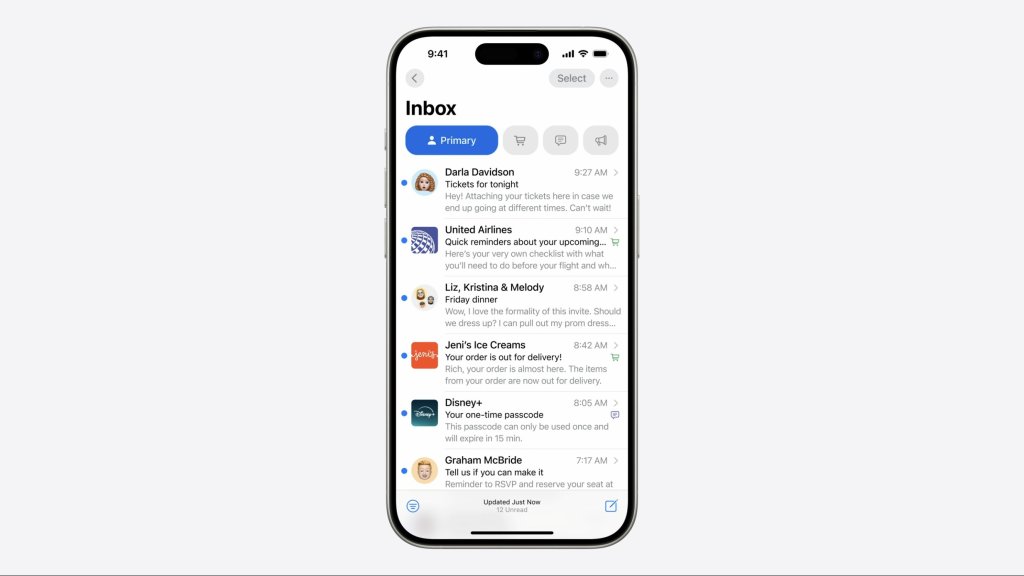
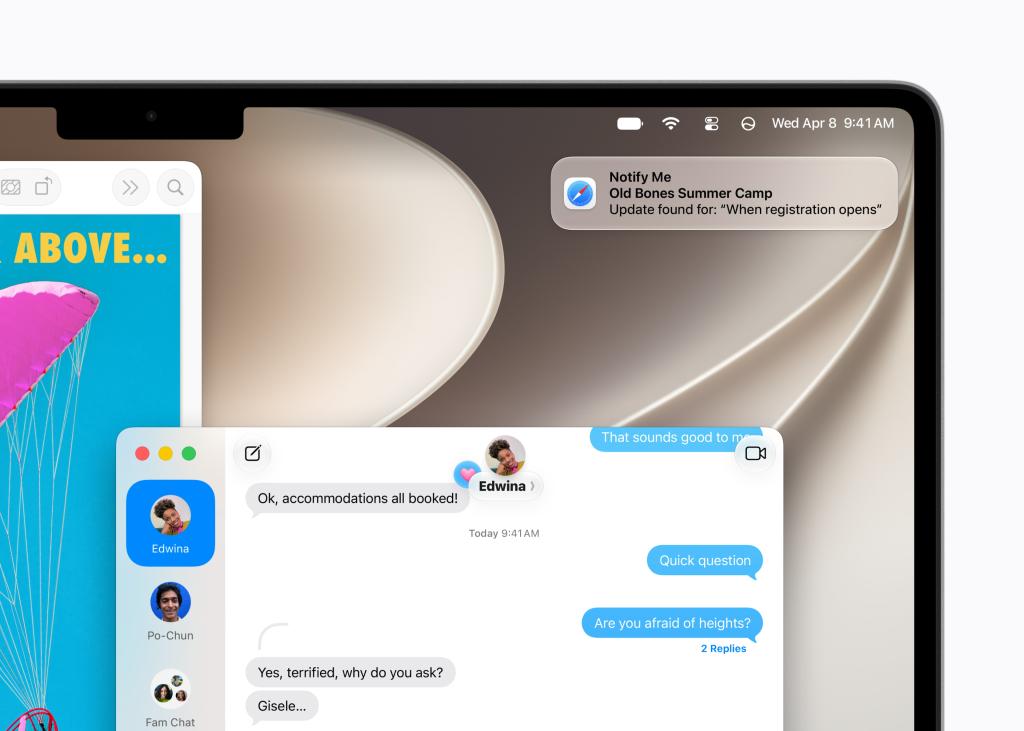
- Prioritised notifications: Your iPhone will now prioritise your notifications, ensuring you don’t miss anything crucial. Whether it’s a summary of your group chats or a boarding pass for your flight, the most important notifications will be front and centre. Notify Me will also let you know when products are restocked or prices drop depending on what you suggest.
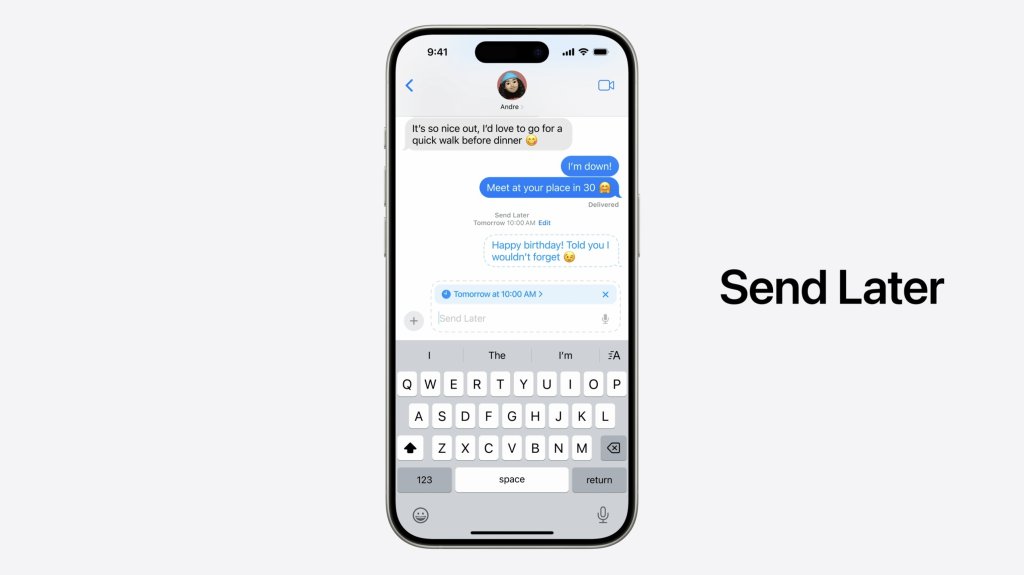
- Smarter writing apps: Apple’s writing apps now feature AI-driven tools like Proofread, Smart Reply, and Rewrite. These can suggest content based on context, transcribe voice memos, and even auto-fill forms from pictures. You can also do this with Siri AI now and dictation is also a lot quicker.
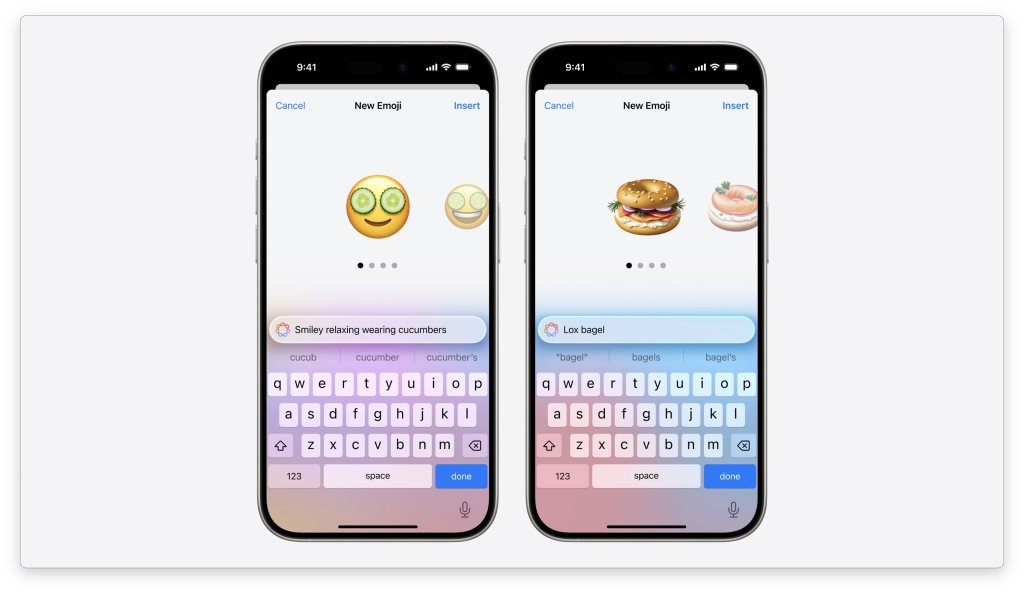
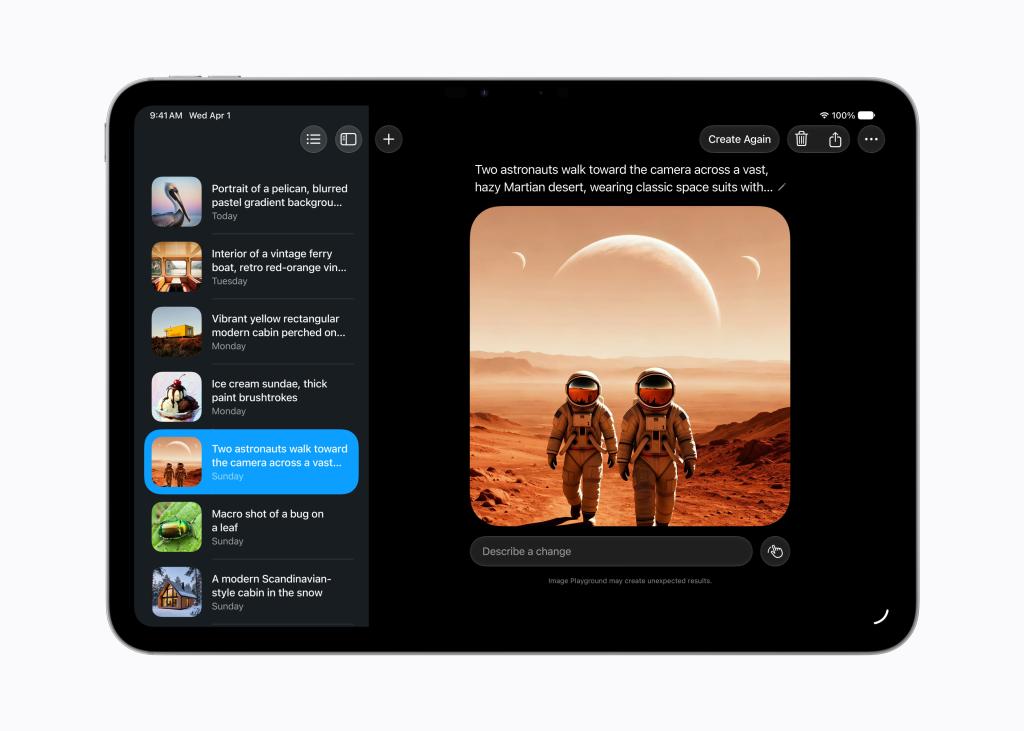
- Genmoji and Image Playground: Create custom emojis from text prompts and generate images in three styles – sketch, illustration, and animation. These features integrate into your communication and productivity apps. Image Playground is getting a power-up in the 2027 version of Apple’s software systems.
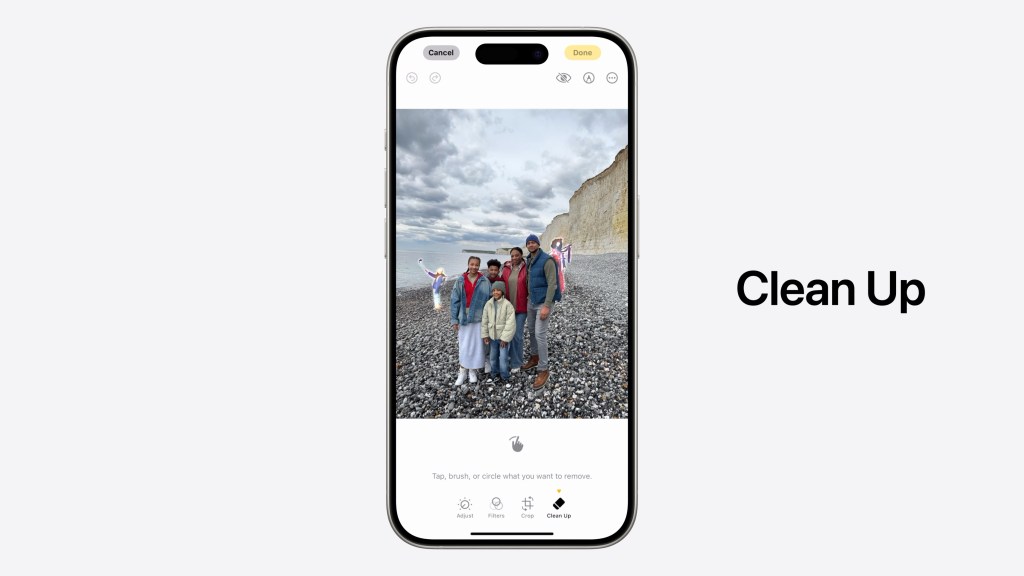
- Photo and video editing: The Photos app now boasts Clean Up, similar to Google’s Magic Eraser, allowing you to remove unwanted elements from your photos. Plus, you can search through videos using natural language and create video memories from text prompts. Photos adjusted with Apple Intelligence will automatically include a hidden SynthID watermark to identify those that have been edited with AI. Spatial Reframing, new for the 2027 software, even enables you to change the perspective of photos as if you took them from a different angle!
- Visual Intelligence: This lets you understand and act on whatever is on your screen. You can highlight part of a screenshot, photo or webpage and ask questions about it, search for related information, or take quicker actions without switching apps. It makes everyday tasks smoother by turning anything you see into something you can interact with. New for the 2027 software is the ability to take a photo of a receipt and split the bill with friends!
- Live Translation: This brings real-time translation to Messages, FaceTime and Phone, letting you talk or type in your own language while the other person sees it appear instantly in theirs. It works automatically in supported languages and makes cross-language conversations feel much more natural, whether you’re travelling or chatting with friends abroad.
- Shortcuts: This app helps you get things done faster by automating a wide range of tasks. You can now describe a shortcut and the app will assemble the required steps. You can then make adjustments should you wish.
- Home app: The Home app can now use Apple Intelligence to understand related notifications as a single activity, so users receive one notification that updates as the activity happens. You can also get descriptions of what happened in videos so you don’t necessarily need to view the footage to understand what occurred.
- Accessibility updates: VoiceOver can you give richer descriptions of images, and in Magnifier, Apple Intelligence brings the same assistive exploration to a high-contrast interface designed for users who have low vision. Voice Control, which lets users navigate iPhone and iPad entirely by voice, now enables users to simply describe onscreen buttons and controls instead of memorising exact labels or numbers. Accessibility Reader, which offers a customised reading experience for users with a wide range of disabilities, can now provide on-demand summaries and translation.
Tell us about Siri AI
Siri AI is a Google Gemini-powered version of Siri deeply integrated into iPhone, iPad, Mac, Apple Watch, and Apple Vision Pro. Apple wanted to base Siri completely on its own models, but it came unstuck. However, expect Siri to become more based around Apple’s own tech as time goes on.
Apple says that Apple Intelligence is powered by its latest Apple Foundation Models, “custom-built in collaboration with Google and its Gemini models for deeply integrated Apple Intelligence experiences”.
Siri is now able to draw on personal context understanding across messages, emails, photo and more and use systemwide actions in apps.
“Additionally, Siri AI can answer questions related to the content on a user’s screen or go out to the web to get up-to-date information using broad world knowledge and generate a helpful answer,” says Apple/
“For example, users can ask Siri to find a restaurant recommendation a friend messaged them about, surface a hotel confirmation number from an old email, or pull up photos with friends and family from a recent trip.”
A dedicated Siri app is also available that works just like other AI apps such as ChatGPT and stores your chats across your devices in iCloud.
New Siri AI features are available for developer testing now in iOS 27, iPadOS 27, macOS 27, and visionOS 27. Public betas will follow. It will work with CarPlay as well.
Is Apple Intelligence safe?
Apple Intelligence uses on-device processing to keep your data private and secure though some processing happens on servers using Private Cloud Compute for complete privacy. When Private Cloud Compute is handling your requests, your personal data is not stored nor made accessible to Apple or anyone else.
Apple adds: “Every facet of the new Apple Intelligence architecture is built privacy-first, from the latest Apple Foundation Models to the core operating system technologies that integrate these models deep into Apple’s platforms.
“Apple Intelligence uses on-device processing and Private Cloud Compute to help protect users’ privacy. Private Cloud Compute gives users access to frontier-level intelligence, while extending the privacy and security of iPhone into the cloud.”


Read the full article here
