

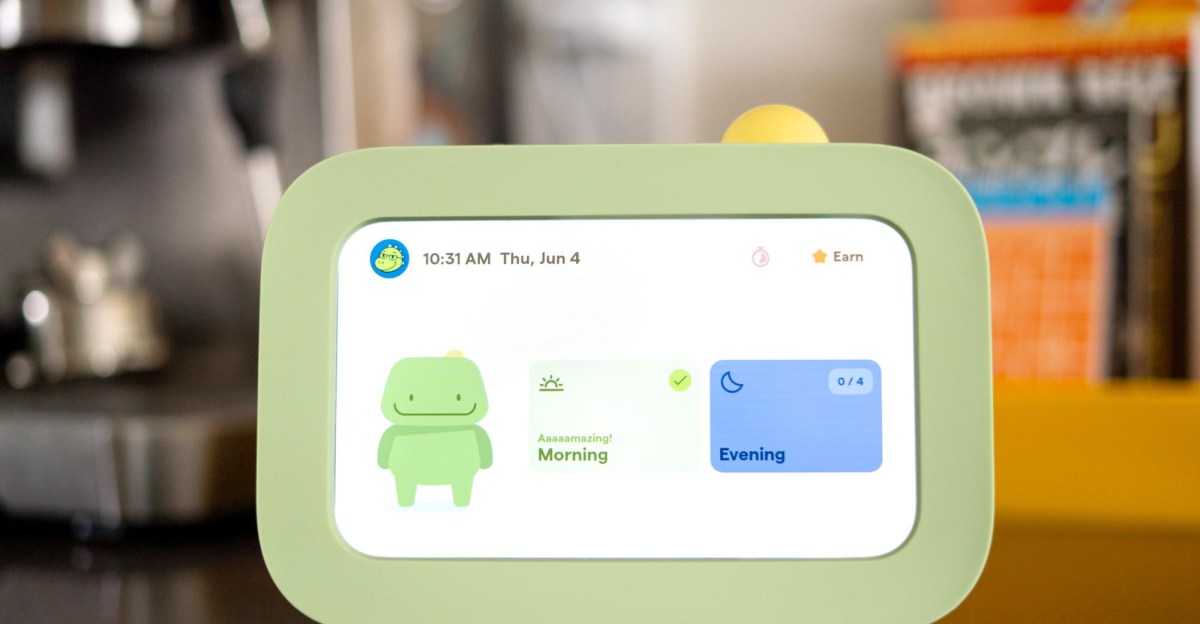
Never underestimate the power that a cheap tablet holds over a kid under six.
The Skylight Buddy is a device with one job: to be a cute little guy that helps your kid track routines and chores. It’s $139.99, plus an optional subscription. And to my surprise, even though it offers a pretty limited set of features without the $39-per-year “Plus” features, it actually worked.
Skylight recommends the Buddy for kids aged four up to 10. An adult has to set it up, naturally, which you do inside of the Skylight app. From there, you make a profile for your kid and assign it to the Buddy, which is strictly one-kid-per-device. That might be a non-starter for bigger families, but in my household of one kiddo it worked fine. In the app you can set up recurring or one-off tasks and group them into routines for the morning, afternoon, and evening. They appear on the Buddy’s screen as big cards with emoji labels, so it’s a viable option for a kid like mine who isn’t reading yet.
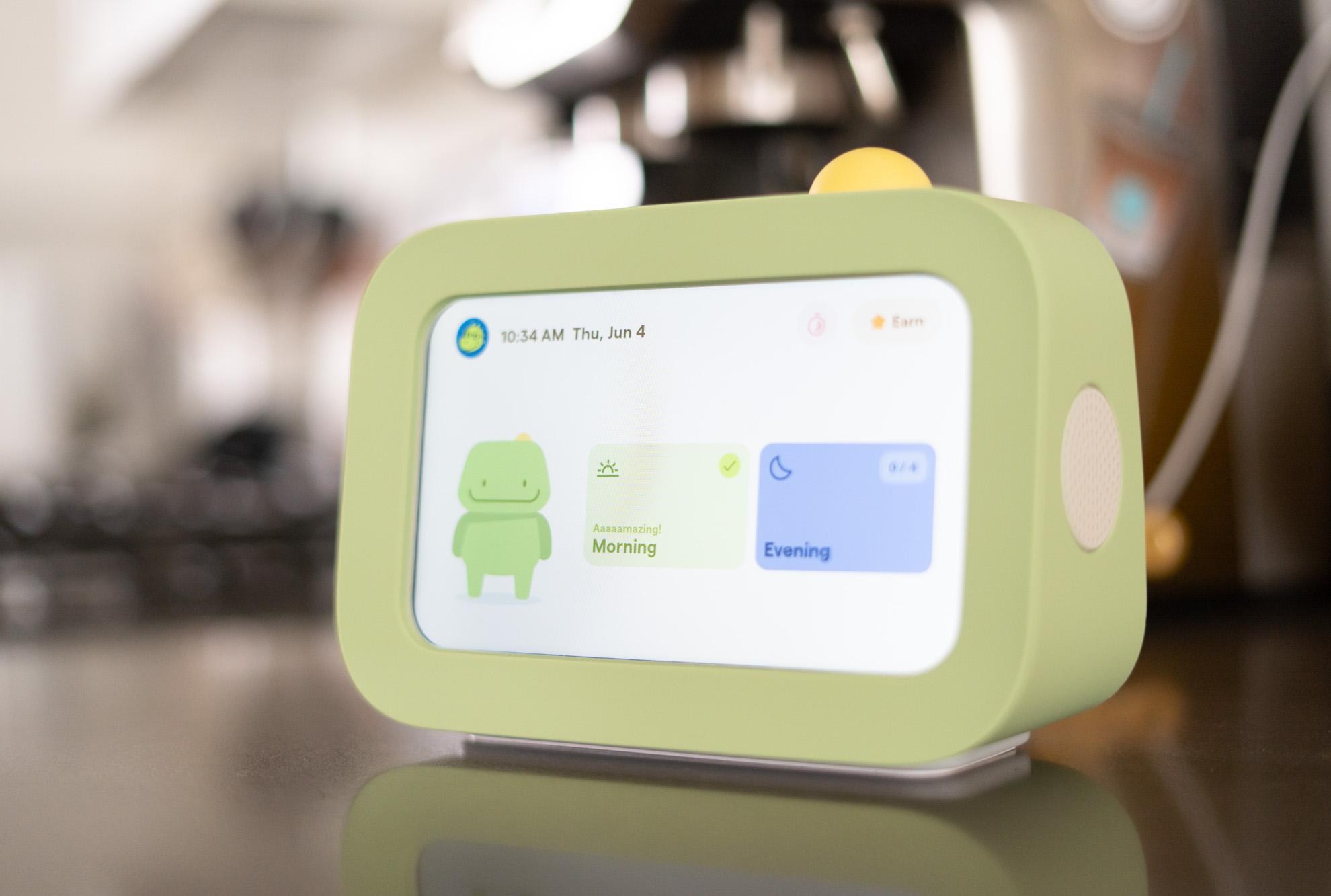
$140
The Good
- Basic functions available without subscription
- Well-considered, kid-centric design
- Adorable
The Bad
- A few appealing features require a subscription
- Ability to change routines is somewhat limited
- $140 feels steep for basic features
The Buddy has a few other features available without a subscription, like the ability to use it as a night light and set a wake-up alarm. But a $39-per-year “Buddy Plus” subscription is required for extra features like reminders, the ability for kids to earn rewards for completing tasks, or setting visual timers for individual tasks. Buddy Plus features are included “for a limited time” if you already have the Calendar Plus subscription associated with its other products. We don’t, and we already have a white noise machine and a night / wake-up light, so that reduced the Buddy more or less to a daily checklist on a gussied-up Android tablet.
“Surely my child won’t care about checking things off a screen without a built-in reward system,” I thought. I figured I’d try the basic feature set and upgrade to Plus when that proved ineffective. As it turns out, the basic features were all I needed, so I never ended up testing the extras.
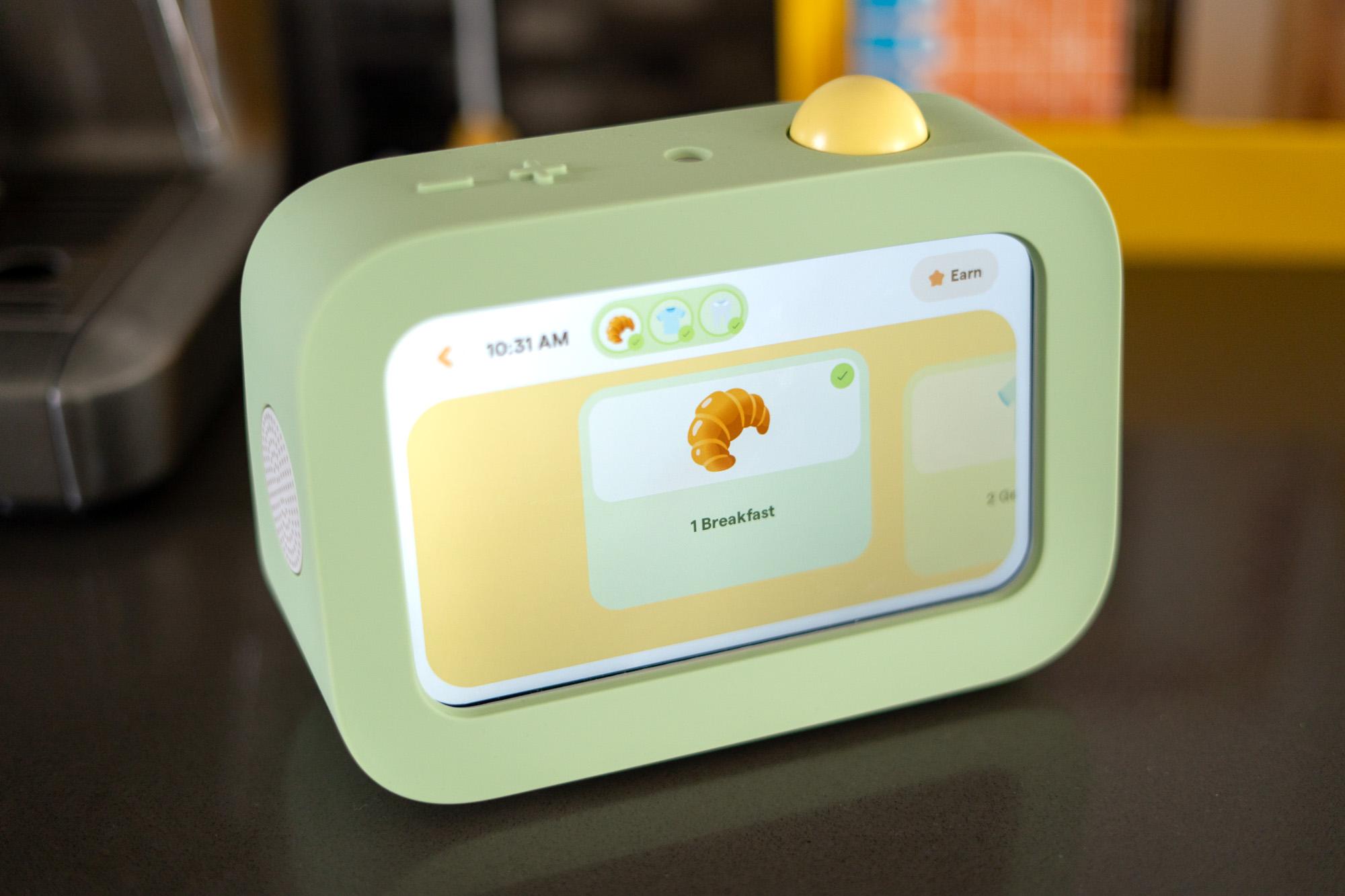
My kid loves checking things off “his screen.” There’s not much to it; I set up basic morning and evening routines with tasks like “eat breakfast” and “brush teeth.” He eagerly taps on the corresponding card when he’s done with each step, and when every task is finished at the end of the day there’s an onscreen celebration with a shower of emoji. The emoji changes, so it’s become kind of an event to see which emoji it’ll be each day: “MOM IT’S WAFFLES,” etc.
That’s basically it! I couldn’t believe the con I was running. Like, really? You’ll clean up your toys when a tablet tells you to, but not when I do? Without dangling the carrots of extra screentime or an ice cream outing? Once again: Do not underestimate the power of a screen.
I couldn’t believe the con I was running
The Buddy is adorable, which definitely helps. My review unit came with a green silicone case, which is an extra $20. It helps with the cute factor. But I think the Buddy is most appealing because it’s a screen that’s clearly for him and nobody else. As I was setting it up on the counter in our kitchen, I realized it wasn’t angled upward like an Echo Show, which would make it more comfortable for a taller person to use. It faces straight ahead, basically at eye level for a four-year-old. Clever.
I wish the app was as user-friendly. Setting up tasks as part of a routine is easy enough, but once you have a task set for a certain day, you can’t move it to another day. We generally do a bath every other night, but you know, some days call for an off-cycle bath. I’d like to be able to move the task forward a day and have the recurrences line up after that; instead I need to make it a daily part of the routine and remember to mark it as “skip” on non-bath nights.
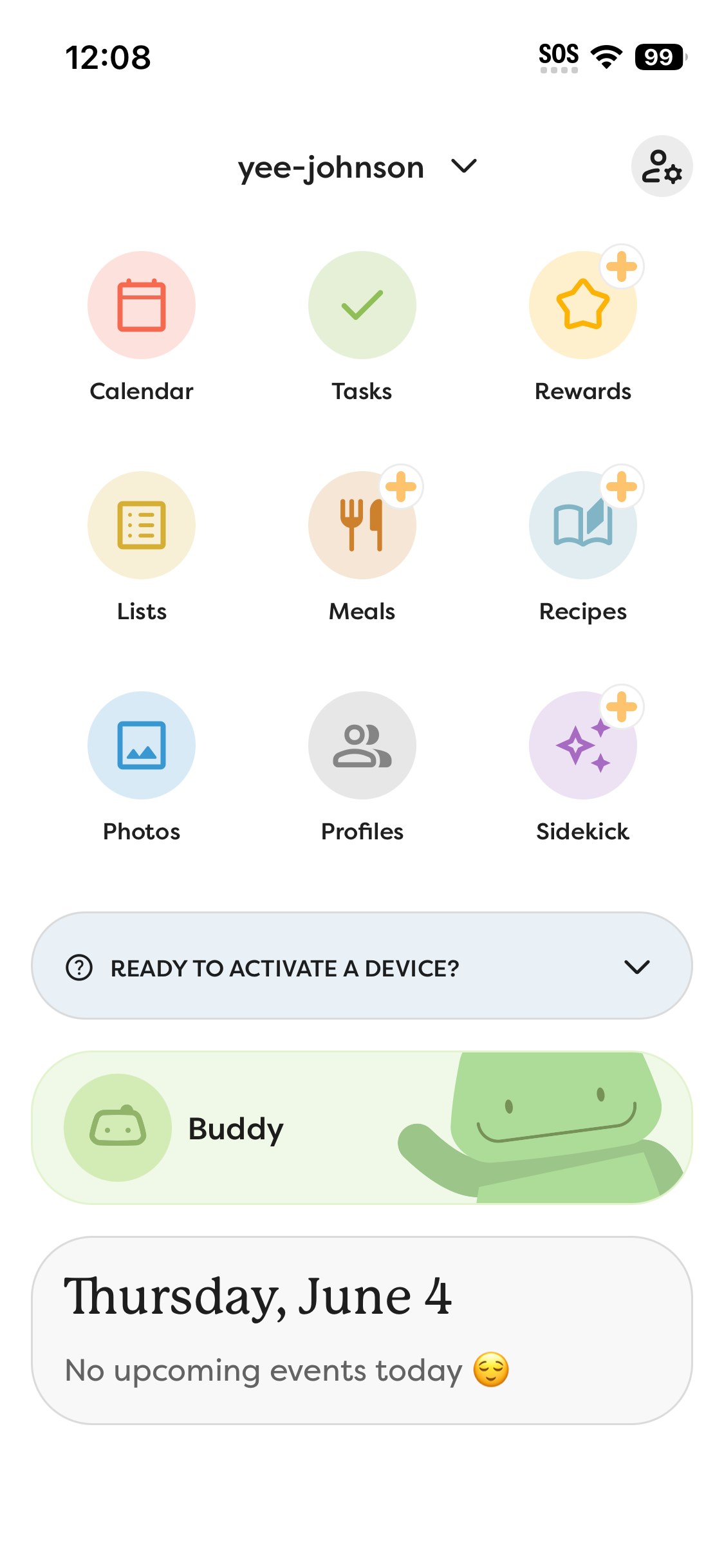
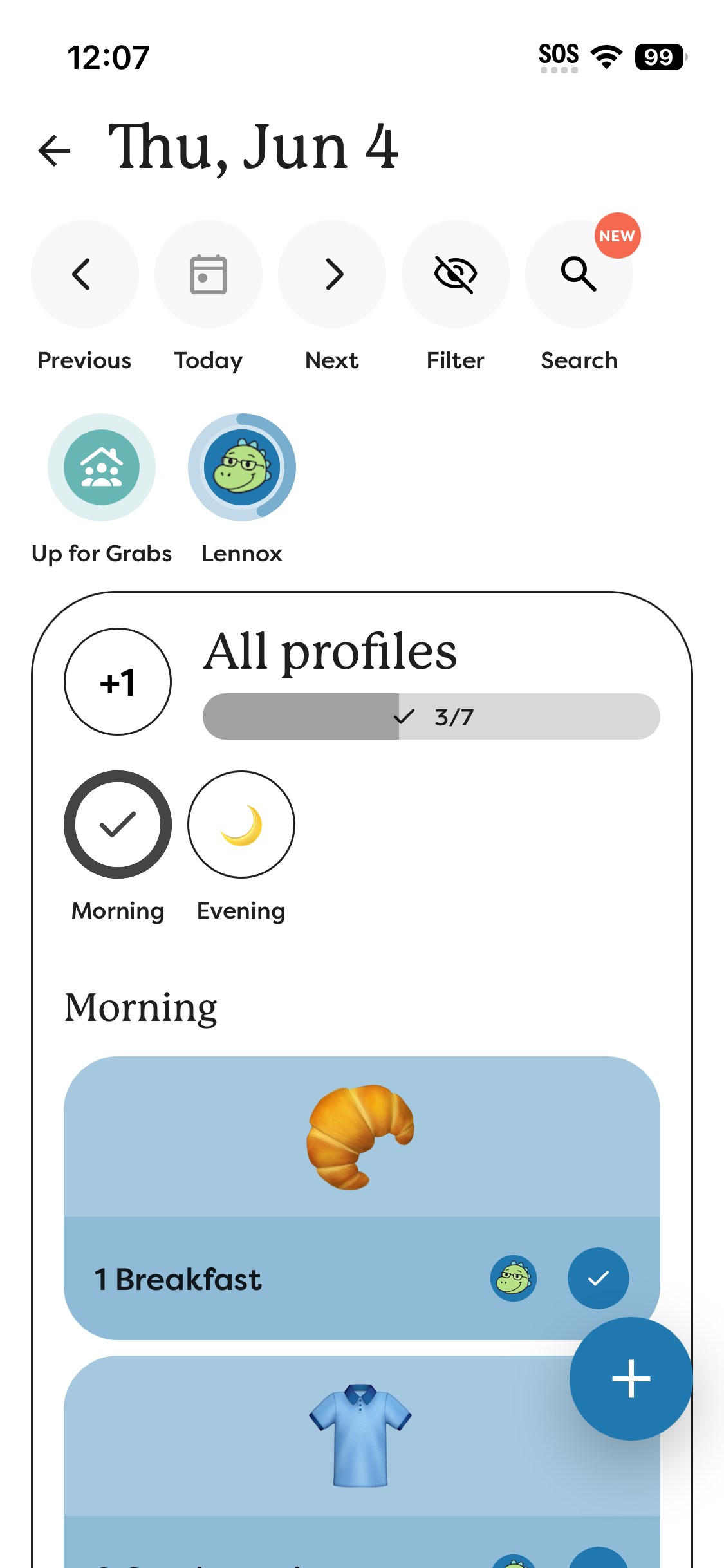
I’m also unable to reorder the individual tasks within a routine — you can do this with a Skylight Calendar, which I don’t have. Skylight’s VP of product, Anubhav Sarkar, tells me that this functionality will come to the app this month, but until then I’m stuck with the tasks lining up in the order that I created them. It’s a real pain to add an extra one-off step to the day’s routines.
There’s also no way to display a calendar view on the Buddy, even though you can add calendar events in the app. The Buddy seems more intended as a complement to other Skylight calendars in the house, which, again, we don’t have. But if you do, this probably won’t be a concern. Personally, I was hoping I could outsource delivering the bad news that there’s school today to a screen, but no luck.
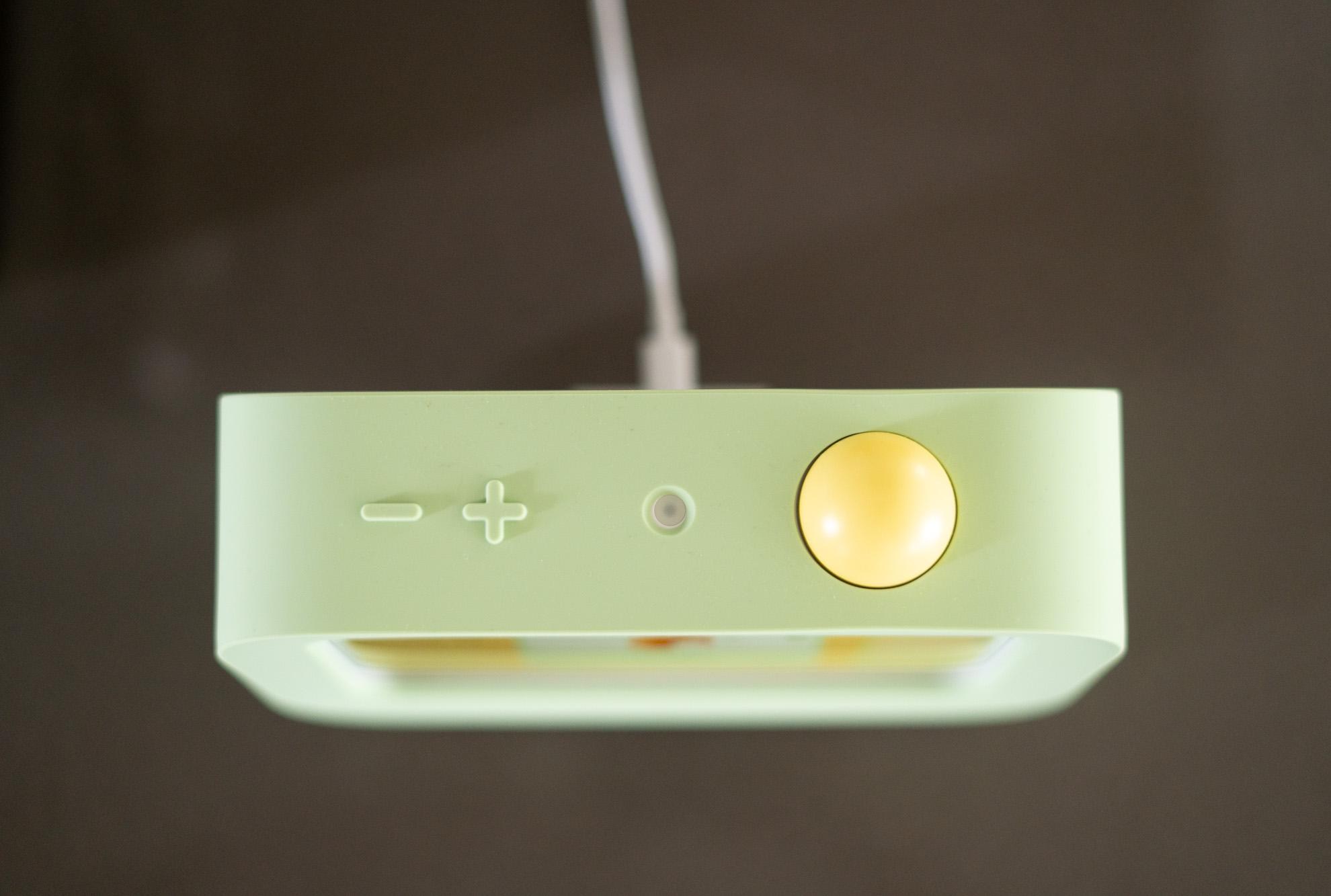
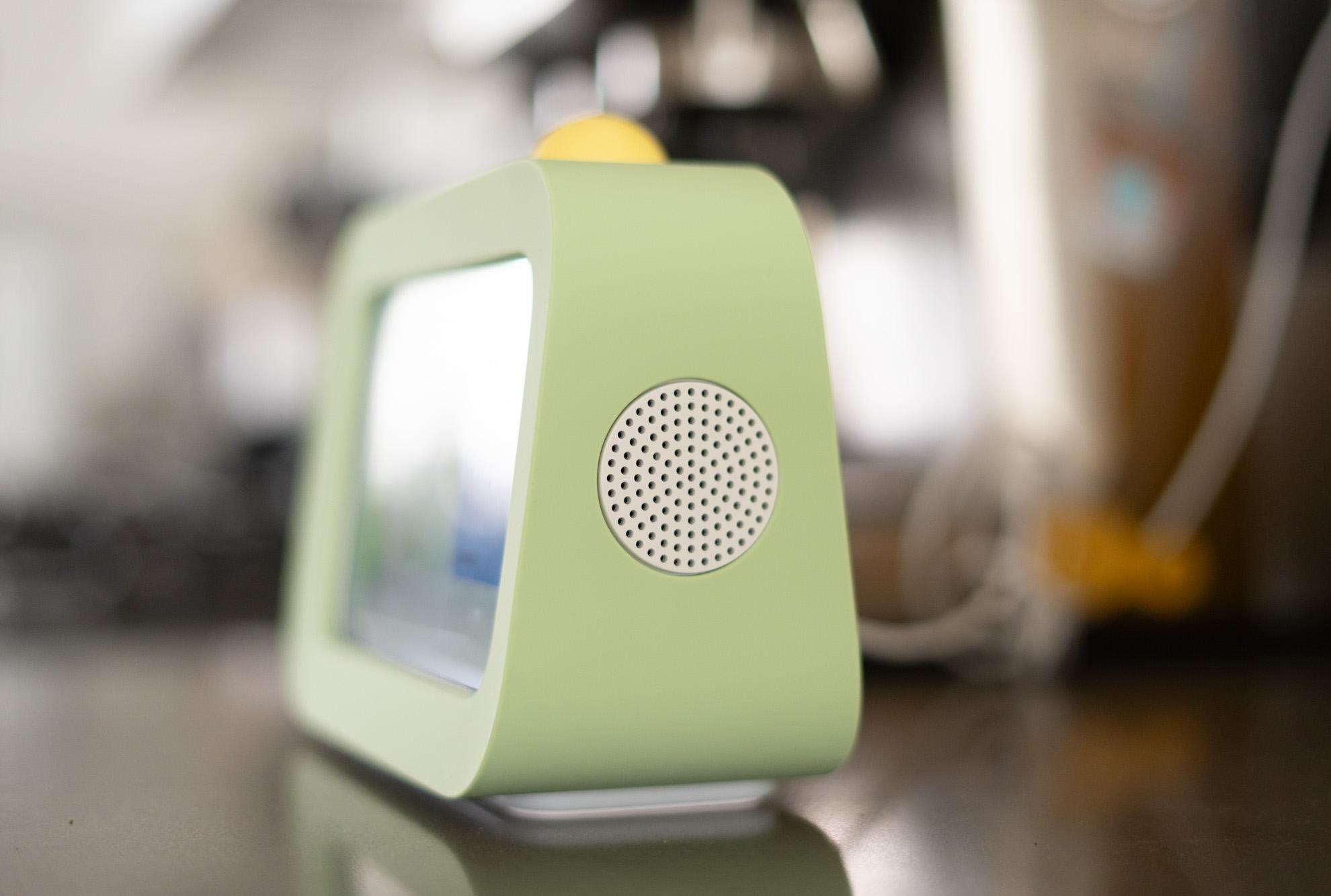
Look, it sounds silly using a $140 screen to do the job of a $5 sticker chart, or whatever low-cost crafty visual aid you might be able to cook up. But there’s something pretty powerful about a kid being able to use their own device, and the hands-off-ness it affords a parent. For a while, we tried to implement a “pizza chart” system where our son earned little cardboard slices of pizza for each task he completed in his daily routines. At the end of the day, the pizza slices could be cashed in for screentime. It was pretty labor-intensive on our part to constantly hound him about the pizza he was or wasn’t earning, and only lasted a couple of weeks. Maybe it’s just that my kid is a little bigger now, but even the free version of the Buddy that we’ve been using has been more successful than our attempts at turning fake pizza into episodes of Paw Patrol.
I’d recommend the Buddy a little more freely if the app was just a bit more flexible. Being able to move tasks around without having to reconstruct a routine every time would go a long way. Even so, it’s been a useful addition in our house. We still hit snags in the morning and evening routines that no screen can solve, but I think it has genuinely helped give my kid a better sense of structure. It seems like a pretty easy addition if you have young kids and already orchestrate your household’s activities with the help of Skylight calendars. And lord knows I’ve spent more money on short-lived gadgets to try and smooth out parenting pain points. If you suspect that it’s going to help relieve some stress in your house, then you could definitely do worse than this cute $140 checklist.
Photography by Allison Johnson / The Verge
Read the full article here
