

Introduction
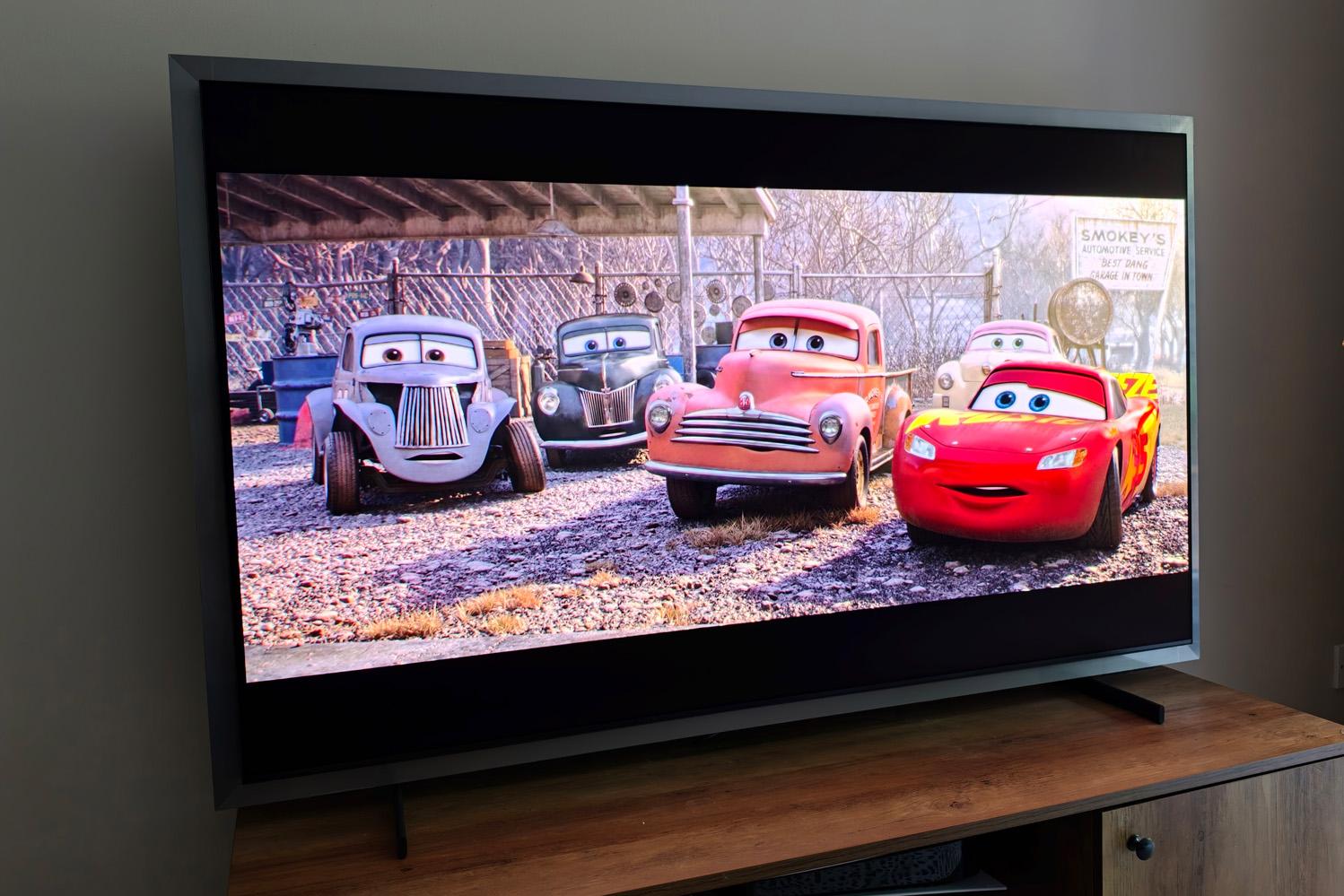
For a firm with such small-screen OLED pedigree, Samsung’s 4K TV lineup was lacking for the longest time. That finally changed in 2022; now we’re five years into the QD-OLED renaissance, with the flagship S99H now leading the way. It’s the firm’s brightest OLED yet, backed by a glare-free panel that doesn’t compromise on contrast and a design that takes inspiration from the Frame lifestyle TV.
At launch you could get a 55in version for £2400; the 65in set tested here for £3200; a 77in model for £4300, or the 83in for £5900 – although because Samsung doesn’t make QD-OLED panels that big, the range-topper actually uses a LG-supplied WOLED panel instead.
The S99H is sold as the S95H in the USA, but is identical spec-wise. A 55in set costs $2500, the 65in $3400, the 77in $4500 and the 83in $6500. Then just to confuse matters, the UK is also getting an S95H but with a slightly different spec, including no bezel or support for the optional wireless One Connect box.
These are expensive TVs however you cut it, with debut pricing making it even more of an investment than the LG G6 OLED I recently gave a glowing review to. Has Samsung done enough to beat its domestic rival and justify the extra spend?
Does the S99H’s design suit wall-mounting more than freestanding?
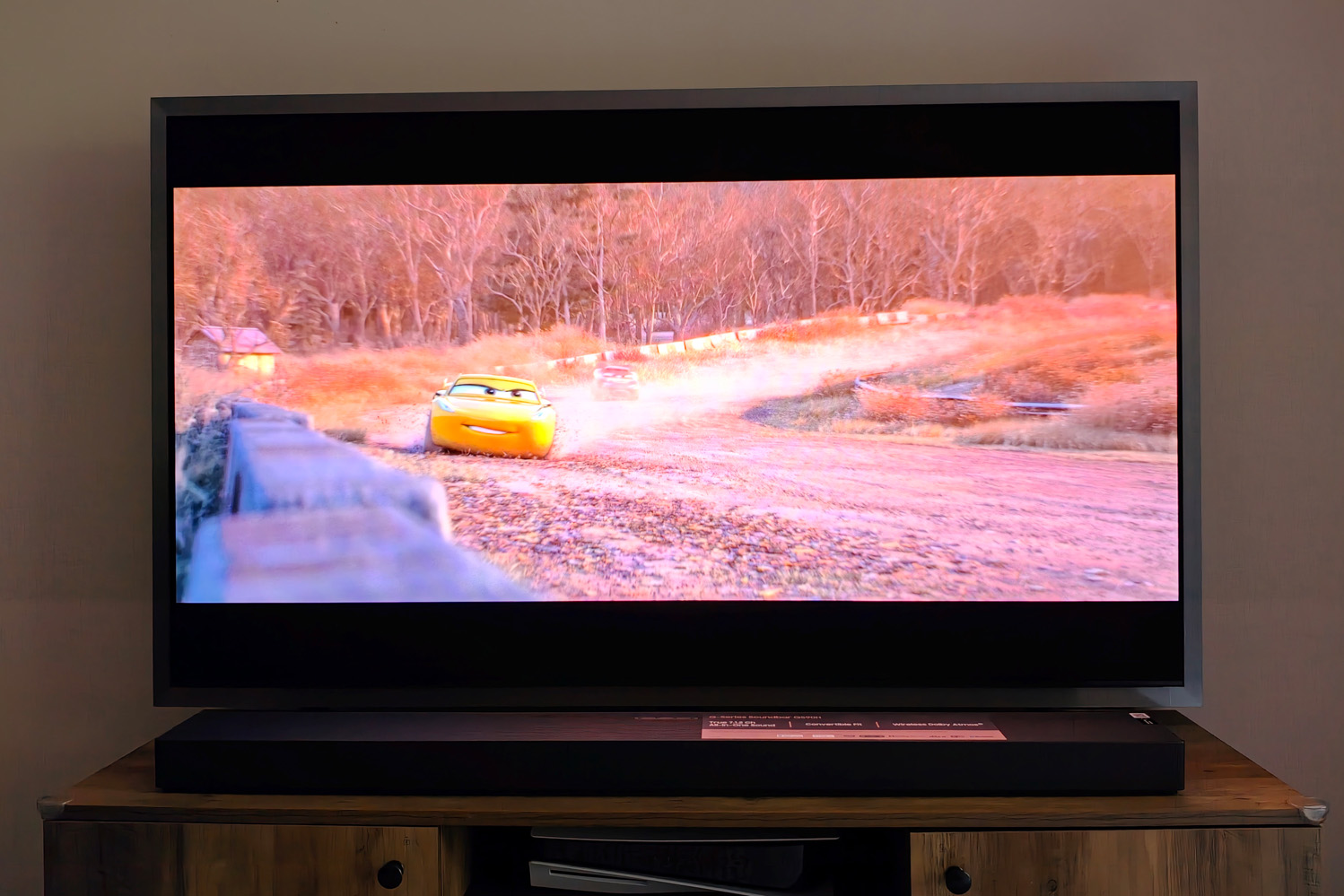
Samsung calls the S99H’s distinctive silver metal outer bezel its “FloatLayer” design language. The panel itself sits slightly above it; when mounted to a wall and showing a static image, it’ll do a convincing impression of a painting or photo frame. It’s definitely how I’d install this TV.
I’m not convinced the illusion holds up once you bolt the two included feet and stand the TV on some furniture, however, and the two can’t be separated. It makes an already large TV feel even bigger, and won’t be a perfect fit for every style of home decor.
The feet are easy enough to install at least, not requiring any tools, and are reassuringly sturdy. They sit at the far sides of the screen (so make sure your TV stand is sufficiently wide for your choice of screen size) and raise the TV high enough that a soundbar can sit underneath without blocking the panel.
With Samsung’s QS90H soundbar placed in front of it, trailing cables are all but invisible and the panel claws back a bit of that floating vibe. Multiple cable management channels around back are also useful for keeping wires under control.
If you’re really not sold on the FloatLayer bezel – and live in the UK – the S95HF ditches it entirely and goes for a single central stand rather than two feet.
What features and connectivity does the S99H have?
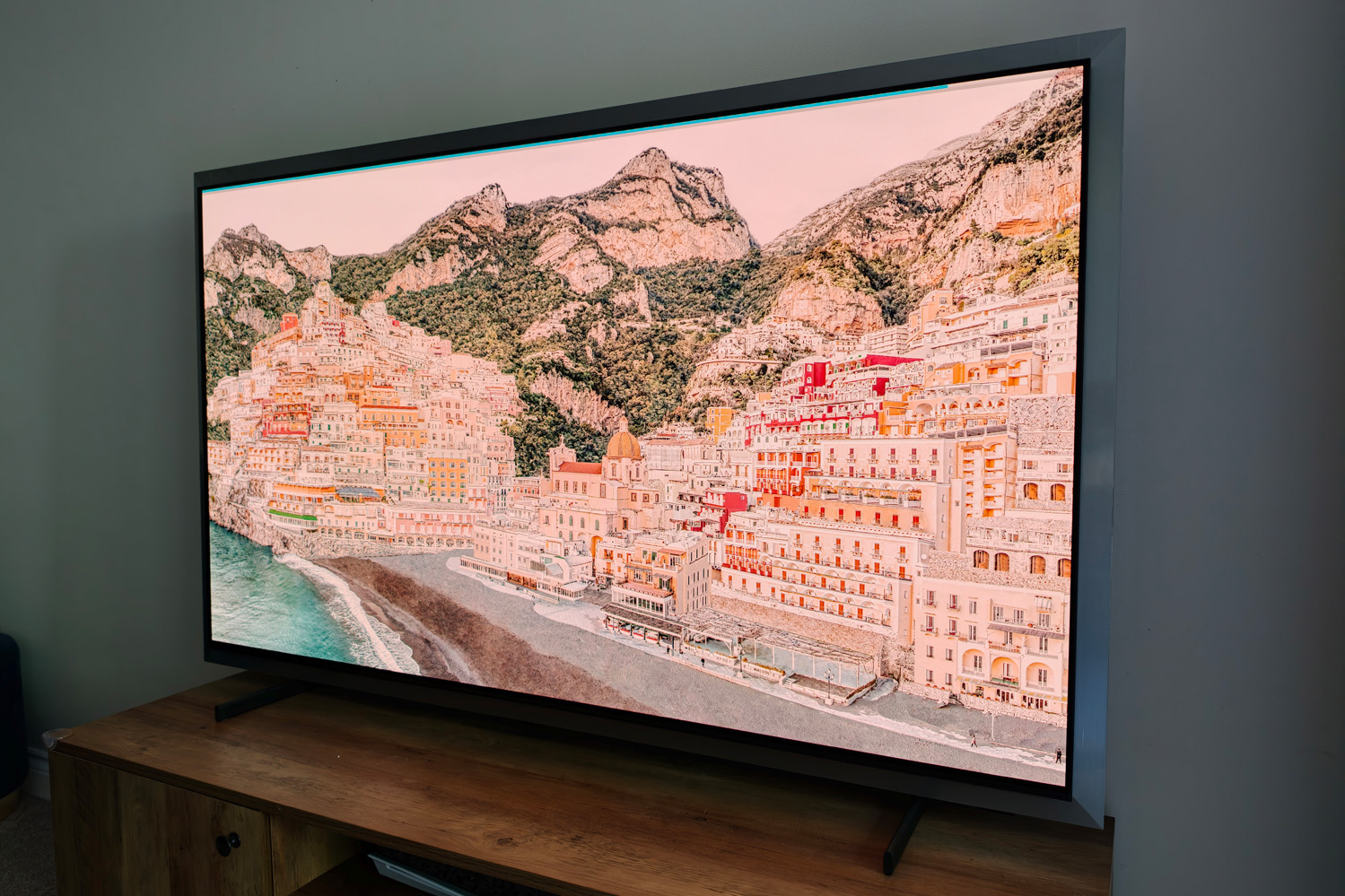
If you go down the wall mount route, you might also want to factor in the cost of Samsung’s optional wireless One Connect Box. The $350/£299 add-on has four HDMI 2.1 ports and supports eARC, letting you hook up your soundbar or home cinema system, games consoles, set-top boxes and streaming sticks somewhere else, with signals sent wirelessly to a receiver that plugs into a socket at the bottom rear of the TV. The set itself then just demands a convenient power socket, saving you from unsightly trailing wires or having to carve a cable channel into your wall. Don’t mind a bit of extra cable wrangling? Then it’ll also effectively double your HDMI count.
The TV itself has four 48Gbps HDMI 2.1 ports of its own, along with a CI slot, two USBs, one RF and two satellite antennas, Ethernet, and a digital audio output. Google Cast and Apple AirPlay are both on board for wireless content sharing.
Those HDMIs support up to 4K/165Hz for PC gaming or 4K/120Hz for consoles, with variable refresh rate (VRR), auto low latency mode (ALLM), plus G-Sync and FreeSync adaptive refresh. Combined with a very low latency, the S99H is a superb choice for gamers. I especially like how Samsung’s onscreen Game Bar lets you switch aspect ratios, boost shadow details and magnify onscreen elements like mini-maps on the fly. Xbox, Amazon Luna and GeForce Now cloud streaming are all available if y have a Bluetooth controller handy too.
If you pair the S99H with a modern Samsung soundbar, you can use Q-Symphony wirelessly to split audio duties between the external speaker and the TV’s inbuilt 4.2.2-channel system. It’s Atmos-compatible and worked flawlessly in my testing, balancing audio across each device to create a more expansive soundstage, without impacting speech clarity. The TV does a decent enough job on its lonesome for everyday viewing, but lacks a little bass for more intense movies and games.
What is Samsung’s 2026 smart TV interface like to use?
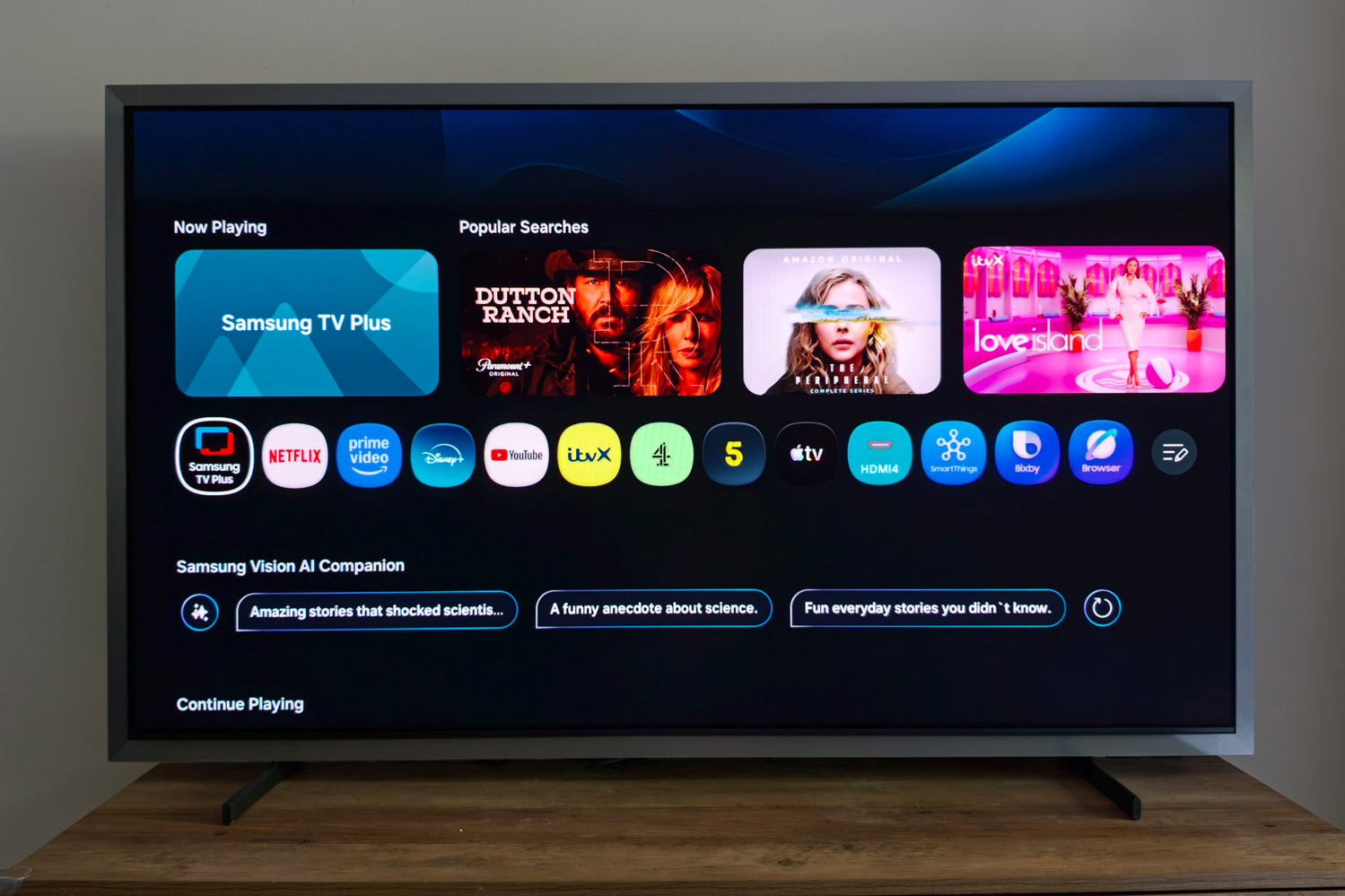
Samsung has done a lot of tweaking to its Tizen smart TV interface for 2026. The straightforward, card- and icon-based UI has been reordered into categories that live at the top of the screen rather than the side, reducing screen clutter. It still dedicates a bit too much of the UI to adverts for my liking and doesn’t adjust the layout if you disable them through the settings menus, filling the void with rather useless tips and app suggestions rather than useful things like content. But most modern smart TV systems are just as guilty of this.
Getting around is easy enough, either using the remote control, Samsung Smartthings mobile app, or gesture controls using a recent Galaxy smartwatch. The latter was a gimmick I only tried once.
I was glad to see Samsung ship a pair of remote controls in the box. The first is a mainstream affair with a full contingent of buttons; the second is a shorter, skinnier remote with a solar panel at the rear and a USB-C port for charging. It covers the basics, with a handful of shortcuts for streaming services. The built-in mic is useful for voice control too. I never once reached for the regular remote. Backlit keys would’ve made it pretty much perfect, but alas it wasn’t to be.
Multiple user profiles give bespoke content recommendations. The TV can act as a SmartThings and Matter hub for your smart home kit. A subscription-based Art store lets you turn the S99H into a giant photo frame, or you can create your own with generative AI. Galaxy Vision AI can also recognise on-screen content and gives contextual info about the actors.
The UK set I tested was missing iPlayer at launch, although Samsung and the BBC are apparently working to remedy that. All the other catch-up apps were present, as was the full selection of major streaming services. An app store has plenty of third-party extras to pick from too. While there’s no Freely or Freeview Play, Samsung TV Plus has hundreds of Free Ad-supported Streaming Television (FAST) internet channels to make up for it.
There’s an awful lot of content here, and just as many menus to learn; it could be overkill for some users, but no more so than LG’s most recent smart TV system. Samsung’s commitment to seven years of software updates – aligned, coincidentally, to the average time people live with a TV for before upgrading – gives it the edge for longevity.
Does the Samsung S99H have the best OLED TV picture quality?
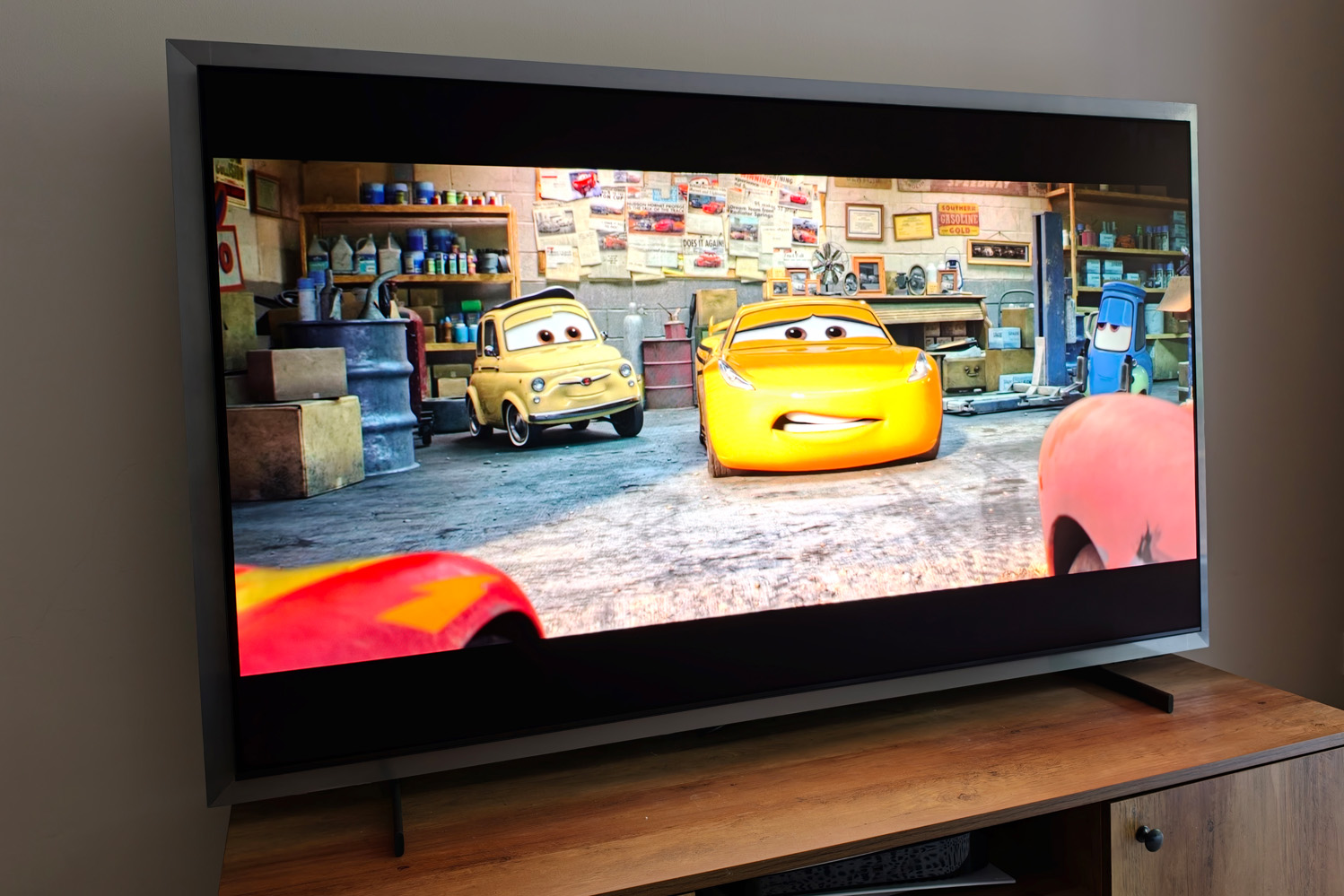
While rivals have started experimenting with multi-stack OLEDs, the S99H sees Samsung continue down the path of quantum dot. This year’s TVs shine brighter than the outgoing models did, while also promising a longer panel lifespan. An updated anti-glare panel treatment aims to reduce light distractions without carrying a contrast penalty, and a newer NQ4 AI Gen3 image processor handles the rest.
Disable the restrictive power saving settings and the S99H’s standard picture mode delivers incredibly bright, vivid images in both SDR and HDR. Extreme whites have just a tiny bit of extra punch on the LG G6 (which uses an RGB Tandem OLED panel), but the two rivals are incredibly close: while one wins out in some scenes for slightly more defined shadow details, the other will take the lead with more pronounced highlights.
It’s the anti-reflective treatments that make the difference: Samsung’s turns background lights into vague blurs, while on LG’s they look like exact reflected copies. For daylight viewing, it’s the clear winner – but the matte finish does still raise the black level a fair bit, so for impactful movie nights after dark, the LG pulls it back. This stood out in Tron Ares, which was impressively clear during the day but not quite as deep or moody in more favourable film-watching conditions.
Colour handling is simply exceptional, with fantastic balance that leans more neutral than in previous years. The S99H still benefits from dropping to the Warm 1 preset instead of Warm 2 default in Filmmaker mode, but gradation is executed brilliantly with no obvious banding. The only grumble is some occasional heavy-handedness with reds, particularly on skin tones in darker scenes, but you’ve got to really be looking for it. Season two of Amazon’s Fallout still had outstanding depth, with vault suits in rich blue and the Wasteland a glorious yellow.
As is the norm for Samsung Dolby Vision doesn’t make the grade, with just HDR10+ and HLG on board. HDR10+ Advanced is promised in a software update later, though there’s little compatible content right now. I’d rather have wider support in line with rivals.
In all other respects, however, the S99H produces an impeccable image. Sharpness is well judged and fine detail is preserved without appearing too grainy. Motion smoothing can be a little strong at the default settings, but using the Custom Picture Clarity setting and dialling the judder reduction back a bit works a treat.
Samsung S99H verdict
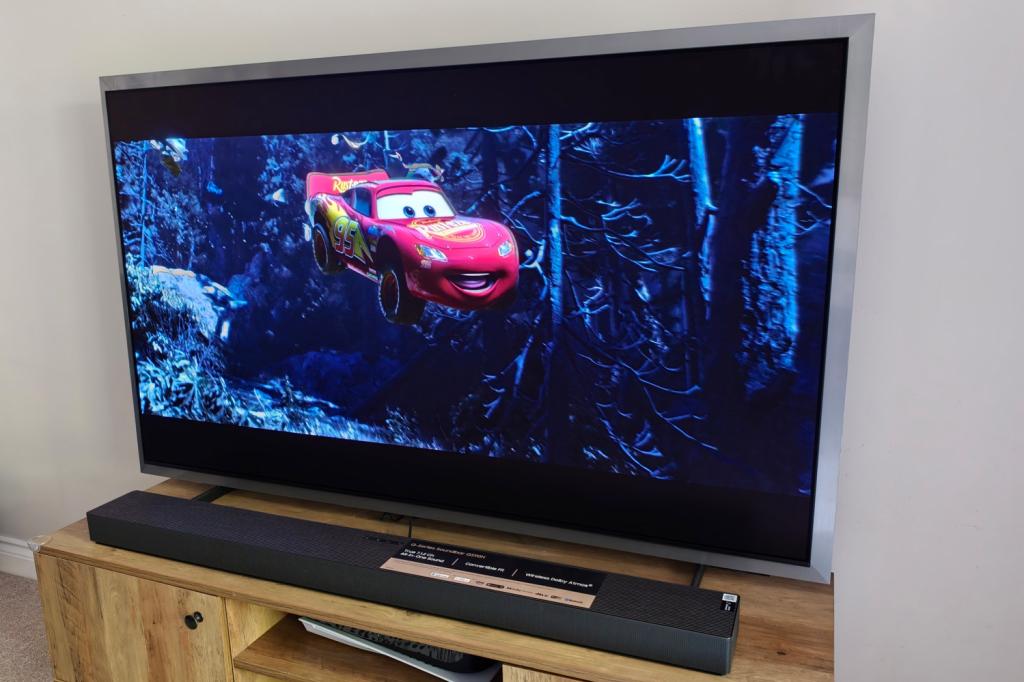
While the distinctive design won’t please everyone and a bit more HDR support would be nice, the S99H otherwise sets a high bar. Samsung’s smart TV is excellent, connectivity is unparalleled if you also invest in the OneConnect box, and gamers are fully catered for. Picture quality is exceptional, to the point the firm’s own micro RGB LED TVs will have to work very hard to beat it.
As for whether I’d pick this over the LG G6? It depends what environment you’ll be putting your new purchase in. If you want the deepest blacks then LG takes the crown, but if you can’t block out your room’s ambient light and need to minimise reflections, the S99H will be the way to go. Just be prepared to pay a little extra for it, until retailer discounts come into effect later into its life cycle.
Samsung S99H technical specifications
Scroll to see more →
| Specifications | Samsung S99H |
|---|---|
| Screen size | 55in, 65in (version tested), 77in, 83in |
| Resolution | 3840×2160 |
| HDR formats | HDR10+, HLG |
| Connectivity | 4x HDMI, 2x USB-A, digital optical audio, Ethernet, Wi-Fi, Bluetooth |
| Smart TV | Tizen |
| Dimensions | 1510x895x26.4mm (panel only) / 1510x934x257mm (with stand) |
| Weight | 20.9kg (panel only) / 21.3kg (with stand) |


Read the full article here
